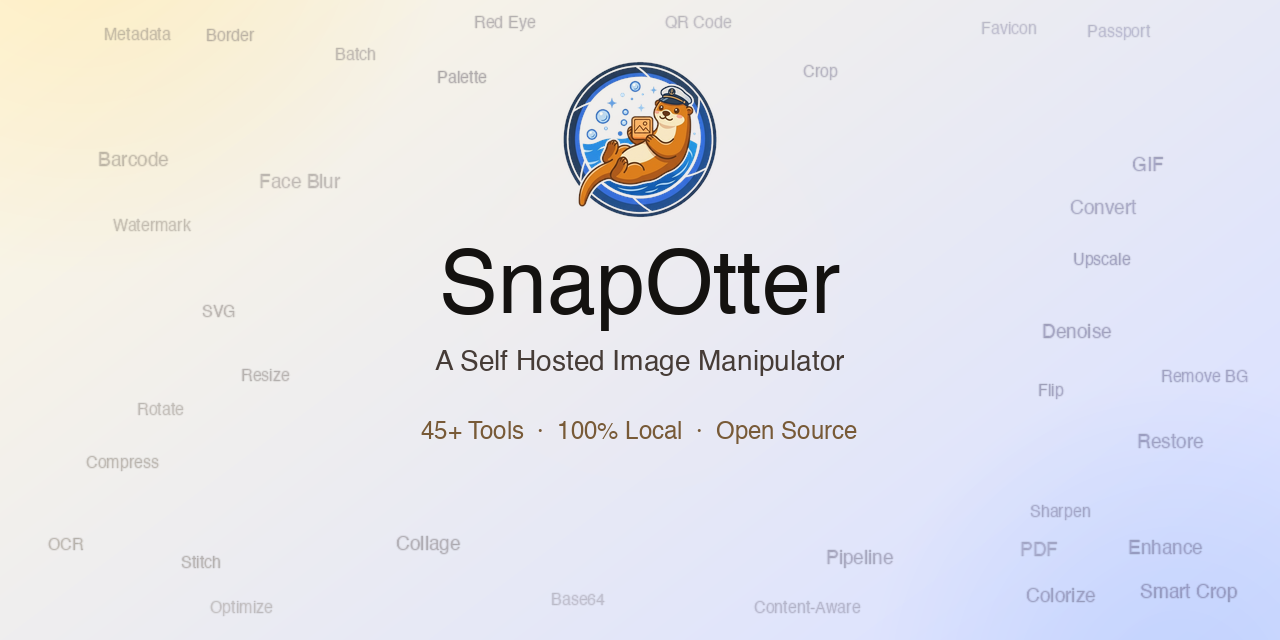
SnapOtter presents a solution for individuals and organizations requiring a self-hosted environment for image manipulation tasks. Operating as a comprehensive suite within a single Docker container, this toolset encompasses over 45 distinct utilities. It's designed to cater to users who prioritize data privacy and wish to avoid cloud dependency for image processing activities.
What it does
SnapOtter encapsulates a broad spectrum of image editing capabilities, including but not limited to resizing, cropping, compression, conversion, watermarking, color adjustment, vectorization, GIF creation, duplicate detection, passport photo generation, and more. At its core, the application offers a suite of local AI functionalities for tasks such as background removal, image upscaling, photo restoration and colorization, object erasure, face blurring and enhancement, and text extraction via OCR (Optical Character Recognition). Users can further streamline workflows by creating pipelines to chain multiple tools together, enabling batch processing across numerous images in one operation.
Getting it running
Setting up SnapOtter involves a straightforward process tailored primarily for Docker users. Begin by running the following command:
docker run -d --name snapotter -p 1349:1349 -v snapotter-data:/data snapotter/snapotter:latest
For those with NVIDIA GPUs and seeking accelerated performance in tasks like background removal, upscaling, and OCR, an additional GPU acceleration option can be utilized:
docker run -d --name snapotter -p 1349:1349 --gpus all -v snapotter-data:/data snapotter/snapotter:latest
To ensure a seamless initial setup, a new user account will be created with the default username "admin" and password "admin". This credential should be modified upon first login. For Docker Compose setup or other detailed configurations, users are directed to the official documentation.
Who should care
SnapOtter is particularly suited for users who have a strong inclination towards self-hosting and value control over their data. It appeals to those who want to avoid cloud services for image processing and seek to maintain local storage for their files. The tool is also valuable for professionals who require batch processing capabilities and wish to build custom workflows without relying on external services. Additionally, it caters to privacy-conscious individuals or organizations that operate in environments where cloud-based image services might be restricted or deemed insecure.
How it compares
In comparison to cloud-based image manipulation services, SnapOtter offers significant advantages in terms of data privacy and control. While cloud services often require storing and transmitting image data over the internet, SnapOtter ensures that all image processing occurs locally. This approach eliminates the risk associated with cloud-based data transmission and potential service downtime. Furthermore, SnapOtter's multi-arch capability (supporting both AMD64 and ARM64 architectures) broadens its usability across different hardware setups, from mainstream PCs to more specialized systems like Apple Silicon or Raspberry Pi.
Summary
SnapOtter emerges as a robust, self-hosted image manipulation tool for users who prioritize data privacy and local processing capabilities. Its extensive suite of image editing and AI-driven enhancement tools, combined with a user-friendly Docker setup, makes it an appealing choice for both casual users and professionals. While the tool is not without considerations for those lacking in technical expertise, the wealth of documentation available ensures that a broad audience can effectively utilize SnapOtter's features.
For those interested in exploring SnapOtter further, its GitHub repository and official website provide access to additional resources, including detailed documentation, community support, and potential contributions for the project.
Comments