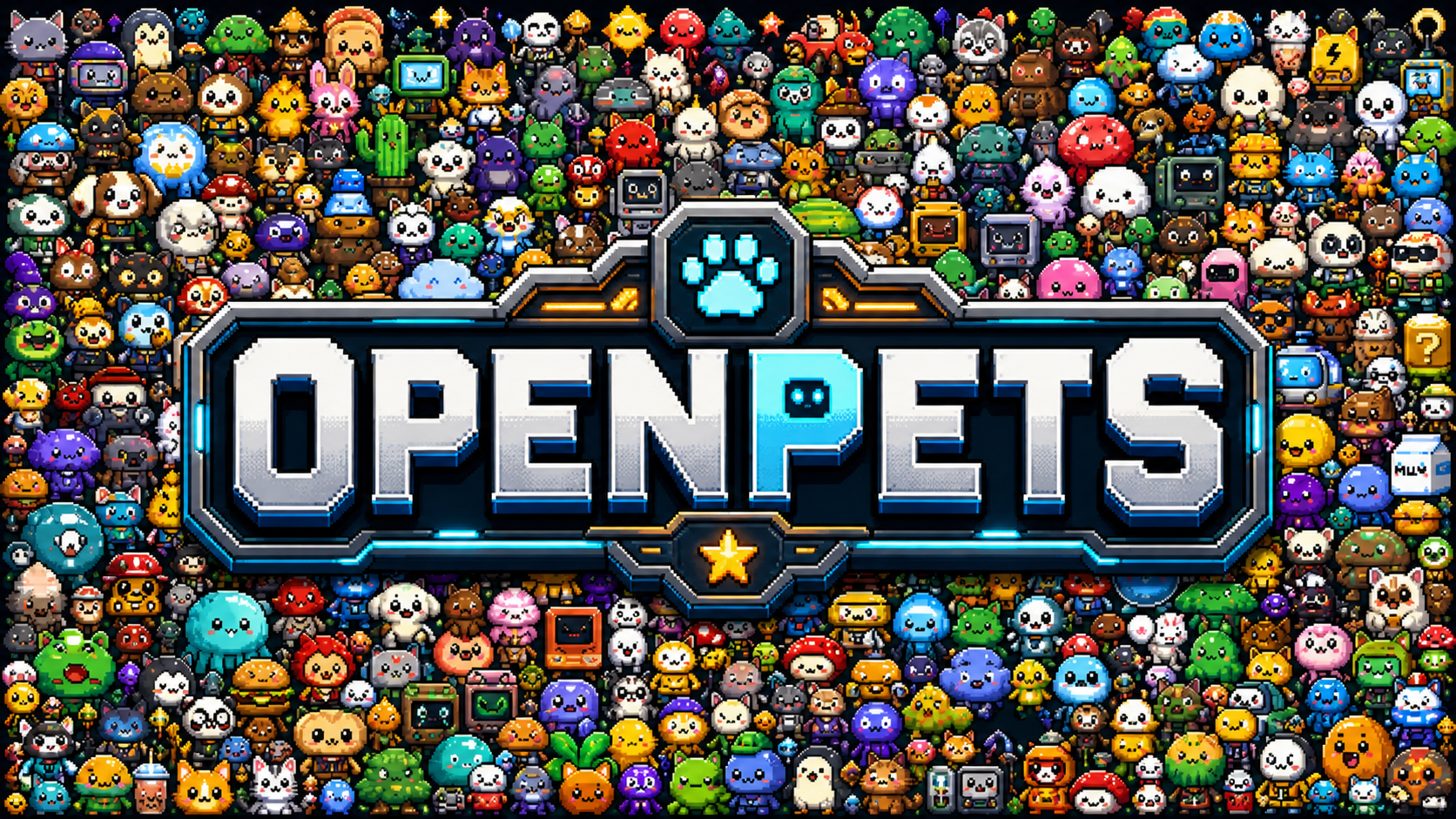
Desktop pets have been a niche category of software for years, with early implementations appearing as simple animated characters that would roam your desktop. These digital companions evolved from simple animations to more interactive elements that could respond to user actions. In the coding world, various tools have emerged to visualize AI assistant activity, ranging from IDE extensions that show AI suggestions to terminal-based status indicators. However, these solutions typically remain confined within their respective environments rather than providing a persistent visual presence across all desktop activities.
What OpenPets does differently
OpenPets takes a unique approach by combining desktop pets specifically designed for AI coding agents. Instead of just showing a static character or basic animation, it provides a visual representation of your AI coding assistant's status directly on your desktop. The project integrates with Claude Code through the Model Context Protocol (MCP), allowing users to see when their AI agent is actively working, waiting, or completed its tasks. This creates a tangible connection between the abstract process of AI-assisted coding and a visual feedback mechanism that's always visible regardless of which application you're currently using.
The implementation stands out by creating an emotional connection with the coding process. Rather than just displaying status text or icons, OpenPets uses animated pets that react to the coding state. This approach transforms the often impersonal experience of working with AI assistants into something more engaging and personal. The pets become companions in the development journey, providing subtle cues about your AI's status without disrupting your workflow. The connection to Claude Code via MCP ensures the pet's behavior is directly tied to actual coding activity, creating a synchronized experience between your AI assistant and its desktop representation.
Quick start
Getting OpenPets running requires Node.js and npm. The project can be installed directly from npm:
npm install -g openpets
After installation, you can start the service with:
openpets
The application will then appear as a pet on your desktop. To connect with Claude Code, you'll need to configure MCP settings in your Claude Code configuration to point to OpenPets, allowing the pet to receive and display real-time coding status updates. The project supports various pet themes, which can be configured through the command line or configuration files after installation.
Trade-offs
OpenPets offers an engaging way to visualize AI coding status, but comes with certain trade-offs. On the positive side, it provides a unique visual element that makes AI-assisted coding feel more interactive and personal. The constant visibility of pet status across applications can be helpful for developers who work across multiple windows and want to quickly check on their AI's status without switching contexts. The integration with Claude Code through MCP ensures accurate status representation.
However, the application does introduce additional resource usage since it's a persistent desktop application with animations. Users with limited system resources might notice a slight performance impact, especially when running multiple pets or with complex animations. The dependency on Claude Code also limits its utility to those who specifically use this AI coding assistant. Additionally, while the pet concept is novel, some users may find it distracting or prefer more minimal status indicators. The requirement for MCP configuration might also present a barrier for less technically inclined users who just want a simple status indicator.
For developers who work extensively with Claude Code and appreciate visual elements that make their workflow more engaging, OpenPets fills a specific niche. It's particularly suited for those who value the psychological benefits of having a "companion" during coding sessions and who want constant visibility into their AI assistant's status without checking their IDE or terminal constantly. The project is well-suited for personal development environments where a bit of personality and visual feedback can enhance the coding experience. The source is on GitHub.
Comments