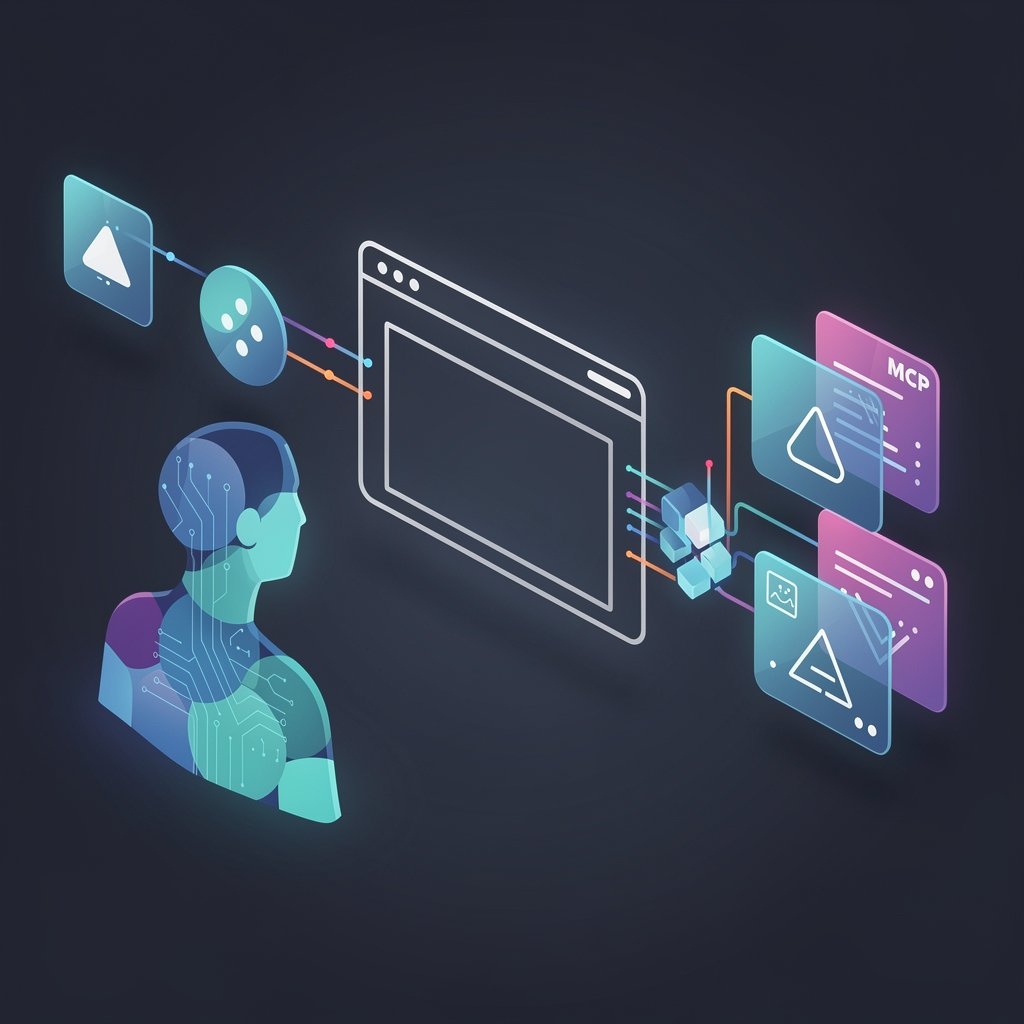
agent-browser-mcp provides an MCP service that lets AI agents control a user's real Chrome browser instance. Unlike sandboxed browsers or basic web scrapers, it connects to Chrome tabs already open on the local machine. This setup preserves login states, cookies, open tabs, and page context. The project, hosted on GitHub at https://github.com/335234131/agent-browser-mcp, has 168 stars and uses Python as its primary language.
Agents like those in Hermes, Claude Desktop, or Cursor gain direct access to everyday browser workflows. They can scan pages, run JavaScript, issue CDP commands, take screenshots, and simulate physical mouse and keyboard inputs. This bridges the gap between AI tools limited to isolated environments and operations on authenticated, real-world sites.
Core features
The service exposes browser control as standard MCP tools. Key capabilities include:
- Tab management: List tabs (
list_tabs), switch tabs (switch_tab), open URLs (open_url), or create new tabs (open_new_tab). - Page analysis: Scan content (
scan_page) for simplified HTML or text extraction, suited for feeds, lists, or search results. - Execution and CDP: Run JavaScript (
execute_js), send single CDP commands (cdp_command), or batch them (cdp_batch) for tasks like DOM queries or file uploads. - Screenshots and data: Capture page (
capture_page_screenshot) or desktop screenshots (capture_desktop_screenshot), plus read cookies (get_cookies). - Physical inputs: Move mouse (
mouse_move), click (mouse_click), drag (mouse_drag), type text (type_text), or send hotkeys (hotkey).
These features run over a local bridge: a Chrome extension communicates via Chrome APIs, a TMWebDriver service listens on WebSocket (127.0.0.1:18765) and HTTP (127.0.0.1:18766), and the MCP layer serves tools to clients.
Getting it running
Setup requires macOS or Windows, Python 3.10+, Google Chrome, and an MCP-compatible client like Hermes.
Clone the repository and install the package:
cd agent-browser-mcp
pip install -e .
For a wheel build:
python -m pip install --upgrade build
python -m build
pip install dist/agent_browser_mcp-0.1.0-py3-none-any.whl
A CLI tool installs alongside:
agent-browser-mcp doctor
This outputs JSON diagnostics on extension path, config.js, ports, tab count, and fixes.
Chrome extension
Load the unpacked extension once:
agent-browser-mcp extension-path
In Chrome, visit chrome://extensions, enable Developer mode, click "Load unpacked," and select the output directory. Open a real webpage like https://www.baidu.com or https://www.xiaohongshu.com—avoid about:blank to establish sessions.
Client configuration
For Hermes, add to ~/.hermes/config.yaml:
mcp_servers:
  agent_browser:
    command: agent-browser-mcp
    timeout: 120
    connect_timeout: 60
Use agent-browser-mcp print-hermes-config for a snippet, or check examples/hermes-config.yaml. Verify with:
hermes mcp list
hermes mcp test agent_browser
Claude Desktop and Cursor use JSON configs from examples/claude-desktop-config.json and examples/cursor-mcp.json:
{
  "mcpServers": {
    "agent_browser": {
      "command": "agent-browser-mcp",
      "args": []
    }
  }
}
Restart the client after config changes. Typical flow: install package, load extension, open webpage, connect client, call tools.
Who this is for
This fits users automating sites with login requirements, where sandbox browsers fail due to missing states or anti-bot measures. Examples include reading Xiaohongshu (Little Red Book) home feeds, dashboard data, or knowledge bases directly from logged-in tabs.
Switch to CDP or physical inputs when JavaScript automation falters—real mouse drags handle drag-and-drop UIs, keyboard inputs bypass JS restrictions. Agents can list extensions (list_extensions), check setup (get_setup_status), or get pointer info (pointer_info).
It's built for MCP ecosystems, so Hermes users scan logged-in pages without relogging. Claude Desktop operators grab screenshots of complex structures. Cursor setups automate management panels.
Available MCP tools
The service lists tools in categories:
Browser and tabs: get_setup_status, list_tabs, switch_tab, open_url, open_new_tab, extension_path, list_extensions.
Page and execution: scan_page, execute_js.
CDP and visuals: cdp_command, cdp_batch, get_cookies, capture_page_screenshot, capture_desktop_screenshot.
Inputs: mouse_move, mouse_click, mouse_drag, type_text, hotkey, pointer_info.
Agents chain these: open Xiaohongshu, scan posts, screenshot via CDP, then mouse-click if needed.
Safety and troubleshooting
Operations affect the real desktop—mouse moves execute literally, clicks submit forms, hotkeys trigger system actions. Limit to trusted agents.
Common issues: No tabs connected? Confirm extension loaded, real page open, run agent-browser-mcp doctor. Hermes sees service but no tools? Reload MCP.
How it stands out
Standard browser automation like Playwright or Puppeteer starts fresh sessions, losing cookies and context. This project reuses existing Chrome, dodging relogin and detection. Physical inputs fill gaps in CDP-heavy tools, like apps blocking virtual events.
It's heavier than pure scrapers due to the extension and bridge, but Python simplicity keeps it lightweight.
If you need sandbox isolation or headless operation, look elsewhere—this thrives on real-browser fidelity. Source at https://github.com/335234131/agent-browser-mcp.
Comments