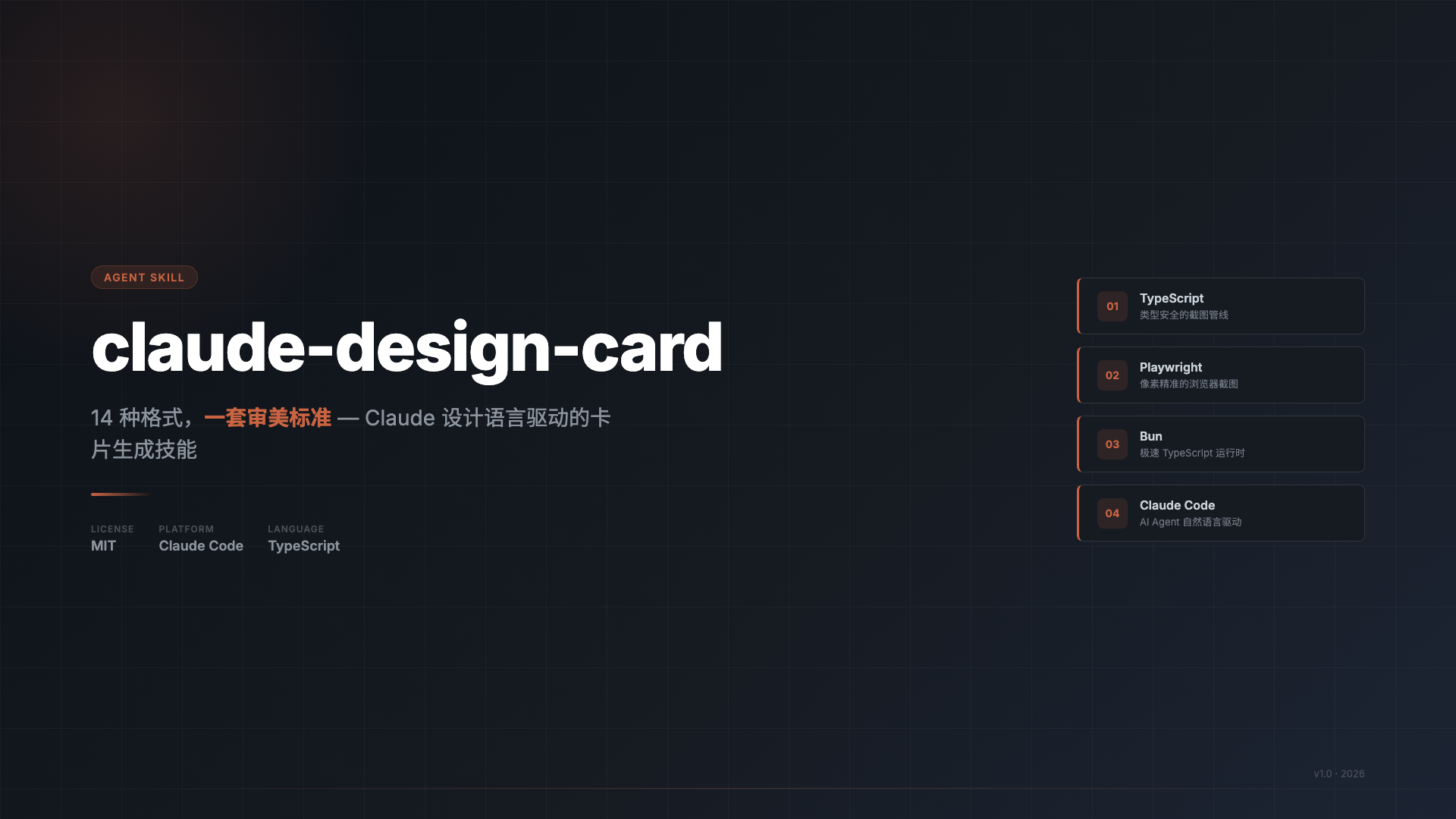
claude-design-card generates image cards from text, URLs, or web pages. It produces PNG files in 14 predefined formats suited for platform covers, social sharing, and long-form editorial layouts. All outputs follow a consistent design system inspired by Anthropic's Claude: warm Parchment backgrounds (#f5f4ed), Georgia serif fonts for body and headings, and Terracotta accents (#c96442) for emphasis. The tool relies on SVG templates rendered via Playwright's Chromium engine, ensuring pixel-perfect screenshots.
The project exists to standardize card design for quick publishing across platforms. Users provide input like plain text or HTML, and it handles layout selection, content extraction, and rendering without fabricating details. Hosted at github.com/geekjourneyx/claude-design-card under TypeScript (with Bun runtime), it has 45 GitHub stars.
Core features
- 14 formats grouped into four families: platform covers (e.g., WeChat article headers), content cards (e.g., Xiaohongshu notes), social sharing squares, and long-form layouts (e.g., newspaper-style Broadsheet).
- Unified design tokens including
--pg(Parchment background),--nk(Near-Black text),--tc(Terracotta highlights), and Georgia fonts; avoids cold blues, pure white, or bold 700 weights. - SVG-based rendering for elements like progress bars, drop caps, and marginalia, combined with Playwright screenshots for output.
- Natural language integration as a Claude Code "AI Skill," where prompts like "generate a WeChat cover from this text" trigger automatic processing.
- Flexible input/output: Accepts HTML files or raw content; defaults outputs to
/tmp/claude-card-*.png.
Workflow involves parsing input, selecting a format, generating HTML from SVG templates, and capturing screenshots. Full details appear in the repo's DESIGN.md and workflow diagram.
Supported formats
The tool covers specific platform sizes and styles:
Platform covers (Format A):
| Format | Dimensions | Platforms |
|---|---|---|
| WeChat Public Account header | 900 × 383 px | WeChat articles |
| Video Account vertical cover | 1080 × 1440 px | WeChat Video |
| Bilibili/YouTube horizontal | 1280 × 720 px | Video thumbnails |
| Douyin full vertical | 1080 × 1920 px | Douyin, TikTok |
Content cards (Format B):
| Format | Dimensions | Notes |
|---|---|---|
| Xiaohongshu notes | 1080 × 1440 px | Layered tags, mixed text/images |
| Step tutorial | 1080 × 1440 px | Numbered steps, SVG bars |
| Comparison analysis | 1080 × 1440 px | Two-column, Terracotta highlights |
Social sharing (Format C):
| Format | Dimensions | Notes |
|---|---|---|
| Quote card | 1080 × 1080 px | Large quotes, minimal bars |
| Data highlight | 1080 × 1080 px | Oversized numbers, SVG progress |
| Square general | 1080 × 1080 px | Single column, adaptable |
Long-form layouts (Format D) (fixed width, auto height):
| Format | Width | Style |
|---|---|---|
| The Broadsheet | 800 px | Three-column newspaper, drop caps |
| The Feature | 760 px | Magazine double-column, sidebars |
| The Reader | 720 px | Journal with marginal notes |
| The Digest | 760 px | Report with summary boxes, data columns |
Getting it running
Requires Bun (≥1.0) for runtime/package management, Playwright (≥1.59) for screenshots, and TypeScript (≥5.0, native in Bun). Node.js is only needed briefly for skill installation.
Install as Claude Code AI Skill (recommended for prompt-based use):
npx skills add https://github.com/geekjourneyx/claude-design-card
After this, use natural language in Claude: "Turn this article into a Xiaohongshu card" or "Make a Broadsheet layout from this text." It auto-generates /tmp/ PNGs.
Local development:
bun install
bunx playwright install chromium
Generate cards via the screenshot script:
# Fixed size example: WeChat header
bun scripts/screenshot.ts /tmp/card.html /tmp/cover.png 900 383

# Vertical social: Xiaohongshu
bun scripts/screenshot.ts /tmp/card.html /tmp/xiaohongshu.png 1080 1440

# Long-form auto-height
bun scripts/screenshot.ts /tmp/broadsheet.html /tmp/output.png 800 --full-page

# Auto-output to /tmp/claude-card-*.png if path omitted
bun scripts/screenshot.ts /tmp/my-card.html
Inputs are HTML files prepared with the design system (templates in repo). Outputs land in specified paths or /tmp/.
Who this is for
Content creators targeting Chinese platforms like WeChat Public Accounts, Xiaohongshu, Douyin, or Bilibili will find the formats directly applicable. Video producers need quick thumbnails for YouTube or TikTok equivalents. Writers handling long articles can use editorial styles like Broadsheet for newsletter-like renders.
As an AI Skill, it suits Claude users wanting automated design without tools like Figma. Developers scripting batch card generation (e.g., from RSS feeds) benefit from the CLI. Prompts stay grounded: the skill extracts and reformats existing content, avoiding invention.
How it compares
claude-design-card focuses on a narrow, opinionated set of 14 formats with Claude aesthetics, unlike general screenshot tools like Puppeteer or broader designers like Canva API. It weighs more than plain HTML-to-PNG scripts due to Playwright (50MB+ Chromium binary), but delivers styled outputs without CSS tinkering.
For one-off cards, browser dev tools suffice; for automation, it edges simpler Bun scripts by bundling templates. No Docker support mentioned, so local setups dominate.
This 45-star TypeScript project under MIT license fits scripted social media workflows tied to Claude, though teams needing custom dimensions or cold-toned designs may prefer alternatives. Source at github.com/geekjourneyx/claude-design-card.
Comments