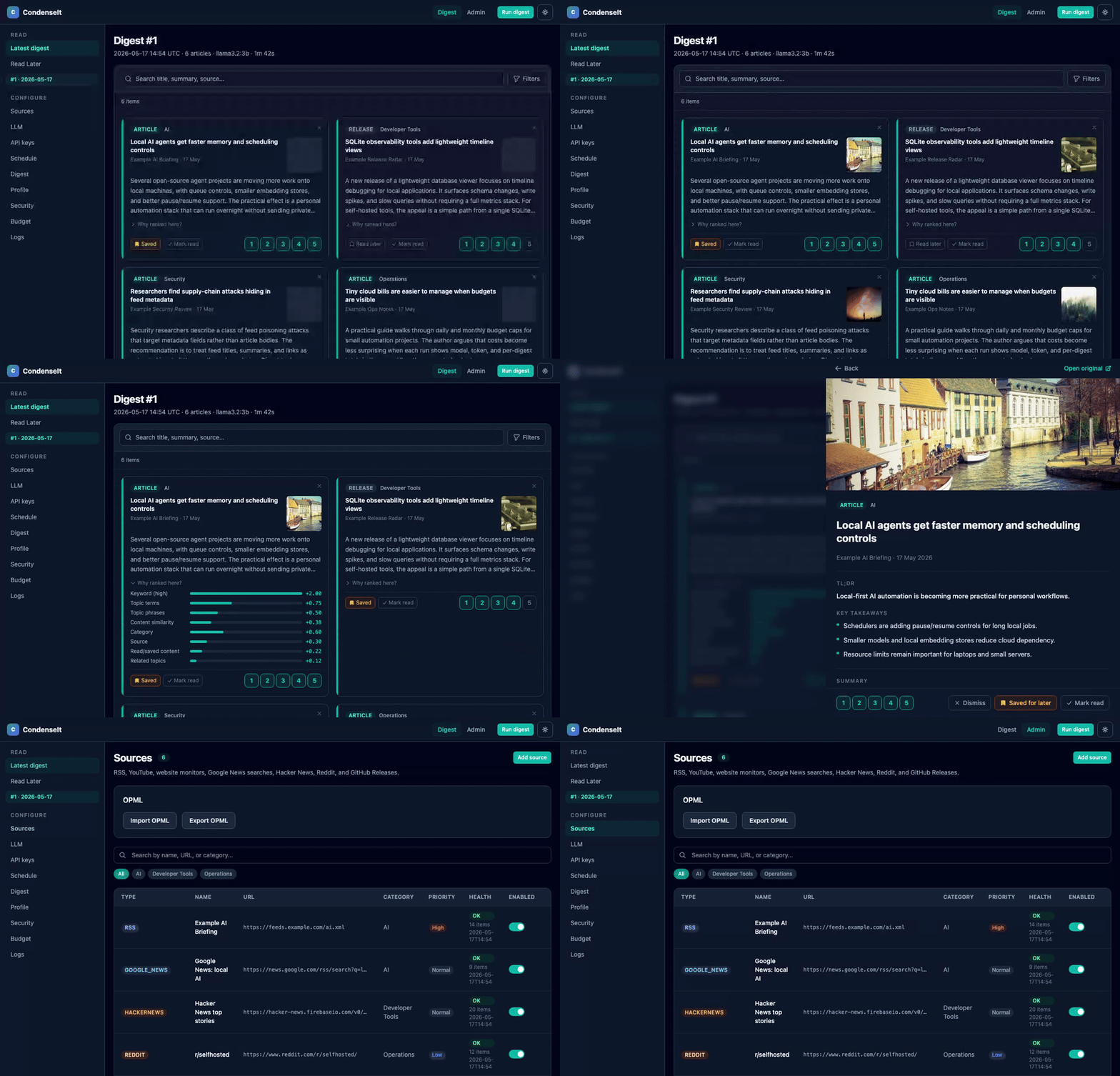
Self-hosted AI news digest. Collect RSS feeds, YouTube channels, website diffs, Google News searches, Hacker News, Reddit, GitHub Releases, and podcasts, summarize with a local LLM (Ollama), OpenRouter, or any OpenAI-compatible endpoint, learn your preferences from star ratings and engagement signals, and read a daily digest in the browser.
Preview
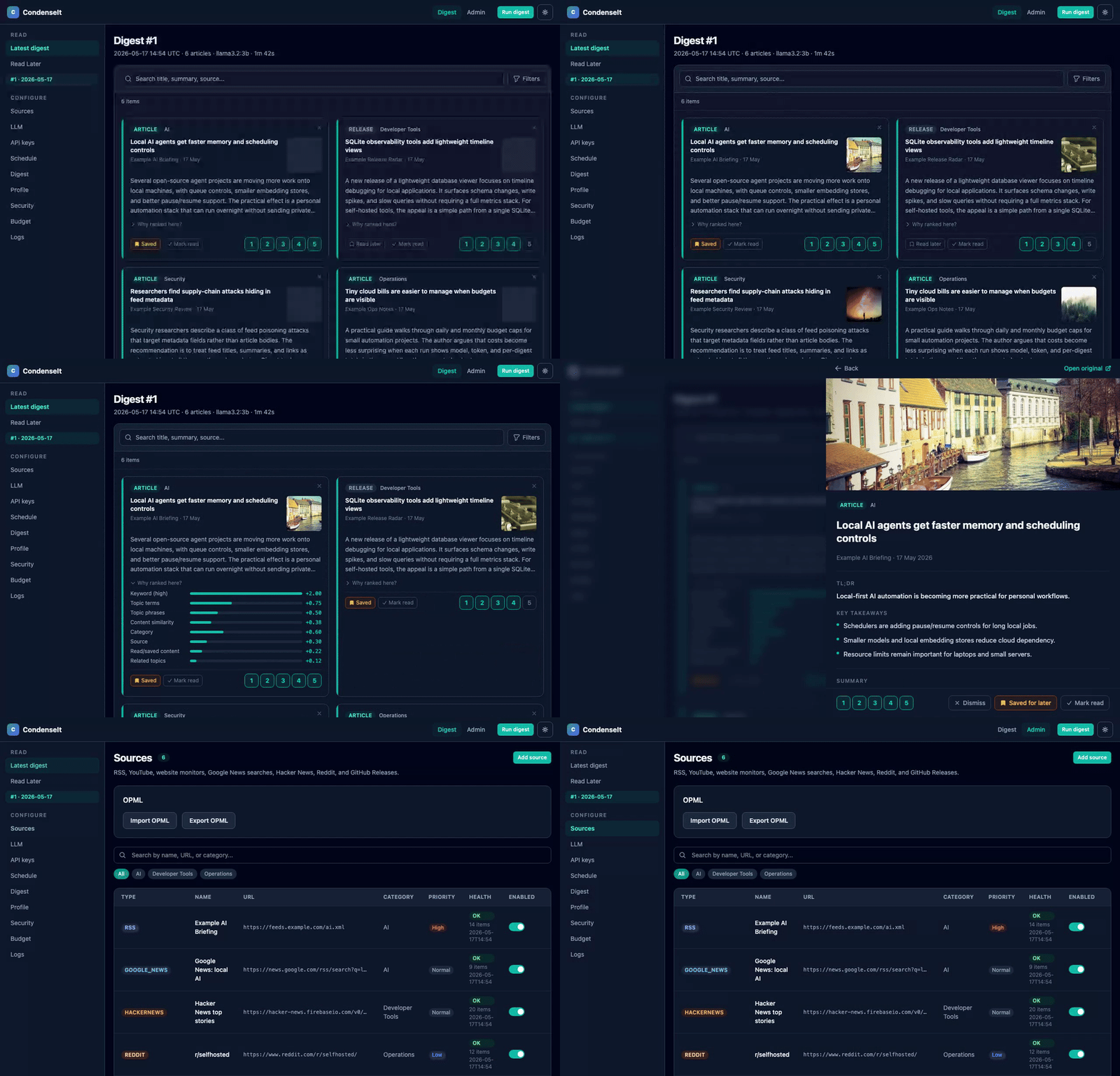
Modes
| Local | Remote | OpenAI-compatible | |
|---|---|---|---|
| LLM | Ollama on your Mac (Metal) | OpenRouter (cloud) | Any /v1/chat/completions server |
| Scheduling | condenseit run from CLI, or CONDENSEIT_SCHEDULER_ENABLED=1 |
Built-in scheduler (CONDENSEIT_SCHEDULER_ENABLED=1) |
Same as local or remote |
| Setup | uv sync + condenseit serve |
bootstrap-server.sh + deploy.sh |
Set OPENAI_API_BASE_URL + OPENAI_API_KEY |
| Cost | Free (local hardware) | Pay-per-token via OpenRouter | Depends on server |
Both modes use the same unified web UI: digest reader and admin panel.
What it does
CondenseIt pulls from the sources you configure, scores and summarizes each article with a local or cloud LLM, ranks articles by your learned preferences, and produces a daily digest you can read in the browser.
The ranking engine learns from multiple signals:
| Signal | Type | Effect |
|---|---|---|
| Star rating 4-5 | Explicit positive | Boosts matched terms, category, and source |
| Star rating 1-2 | Explicit negative | Penalises matched terms, category, and source |
| Mark as read | Implicit mild positive | Mild boost to category and content profile |
| Save for later | Implicit strong positive | Strong boost to category and content profile |
| Star (permanent save) | No ranking effect | Saved forever in the Starred page; survives all future digest runs |
| Dismiss | Implicit mild negative | Mild penalty to category and content profile |
Scores are additive across multiple named signals: keywords, term overlap, bigram phrases, TF-IDF cosine, category, source, three implicit channels, synonym boost, semantic embedding similarity, LLM-extracted topic score, and an optional LLM rerank pass. Every article card shows a collapsible "Why ranked here?" breakdown so you can see exactly what drove its position.
Supported source types (all configured from Admin > Sources, no API keys needed):
| Type | What it collects |
|---|---|
| RSS / Atom | Any RSS or Atom feed URL; extracts og:image thumbnails from article pages |
| YouTube | Transcripts from channel videos via the public channel RSS feed; attaches video thumbnail |
| Website watch | Detects meaningful changes on any web page |
| Google News search | Google News RSS search with operator support (site:, when:, intitle:, source:) |
| Hacker News | Top/best/new/ask/show stories via the public Firebase JSON API |
| Posts from any public subreddit (hot/new/top/rising, configurable score threshold) | |
| GitHub Releases | Release notes from any public repository's Atom feed |
| Podcasts | New episodes from podcast RSS feeds, with iTunes search to find feed URLs |
Admin panel
| Page | What it does |
|---|---|
| Sources | Add/remove all source types; per-source keyword filters (show only, hide, highlight); filter by category; set priority; import/export OPML |
| LLM | Provider (Ollama / OpenRouter / OpenAI-compatible), model, OpenRouter cheapest-model option, OpenAI-compatible base URL, Ollama pull/delete |
| API keys | OpenRouter key storage, encrypted at rest in SQLite |
| Schedule | Enable/disable automatic digest runs, set daily run times, and view the next scheduled run |
| Settings | Article limits, category balance, article age cutoff, language filter, summary format, and ranking weights |
| Preferences | Learning profile: rating distribution, liked/disliked terms and phrases, category and source scores, implicit signal counts, and time-decay info |
| Security | Change the admin password and warn when the default password is still active |
| Budget | OpenRouter account usage, local pipeline cost tracking, and daily/monthly budget limits |
| Logs | Full output captured from recent digest runs |
Local mode (Ollama on your Mac)
Prerequisites
Quick start
git clone https://github.com/wildlifechorus/condenseit
cd condenseit

# Install dependencies
uv sync

# Pull a model
ollama pull llama3.2:3b

# Build the frontend
cd frontend && npm ci && npm run build && cd ..

# Copy and edit config
cp config.example.yaml config.yaml
cp .env.example .env
# Edit config.yaml: add your feeds under the feeds/youtube_channels sections.
# The example defaults to llm.provider: "openrouter" (requires OPENROUTER_API_KEY in .env).
# Change llm.provider to "ollama" if you installed Ollama above, or set it to
# "openai" and configure llm.openai_base_url + OPENAI_API_KEY for any
# OpenAI-compatible server (LM Studio, vLLM, llama.cpp, etc.).

# Start the web UI
condenseit serve --port 8899
# Open http://localhost:8899

# Run a digest (in a separate terminal, or from the web UI)
condenseit run
Automatic scheduling
Enable the built-in scheduler in .env:
CONDENSEIT_SCHEDULER_ENABLED=1
Then configure run times in Admin > Schedule (or set a default in
config.schedule.times in config.yaml). Changes made in the admin UI take
effect immediately without a restart.
Remote mode (VPS + OpenRouter)
Prerequisites
- A VPS with Ubuntu/Debian, SSH access, nginx, and python3
- An OpenRouter API key
- A domain pointed at your VPS
One-time setup
# Copy config for your domain
cp scripts/nginx/digest.example.com.conf scripts/nginx/your.domain.conf
# Edit the file: replace "digest.example.com" with your domain

# Set VPS connection details in your local .env
echo 'DIGEST_PWA_SSH_HOST=your-ssh-host' >> .env
echo 'DIGEST_PWA_DOMAIN=your.domain' >> .env
echo 'CONDENSEIT_AUTH_PASSWORD=choose-a-strong-password' >> .env

# Bootstrap the VPS (installs condenseit, systemd service, nginx)
./scripts/bootstrap-server.sh
The bootstrap script will prompt for your OpenRouter API key, app password,
and scheduler preference, then write everything to ~/condenseit/.env on
the VPS. Secrets never touch the systemd unit file.
Deploy
./scripts/deploy.sh
This builds the frontend, packages a wheel, rsyncs everything to the VPS, and restarts the service. Run again any time you update sources or config.
TLS
ssh your-vps 'sudo certbot --nginx -d your.domain'
Configuration
See config.example.yaml and .env.example
for all options with inline comments.
Detailed setup guides:
- Local deployment
- VPS deployment
- Firebase / Cloud Run deployment
- Add to home screen (iOS and Android)
Key config.yaml sections:
llm- provider (ollama/openrouter/fallback/openai), model, budget limits, OpenAI-compatible base URLfeeds/youtube_channels/watch_urls- legacy YAML-seeded sources (still supported)schedule.times- default daily run times (overridden by Admin > Schedule)vps- SSH target forscripts/deploy.sh
All sources (including the new types) are managed from Admin > Sources in the web UI and stored in SQLite. The YAML keys above act as initial seeds that are imported once on first run.
Settings also editable live in the admin panel (stored in SQLite, no restart needed):
- Schedule - run times
- Digest -
max_articles_per_digest,balance_digest_categories,max_articles_per_category,max_article_age_hours,preferred_languages,max_key_takeaways,max_summary_paragraphs - Ranking weights -
tfidf_preference_weight,category_preference_weight,source_preference_weight,implicit_signal_weight,rating_decay_half_life_days,min_ratings_for_learning,embedding_preference_weight,topic_score_weight - LLM - provider, model, OpenRouter model, cheapest-model selection, OpenAI-compatible base URL and model
- Budget - OpenRouter daily and monthly budget limits
- Security - admin password
Preference learning
The ranking engine builds a preference profile from everything you do in the
digest reader. No minimum setup is required; it activates automatically once
you have at least 5 star ratings (configurable via min_ratings_for_learning).
Explicit ratings (1-5 stars)
- Ratings 4-5 add to the liked term profile, bigram profile, category average, and source average.
- Ratings 1-2 penalise those same signals.
- Rating 3 is neutral for terms but still contributes to category/source means.
- All rating rows decay exponentially over time (default half-life: 30 days) so stale preferences fade and recent tastes dominate.
Implicit signals
Three engagement actions contribute automatically without requiring a star rating:
- Read (mark as read): treated as a mild positive (equivalent to ~3.8 stars).
- Save for later: treated as a strong positive (~4.5 stars).
- Dismiss: treated as a mild negative (~1.5 stars), distinct from "mark as read". Dismiss tells the engine you saw the article and were not interested, which penalises the article's terms, category, and source in future ranking.
Implicit contributions are scaled by implicit_signal_weight (default 0.5)
so they always have less influence than explicit star ratings.
Topic synonyms
Optional synonym groups let the engine propagate profile weight across related terms without retraining. For example, rating a "kubernetes" article highly will also boost articles mentioning "k8s" or "helm" when they are in the same synonym group:
relevance:
  topic_synonyms:
    kubernetes: ["k8s", "helm", "kubectl"]
    security:   ["infosec", "cybersecurity", "appsec"]
AI-powered ranking (optional, incremental)
When an LLM provider is available the engine adds three additional layers on top of classical ranking. Each layer is independently controlled and off by default:
Semantic embeddings - article text and your liked/disliked articles are encoded as vectors. The engine scores each candidate by cosine similarity to the centroid of your liked embeddings minus disliked embeddings. Embeddings are generated once and cached in SQLite (keyed by URL + content hash), so subsequent digest runs are fast. Configure with
embedding_provider("ollama"/"openrouter"/"off"),embedding_model, andembedding_preference_weight.Topic/entity enrichment - the LLM already summarizes each article; the same call now also extracts
topics,entities, and anoveltyscore (1-5). These are persisted in anarticle_enrichmenttable and used to build a topic profile from your ratings. Articles matching liked topics are boosted; articles matching disliked topics are penalised. Weight controlled bytopic_score_weight. Topics and a "novel" badge are displayed on each card.LLM reranker - after classical scoring a compact profile narrative is built from your top liked/disliked terms, categories, and sources. The LLM is asked to score the top-K candidates (configurable via
llm_rerank_top_k, default 30) by relevance and return a brief reason. The LLM relevance score is blended with the classical score (llm_rerank_blend, default0.3). The reason appears in the "Why ranked here?" panel. Enable withllm_rerank_enabled: trueinconfig.yaml.Cold-start bootstrap - if you have no ratings yet, visit Admin > Preferences and describe your interests in plain text. The LLM derives initial keywords, synonyms, and a profile summary that seed the engine before any ratings exist. These are stored in the DB and override YAML defaults.
Score transparency
Every article card in the digest shows a collapsible "Why ranked here?" panel listing each contributing signal as a proportional bar (classical + AI signals). The Admin > Preferences page shows the full learned profile: rating distribution histogram, liked/disliked terms sized by weight, category and source bars, bigram phrases, top liked/disliked LLM topics, embedding status, implicit signal counts, and the current decay weight of your oldest rating.
All ranking weights are adjustable live in Admin > Digest without restarting the server.
Budget tracking
When using OpenRouter, the web UI shows a Budget page under Admin with:
- OpenRouter account usage (daily / weekly / monthly credits)
- Local spending broken down by model
- Cost per digest run
Budget limits (openrouter_daily_budget_usd, openrouter_monthly_budget_usd
in config.yaml) stop the pipeline before they are exceeded.
Language filtering
Set preferred languages in Admin > Settings (ISO 639-1 codes, e.g. en,
pt, de). Articles in other languages are excluded before ranking. Leave
empty to accept all languages. Uses the langdetect library; detection
failures always keep the article.
Development
uv sync --extra dev
pytest -q
ruff check src tests
cd frontend && npm ci && npm run build
Comments