Next-Gen Home Assistant Dashboard — Multi-skin, immersive, plug-and-play.
Skins Pro is a community Lovelace card with a multi-skin architecture featuring modern, AEON, AEON_glass, visionOS, and minecraft skins. Bilingual (CN/EN) — install from HACS and it just works.
- Add via HACS custom repository
- Switch between skins freely
- Fullscreen Kiosk mode for immersive experience
- Auto image processing on build (resize, JPG convert)
- Area-based room display
- Auto icon matching by entity domain
Note — All current theme image assets are AI-generated, so some images may contain AI watermarks or similar generation artifacts.
Philosophy
Keep it simple, keep it easy.
Skins Pro is built around simplicity and ease of use. Install from HACS, pick a skin, adjust a few settings in the card editor, and you're done. Every feature is designed to be intuitive, so you can focus on enjoying your smart home.
Installation

Click the button above, or manually:
- HACS → Custom Repositories → Add
https://github.com/ha-china/Skins-Pro, category: Dashboard - Install Skins Pro
- Refresh Home Assistant frontend
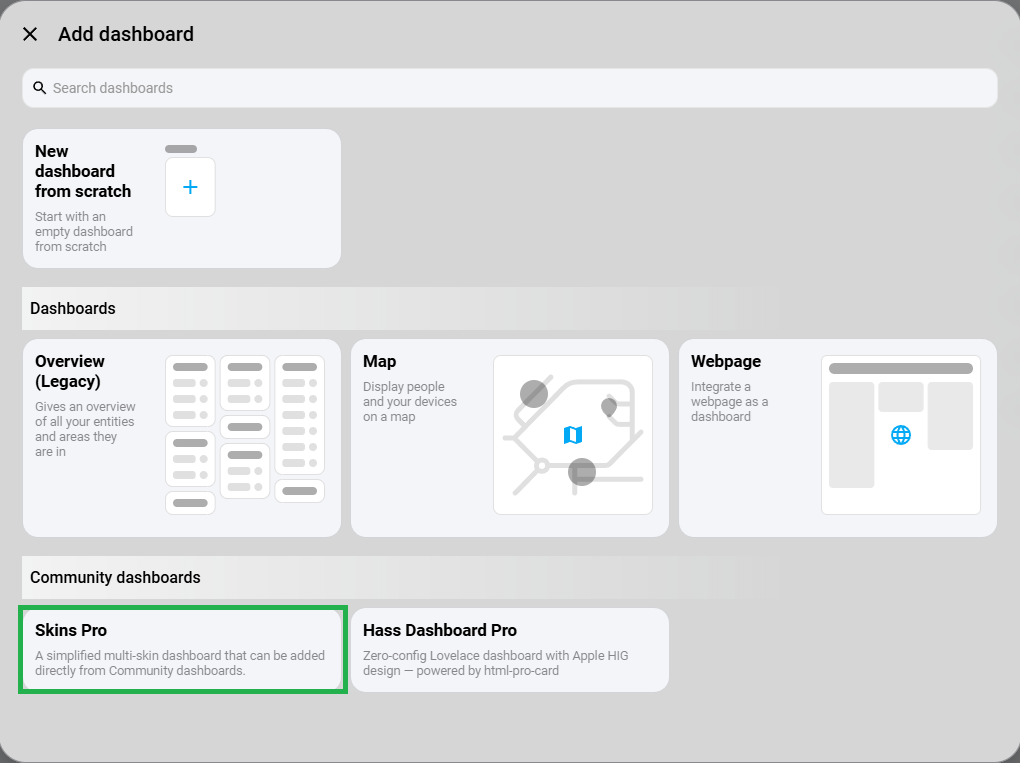
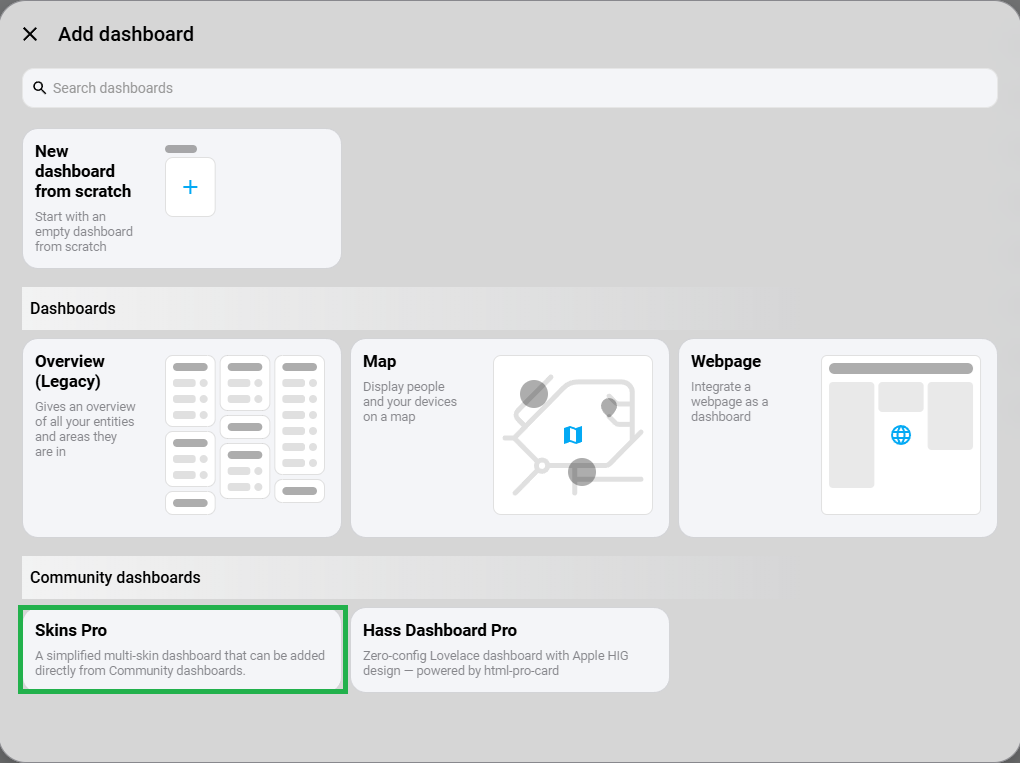
- Settings → Dashboards → Add Dashboard → Select "Skins Pro"
Built-in Skins
| Skin | Style | Features |
|---|---|---|
| modern (default) | White glassmorphism | Frosted glass, high-res images, clean blue-white palette |
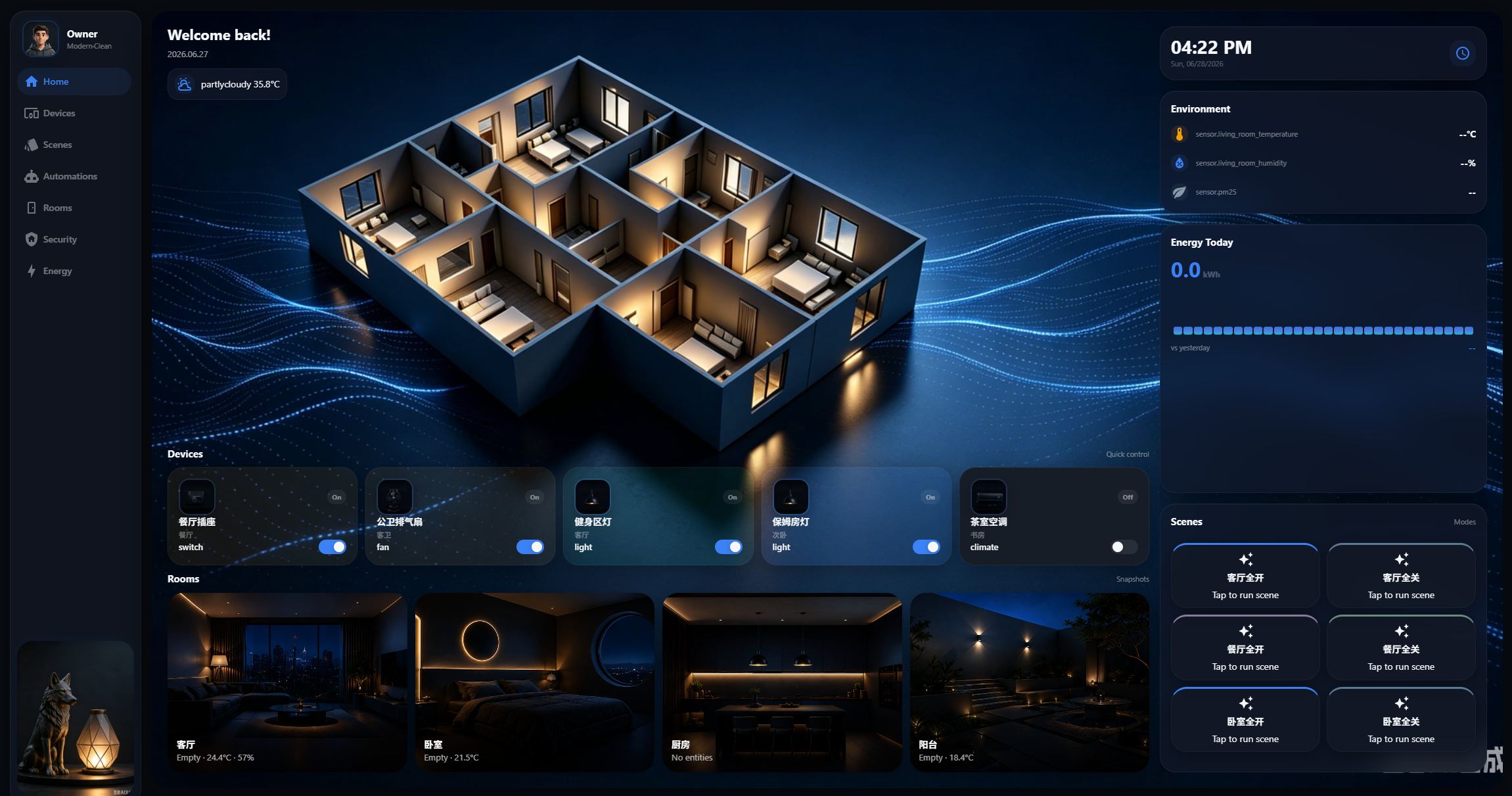
| AEON | Dark luxury | Deep blacks, blue glow, glassmorphism, cinematic shadows |
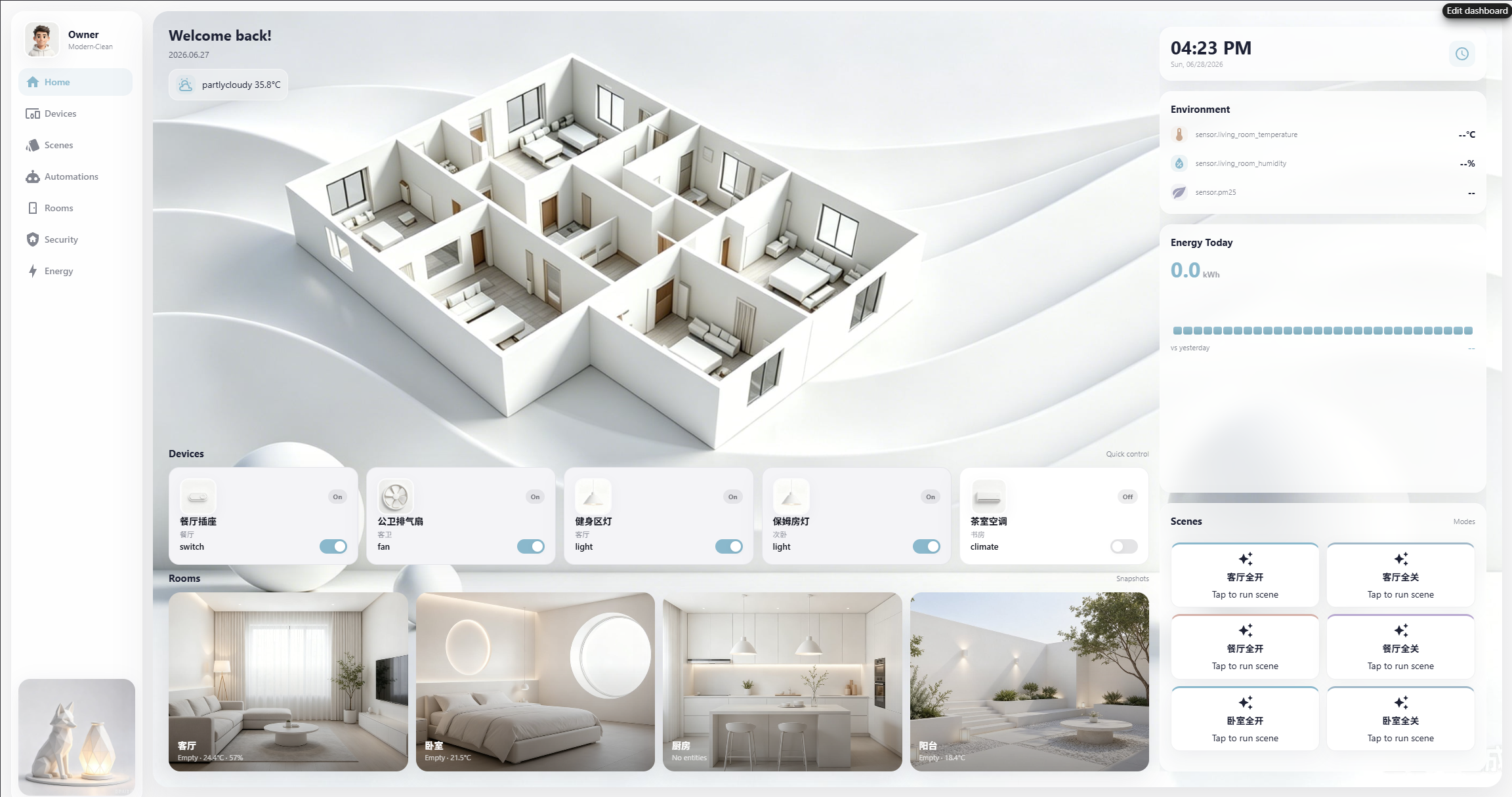
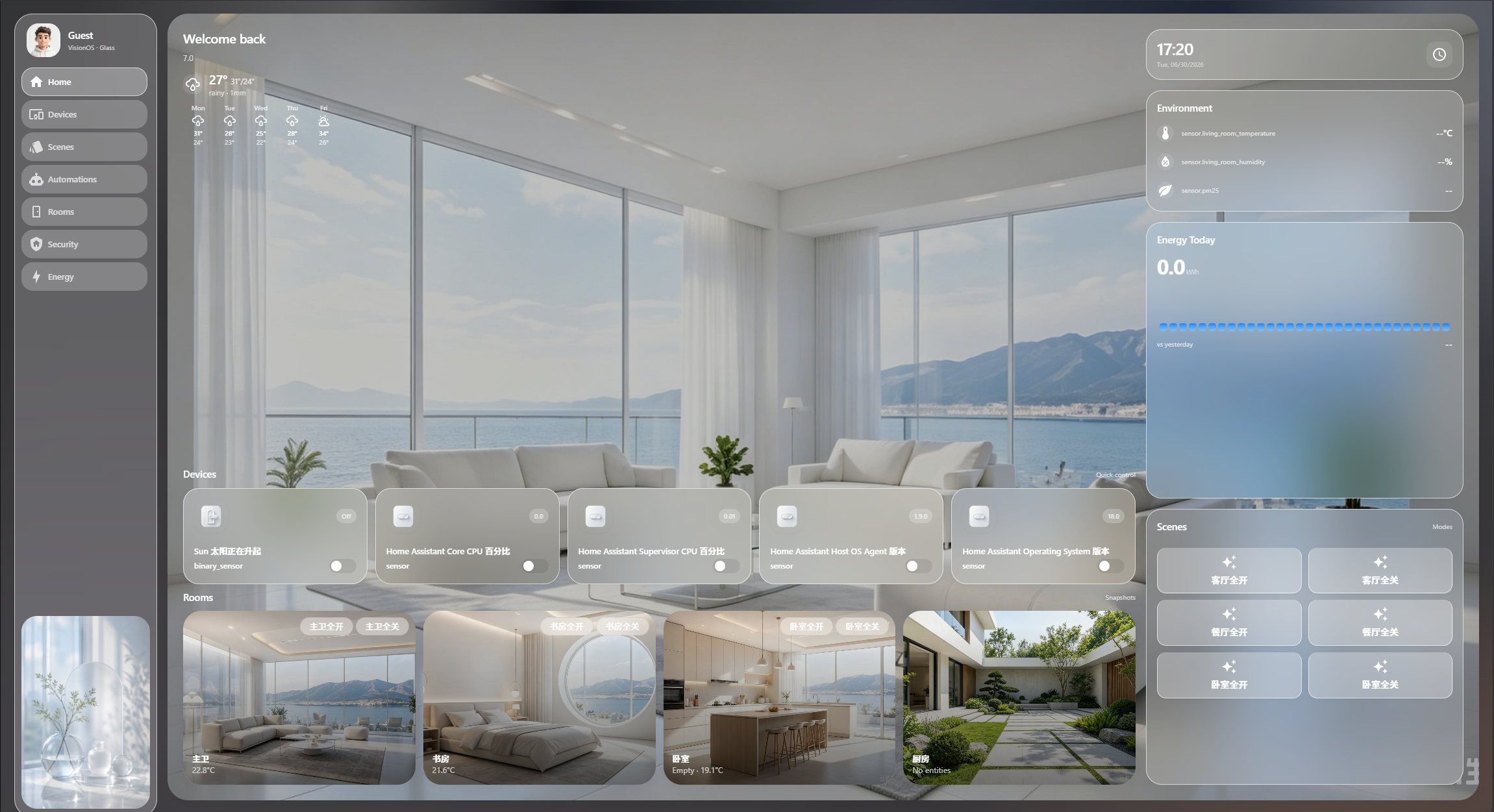
| visionOS | Frosted glass | Apple VisionOS-inspired, flat glass, white text, immersive blur |
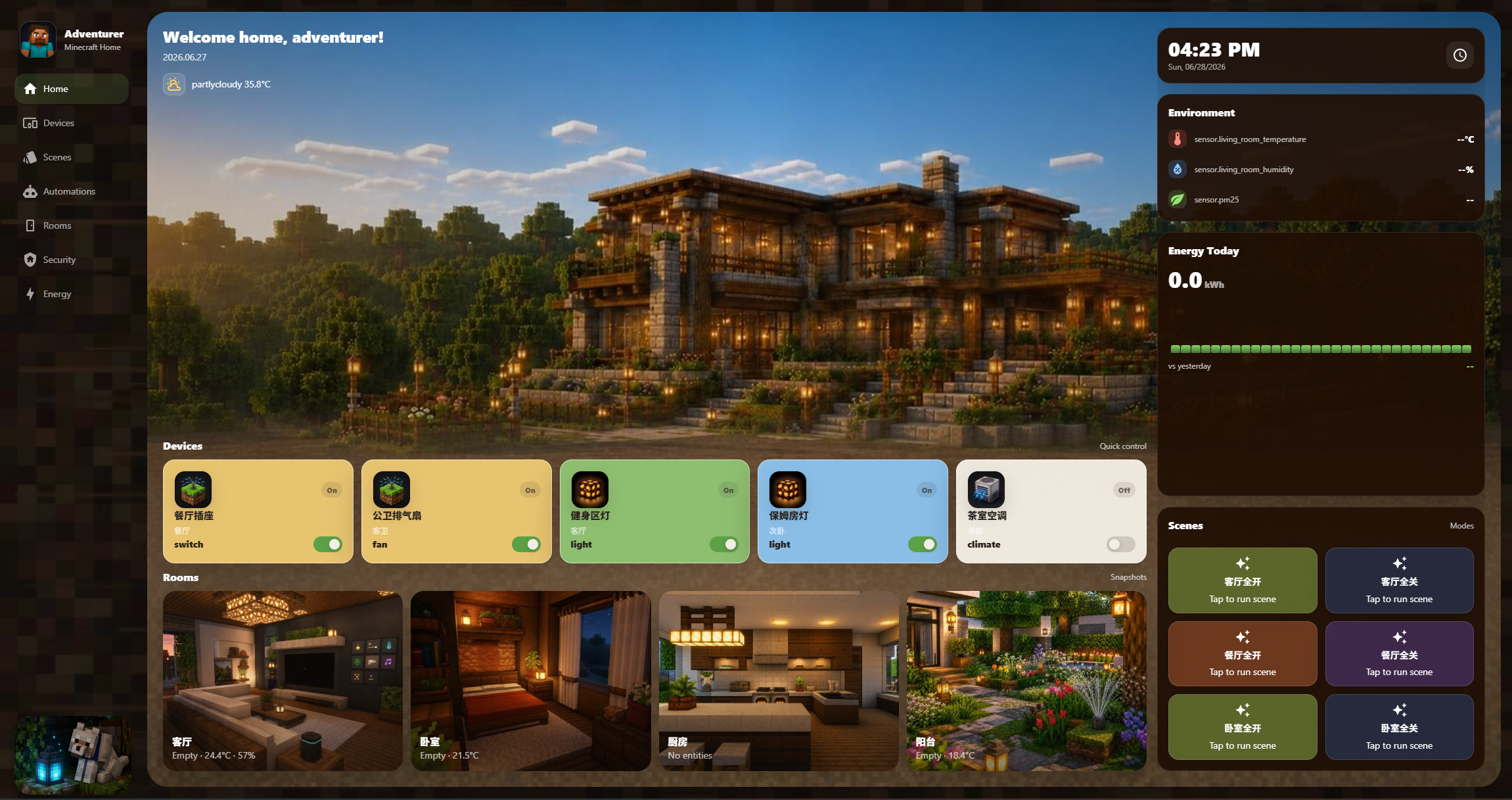
| minecraft | Minecraft theme | Dark textured background, warm tones, Steve avatar |
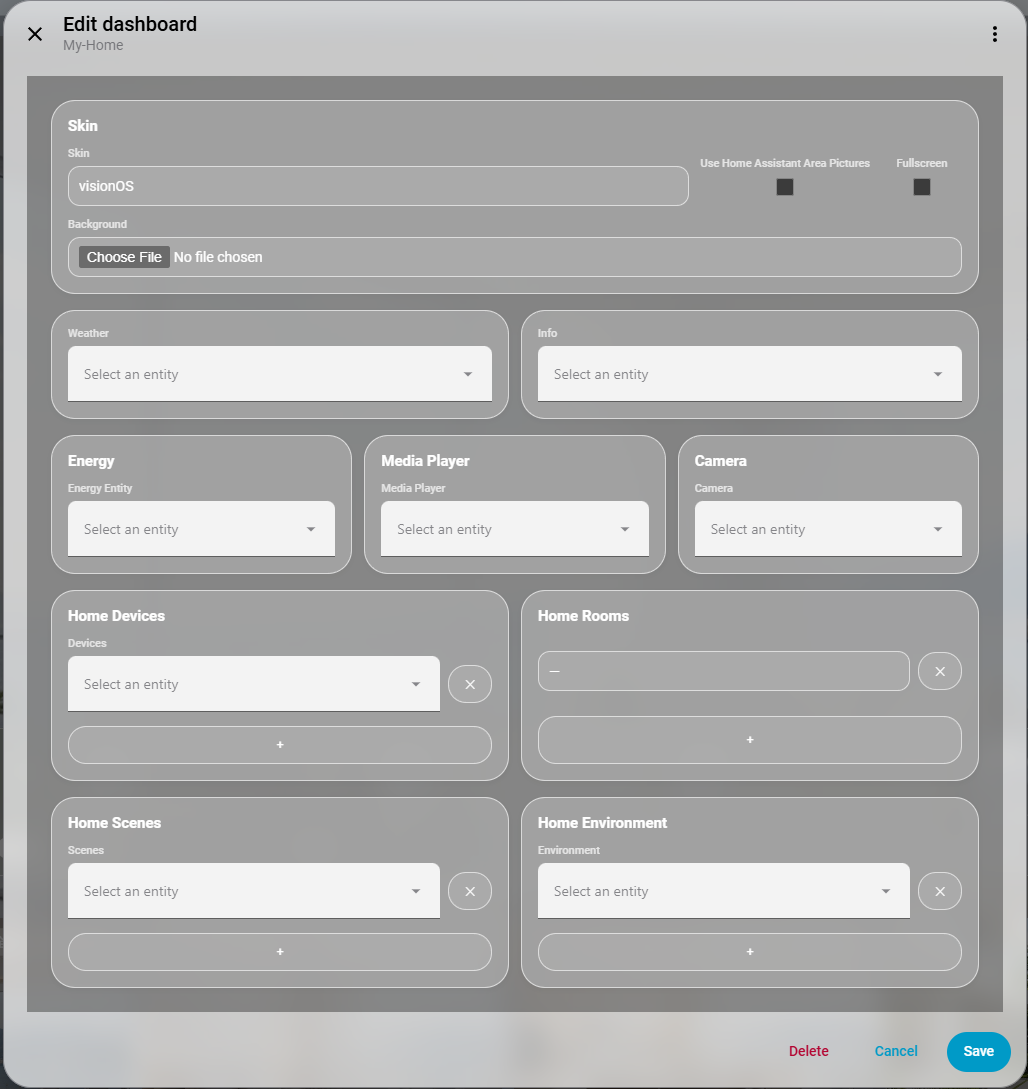
Switch via the "Skin" field in the card editor.
Preview
| modern | AEON | visionOS | minecraft |
|---|---|---|---|
 |
 |
 |
 |
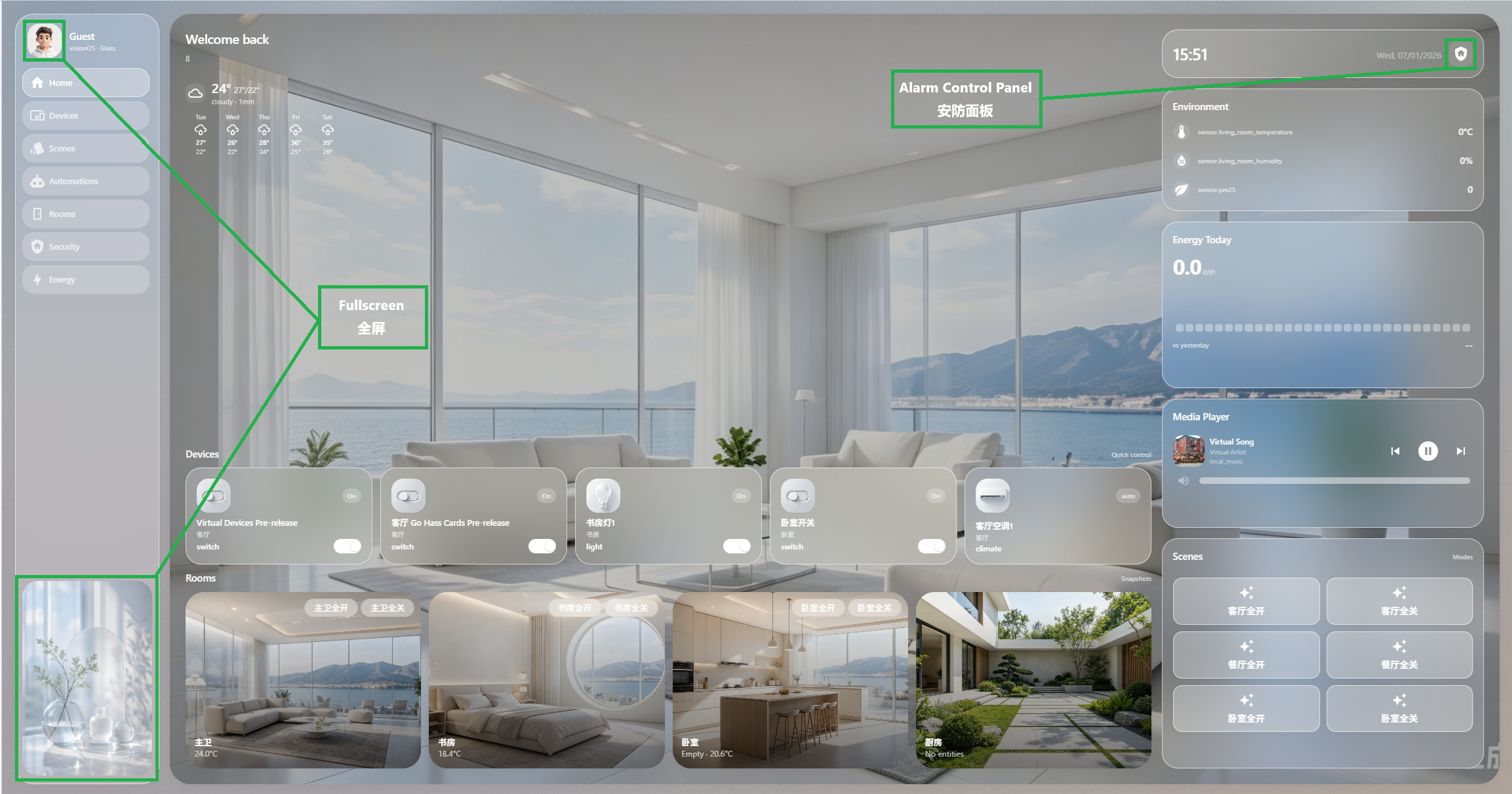
Skin Switching Demo
Features
- ☀️ Weather & greeting
- 💬 Info display
- 📱 Device controls (by area or by type)
- 🚪 Room snapshots
- 🎬 Scene buttons
- 🤖 Automations page
- ⚡ Energy dashboard (today vs yesterday)
- 🛡️ Security page — cameras, locks, alarm control panel (auto-detected, click to arm/disarm)
- 🎵 Media player card — album art, playback controls, volume bar
- 📷 Camera snapshot on homepage
- 🌡️ Environment sensors display
- 🌐 Auto CN/EN bilingual switching
- ↔️ Fullscreen Kiosk mode
- 🖼️ Use HA area pictures as room backgrounds
- 🎨 Custom background image upload
- 📱 Mobile responsive layout
- 🎭 Multi-skin architecture — 5 built-in skins
On first add, it automatically scans your Home Assistant and organizes content by area and device type.
Skin Development
A skin is a folder under skins-pro/<skin-name>/ containing images, CSS, and strings. npm run build auto-discovers, processes images, and generates code.
Directory Structure
skins-pro/
  your-skin-name/
    theme.css               # Styles (required)
    strings.json            # Strings + icon_map (optional)
    avatar.jpg              # Avatar, recommended ≥ 300×300
    background.jpg          # Background, recommended width ≥ 2560px
    decoration.jpg          # Side decoration, recommended width ≥ 800px
    base-texture.jpg        # Base texture, recommended width ≥ 2560px
    stage-*.jpg             # Stage image, recommended width ≥ 2560px
    room-*.jpg              # Room image, recommended width ≥ 1200px
    icon-*.jpg              # Device icon, recommended longest edge ≥ 300px
Image Processing on Build
| Pattern | Recommended source | Notes |
|---|---|---|
room-* |
width ≥ 1200px | Maintain ratio, downscale to 1200px |
icon-* |
longest edge ≥ 300px | Maintain ratio, downscale to 300px |
avatar.* |
longest edge ≥ 300px | Maintain ratio, downscale to 300px |
decoration.* |
width ≥ 800px | Maintain ratio, downscale to 800px |
background.*, base-*, stage-* |
width ≥ 2560px | Maintain ratio, downscale to 2560px |
| others | width ≥ 1200px | Maintain ratio, downscale to 1200px |
Supports PNG / JPG / BMP / WebP input, outputs JPG. Never upscales.
theme.css
All styles are customized via CSS variables on :host. Each skin has its own theme.css. See skins-pro/modern/theme.css for the full variable list.
strings.json + icon_map
{
  "title_zh": "欢迎回来!",
  "title_en": "Welcome back!",
  "icon_map": {
    "light": "light",
    "switch": "switch",
    "climate": "climate",
    "media_player": "speaker",
    "lock": "lock"
  }
}
Maps entity domains to icon image filenames. Unmapped domains fall back automatically.
Best reference — Use
skins-pro/visionOS/as the starting point when creating a new skin. It has the most completeicon_map,theme.css, and icon assets.
Development
git clone https://github.com/ha-china/Skins-Pro.git
cd Skins-Pro
npm install
npm run build       # Build
npm run watch       # Watch mode
npm run type-check  # Type check
Build output: dist/:
dist/skins-pro.js— Core JS bundledist/<skin-name>/— Per-skin assets and CSS
Testing in HA
npm run build- Copy
dist/to HA'swww/community/skins-pro/ - Hard refresh (Ctrl+Shift+R)
Comments