Open-source long-runtime multi-modal agent infrastructure for filmmaking.
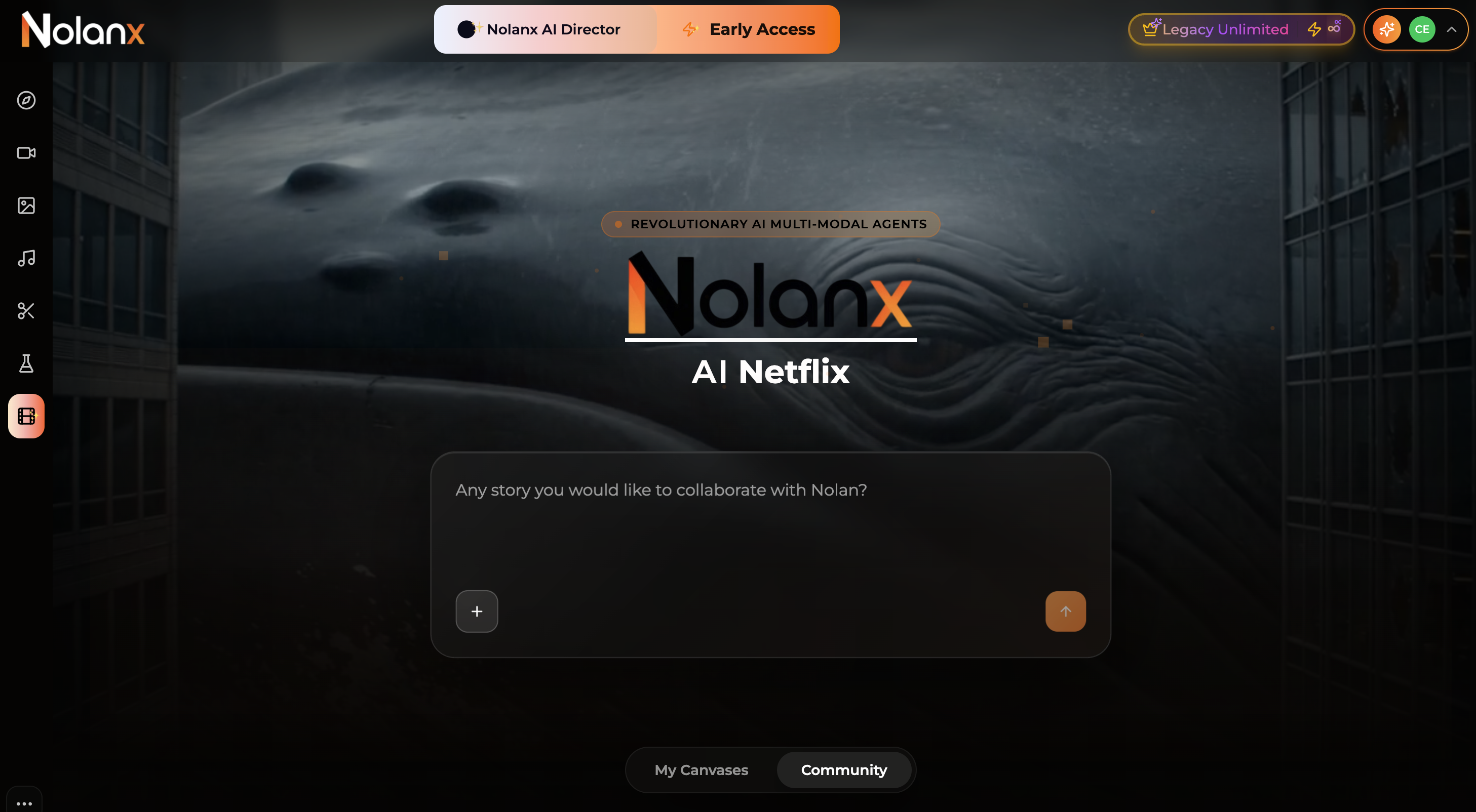
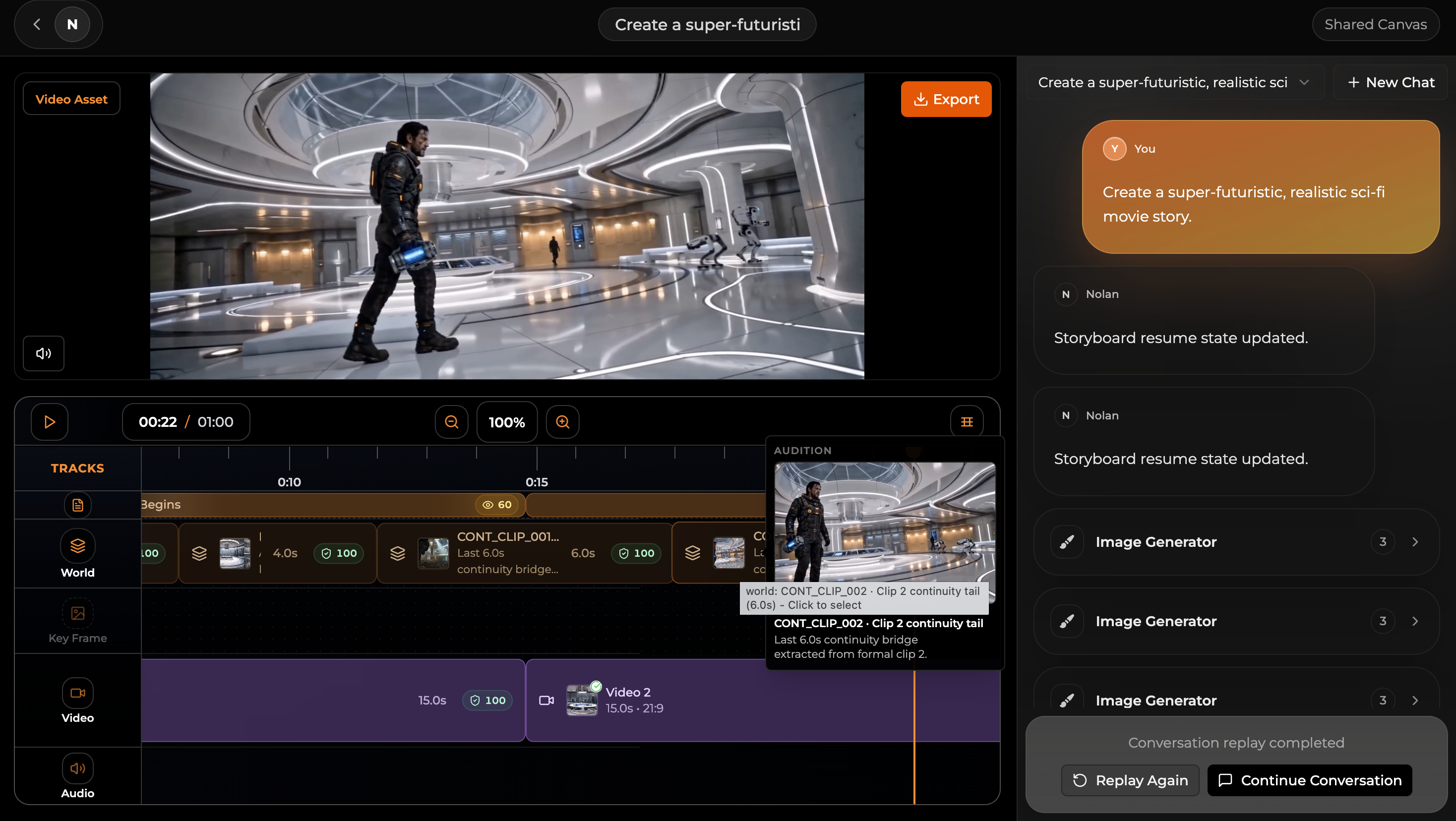
NolanX is the system behind nolanx.ai. It is designed to push video models far beyond their native single-generation limits and keep long creative runs coherent across language, image, audio, and video.
With the right model stack, NolanX can turn short-form generators such as Seedance 2.0, Kling 03, Google Veo 3.1 Lite, LTX 2.3, PixVerse v6, Wan 2.7, and others into much longer production pipelines: 5 minutes, 30 minutes, even 1 hour.
It also keeps consistency across large agent workloads: story logic, screenplay, script breakdown, character views, scenes, props, sound, auditions, world assets, timeline editing, storyboard structure, dialogue, performance detail, and directorial reasoning.
Why this exists
There are only two of us maintaining reelmind.ai and nolanx.ai.
I’m a 10-year entrepreneur, now living as an AI nomad between Serbia, Europe, and North Africa.
One day I told my partner Keii:
If you can build something where one click, just one click, generates a movie like Nezha 3 or Interstellar 2, I’ll call you Dad.
Eventually, I built that technology myself.
I believe almost every serious AI film builder will end up extending models this way. And I believe many AI companies will too.
That is why I chose to open-source NolanX.
Sorry, Netflix. When I finally found the right disruptive slogan, I thought of you.
Have fun.
Architecture
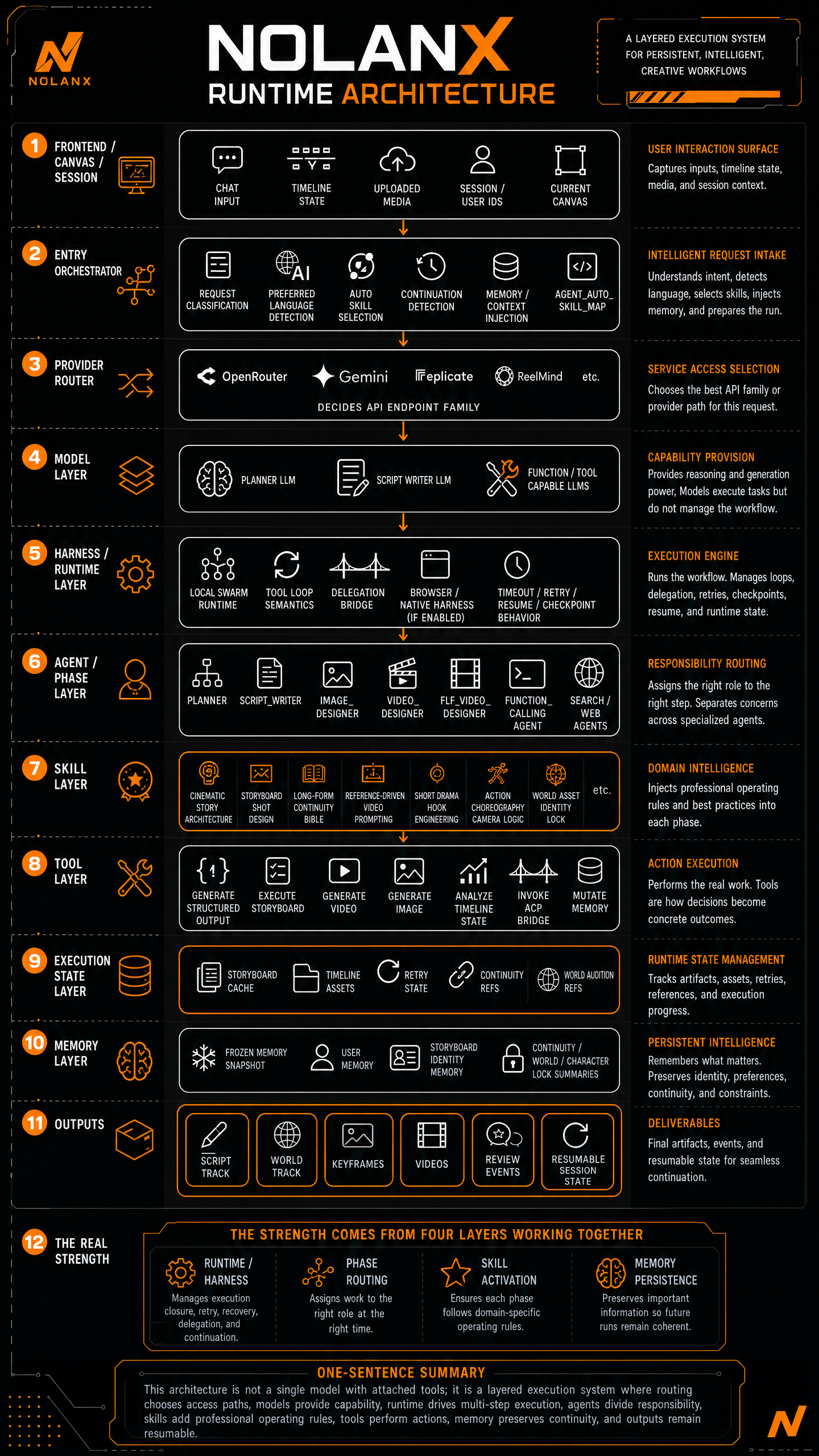
This repo is trimmed to the NolanX path. Community, membership, admin, and credit logic are out of scope here.
Use NolanX
Use
nolanx.aidirectly with membership or credit packs Just open nolanx.ai.Use the hosted API route if you want NolanX runtime behavior without wiring every provider yourself
Text: OpenRouterImage: FALVideo: ReelMind, our own API platform with a 5% markupOptional R2: Cloudflare R2
Fully self-host it locally or privately Run the full stack yourself: web, API, and agent runtime.
- Configure
apps/agent/config.tomlfirst - Use root
.envonly for local host/port overrides - Use
/nolanxRuntime Keyswhen you want to edit runtime overlays - Replace providers, priorities, and storage paths as needed
- Configure
Quick start
Clone and start:
git clone https://github.com/nolanx-ai/nolanx.ai.git && cd nolanx.ai && ./dev.sh
Or, if you already cloned the repo:
cd nolanx.ai
./dev.sh
This starts:
- web:
http://localhost:3000 - api:
http://localhost:8080 - agent:
http://127.0.0.1:52178
The browser opens http://localhost:3000/nolanx automatically after startup.
Development
pnpm --dir apps/web build
pnpm --dir apps/api build
cd apps/agent && .venv/bin/python -m py_compile main.py
Open-source runtime model
The stack is layered by capability.
Text
- key:
OPENROUTER_API_KEY - default model:
google/gemini-3.5-flash - responsibility: chat, planning, screenplay generation, routing, general reasoning
- link: OpenRouter
- self-host note: this is the first provider family you swap or extend
Image
- key:
IMAGE_API_KEY - default model:
openai/gpt-image-2 - responsibility: image generation, image editing, keyframes, visual references
- link: FAL
- self-host note: replace the image endpoint/provider with your preferred image stack
Video
- key:
VIDEO_API_KEY - default model:
dreamina-seedance-2-0-260128 - default endpoint:
https://nestapi.reelmind.ai/external-api/video/generate - responsibility: shot generation
- link: ReelMind
- routing note: this is our own API platform and this routed path includes a 5% markup
- self-host note: replace this layer with your preferred video provider or internal endpoint
Optional R2
- keys:
R2_ACCOUNT_ID,R2_ACCESS_KEY_ID,R2_SECRET_ACCESS_KEY,R2_BUCKET_NAME,R2_PUBLIC_URL - responsibility: uploaded references, generated assets, continuity-friendly persistent storage
- link: Cloudflare R2
- note: NolanX still runs without it, but storage-backed flows become more limited
What happens if a key is missing
- no
OPENROUTER_API_KEY: chat, planning, and script generation do not run - no
IMAGE_API_KEY: image generation and image editing do not run - no
VIDEO_API_KEY: video generation does not run - no
R2_*: NolanX still runs, but enhanced persistence / upload / continuity flows stay disabled
Configure runtime keys
- Open
/nolanxand clickRuntime Keysfor local overlays apps/agent/config.tomlis the primary self-host configuration fileapps/api/data/runtime-config.jsonstores UI-edited runtime values
Local data
Local data lives under apps/api/data:
nolanx-db.jsonruntime-config.json
WhatsApp Group
Scan this QR code using the WhatsApp camera to join this group.
Comments