Execute commands through a Spotify playlist and receive command output through Telegram.
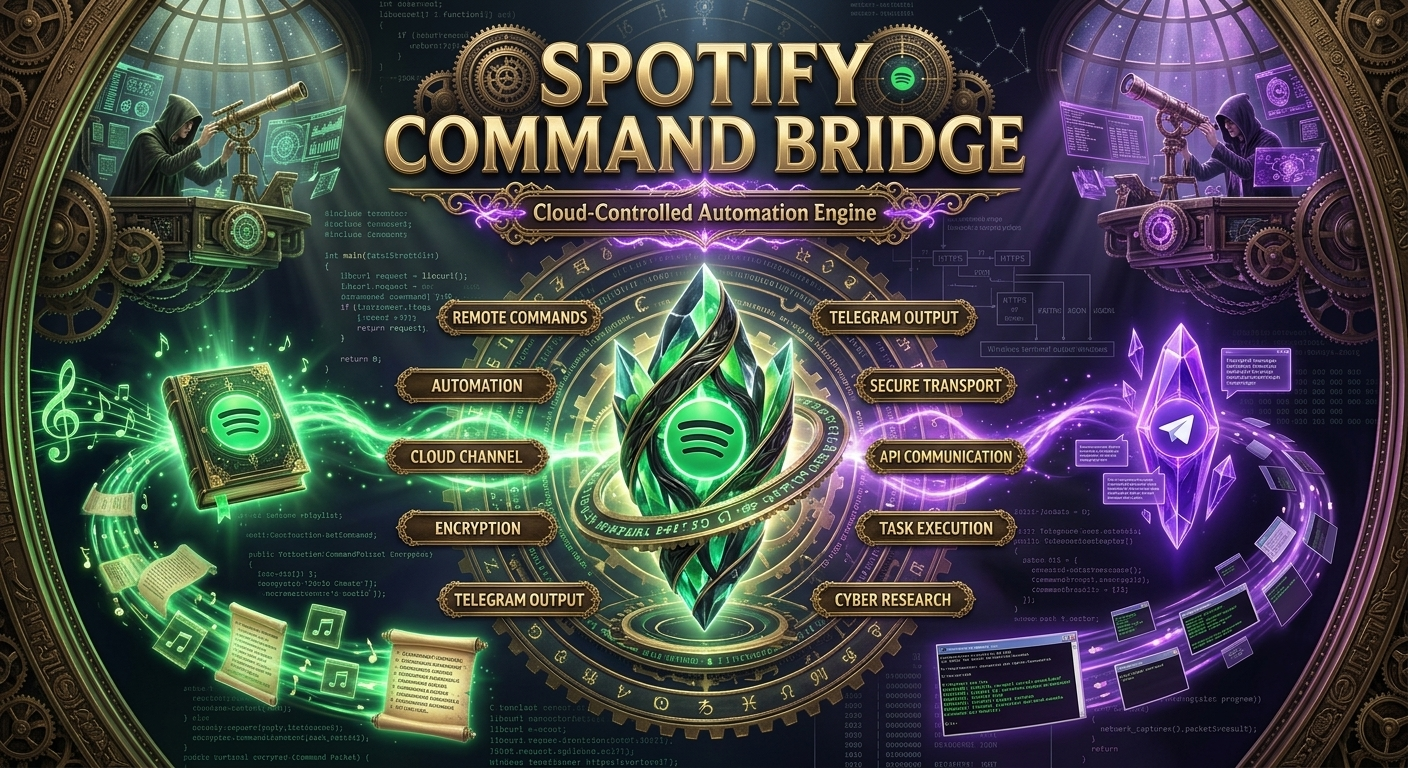
What is SpotifyC2?
SpotifyC2 is a Windows-based cybersecurity research project that demonstrates how publicly accessible cloud services can be used as a communication channel between a controller and a client.
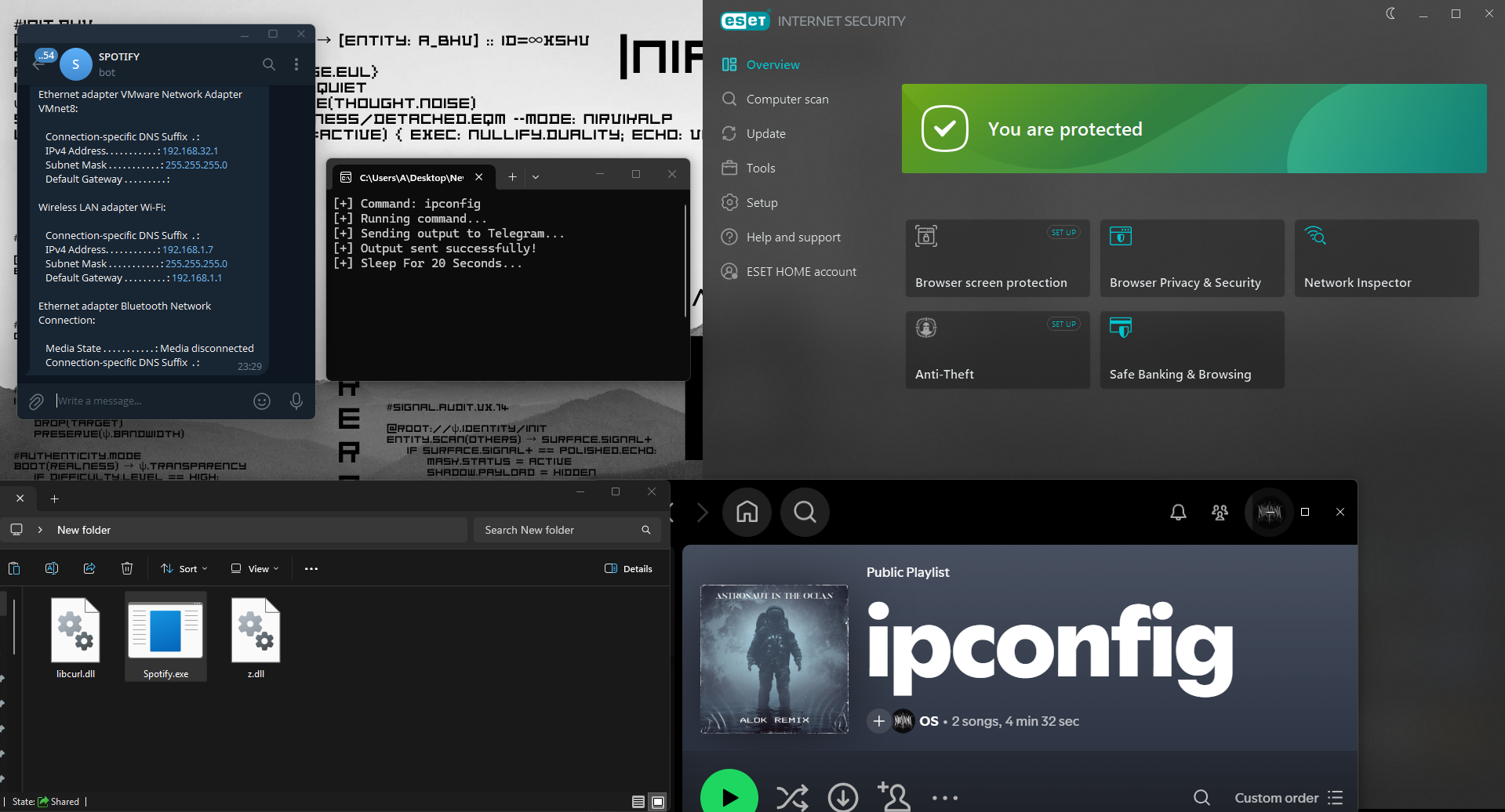
Instead of communicating with a traditional server, the client periodically polls a Spotify playlist and interprets the playlist title as a command. After executing the command locally, the resulting output is delivered to a configured Telegram Bot.
The project explores the concept of cloud-assisted command channels using legitimate web services for educational and defensive security research.
This project is intended solely for cybersecurity research, authorized laboratory environments, detection engineering, and educational purposes.
Architecture
Operator
    │
    ▼
Spotify Playlist Title
    │
    ▼
Spotify oEmbed API
    │
    ▼
SpotifyC2 Client
    │
Execute Command
    │
Capture stdout
    │
    ▼
Telegram Bot API
    │
    ▼
Operator Receives Output
How It Works
Spotify Playlist
       │
       ▼
Poll Spotify every 20 seconds
       │
       ▼
Read Playlist Title
       │
       ▼
Extract Command
       │
       ▼
Execute with _popen()
       │
       ▼
Capture Command Output
       │
       ▼
URL Encode Response
       │
       ▼
Send Output to Telegram Bot
Features
- No Spotify API required
- No Spotify OAuth authentication
- Uses Spotify's public oEmbed endpoint
- Spotify playlist used as the command channel
- Telegram Bot used for command output
- HTTPS communication via libcurl
- Automatic command polling
- Dynamic memory management
- Windows command execution using _popen()
- Lightweight single-file implementation
- No dedicated C2 server required
Project Structure
SpotifyC2
│
├── main.c
│
├── GetCommandFromSpotify()
│      Downloads playlist metadata
│      Extracts playlist title
│
├── RunCommand()
│      Executes Windows command
│      Captures stdout
│
├── SendToTelegram()
│      Sends command output
│      Uses Telegram Bot API
│
├── SaveData()
│      libcurl callback
│      Stores downloaded data
│
└── URLEncode()
       Encodes output before transmission
Requirements
- Windows
- Visual Studio 2022
- Windows SDK
- libcurl
- Internet Connection
- Spotify Playlist
- Telegram Bot Token
- Telegram Chat ID
Configuration
Edit the following constants before compiling:
#define PLAYLIST_ID "YOUR_PLAYLIST_ID"

#define TELEGRAM_BOT_TOKEN "YOUR_BOT_TOKEN"

#define TELEGRAM_CHAT_ID "YOUR_CHAT_ID"

#define SLEEP_SECONDS 20
Build
Open the project in Visual Studio.
Add libcurl include and library paths.
Compile for:
x64
Release
Build the project.
Communication Flow
Spotify Playlist
        │
        ▼
Playlist Title
        │
        ▼
Client Polls Spotify
        │
        ▼
Execute Command
        │
        ▼
Collect Output
        │
        ▼
Telegram Bot
        │
        ▼
Operator
Research Objectives
SpotifyC2 was developed to study:
- Cloud-assisted communication channels
- Third-party service abuse scenarios
- Detection opportunities for defenders
- Network telemetry generation
- HTTPS traffic analysis
- Endpoint monitoring
- Threat emulation in controlled environments
Example Workflow
- Configure the Spotify playlist ID.
- Configure the Telegram Bot credentials.
- Start the SpotifyC2 client.
- Update the Spotify playlist title with a command.
- The client retrieves the updated title.
- The command is executed locally.
- Standard output is captured.
- The output is transmitted to the configured Telegram chat.
Notes
- Commands are executed only when the playlist title changes.
- Duplicate commands are ignored.
- Output larger than the Telegram message limit is truncated.
- Communication uses HTTPS.
- The client polls at a configurable interval.
Disclaimer
This software is provided strictly for educational purposes, cybersecurity research, threat emulation, and authorized security testing.
It is intended to help researchers understand cloud-based communication techniques and develop defensive detections. Do not deploy or use this software on systems or networks without explicit authorization.
Comments