Dockerized GLPI 11 installation and database migration from an existing GLPI 10 instance. Technical Internship Project – 2026
📸 Screenshots
 |
 |
 |
Description
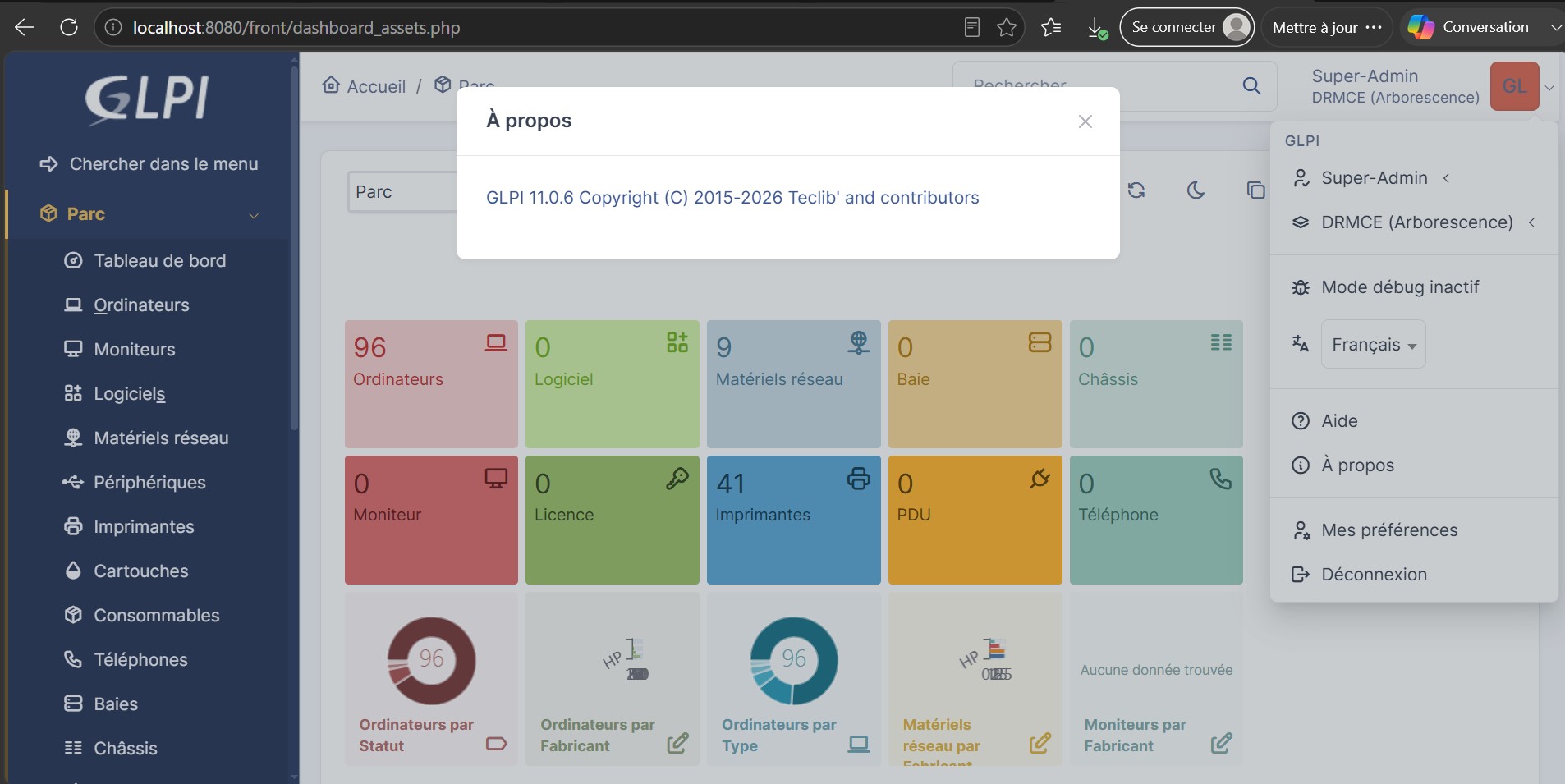
This project was carried out during a technical internship. The company was already running GLPI 10 for IT asset and service management. The goal was to deploy a new GLPI 11 environment using Docker, then migrate the existing database from version 10 to version 11 — entirely on Windows, using Docker Desktop and PowerShell/CMD, without any Linux VM.
⚠️ For confidentiality reasons, no real company data (database dumps, screenshots with real records) is included in this repository. Only the technical setup and migration methodology are documented here.
⚙️ Features
Infrastructure
- Fully Dockerized – three isolated, orchestrated containers
- Persistent Storage – named volumes for both database and GLPI files
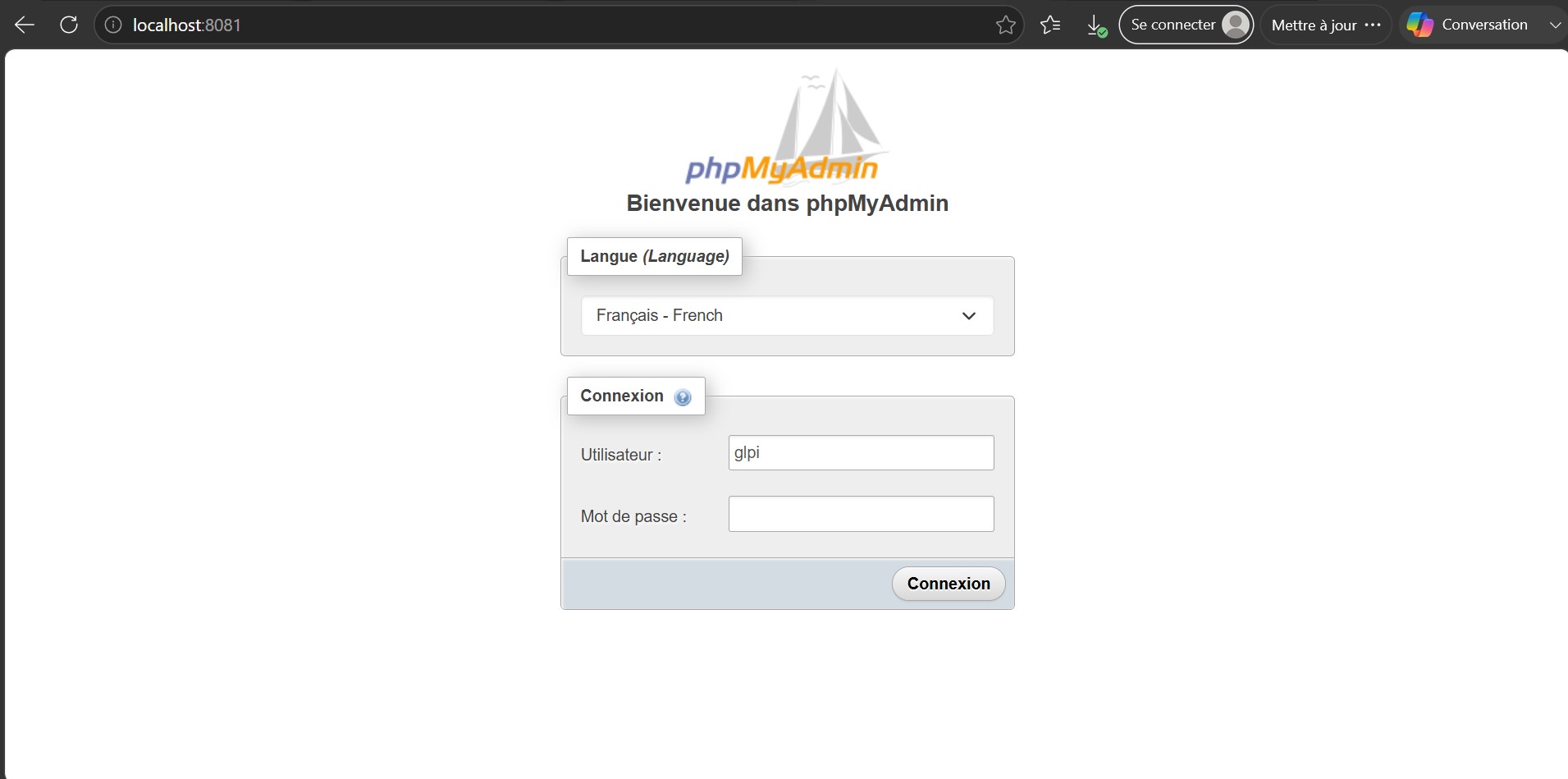
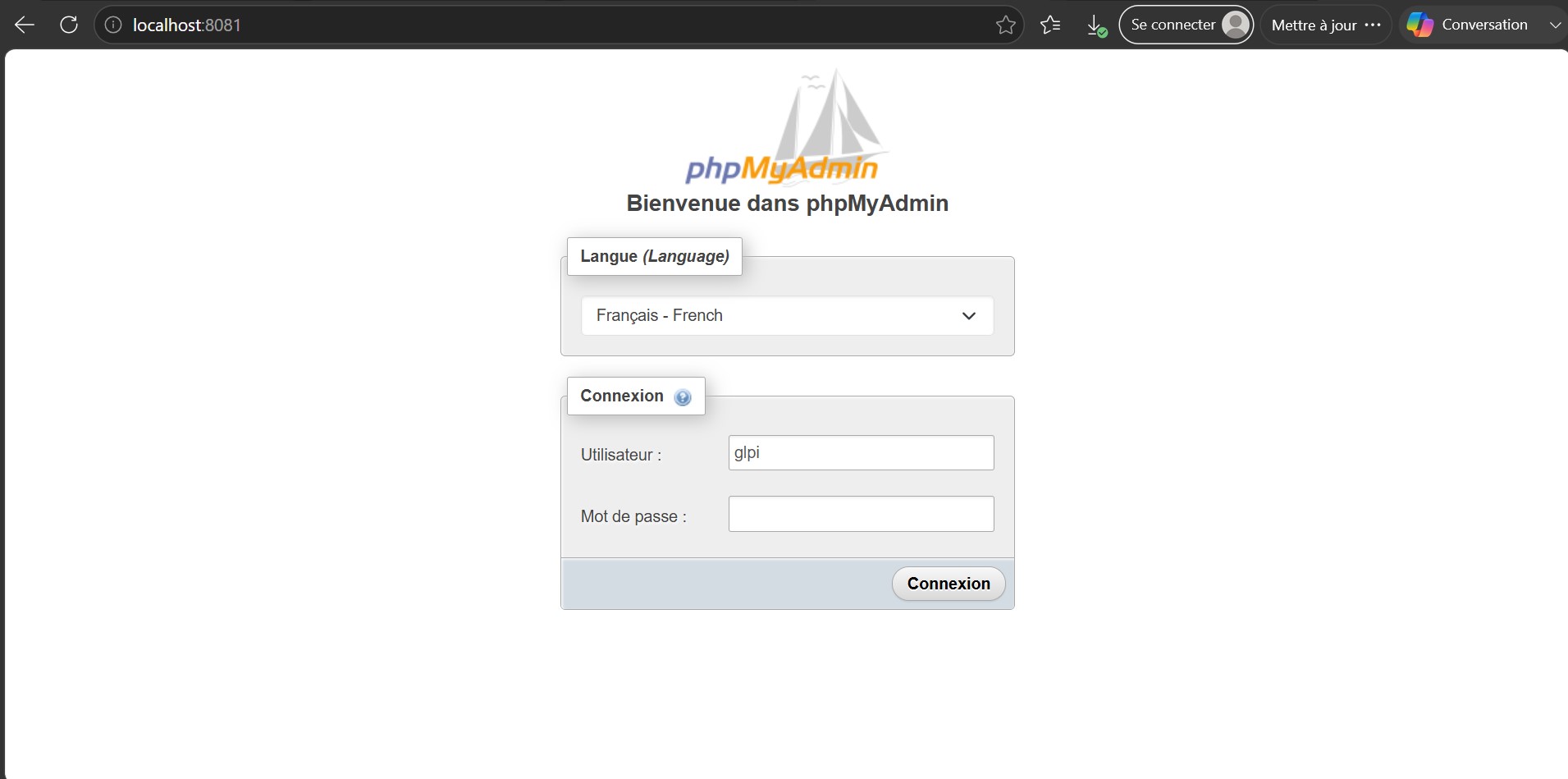
- Web-based DB Management – phpMyAdmin included for inspection and troubleshooting
Migration
- Version-to-Version Upgrade – GLPI 10.0.7 database migrated into a fresh GLPI 11 schema
- Automated Update Detection – GLPI's built-in upgrade wizard triggered on first access
- Manual Schema Fixes – SQL adjustments applied where automatic migration was incomplete
Technologies
| Technology | Usage |
|---|---|
| Docker Desktop | Container orchestration (Windows) |
| Docker Compose | Multi-container configuration |
| MariaDB 10.6 | Database engine |
| GLPI (diouxx/glpi) | ITSM application |
| phpMyAdmin | Database administration |
| PowerShell / CMD | Command execution & migration scripts |
📁 Project Structure
glpi-10-to-11-docker-migration/
│
├── docker-compose.yml
├── .gitignore
├── README.md
└── MIT License
Getting Started
Prerequisites
- Docker Desktop (Windows)
- Basic familiarity with PowerShell / CMD
Installation
- Clone the repository
git clone https://github.com/Nexus-Vertex/glpi-10-to-11-docker-migration.git
cd glpi-10-to-11-docker-migration
- Start the containers
docker compose up -d
- Access the services
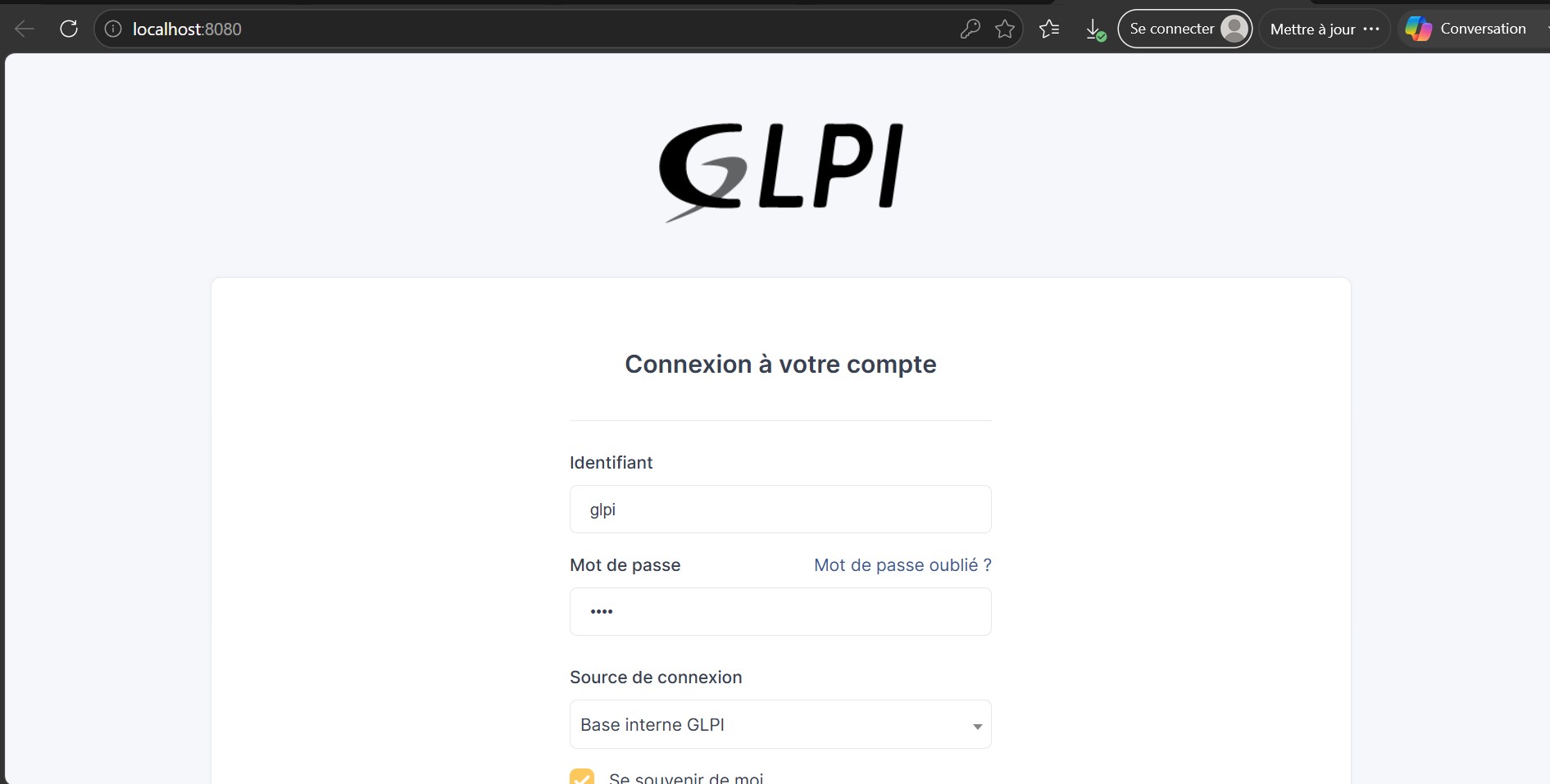
- GLPI: http://localhost:8080
- phpMyAdmin: http://localhost:8081
🔄 Migration Process
- Deploy the new stack – start GLPI 11 fresh so the empty schema is created
- Import the GLPI 10 database into the new container
docker exec -i glpi-db mysql -u glpi -p glpi < glpi_backup_10.0.7.sql
- Trigger the schema update – accessing GLPI's web interface automatically detects the version mismatch and starts the update process
- Apply manual SQL fixes – some schema differences between GLPI 10 and 11 required manual adjustments via CMD
- Verify the migration – checked database structure via phpMyAdmin and validated functionality through the GLPI dashboard
Duration: ~1 month (setup, migration, and troubleshooting)
Author
- GitHub : @Nexus-Vertex
- Email : leilaeltousy@gmail.com
📝 License
This project is shared for educational and portfolio purposes.
⭐ If you find this project useful, feel free to give it a star!
Comments