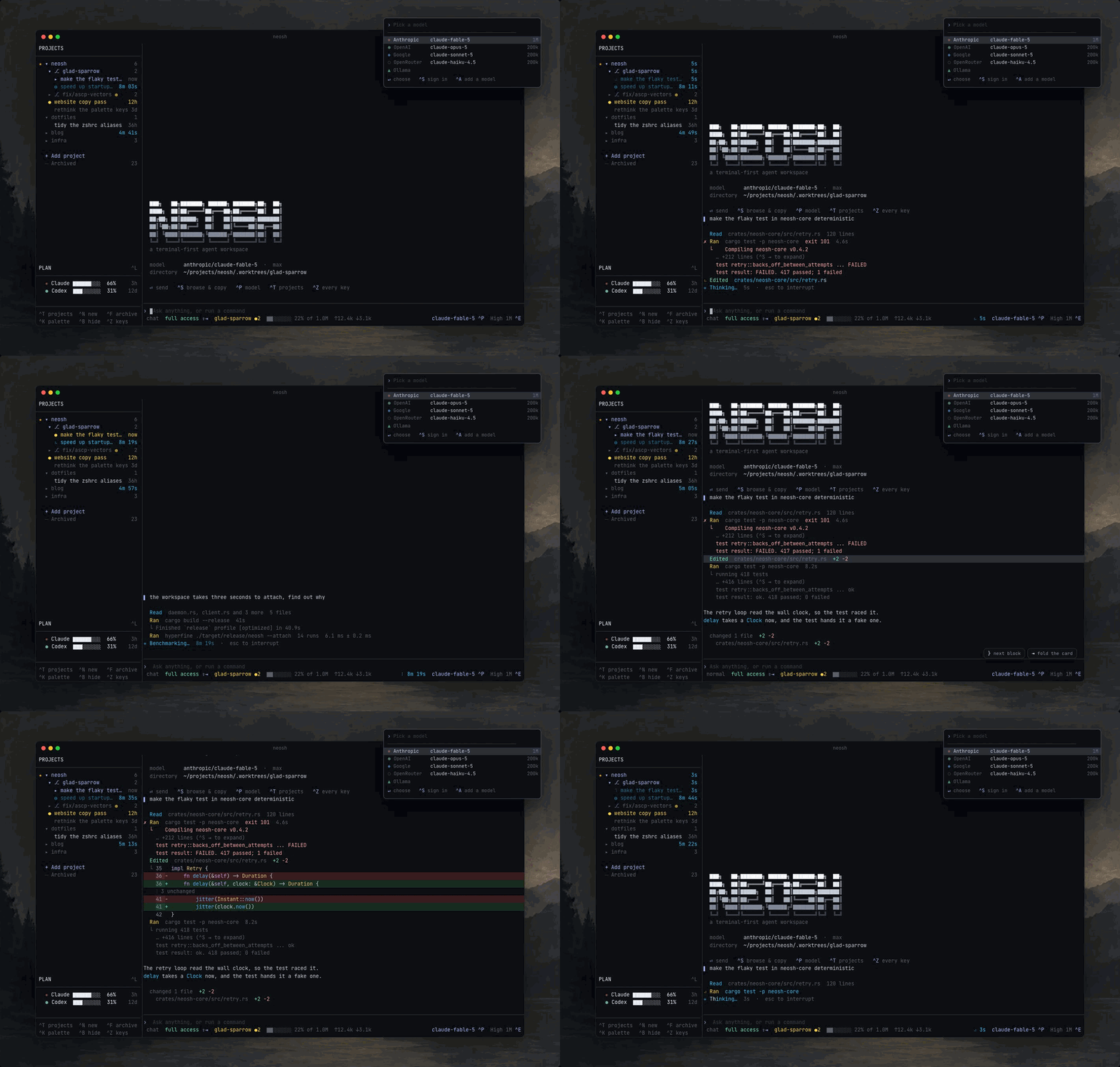

Neovim for controlling AI agents.
A terminal workspace where every feature is a plugin.
Quick start · How it works · Plugins · Configuration · Docs · Community · Contributing
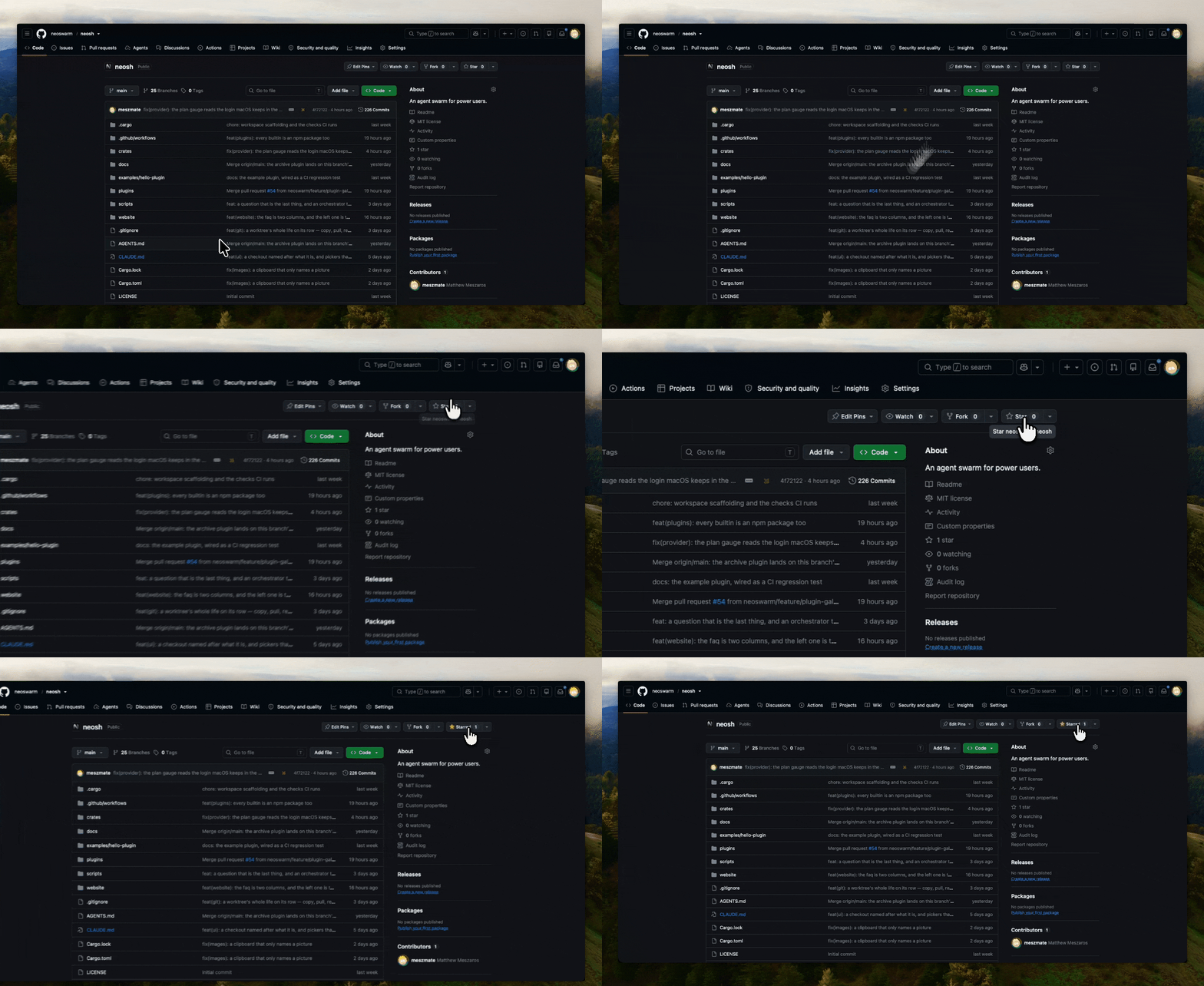
⭐ Help us reach more terminal lovers. Star this repo!
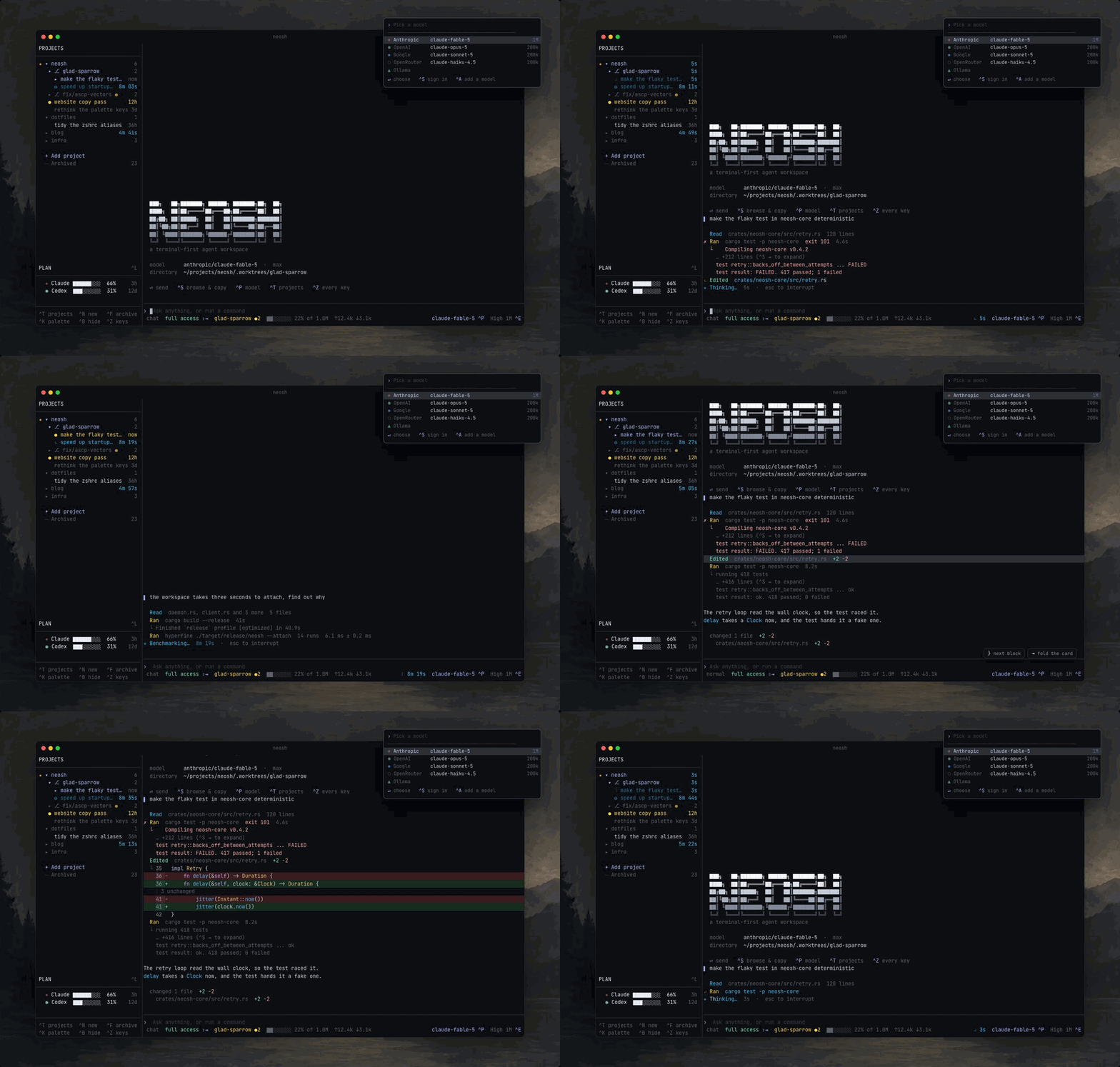
Run coding agents the way you run Neovim. One workspace, any model, and a public API that every built-in feature is written on. If you can see it, a plugin can replace it.
Quick start
curl -fsSL https://neoswarm.dev/install.sh | sh
Or with Homebrew, npm, or from crates.io:
brew install neoswarm/tap/neosh
npm install -g neosh
cargo install neosh          # builds deno_core from source, so give it a quarter of an hour
Or from source:
git clone https://github.com/neoswarm/neosh
cd neosh
cargo run
No API key needed. An existing claude login works as is, and 423 models are reachable before you
configure anything. neosh init writes a starter config you can edit. Every install option is in
the installation guide.
Start a conversation with the question already in it:
neosh "why is the composer eating my paste"
From a script, or from another agent
neosh agent is the workspace without a screen — the same API a plugin uses, over the same socket
a terminal attaches to. A shell loop, a CI job or a coding agent can run ten conversations at once
while you carry on working in the terminal.
neosh agent start -C ../wt-login "fix the redirect loop"   # prints an id
neosh agent ls                                             # what is running
neosh agent watch                                          # follow, live
neosh agent wait 3f2a1b0c --timeout 900 && ./deploy.sh     # the exit status is the answer
Nothing there takes a screen, and what it starts is an ordinary conversation you can open with ^T.
neosh skill install teaches Claude Code, Codex, Cursor and Gemini to drive it. Full reference:
scripting.
How it works
The workspace is a process. Terminals attach to it, and each one is somewhere in it: its own
conversation, its own scroll, its own panels, while the work is shared, so every window shows
every turn that is running and where. Close one, the turns keep running, and neosh puts you back.
flowchart LR
  T1["Your terminal"] --> WS
  T2["The laptop, later"] --> WS
  T3["A teammate's screen"] --> WS
  subgraph WS["One workspace process"]
    direction TB
    PL["Plugins (TypeScript)<br/>sidebar · git · palette · your init.ts"] --> CORE["One core (Rust)<br/>buffers · windows · keys · turns"]
  end
  CORE --> A["Agents"]
  A --> P["claude · codex · any OpenAI-shaped endpoint"]
  WS -.->|"paired over ASCP"| M["Another machine's workspace"]
Everything on screen came through the same API a third party plugin uses. The chat, the sidebar, git, the palette. All defaults, and a default is something you turn off.
- One workspace, many terminals - attach from anywhere, detach without stopping anything
- Any model - your
claudelogin, an API key, or any OpenAI-shaped endpoint - Worktrees built in - every conversation gets its own branch, named by what you asked for
- Machines - pair computers and steer agents that live on them, each one keeps its own files
- Vim keys everywhere - read the transcript in normal mode, take pieces of it out
- Plugins in TypeScript - fully typed API, and the built-ins are written on it too
Plugins
A plugin is a folder with a plugin.toml and a main.ts. Drop it in, it runs.
import type { PluginContext } from "@neosh/api";

export async function activate({ neosh }: PluginContext) {
  const buf = await neosh.buf.create({ name: "[hello]" });
  await neosh.float.open(buf, { border: "rounded", title: "hi" });
}
Guide: neoswarm.dev/docs/plugins. Writing one with an agent? Point it at neoswarm.dev/skill.md. Built one? Put it in the showcase. One file, one pull request.
Configuration
Same layout Neovim uses. ~/.config/neosh/init.ts is a plugin with the whole API, and
config.toml sits beside it for plain settings. See
neoswarm.dev/docs/configuration.
Models
| driver | needs |
|---|---|
claude-cli |
your existing claude login |
anthropic |
ANTHROPIC_API_KEY |
openai-compat |
any endpoint speaking the OpenAI shape |
google |
GEMINI_API_KEY |
Adding an endpoint is a config entry, never code.
Documentation
The full docs live at neoswarm.dev/docs.
| Read this | To learn |
|---|---|
| Start guide | Install, first conversation, the keys that matter |
| Configuration | config.toml, init.ts, and where everything lives |
| Keymaps | Rebinding anything, modes, and the command palette |
| Models | Drivers, endpoints, and per-model options |
| Machines | Pairing computers and steering remote agents |
| Writing a plugin | From empty folder to something on screen |
| Scripting | neosh agent, running many at once, and the skill for coding agents |
| Docs for agents | llms.txt, the plugin skill, and what to tell your agent |
Community
neosh is non profit and held by the people who use it. No company behind it, and not affiliated with the Neovim project, just built in its spirit.
- Discord - talk to the people building and using it
- GitHub Issues - report bugs and request features
- Pull requests - for everything else
Star the repository ⭐
A star helps more people find neosh, and it is the one metric a non profit project has.
Security
Found a vulnerability? Report it privately through GitHub security advisories instead of opening a public issue.
Comments