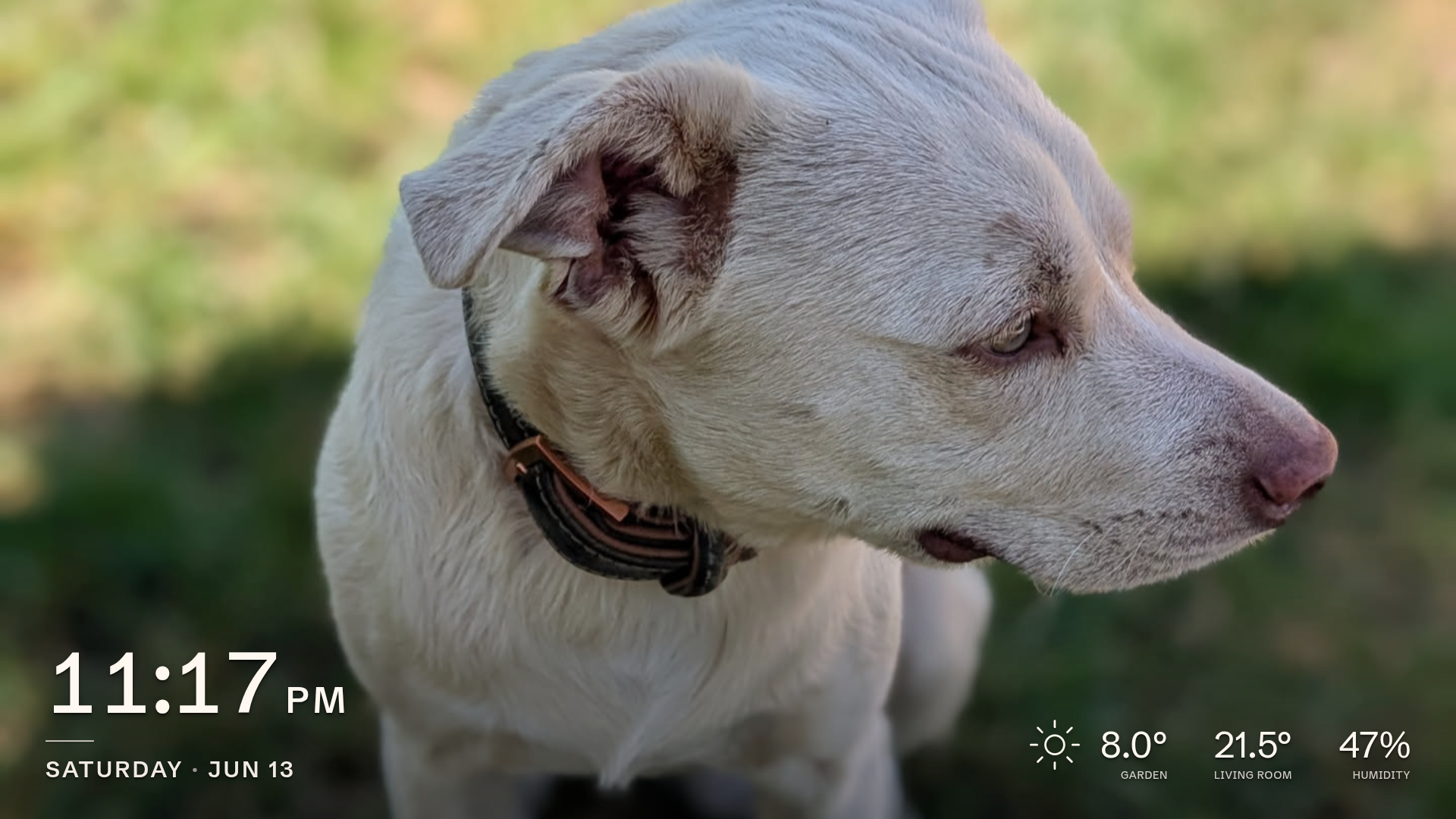
A self-hosted digital picture frame for the Raspberry Pi.
Your photos beside the time, the weather, and the real temperature in your rooms. Motion-aware, private, and plugged into Home Assistant.
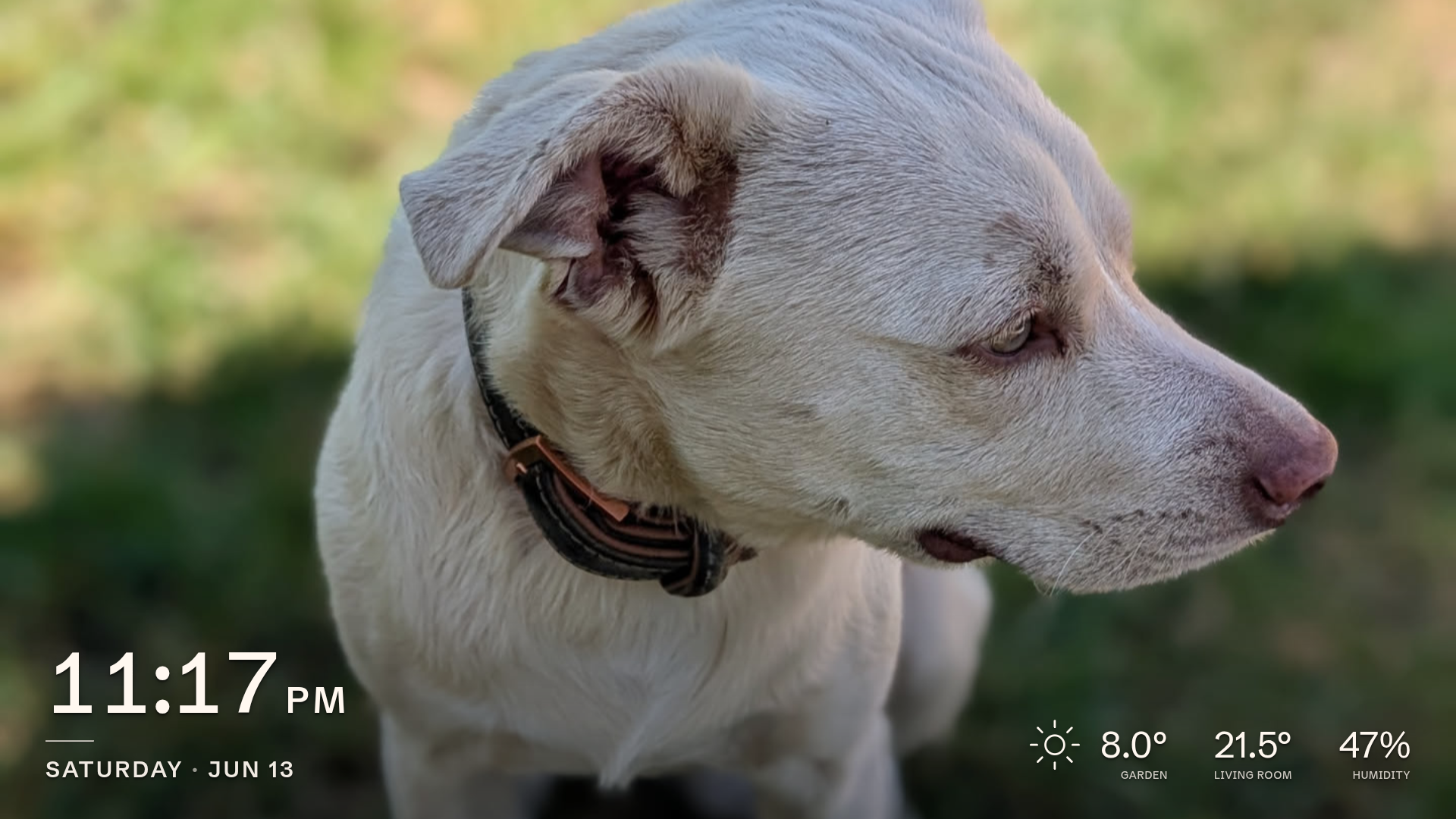
It runs as a single static binary that serves both the on-screen kiosk display and a browser admin interface, so you set everything up without re-flashing. It is light enough for a Raspberry Pi Zero W driving an HD screen, and written in Go and Svelte.
Highlights
- Smooth crossfades: fluid fade transitions between photos, even on hardware as modest as a Raspberry Pi Zero W driving an HD display.
- Motion-aware screen power: the panel blanks when the room is empty and wakes on motion. A manual on/off override persists across restarts.
- Your photos, your way: local uploads (cropped in the browser) or a synced Immich album.
- Two-way Home Assistant: publishes sensor and screen state over MQTT with auto-discovery, and lets Home Assistant control the frame.
- Live overlay: a localized clock and date, weather (OpenWeatherMap), and live Bluetooth or MQTT sensor readings, captioned in your own words.
- Built-in Wi-Fi management: including a self-hosted access-point fallback with a captive portal when no known network is in range.
- Local-first: runs entirely on your LAN with no cloud account. The only things that reach the internet are the optional weather feed and clock sync. Add an RTC module and it runs fully offline, even air-gapped.
- Highly customizable: every option is set from the admin interface and saved to a TOML file.
Documentation
The full documentation lives at https://picture-frame-2kf.pages.dev. It covers installation, a guided tour of the admin interface, every configuration option, and the engineering notes behind the project.
Install
On a fresh Raspberry Pi OS Trixie Lite, reachable over SSH:
curl -fsSL https://github.com/MateEke/picture-frame/releases/latest/download/install.sh | sudo bash
See the Install guide for the requirements, options, and first setup.
Development
make build # builds the SvelteKit UI and the static ARM binary into dist/
See CONTRIBUTING.md for the development environment and the checks a change
needs to pass, and deploy/README.md for the system-level details behind an
install.
Comments