English | 简体中文
ReArk is a reverse engineering tool for HarmonyOS NEXT HAP/APP/ABC files. It focuses on package browsing, Ark bytecode disassembly and decompilation, resource preview, signature inspection, search, and optional AI-assisted analysis.
Overview
ReArk is built for legally authorized application analysis and security research. It provides a desktop UI for opening HarmonyOS packages, navigating decompiled output, inspecting resources, and asking context-aware questions about the current app.
Features
- Open
.hap,.app, and.abcfiles. - Browse package structure, source files, resources, and signatures.
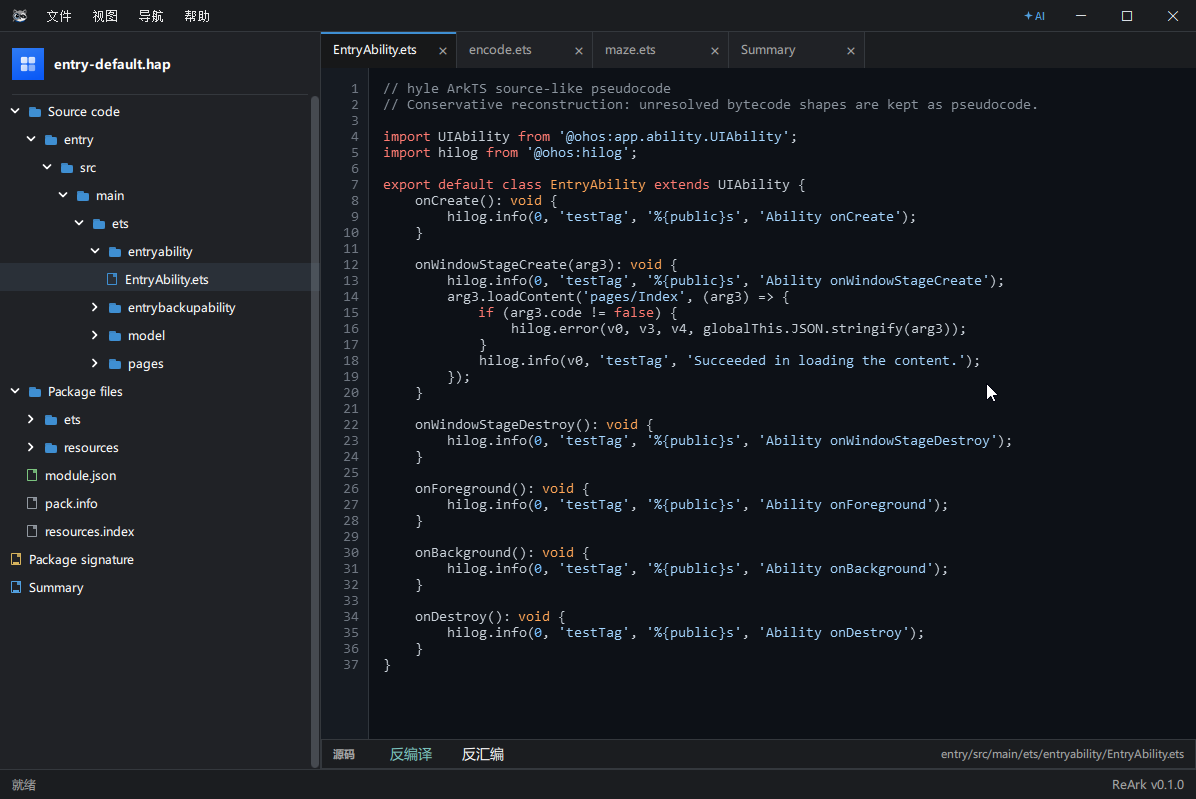
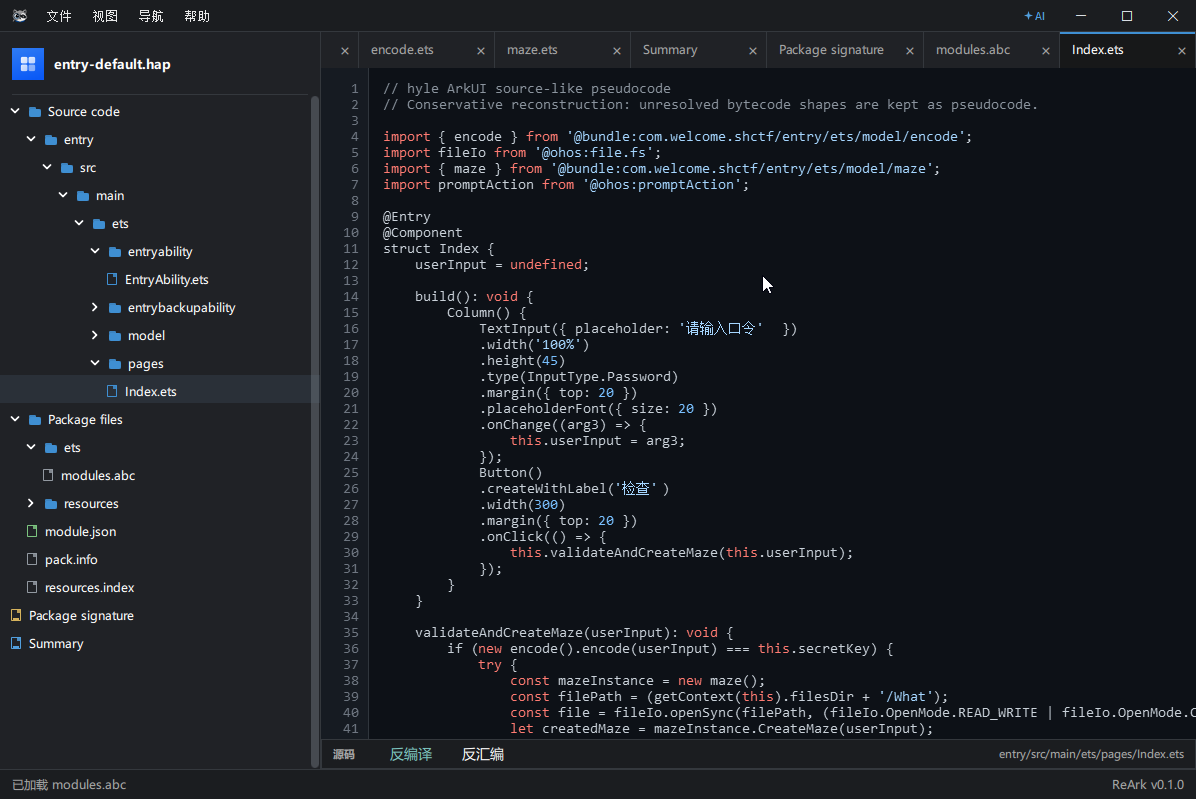
- View decompiled source, disassembly, formatted JSON, images, media, text, and hex content.
- Search and quick-open files from the package tree.
- Inspect package signature and certificate information.
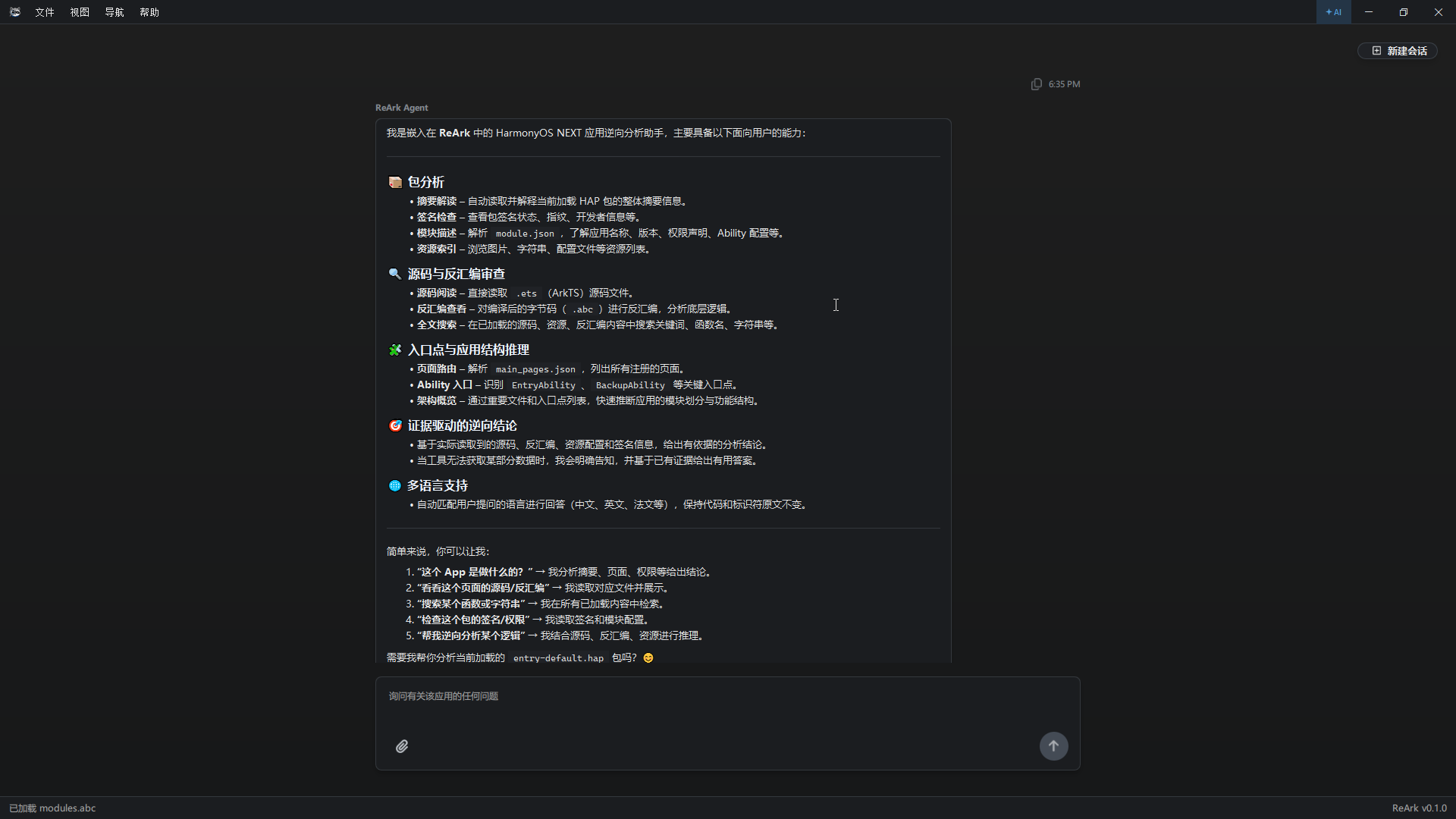
- Use ReArk Agent for contextual app analysis with model provider presets, tool-assisted package inspection, and reference knowledge indexing.
- Navigate a desktop UI designed for reverse engineering workflows.
Screenshots
| Workspace overview | Ark disassembly |
|---|---|
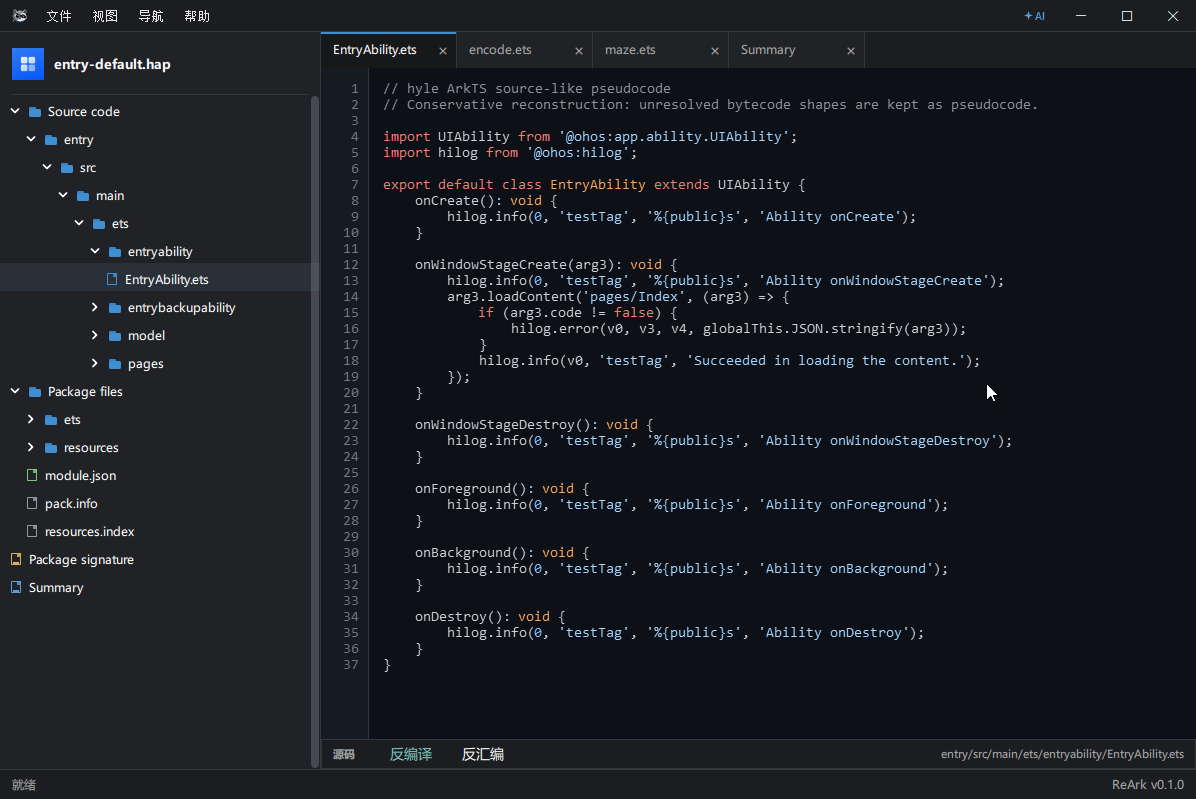 |
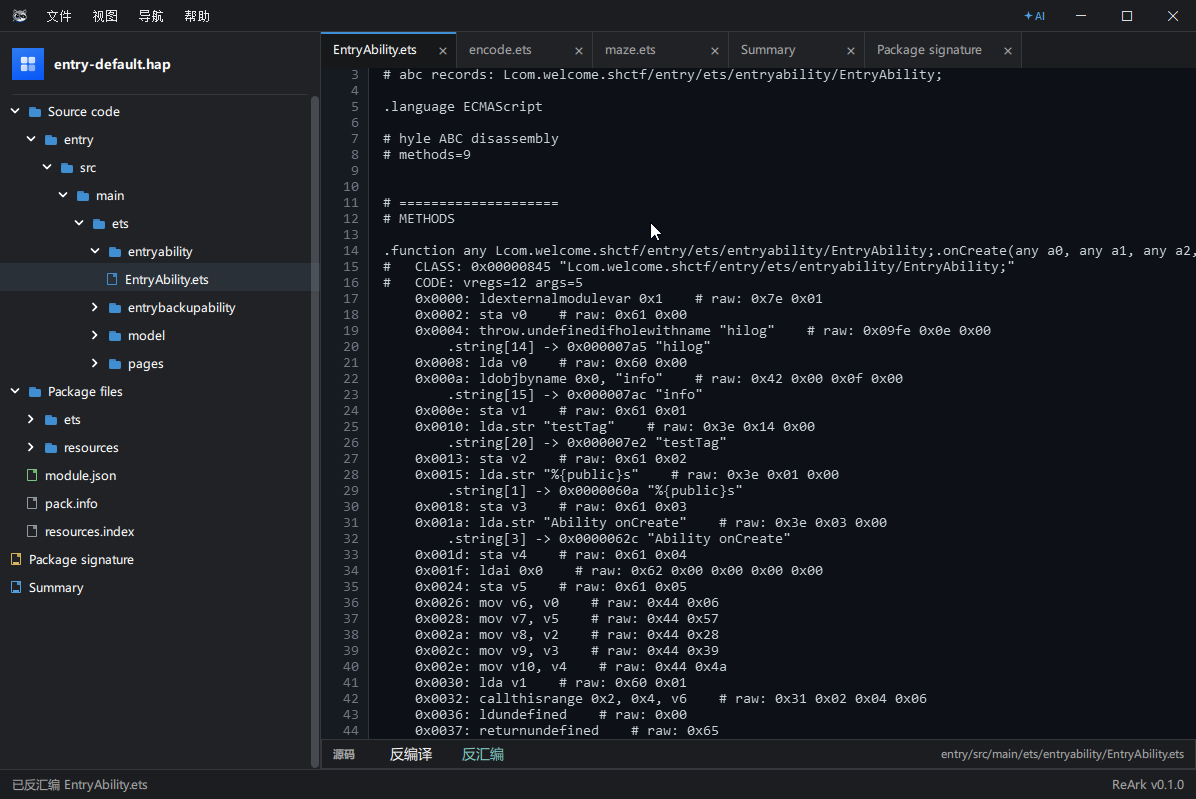 |
| ABC / Hex inspection | Decompiled pages |
|---|---|
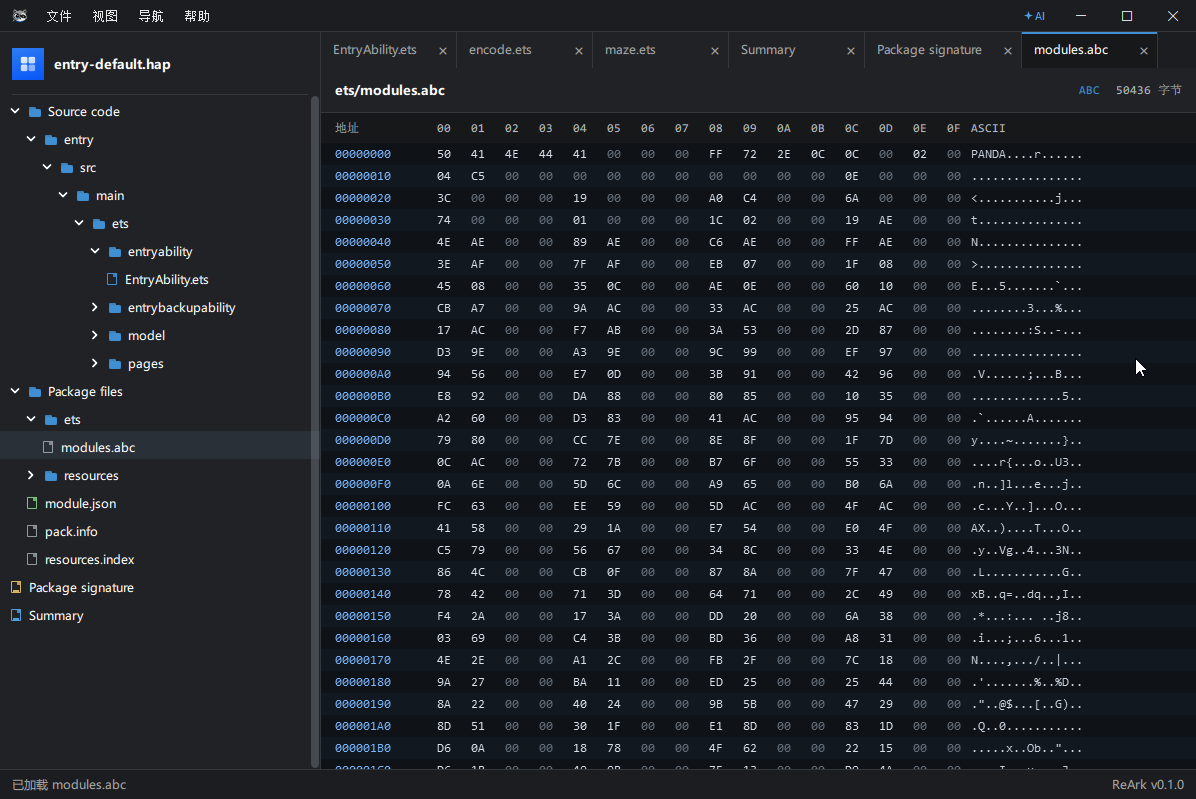 |
 |
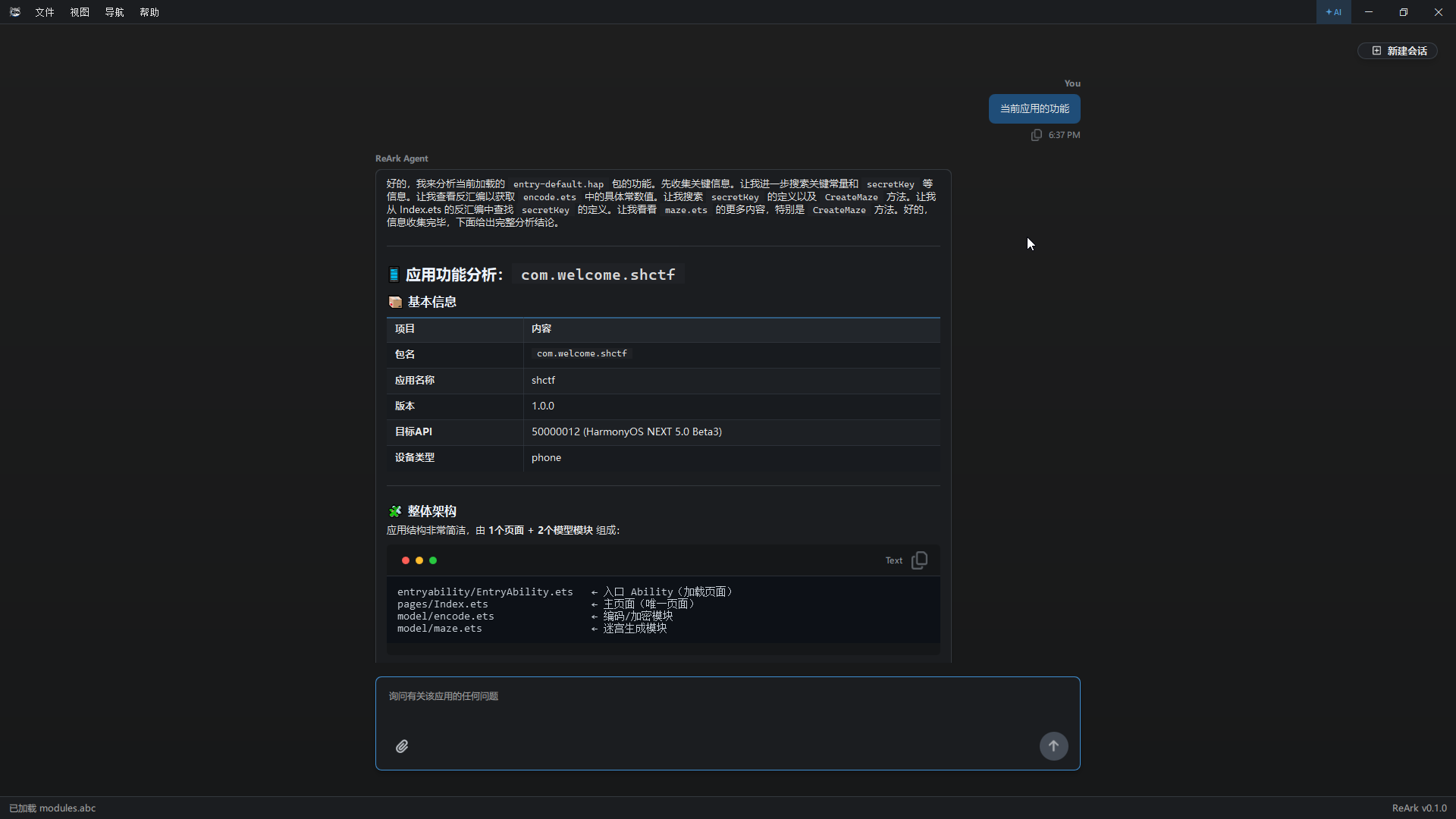
| ReArk Agent | Agent analysis |
|---|---|
 |
 |
Quick Start
Installation
Download and run the Windows installer:
ReArk-0.1.0-windows-x64-setup.exe
ReArk Agent
ReArk Agent brings model-assisted reverse engineering directly into the workspace. It can analyze the currently opened application, inspect package metadata and file content on demand, read relevant decompiled source or disassembly, and produce structured answers from the same context you are viewing in ReArk.
It supports multiple model providers and deployment styles, including OpenRouter, OpenAI, OpenAI-compatible endpoints, Anthropic, Gemini, Ollama, DeepSeek, DashScope, and Qwen. Provider presets include default endpoints and recommended models, while advanced users can override base URLs, model names, API key requirements, and embedding settings.
ReArk Agent also supports reference knowledge indexing. You can attach documents such as Markdown, text, HTML, JSON, CSV, PDF, DOCX, PPTX, and XLSX files, then ask questions that combine package context with your own reference material.
The Agent is designed for product-facing answers: it avoids exposing internal tool names or implementation details, follows the user's language, and keeps Markdown output compatible with ReArk's renderer.
Safety and Privacy
Use ReArk only for legally authorized reverse engineering, interoperability work, malware analysis, and security research. Do not use it for unauthorized bypass, attacks, or data extraction.
When using ReArk Agent, avoid sharing secrets, certificates, user data, trade secrets, or other sensitive content with remote model providers.
Comments