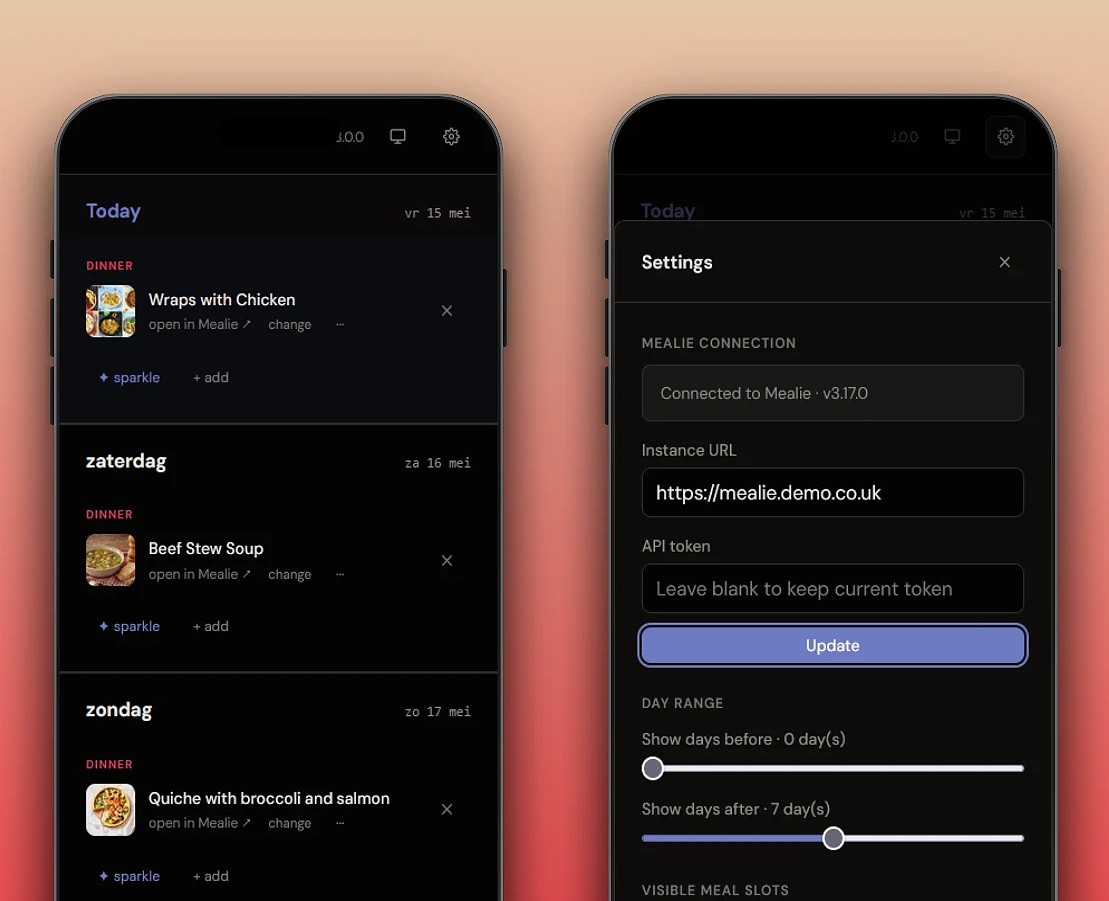
Mealie Planner is a self-hosted week-view meal planner for Mealie. Browse your recipe library, drag meals onto your week grid, and let the sparkle feature suggest random dishes. Enable the quick-add feature to import recipes from video, web page or image.
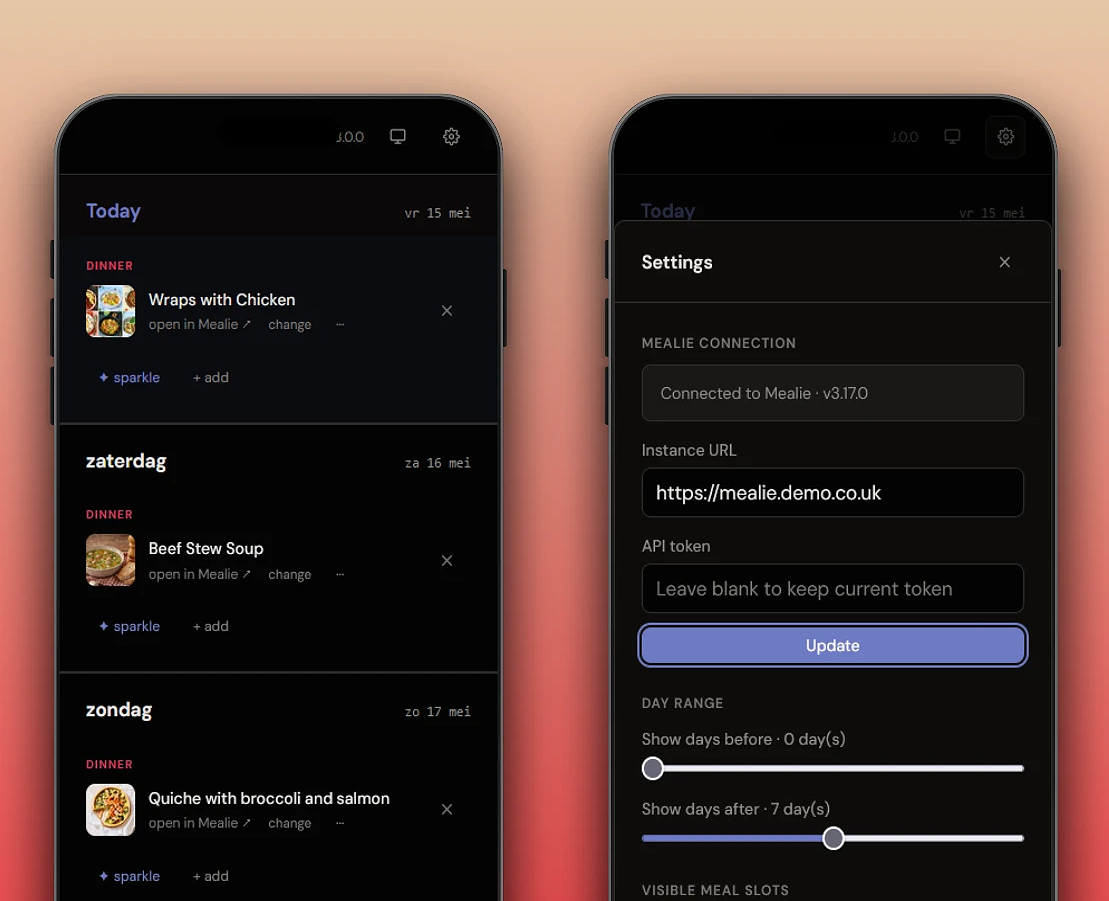
We want to make it incredibly simple to plan your meals for the week ahead. Manage your weekly meal plans with Mealie Planner. Share access and use the week-at-a-glance view. All in your native language.
Installation
Home Assistant

- In Home Assistant, go to Settings → Apps and select Install app
- Click ⋮ → Repositories
- Paste
https://github.com/hawkinslabdev/mealie-plannerand click Add - Search for Mealie Planner, select it, and click Install
When that's done then start the app, and enter your Mealie instance and API key.
Docker Compose
services:
  mealie-planner:
    image: ghcr.io/hawkinslabdev/mealie-planner:latest
    ports:
      - "3000:3000"
    volumes:
      - ./data:/app/data
    environment:
      - MEALIE_API_URL=https://mealie.yourdomain.com
      - MEALIE_API_KEY=your-api-key-here
      - PIN_CODE=ABC123
    restart: unless-stopped
After starting the container, the application will be available at http://localhost:3000.
Comments