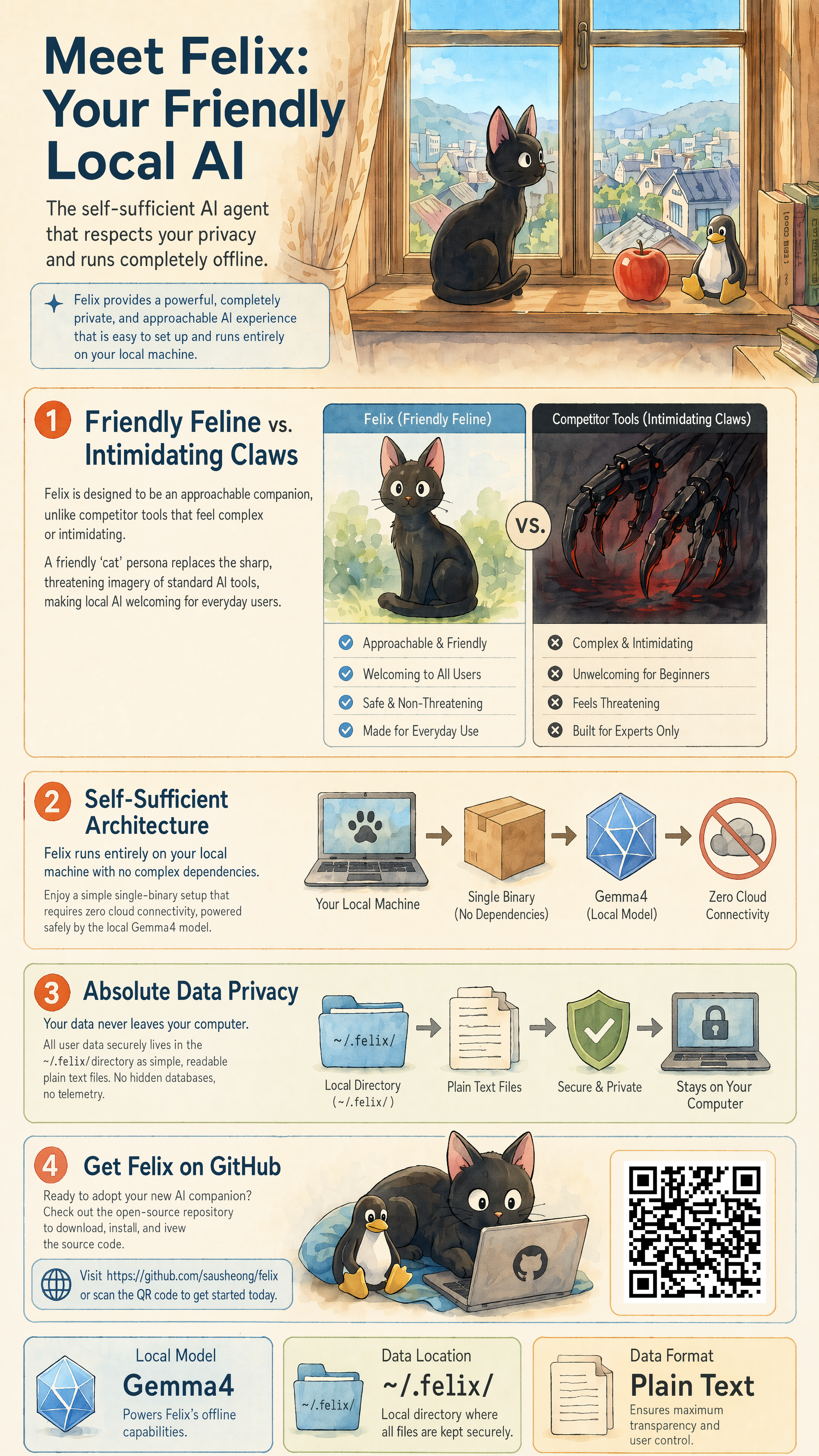
Felix provides a self-hosted gateway for AI agents, built as a single Go binary that runs on local hardware. It connects users through a CLI or web interface to large language models like Claude, GPT, Gemini, Qwen, Ollama, or any OpenAI-compatible endpoint. Agents can then perform tasks using a set of built-in tools that operate in-process, plus connections to remote MCP servers. With 33 GitHub stars, the project at https://github.com/sausheong/felix emphasizes running everything offline where possible—no cloud services, accounts, or external backends required.
The design prioritizes self-sufficiency, with all state stored in a single directory: vector indexes in-process, knowledge graphs in SQLite files. It handles long-running agents robustly, with timeouts on external calls, capped queues, and automatic state recovery across restarts. Security defaults bind to localhost, restrict shell access via an allowlisted bash tool, block internal IP requests, and limit file access to per-agent workspaces. For non-technical users, the default setup works without configuration changes or API keys.
Core features
Felix supports multiple interfaces for access:
- A system tray app for macOS and Windows that runs the gateway in the background and opens a web chat at
http://127.0.0.1:18789/chat. - CLI command
felix chat, which detects a running gateway and continues sessions seamlessly across browser and terminal. - WebSocket JSON-RPC 2.0 for programmatic control.
Model support covers major providers, with a bundled Ollama runtime that downloads the gemma4 model on first use if none are available. It auto-detects context windows and handles per-agent reasoning levels (off|low|medium|high), mapping them to provider-specific parameters like Claude thinking budgets or OpenAI reasoning_effort. Tools remain portable across providers by stripping incompatible JSON Schema elements at runtime.
Memory persists across sessions via BM25 search over Markdown files, with optional vector search through chromem-go if embeddings are configured. A Cortex knowledge graph in SQLite ingests conversation data to retrieve relevant facts. Skills load as Markdown files with YAML frontmatter—bundled ones include ffmpeg, imagemagick, pandoc, pdftotext, and cortex, with user additions managed via the settings UI.
Agents operate independently, each with its own model, workspace, persona, and tool allow/deny lists. Subagents delegate via the task tool. Vision support accepts image paths in CLI or drag-and-drop in web chat. Cron jobs schedule recurring prompts.
Getting it running
As a single binary with no runtime dependencies, Felix requires only a download from the GitHub releases page. Extract the file for your platform (macOS, Windows, or Linux) and run it directly:
./felix
On first startup without configured models, it pulls gemma4 via the bundled Ollama. The web chat starts at http://127.0.0.1:18789/chat. For background operation, use the system tray app version, available in releases.
CLI interaction uses felix chat, which connects to any running instance and shares its memory, session, and MCP state. Configuration lives in a local directory, with owner-only permissions on files. To add models, edit settings for API endpoints like Claude or GPT—Ollama runs locally by default. Skills and workspaces auto-initialize; tools like bash operate in allowlist mode for safety.
Advanced users can set per-agent options, such as tool policies or cron intervals, through the web UI or config files. MCP clients connect to remote servers for extra tools, but everything heals on restart if connections drop.
Who this is for
Felix targets users wanting AI agents that act on local hardware without vendor lock-in. Non-technical people benefit from the no-config default: download, run, chat via web or CLI, and get task execution like file processing with ffmpeg or document conversion via pandoc. Self-hosters appreciate the persistent memory and knowledge graph for ongoing workflows, such as analyzing documents or scheduling checks.
Developers can build with the JSON-RPC plane or extend via custom skills and subagents. It's suited for scenarios like local vision tasks—drag an image, get analysis—or delegating to specialists, say routing code review to a GPT agent while keeping data analysis on Ollama. Anyone avoiding API costs or cloud risks finds value in the offline-capable setup.
How it compares
Compared to standalone LLM runners like Ollama or LM Studio, Felix adds agent orchestration, multi-model support, and persistent state like the Cortex graph—Ollama lacks built-in knowledge graphs or subagents. Tools like Auto-GPT or LangChain agents often require Python environments and more setup; Felix's Go binary uses less memory and starts instantly.
For gateway needs, it differs from Open WebUI by focusing on agent execution rather than pure chat, with MCP for remote tools instead of plugins. Security edges out less restricted local setups, as bash limits to allowlists and file ops resolve symlinks. Drawbacks include its early stage (33 stars) versus mature projects—fewer integrations, no Docker image mentioned. If you need only model serving, lighter options like Ollama suffice; Felix suits fuller agent workflows.
The 33-star count reflects its niche as a new entrant. Source code and binaries sit at https://github.com/sausheong/felix; check releases for your OS. It's not for users seeking polished UIs or enterprise scale yet.
Comments