A self-hosted AI gateway — one endpoint, many providers, auto-fallback.
9Router v2 is a decoupled rewrite of 9Router with a clean separation between a dedicated Express backend and a Vite + React frontend. It exposes an OpenAI-compatible REST API that proxies requests across dozens of AI providers with automatic load balancing, fallback, and key rotation.
Screenshots
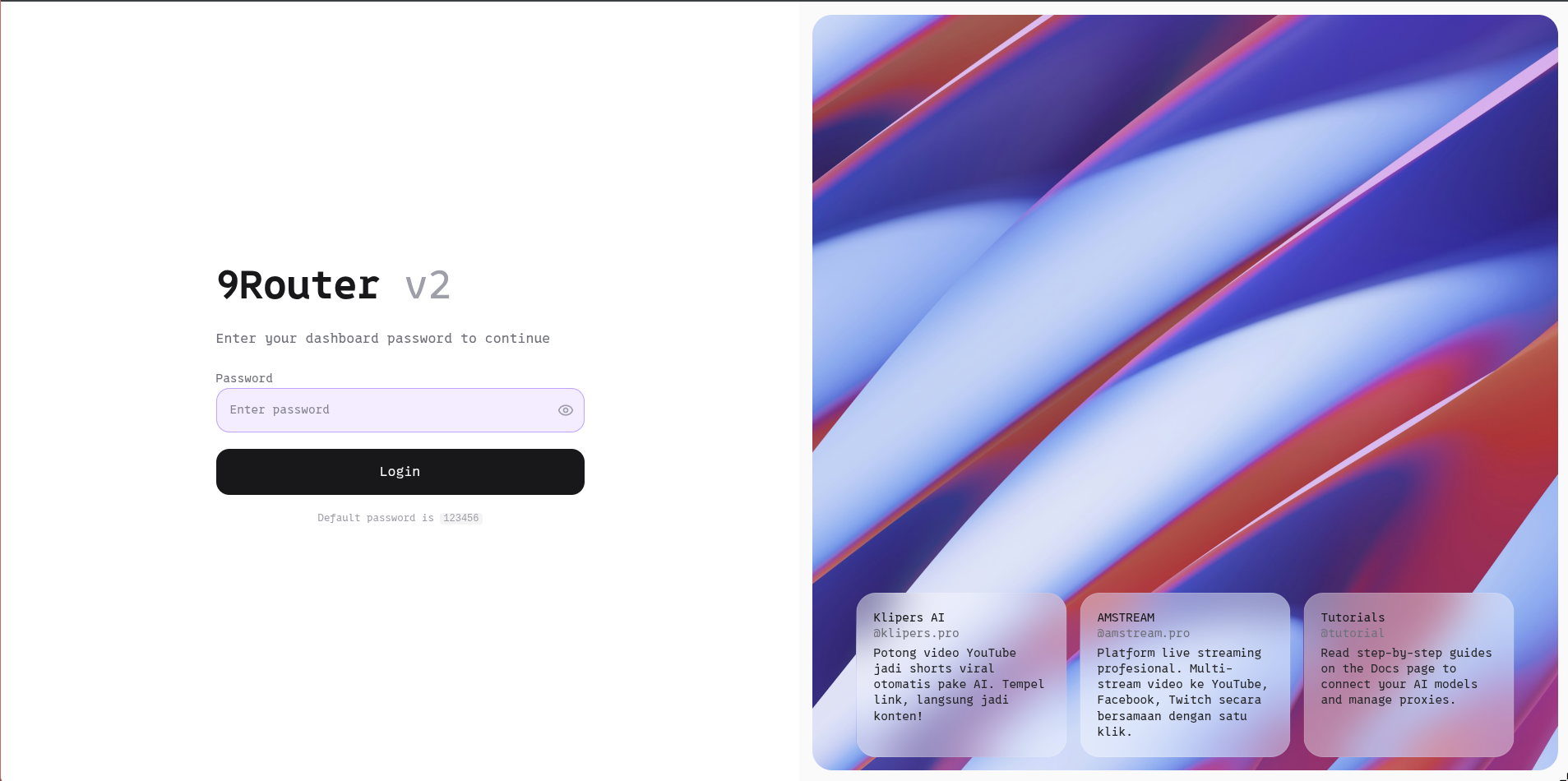
| Login Page | Quota Tracker |
|---|---|
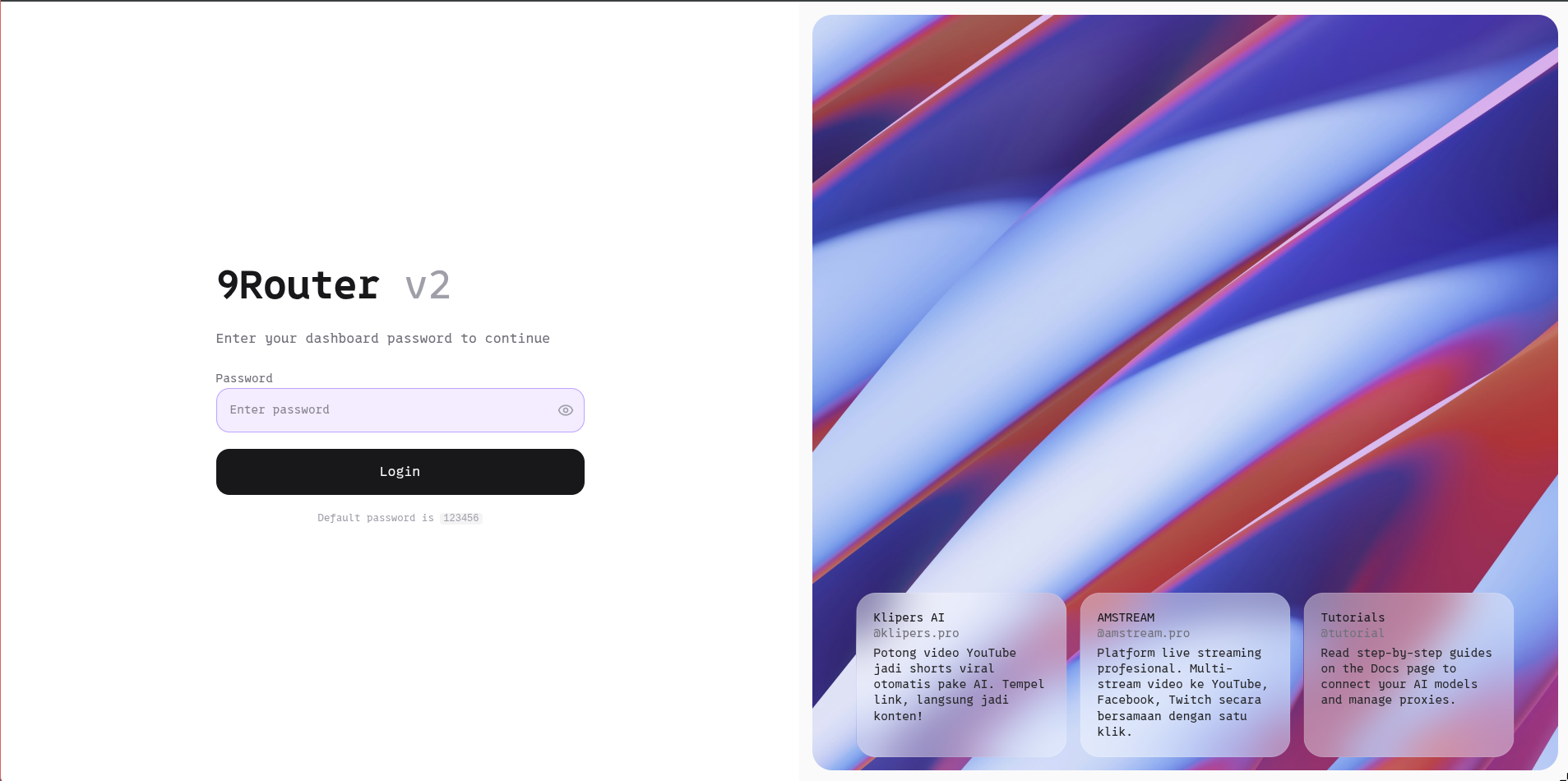 |
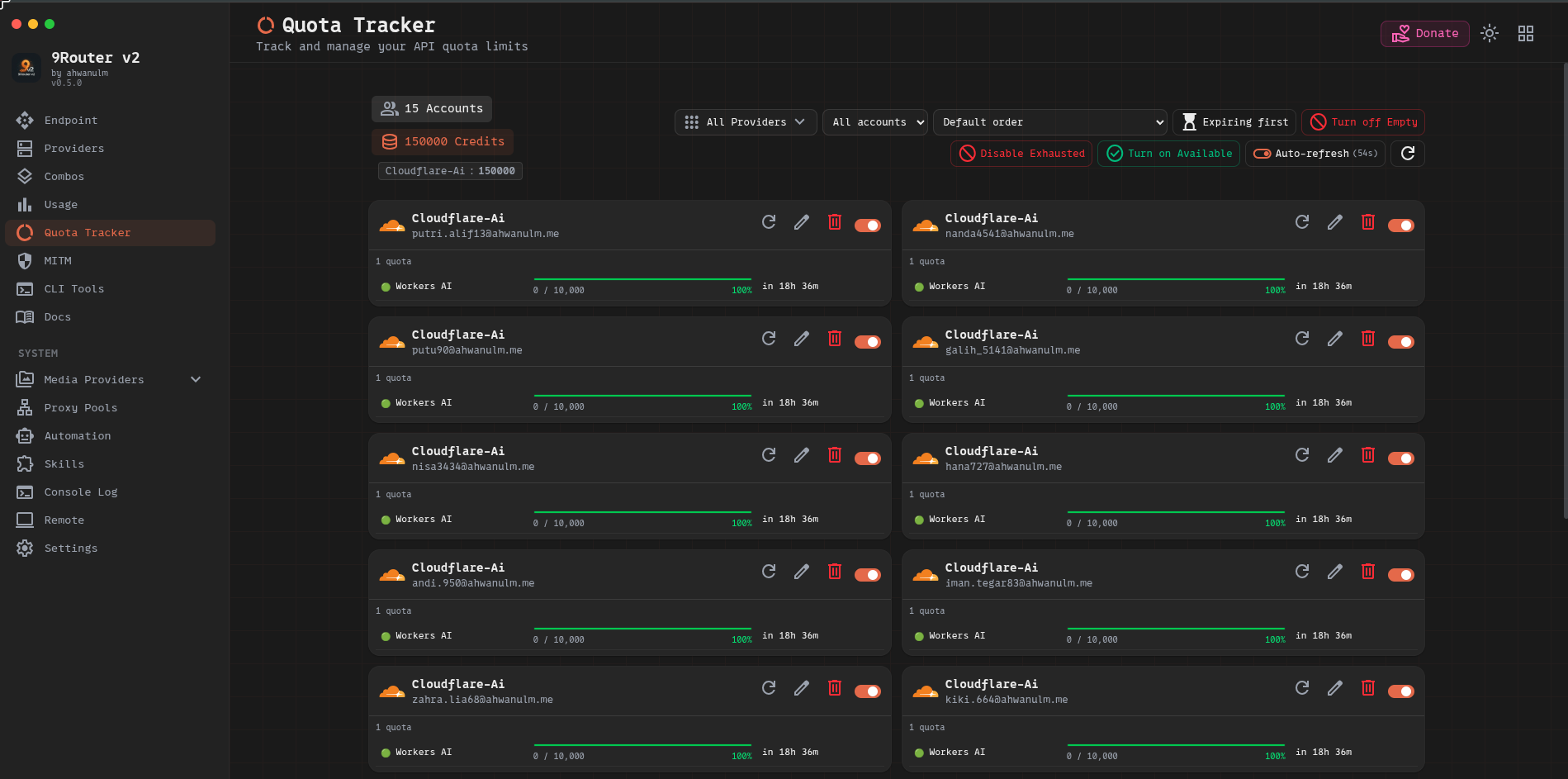 |
Features
- OpenAI-compatible API — works with any client that supports
/v1/chat/completions,/v1/images/generations,/v1/audio/speech,/v1/embeddings, etc. - Multi-provider routing — Cloudflare Workers AI, OpenAI, Anthropic, Gemini, Groq, and many more
- Cloudflare Workers AI Automation — automates account registration and API key extraction with Playwright + 2Captcha + Ammail temp mail
- Dashboard UI — manage providers, connections, proxy pools, CLI tools, and automation from a modern dark-mode interface
- OIDC / Password authentication — single sign-on or local credentials
- Agent Skills — ready-to-use SKILL.md files for Claude, Gemini, Codex, and other AI coding agents
- SQLite backend — zero-dependency local database, no external services required
Architecture
AMRouter/
├── backend/          # Express server (port 3001)
│   └── src/
│       ├── routes/   # Auto-routed endpoints (/v1, /api, /auth, ...)
│       ├── db/       # SQLite via better-sqlite3
│       └── automation/ # Playwright automation scripts
├── frontend/         # Vite + React SPA (port 5177)
│   └── src/
│       ├── pages/    # Dashboard pages
│       └── shared/   # Components, hooks, constants
└── skills/           # Agent SKILL.md files
Quick Start
Requirements
- Node.js 20+
- Python 3.10+ (for automation features)
- Chromium (for Playwright automation)
Install
git clone https://github.com/ahwanulm/AMRouter.git
cd AMRouter
npm install
Development
npm run dev          # Start both backend + frontend concurrently
npm run backend      # Backend only (port 3001)
npm run frontend     # Frontend only (port 5177)
Environment Variables
Copy and configure the backend environment:
cp backend/.env.template backend/.env
Key variables:
| Variable | Description |
|---|---|
PORT |
Backend server port (default: 3001) |
REQUIRE_LOGIN |
Enable authentication (true/false) |
JWT_SECRET |
Secret for JWT signing |
ADMIN_PASSWORD |
Dashboard admin password |
Production Deployment
1. Build Frontend
cd frontend && npm run build
2. Start Backend
cd backend && npm start
3. Nginx Reverse Proxy
Use the included nginx.conf to proxy /api and /v1 to the backend while serving the built frontend statically. See docs/deployment-linux.md for a full Linux deployment guide.
Cloudflare Workers AI Automation
The automation module automatically registers Cloudflare Workers AI accounts:
- Configure Ammail temp mail credentials in Dashboard → Automation → Settings
- Add a 2Captcha API key for Turnstile solving
- Add email accounts in the Automation tab and click Run
- API keys are extracted and added to 9Router automatically
Agent Skills
Skills are SKILL.md files for AI coding agents. Paste the entry skill URL into your AI:
Read this skill and use it:
https://raw.githubusercontent.com/ahwanulm/AMRouter/refs/heads/master/skills/9router/SKILL.md
Browse all skills in the Dashboard → Skills page or in the skills/ directory.
API Reference
| Endpoint | Description |
|---|---|
GET /api/health |
Health check |
GET /v1/models |
List available chat/LLM models |
POST /v1/chat/completions |
Chat completions (streaming supported) |
POST /v1/images/generations |
Image generation |
POST /v1/audio/speech |
Text-to-speech |
POST /v1/audio/transcriptions |
Speech-to-text |
POST /v1/embeddings |
Text embeddings |
GET /v1/search |
Web search |
Comments