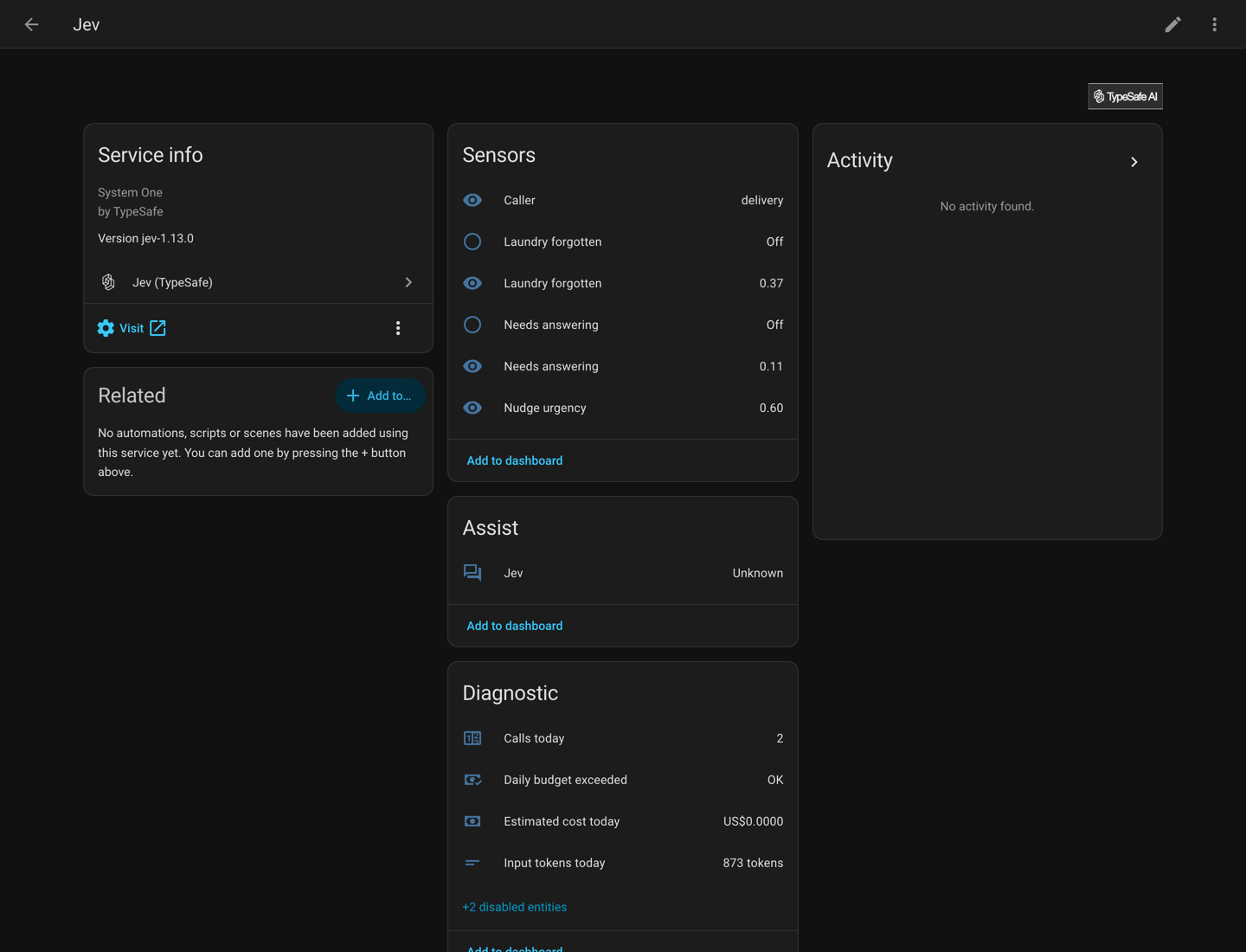
Ask TypeSafe Jev questions about your house and get numbers back. Jev is a decision model, not a chat model. It answers a typed question with a probability, a choice or a score, and this integration turns each answer into an entity you can automate on.
Not affiliated with TypeSafe. The API client is jevclient.
What it does
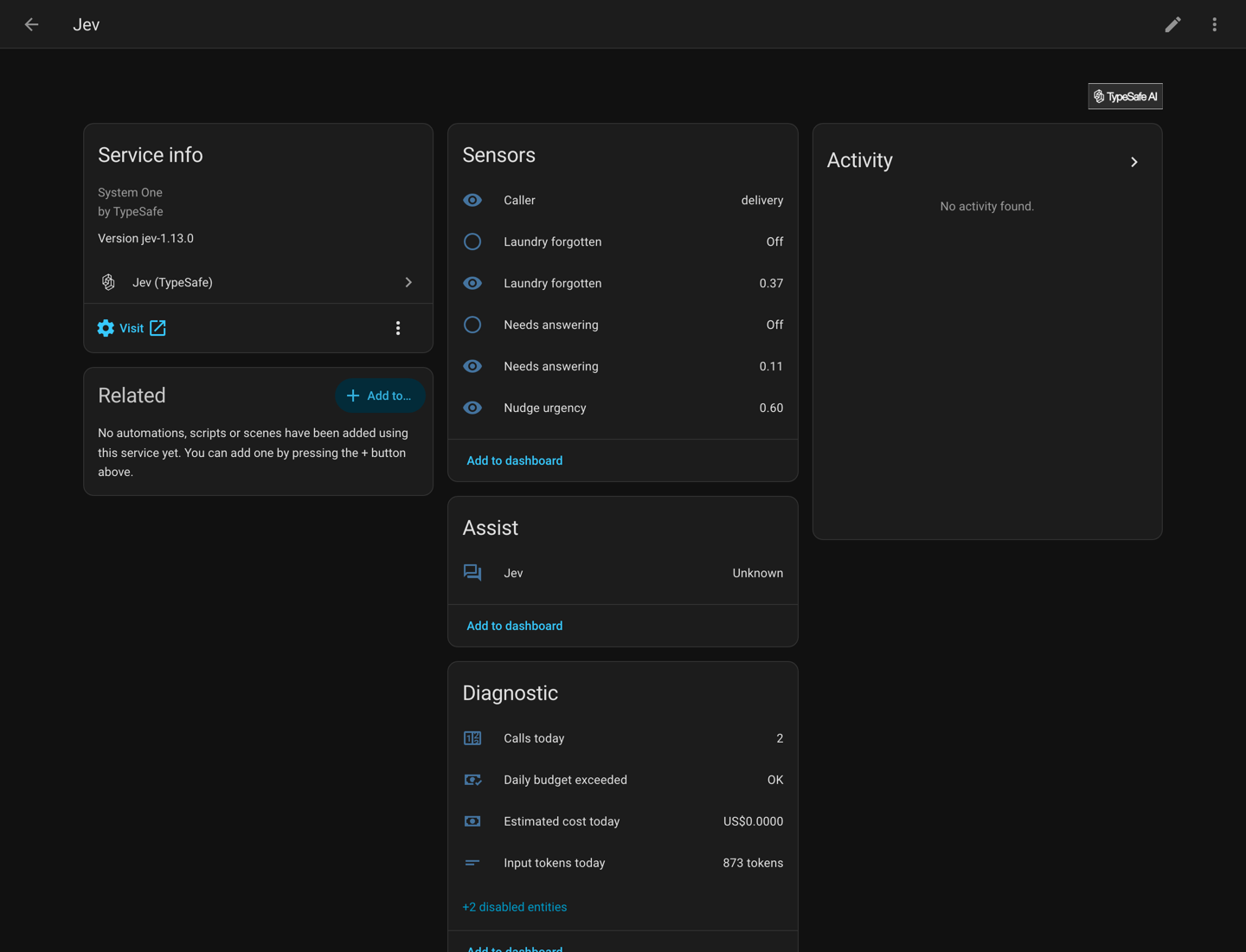
- Questions become sensors: a probability, one of your options with its distribution, or a number on a scale. Add them in the UI, in YAML, or both.
- Four actions,
jev.noul,jev.choice,jev.scoreandjev.ask, answer inside an automation and return a response variable. - An AI Task entity answers
ai_task.generate_datawhen it is called. A boolean, select or number field becomes the matching question. - A conversation agent for Assist routes spoken commands through the same model.
- It reports what it spends: calls, input tokens and estimated cost per day, against a daily token budget.
- Fifteen worked examples, four of them pairing Jev with an LLM.
automation:
  - alias: Remind about the washing
    triggers:
      - trigger: state
        entity_id: binary_sensor.jev_laundry_forgotten
        to: "on"
        for: "00:10:00"
    actions:
      - action: notify.mobile_app
        data:
          message: The washing is done and still in the machine.
Installation
Requires Home Assistant 2026.9 or newer and an API key from typesafe.ai.
HACS
Jev is not in the HACS default list, so add it as a custom repository once.
- HACS, then the three dot menu, then Custom repositories.
- Paste
https://github.com/AboveColin/HA-Jev, set Type to Integration, Add. - Search HACS for Jev, then Download.
- Restart Home Assistant.

Manual
Copy custom_components/jev from the
latest release into your
config/custom_components/ directory and restart. HACS does not update a copy
installed this way.
Setup
Settings, Devices and services, Add integration, then Jev (TypeSafe). Enter your API key. The address field already holds the TypeSafe API.

To use an OpenRouter key, set the address to https://openrouter.ai/api and the model
to ~typesafe/jev-latest. The install page has
every option, and how to point the integration at a proxy.
Then ask your first question.
Documentation
| Page | What it covers |
|---|---|
| The three answers | noul, choice and score, and what confidence means |
| Writing a question that works | how to tell it to read the numbers, and asking one thing at a time |
| What it costs | what questions and calls cost, and the daily budget |
| Measurements | what was measured against the live API |
| Troubleshooting | symptoms and their causes |
| Limitations | what it cannot do, and what it is not for |
Comments