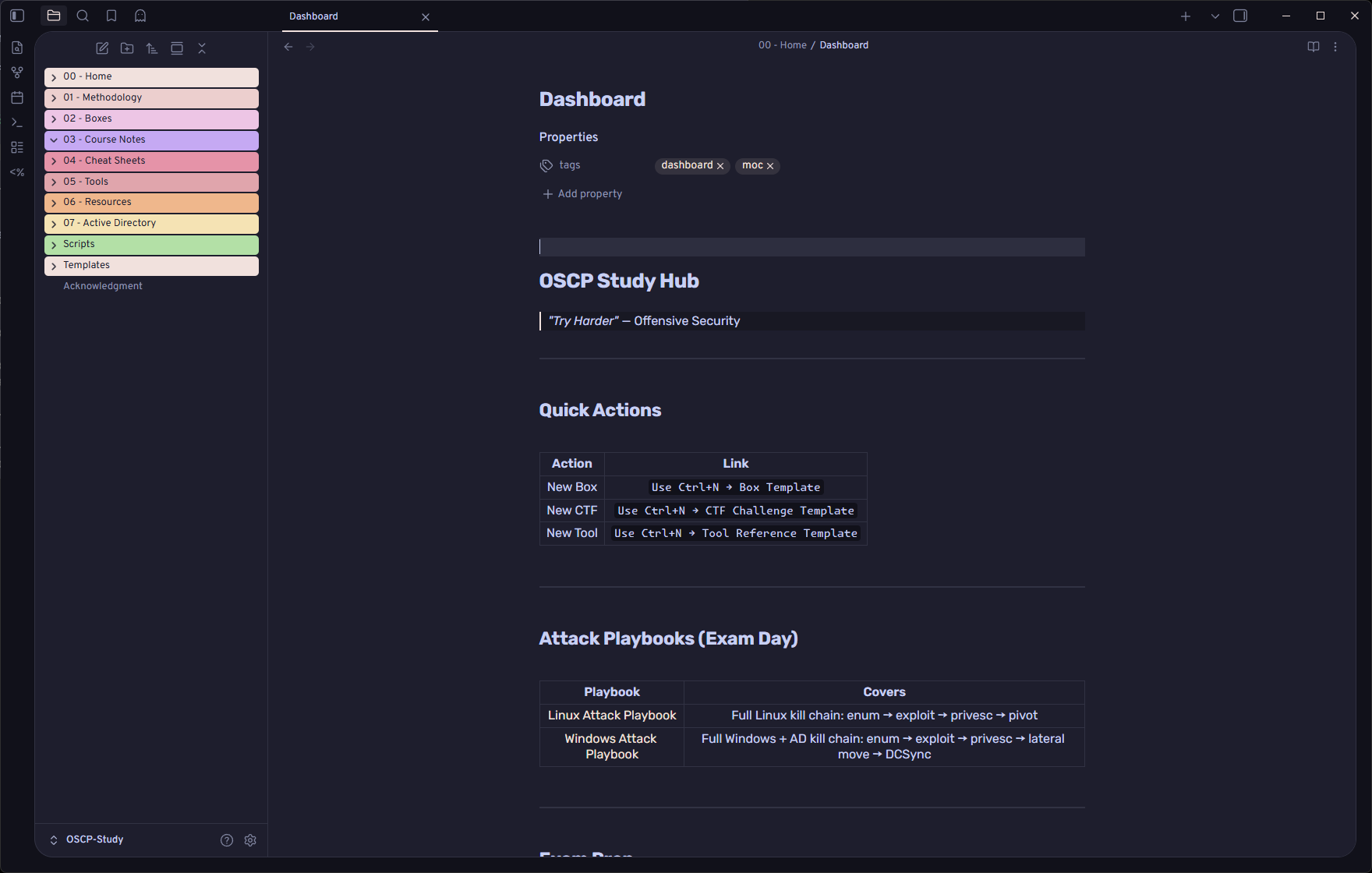
An Obsidian vault for OSCP / PEN-200 prep: 110+ cross-linked
notes covering methodology, cheat sheets, tool references, and Active Directory.
Built to be used during a box or an exam - every command is copy-paste ready and
parameterised with $IP, $DC, $DOMAIN, $LHOST, $USER, $PASS.
No Offensive Security course material is reproduced here. These are original notes.
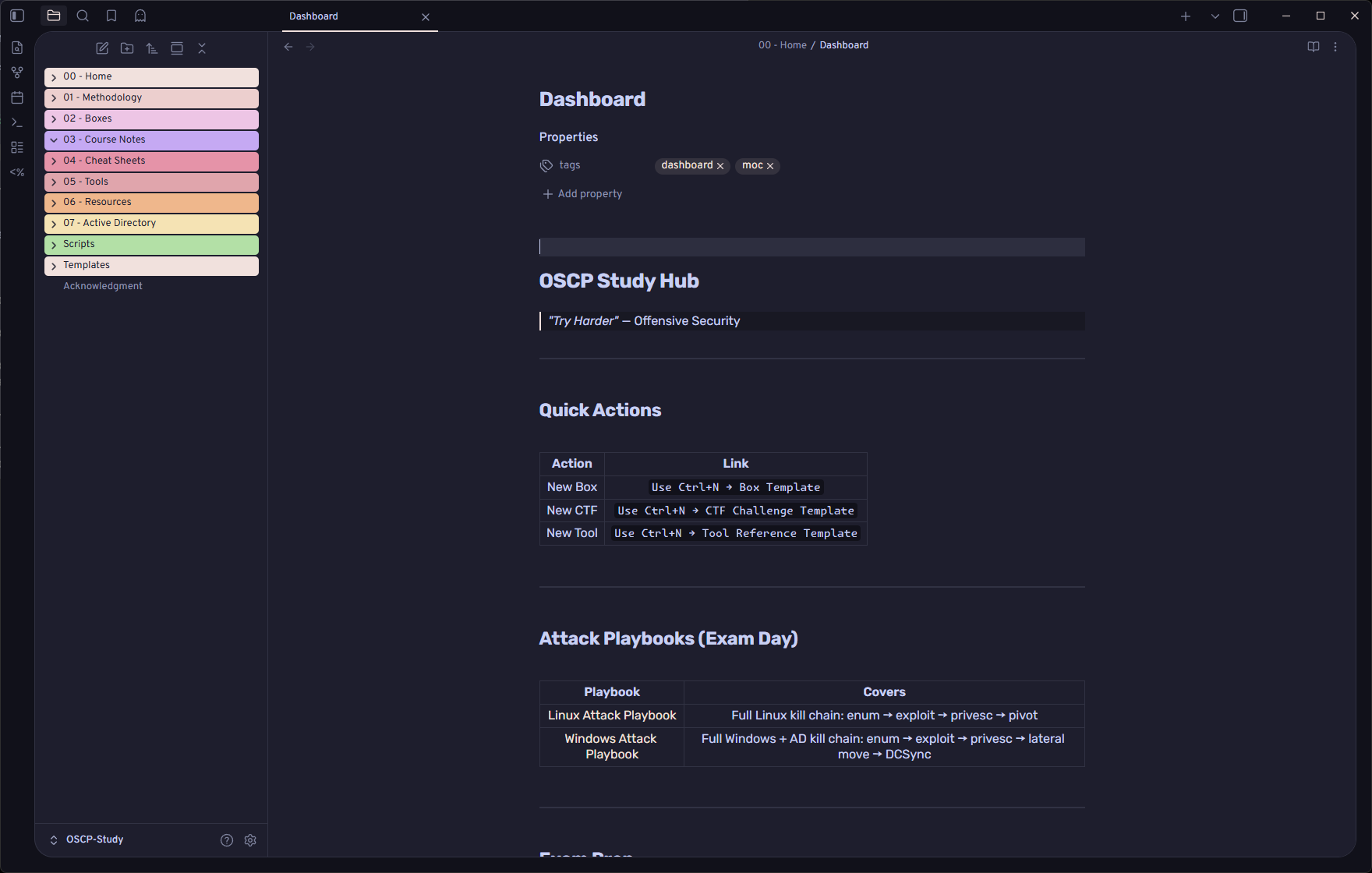
Structure
| Folder | Notes | Contents |
|---|---|---|
00 - Home |
7 | Dashboard (map of content), Linux/Windows/AD attack playbooks, exam day checklist, box tracker |
01 - Methodology |
15 | The kill chain, phase by phase: Enumeration → Exploitation → Post-Exploitation → Pivoting → AD |
02 - Boxes |
- | Your writeups, pre-split by platform: HackTheBox, Proving Grounds, TryHackMe, VulnHub, OSCP Labs |
03 - Course Notes |
- | Intentionally empty - your own PEN-200 notes go here |
04 - Cheat Sheets |
43 | Command references by topic: nmap, BOF, SQLi, hashcat, Mimikatz, Impacket, pivoting, shells, transfers |
05 - Tools |
28 | One page per tool: syntax, common flags, exam-relevant usage |
06 - Resources |
3 | Study plan, box lists, reporting guides, external links |
07 - Active Directory |
9 | AD-specific depth: enumeration checklist, decision trees, coercion, GPO abuse, trusts, persistence, exam strategy |
Templates |
5 | Templater notes for a new box, CTF, tool, course note, and the exam report |
Scripts |
- | oscp-kali-setup.sh - builds /opt/oscp on a fresh Kali and installs every tool the notes reference |
Start here: 00 - Home/Dashboard → the two attack playbooks → 07 - Active Directory/OSCP AD Exam Strategy.
Screenshots
 |
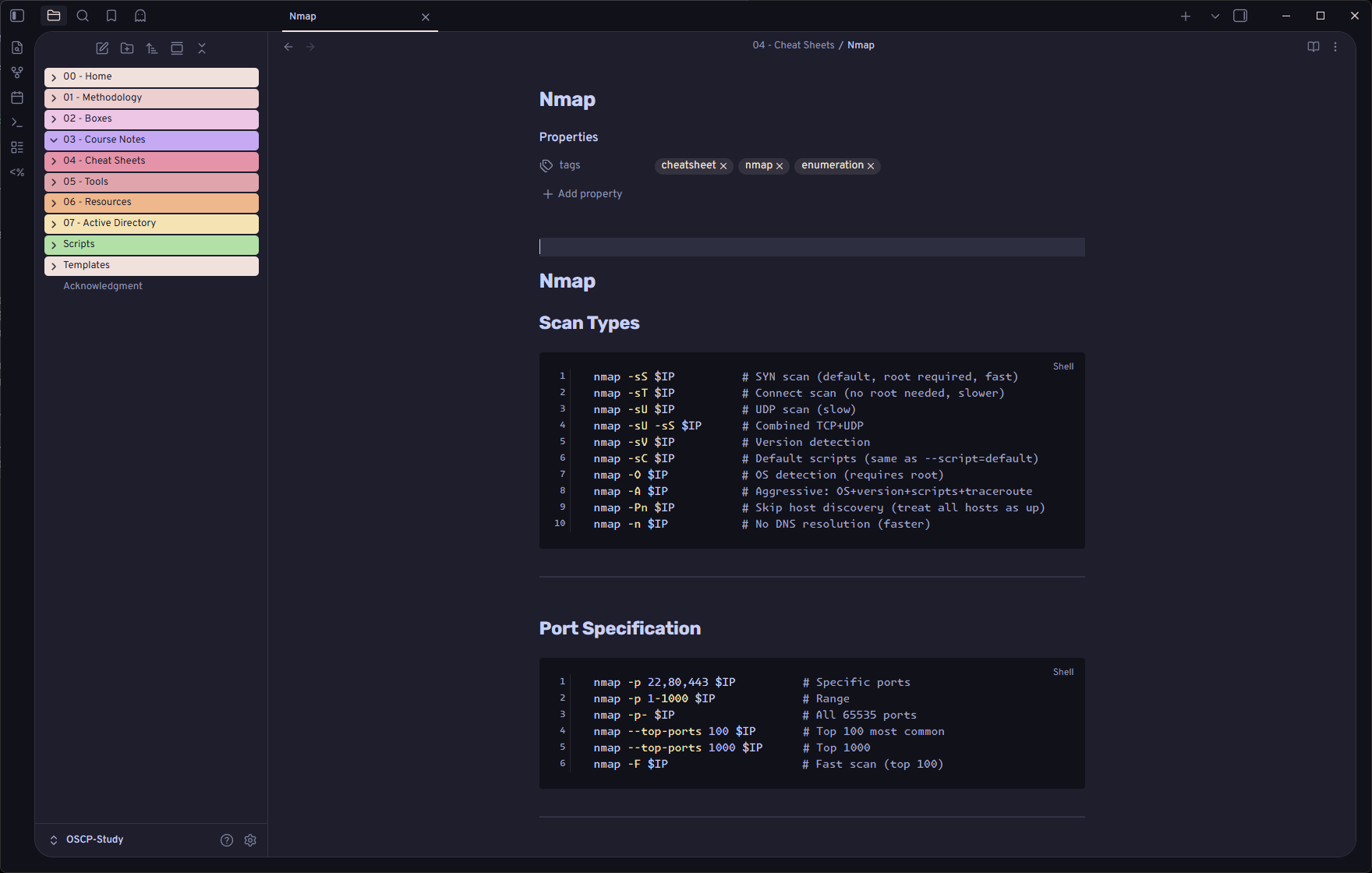 |
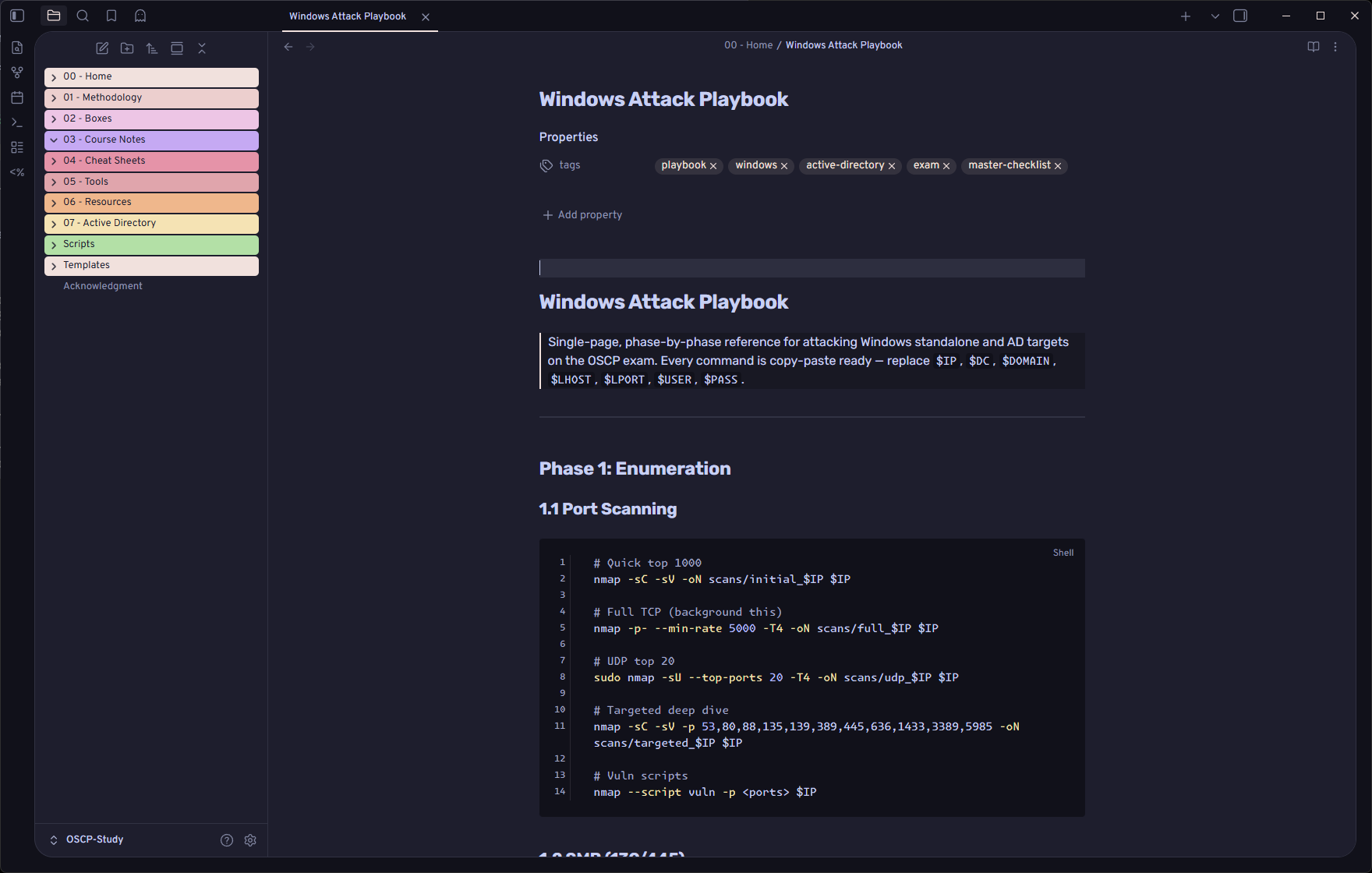
| Phase-by-phase attack playbook | Cheat sheets, copy-paste ready |
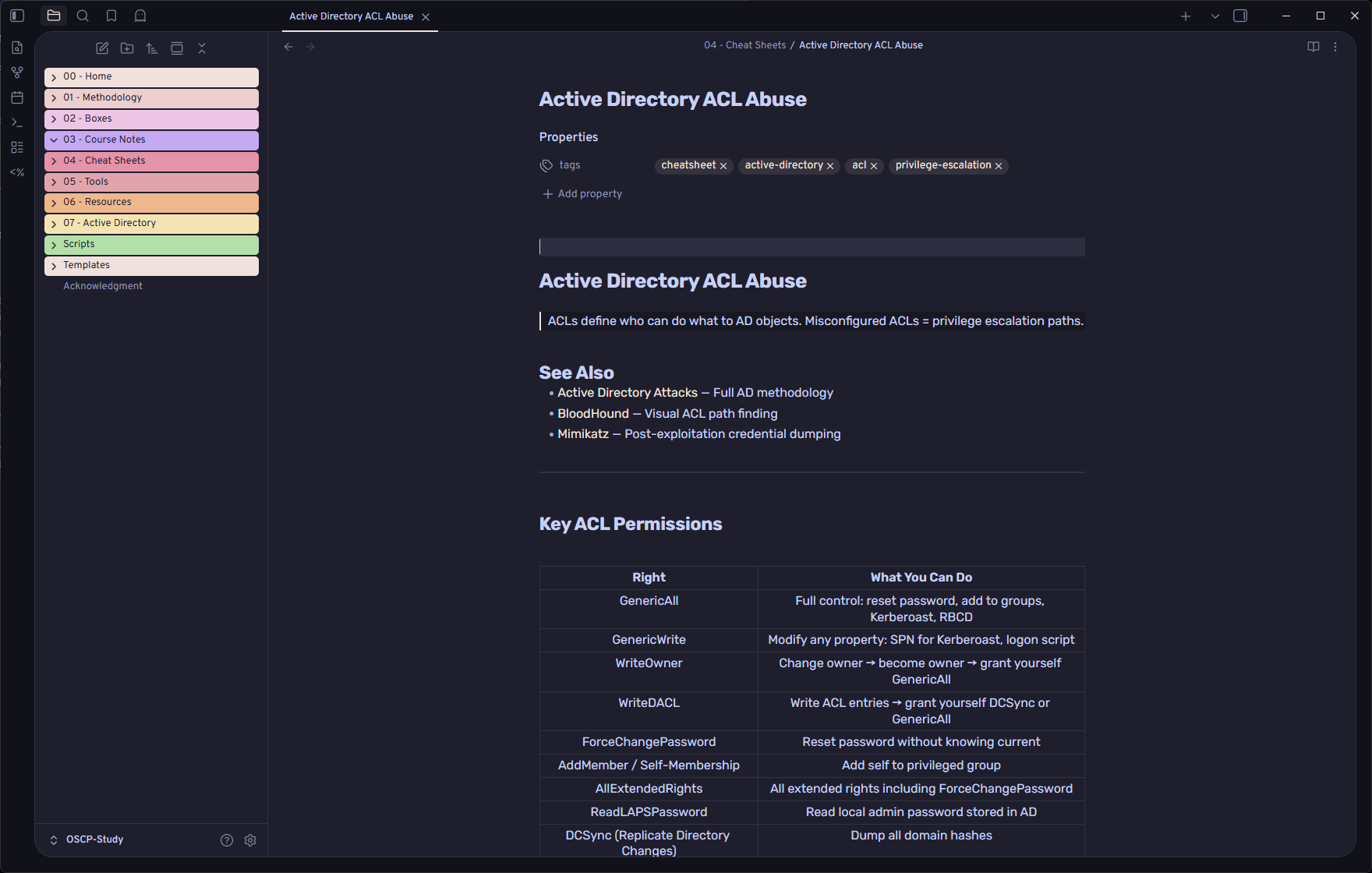
Active Directory reference
Setup
git clone https://github.com/0xv1n/OSCP-Vault.git
Then Open folder as vault in Obsidian and enable community plugins when prompted. The theme and plugins ship with the vault, so it looks and behaves exactly like the screenshots with no further setup:
| Dataview | Powers the box tracker and progress queries on the Dashboard |
| Templater | Ctrl+N → new box / CTF / tool note from a template |
| Style Settings + AnuPpuccin | Theme shown in the screenshots |
| Recent Files | Jump back to what you were on |
These are third-party components under their own licenses - see
THIRD-PARTY-NOTICES.md. Delete .obsidian/ if you only
want the notes.
Optional, on a fresh Kali box:
sudo ./Scripts/oscp-kali-setup.sh # ~15-30 min, ~5-8 GB
Comments