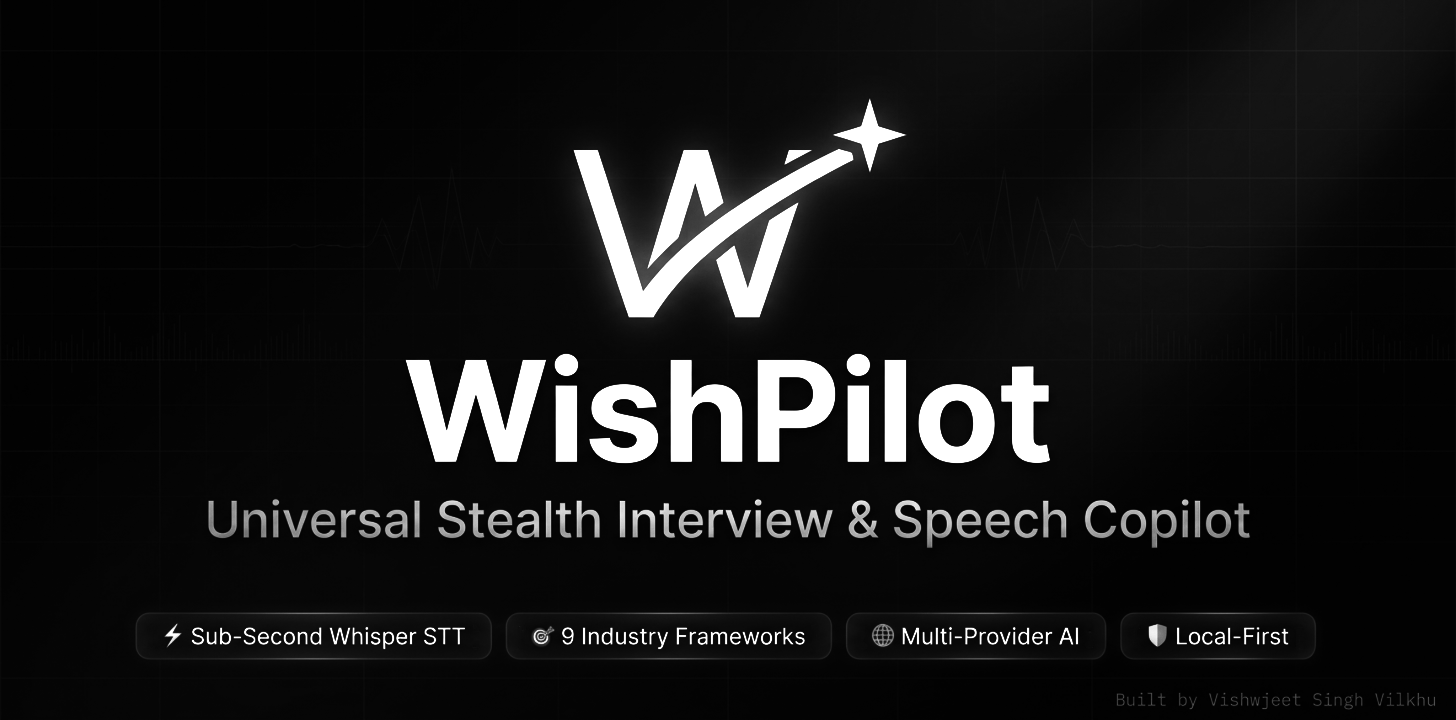
An ultra-low latency, multi-industry interview copilot and real-time speech intelligence engine.

Designed, architected, and engineered by Vishwjeet Singh Vilkhu.
Official Website • Download v1.0.0 • Product Hunt • Documentation (Wiki) • Sponsor • Features • Quick Start • Shortcuts • Architecture • License
Overview
WishPilot is a desktop application designed for candidates preparing for and navigating high-stakes technical, operational, and leadership interviews. It combines sub-second speech-to-text transcription, adaptive multi-category AI answer generation, and stealth overlay modes into an ultra-low-profile desktop app that runs locally on Windows.
Key Capabilities:
- Instant Answer Refinement: One-click pills to refine answers (Make Shorter, More Technical, Give an Example, Simpler Language).
- Multi-Industry Category Engine: Tailored prompts, frameworks, and roles across 9 distinct streams (IT & Software, BPO & Voice Ops, Finance & Banking, Sales & BD, HR & Talent, Product Management, Healthcare, Core Engineering, Custom).
- 9 Unified AI Inference Providers: Native streaming support for Groq, Cerebras, Together AI, Fireworks AI, NVIDIA NIM, Hugging Face, OpenRouter, OpenAI, and Google Gemini.
- Real-Time Voice Intelligence: Ultra-low-latency Groq Whisper Large v3 Turbo transcription (~180ms - 350ms) with automated silence accumulation and voice activity detection (VAD).
- Zero Emojis Guarantee: 100% monochrome vector SVGs matching stealth professional aesthetics.
- Display Protection: Native Windows Display Affinity (
WDA_EXCLUDEFROMCAPTURE) prevents the overlay from appearing in screen capture tools.
Important Ethical Disclaimer
WishPilot is an advanced interview preparation and practice simulator designed for self-directed mock interviews, communication training, and live technical drills.
The developer assumes no responsibility for any misuse of this software. Users are entirely responsible for ensuring their usage complies with all applicable institutional policies, terms of service, and ethical guidelines.
Key Features
1. Instant Answer Refinement Pills
Immediately after an answer finishes streaming, four contextual quick-action pills become available:
- Make Shorter: Compresses the answer into an ultra-punchy 15-20 second spoken elevator pitch.
- More Technical: Injects architectural trade-offs, algorithms, low-level metrics, and code.
- Give an Example: Weaves a concrete production case study with measurable quantitative outcomes.
- Simpler Language: Translates the solution into crystal-clear conversational English with an intuitive analogy.
2. Multi-Industry Category & Framework Engine
Interviews differ across domains. WishPilot dynamically adapts its 10-second TL;DR punchline, tone, and breakdown to match the active stream:
- IT & Software: System Architecture, Distributed Edge Cases & LeetCode Big-O.
- BPO & Voice Ops: LAST Framework (Listen, Apologize, Solve, Thank) + Empathy & SLAs.
- Finance & Banking: 3-Statement Modeling, DCF Valuation & Risk Mitigation.
- Sales & BD: BANT / SPIN Selling, Objection Handling & Closing Hooks.
- HR & Talent: STAR Behavioral, Employee Relations & Labor Compliance.
- Product Management: CIRCLES & RICE Prioritization with Product Sense.
- Healthcare & Clinical: Triage Protocols, SBAR Handoffs & Patient Safety.
- Core Engineering: Root Cause Analysis, Failure Mode & Six Sigma Safety.
- Custom / Universal: Adaptive first-person professional delivery.
3. Sub-Second Speech-to-Text (STT)
Captures microphone or system audio using the Web Audio API with a specialized AudioWorklet. Automatically buffers and dispatches PCM audio chunks to Groq's Whisper Large v3 Turbo engine, returning real-time transcripts within 180ms to 350ms.
4. Stealth HUD & Notch Modes
- Studio Dashboard: Full management console with tabbed controls for sessions, models, prompt tuning, and latency telemetry.
- Floating HUD: Minimal, always-on-top translucent heads-up display with live transcript and answer streaming. Supports adjustable opacity and click-through mode.
- Stealth Notch: Compact top-centered dock (230×34px) displaying voice waveforms and single-tap answer triggers.
- Windows Display Affinity: Excludes overlay windows from Windows Graphics Capture (
SetWindowDisplayAffinity(WDA_EXCLUDEFROMCAPTURE)).
Architecture
| Component | Technology | Description |
|---|---|---|
| Shell & Lifecycle | Electron 44 | Window management, IPC bridge, global shortcuts, native window protection |
| Frontend UI | React 19 + Vite 8 | Reactive state management, responsive dark studio UI, Tailwind CSS v4 |
| Icons & Assets | Custom Monochrome SVGs + Lucide | Zero Unicode emojis; pure vector geometries |
| Speech-to-Text | Groq Whisper Large v3 Turbo | High-speed technical vocabulary transcription |
| AI LLM Engine | Unified Multi-Provider | Groq, Cerebras, Together AI, Fireworks, NVIDIA, HuggingFace, OpenRouter, OpenAI, Gemini |
| Screen Analysis | Electron DesktopCapturer | Invisible screenshot capture for code problems & system diagrams |
| Local Storage | LocalStorage / SQLite | Zero telemetry; all data remains strictly on the user's local machine |
Global Keyboard Shortcuts
| Shortcut | Action |
|---|---|
Ctrl + Shift + H |
Toggle Floating Stealth HUD / Studio Mode |
Ctrl + Shift + M |
Toggle Microphone listening on / off |
Ctrl + Shift + A |
Manually trigger AI answer generation |
Ctrl + Shift + S |
Capture screen & attach as visual context |
Ctrl + Shift + C |
Toggle Click-Through mode (clicks pass beneath HUD) |
Ctrl + Shift + X |
Quick Dismiss (minimizes window & pauses audio) |
Getting Started
Option 1: Install via WinGet (Recommended for Windows)
Install WishPilot with a single command via the official Windows Package Manager:
winget install WishPilot
(Or use the fully-qualified Package ID: winget install VishwjeetSinghVilkhu.WishPilot)
Option 2: Standalone Portable Executable (No Install Required)
- Download
WishPilot-Windows-1.0.0.exedirectly from GitHub Releases. - Double-click the downloaded
.exeto run immediately. No installer setup, no admin privileges, and zero registry footprint required.
Option 3: Build & Run from Source
Prerequisites
- Windows 10 or Windows 11 (64-bit)
- Node.js 22.x LTS (Recommended) or higher
- npm 9.x or higher
Steps
Clone the repository:
git clone https://github.com/vishwjeet27/wishpilot.git
cd wishpilot
Install dependencies:
npm installBuild the production bundle:
npm run buildLaunch WishPilot:
npm run start
(Alternatively, run start-wishpilot.bat on Windows for automated building and launching).
Privacy & Local-First Guarantee
- Bring Your Own Key (BYOK): Enter your own API keys in the Studio Dashboard.
- No WishPilot Cloud Servers: Voice audio and prompt data flow strictly between your local client and the official API provider endpoints via direct HTTPS.
- Local Storage: Profile information, resumes, job descriptions, and transcripts reside purely in local application storage.
Author & Maintainer
Vishwjeet Singh Vilkhu Software Engineer & Builder
- GitHub: @vishwjeet27
- LinkedIn: linkedin.com/in/vishwjeet27
- Repository: github.com/vishwjeet27/wishpilot
Comments