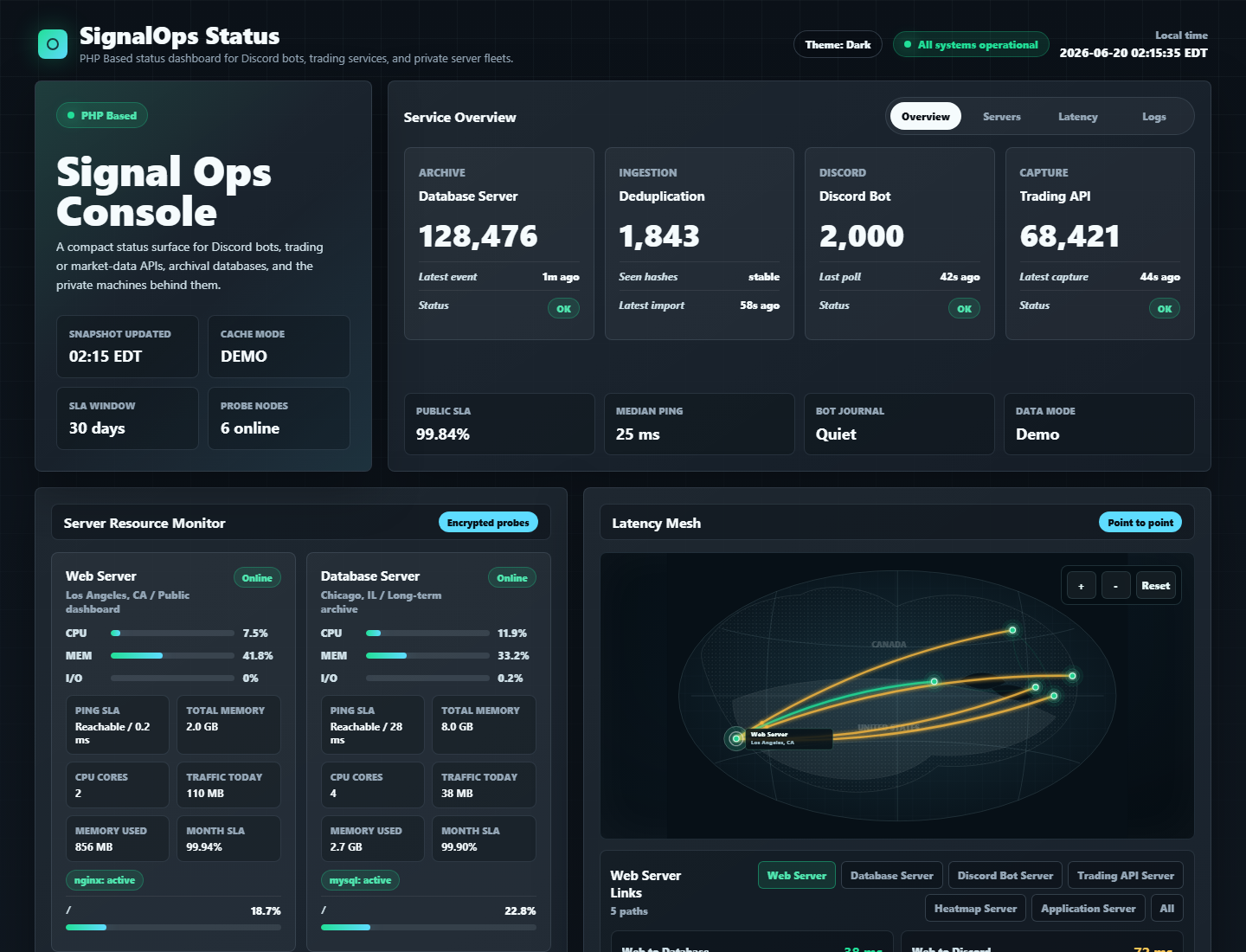
PHP Based status dashboard for Discord bots, trading services, and private server fleets.
SignalOps Status is a self-hosted operations page for teams that run Discord alert bots, trading or market-data APIs, archival databases, and small private fleets. It is built with plain PHP, ships with a full demo mode, and can be dropped onto a normal PHP hosting panel without a JavaScript build step.
Search keywords: PHP Based status page, self-hosted status dashboard, Discord bot monitoring, server monitoring dashboard, uptime monitoring, NOC dashboard, trading bot status page, market data API status, Tailscale server status, Cloudflare cacheable status page.
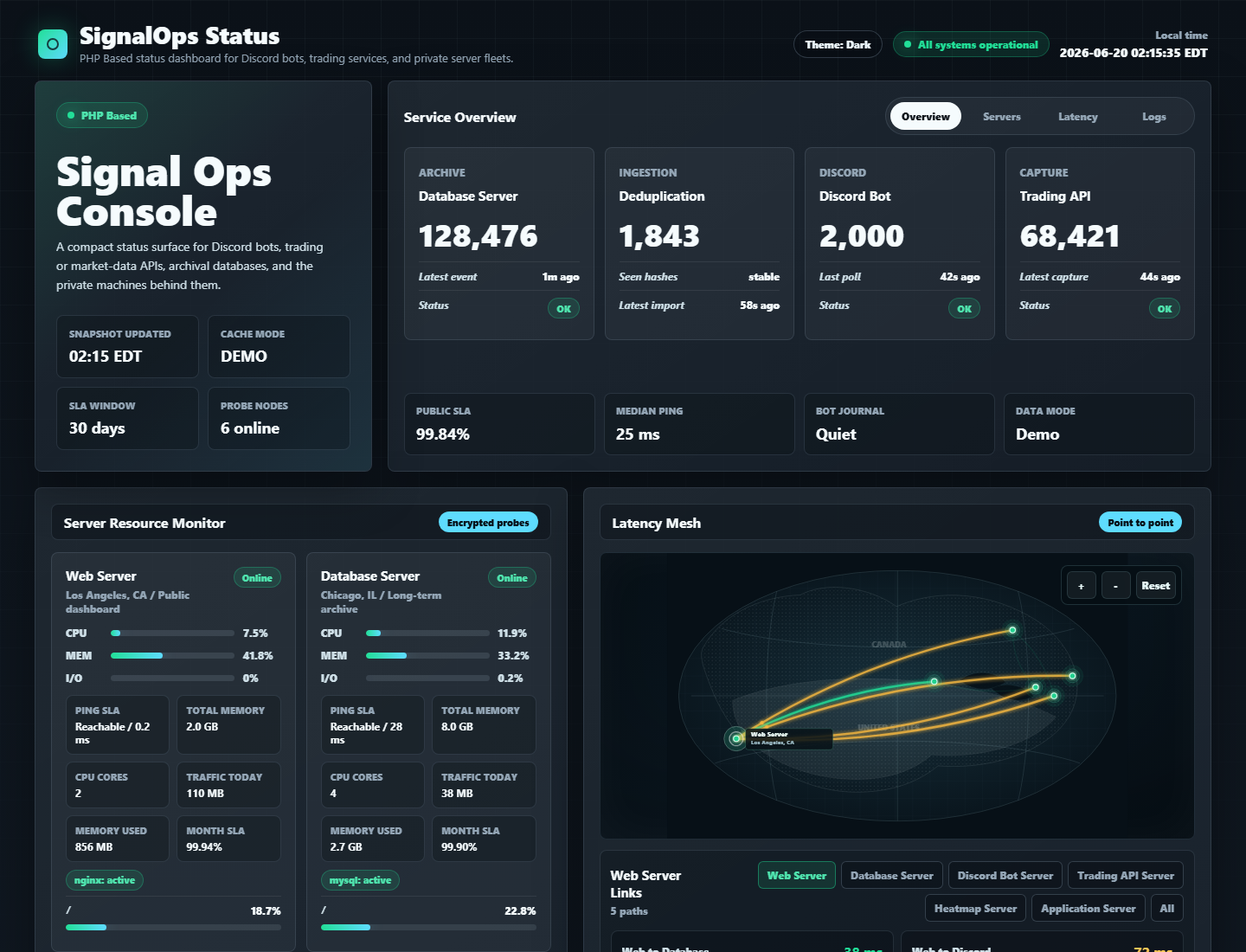
The default interface uses a dark NOC-style console, with a built-in Light/Dark toggle for communities that need a brighter embed or landing-page look.
Highlights
- PHP Based: no Node build pipeline, no frontend framework, no external SaaS dependency.
- Dark and light UI themes with browser-local preference storage.
- Discord bot health cards from private
/health.jsonendpoints. - Sanitized Discord bot error journal from systemd/journald.
- CPU, memory, I/O wait, load, uptime, disk, services, and private-network traffic.
- Ping-only SLA, separate from service health.
- Interactive point-to-point latency map with clickable server nodes.
- Optional MySQL summary for archived trading signals or bot events.
- Demo mode is enabled by default, so the dashboard works immediately after clone.
- Redacts IPs, URLs, bearer tokens, bot tokens, long IDs, and common secret patterns before rendering.
Good Fit
SignalOps Status is designed for:
- Discord trading alert bots.
- Options flow, market scanner, and signal delivery infrastructure.
- Small private networks on Tailscale, WireGuard, or a trusted LAN.
- Operators who want a public-facing status page without exposing private hosts or credentials.
It is not intended to be a full observability stack like Grafana, Prometheus, or Datadog. It is a polished status surface: fast to install, easy to read, and safe enough to put in front of a community.
Quick Start
Run the demo locally:
php -S 127.0.0.1:8080 -t public
Open:
http://127.0.0.1:8080
Demo mode is controlled by app.demo. The default is true.
Production Install
Copy the example config outside the web root:
sudo install -d -m 0750 -o root -g www-data /etc/signalops-status
sudo install -m 0640 -o root -g www-data config/signalops.example.php /etc/signalops-status/config.php
sudo install -d -m 0750 -o www-data -g www-data /var/lib/signalops-status
Edit /etc/signalops-status/config.php:
'app' => [
    'demo' => false,
],
Point your virtual host document root at public/. If your hosting panel points at the repository root, index.php forwards to public/index.php.
Probe Model
SignalOps can monitor machines in three ways:
| Kind | Description |
|---|---|
local |
Reads /proc, disks, services, ping targets, and optional journal units on the web server. |
ssh |
Runs a short remote probe through SSH. Use a restricted SSH key or a forced command. |
endpoint |
Uses a machine payload returned by an HTTP health endpoint. |
The included probe template lives at:
scripts/signalops-status-probe.py
Recommended authorized key style:
command="/usr/local/bin/signalops-status-probe",no-agent-forwarding,no-X11-forwarding,no-port-forwarding,no-pty ssh-ed25519 AAAA...
Customize DISKS, SERVICES, PING_TARGETS, and JOURNAL_UNITS in the probe script for each host.
Discord Error Journal
The Discord journal card reads warning/error entries from configured systemd units, then sanitizes each message before rendering it.
The page does not render raw logs. It redacts:
- URLs and private hosts.
- bearer tokens and Discord bot tokens.
password=,token=,secret=,key=, and similar fields.- long IDs and long random strings.
Configuration
Use config/signalops.example.php as the production template. Keep real values outside the repository.
Important fields:
| Field | Purpose |
|---|---|
app.demo |
Set to false for production. |
cache.cdn.enabled |
Emit CDN-friendly headers for Cloudflare or another edge cache. |
endpoints.discord.url |
Private Discord bot /health.json. |
endpoints.api.url |
Private trading API /health.json. |
machines[].journal_units |
systemd units to summarize in the error journal. |
machines[].latency_targets |
Private hostnames/IPs for point-to-point latency. |
latency_map.nodes |
Display labels, cities, and fixed map coordinates. |
database.summary_sql |
Optional SQL for archive summary metrics. |
database.recent_sql |
Optional SQL for latest signals/events table. |
Cloudflare CDN
SignalOps can sit behind Cloudflare, but Cloudflare does not cache HTML automatically. To make the public status page cacheable at the edge, enable CDN headers in private config:
'cache' => [
    'cdn' => [
        'enabled' => true,
        'edge_max_age' => 60,
        'stale_while_revalidate' => 300,
        'stale_if_error' => 604800,
    ],
],
Then add a Cloudflare Cache Rule for only the status hostname:
- Cache eligibility:
Eligible for cache - Origin Cache Control: respect origin headers
- Cache key: ignore query string unless your deployment uses query parameters for different pages
- Keep authenticated or user-specific pages outside this rule
When enabled, SignalOps sends Cache-Control, CDN-Cache-Control, and Cloudflare-CDN-Cache-Control headers with short edge TTLs and stale-if-error protection.
See docs/cloudflare-cache-rules.md for the full Cloudflare setup, including the exact Cache Rule and verification commands.
Security Notes
- Do not commit
config/signalops.php,/etc/signalops-status/config.php, SSH keys, tokens, hostnames, or generated state files. - Use a read-only database account.
- Keep health endpoints on an encrypted private network.
- Prefer forced-command SSH keys for probes.
- Treat public status pages as marketing surfaces: show health, not secrets.
Requirements
- PHP 8.1 or newer.
- Linux for resource probing.
ssh,ping, andsystemctlfor machine probes.- PDO MySQL only if you enable the optional database summary.
Related Ideas
SignalOps Status works well beside:
- Discord bot repositories.
- Trading signal APIs.
- Options heatmap or scanner workers.
- Public Discord community landing pages.
Comments