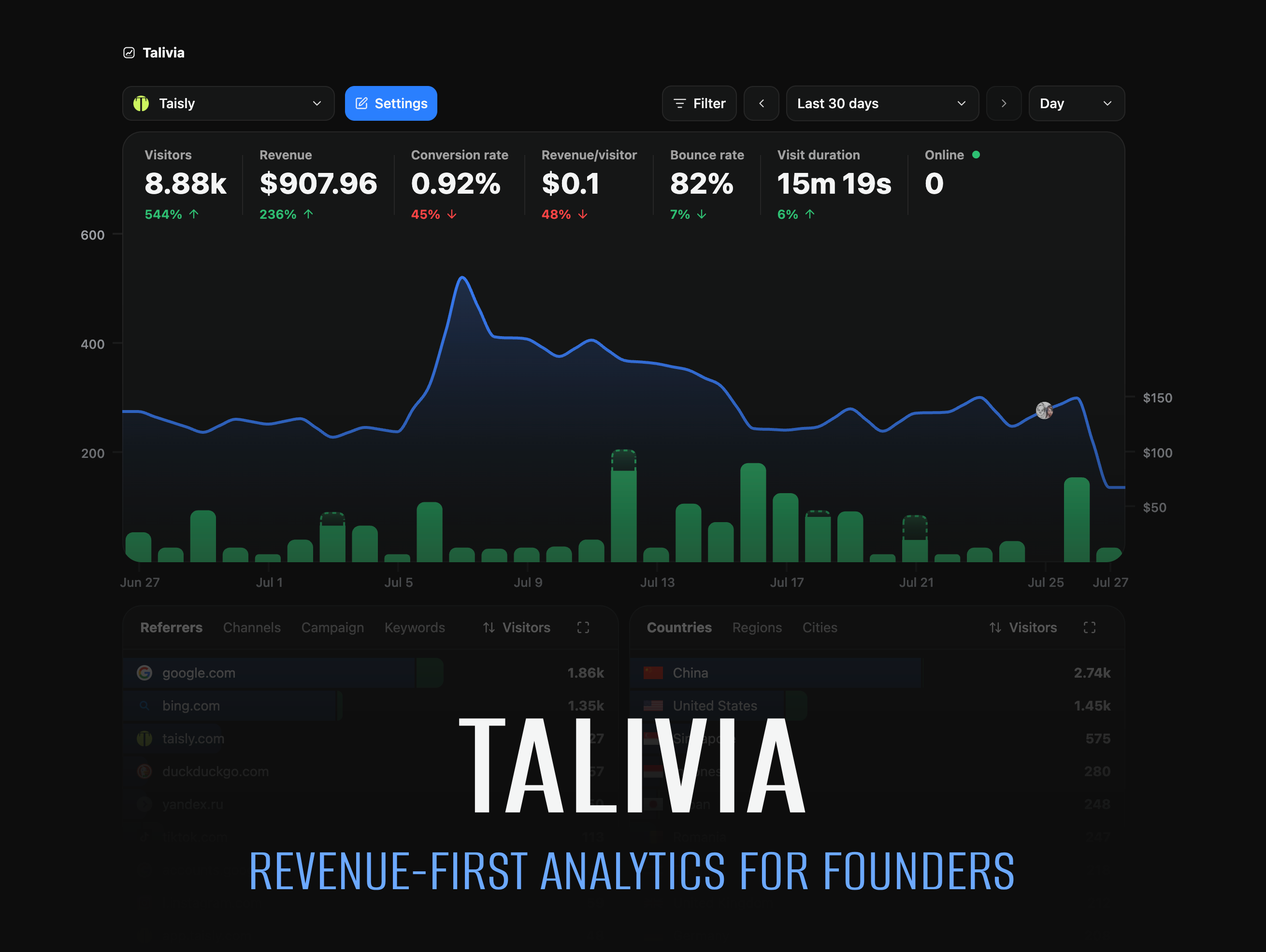
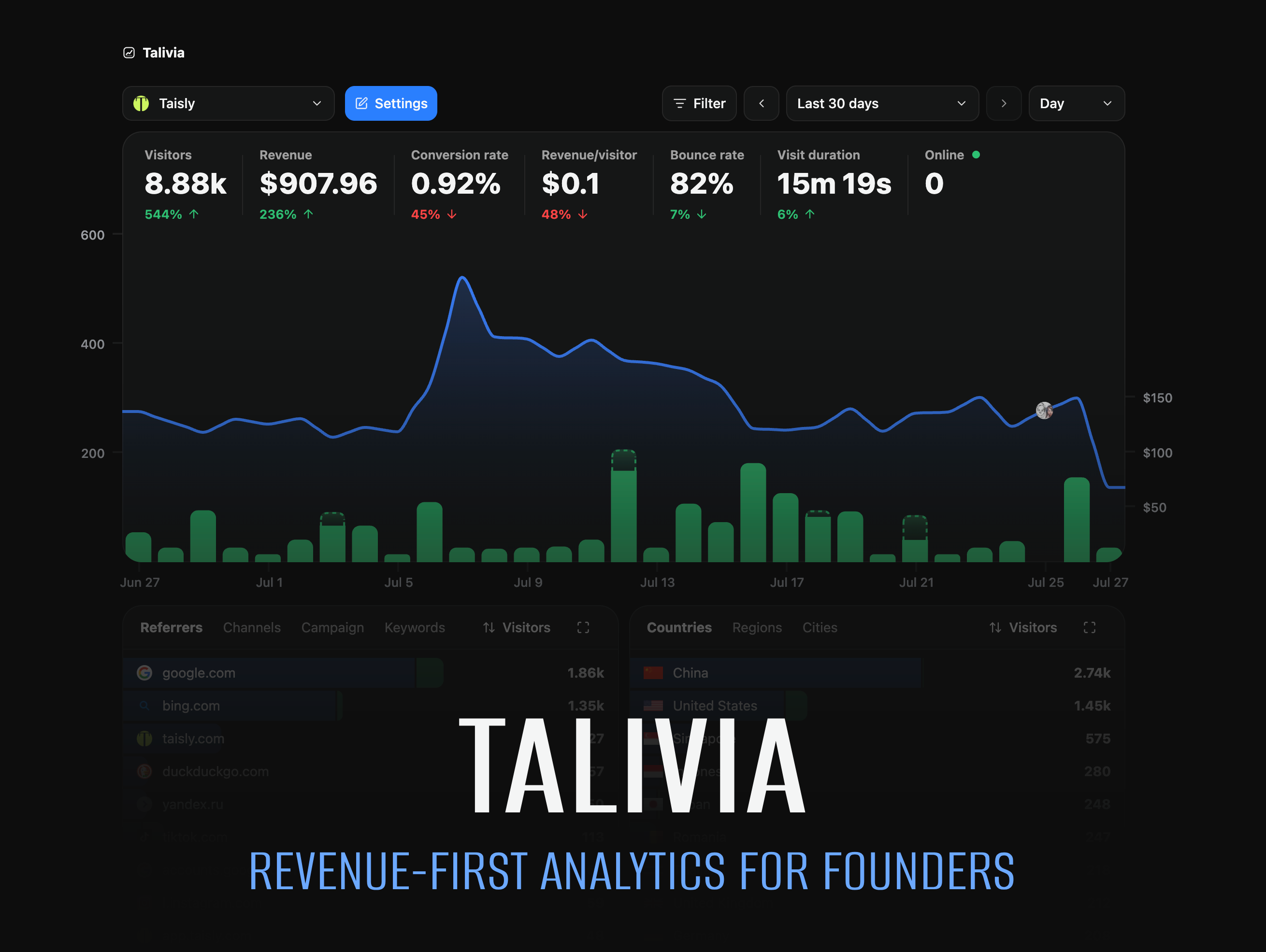
This repository contains the focused open-source edition of Talivia, the revenue-first analytics platform available at talivia.com. The self-hosted edition combines core web analytics, Session Replay, website collaborators, shared analytics, import/export, and customer revenue from Stripe, LemonSqueezy, Polar, Dodo, Yolfi, or the Manual Payment API.
Open source and Talivia Cloud
The open-source edition is a self-hosted subset of the complete Talivia product. For managed hosting and additional integrations - including Google Search Console, Bing Webmaster Tools, GitHub activity, and social mentions from X, Reddit, TikTok and others use Talivia Cloud.
Documentation
Product and integration guides are available in the official Talivia documentation.
Local development
Requirements: Node.js 22 LTS or 24 LTS, pnpm 10+, and an empty PostgreSQL database.
cp .env.example .env
openssl rand -hex 32
Put the generated value in APP_SECRET, then install, migrate, and start Talivia:
pnpm install --frozen-lockfile
pnpm exec prisma migrate deploy
pnpm dev
Open http://localhost:3000 and sign in with:
- Username:
admin - Password:
admin
Change this bootstrap password immediately under Settings → Account. Administrators can create additional username/password accounts and change their roles on the same Account page. Password hashes are never shown; every user changes their own password.
Useful checks:
pnpm lint
pnpm test
pnpm build
The baseline migration is for an empty database only. There is no migration path from a hosted Talivia database.
Configuration
Talivia has two required settings and one optional integration:
| Variable | Required | Purpose |
|---|---|---|
DATABASE_URL |
Yes | Connection string for the PostgreSQL database. |
APP_SECRET |
Yes | Random value of at least 32 bytes; signs sessions and encrypts saved provider credentials. |
COINGECKO_API_KEY |
No | Enables crypto exchange-rate conversion. |
The application remains usable when CoinGecko is not configured or temporarily unavailable.
First setup
- Create a website in Talivia.
- Copy its tracking snippet into your site.
- Confirm that a visit appears on the dashboard.
- Optionally enable Session Replay in website settings.
- Connect customer revenue under Website settings → Payments.
Supported revenue inputs include Stripe, LemonSqueezy, Polar, Dodo, Yolfi, and the Manual Payment API. Subscription lifecycle, refunds, disputes, and first-/last-touch attribution are retained.
Payment-provider webhook URLs are generated from the incoming request origin. When Talivia runs
behind a reverse proxy, forward the original Host and X-Forwarded-Proto headers.
Docker
Requirements: Docker Engine with Docker Compose.
cp .env.example .env
openssl rand -hex 32
Put the generated value in APP_SECRET, then start Talivia:
docker compose up --build -d
docker compose ps
Open http://localhost:3000 and change the bootstrap admin password immediately. The container
applies the OSS database migration automatically before starting the application.
Backups and upgrades
Back up the PostgreSQL database and any deployment-specific storage before upgrading. For a Compose installation, create a logical database backup with:
docker compose exec -T postgres pg_dump -U talivia -d talivia_oss > talivia-backup.sql
Future releases add ordered migrations under prisma/migrations. Apply them with
pnpm exec prisma migrate deploy; the official container does this during startup. Never edit a
migration that has already been applied to a persistent database.
AI agents and MCP
Talivia also provides an open-source Agent Kit for Codex, Claude Code, ChatGPT, and other MCP-compatible clients. It helps agents install website tracking, generate framework-specific setup plans, verify live analytics events, and connect visits to payment attribution.
Connect to the hosted MCP server with OAuth:
https://talivia.com/mcp
Or run the Agent Kit locally over stdio:
npx -y @talivia/agent mcp
See the AI Agent Kit guide for setup instructions and supported clients. The hosted MCP endpoint connects to Talivia Cloud; this self-hosted edition does not expose the Talivia Cloud OAuth endpoint.
Security and contributions
See SECURITY.md for vulnerability reporting and deployment guidance, and CONTRIBUTING.md for the development workflow.
Talivia is licensed under the MIT License.
Comments