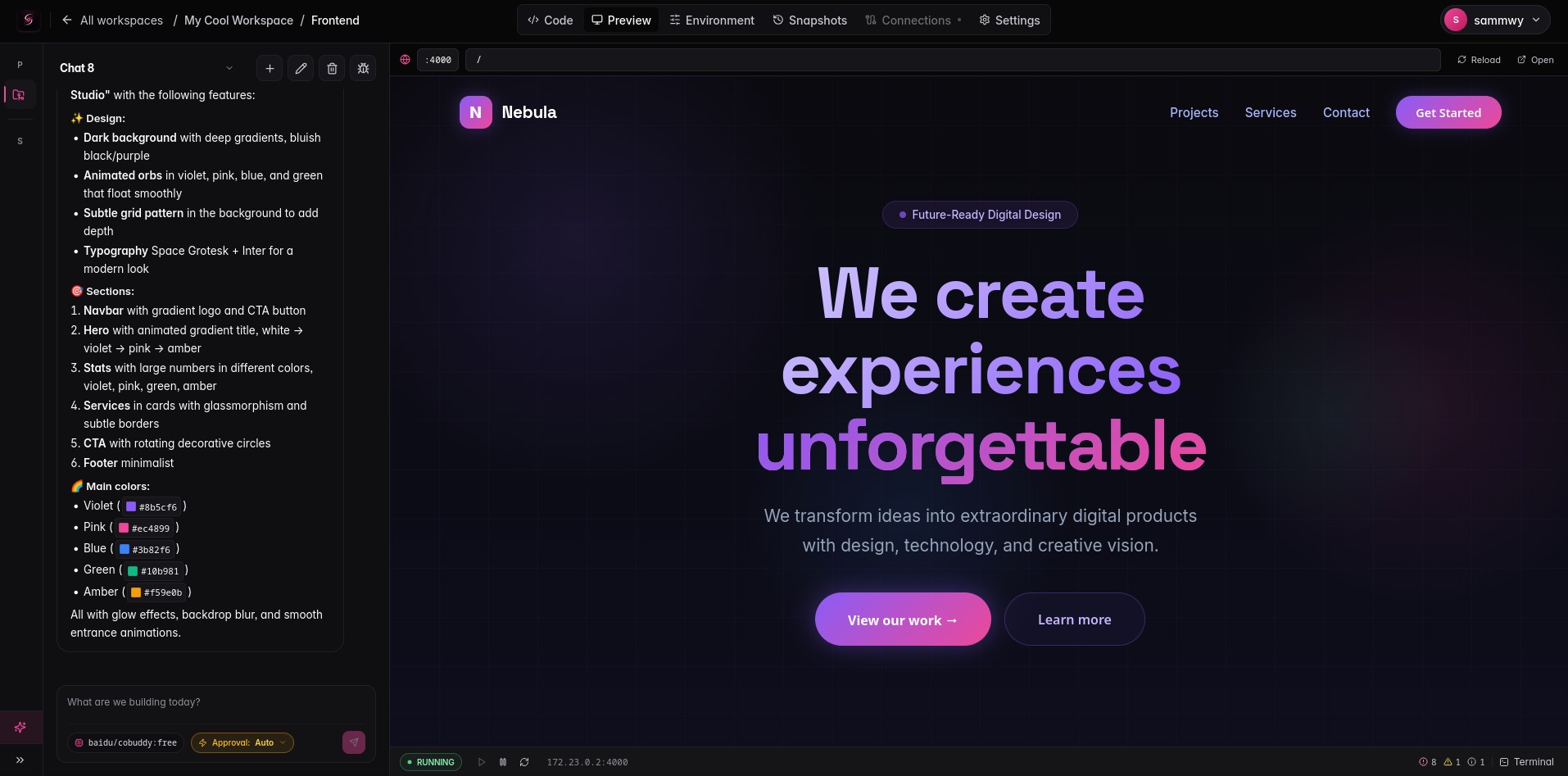

Self-host your own AI app builder. Bring your own keys. Run everything in Docker. Snapshot every change.
Quick start · Features · Architecture · Roadmap · Contributing
Singulary is an open-source, self-hosted alternative to closed AI app builders like v0, Lovable, Bolt, or Replit Agent — but you keep the keys, the code, and the runtime.
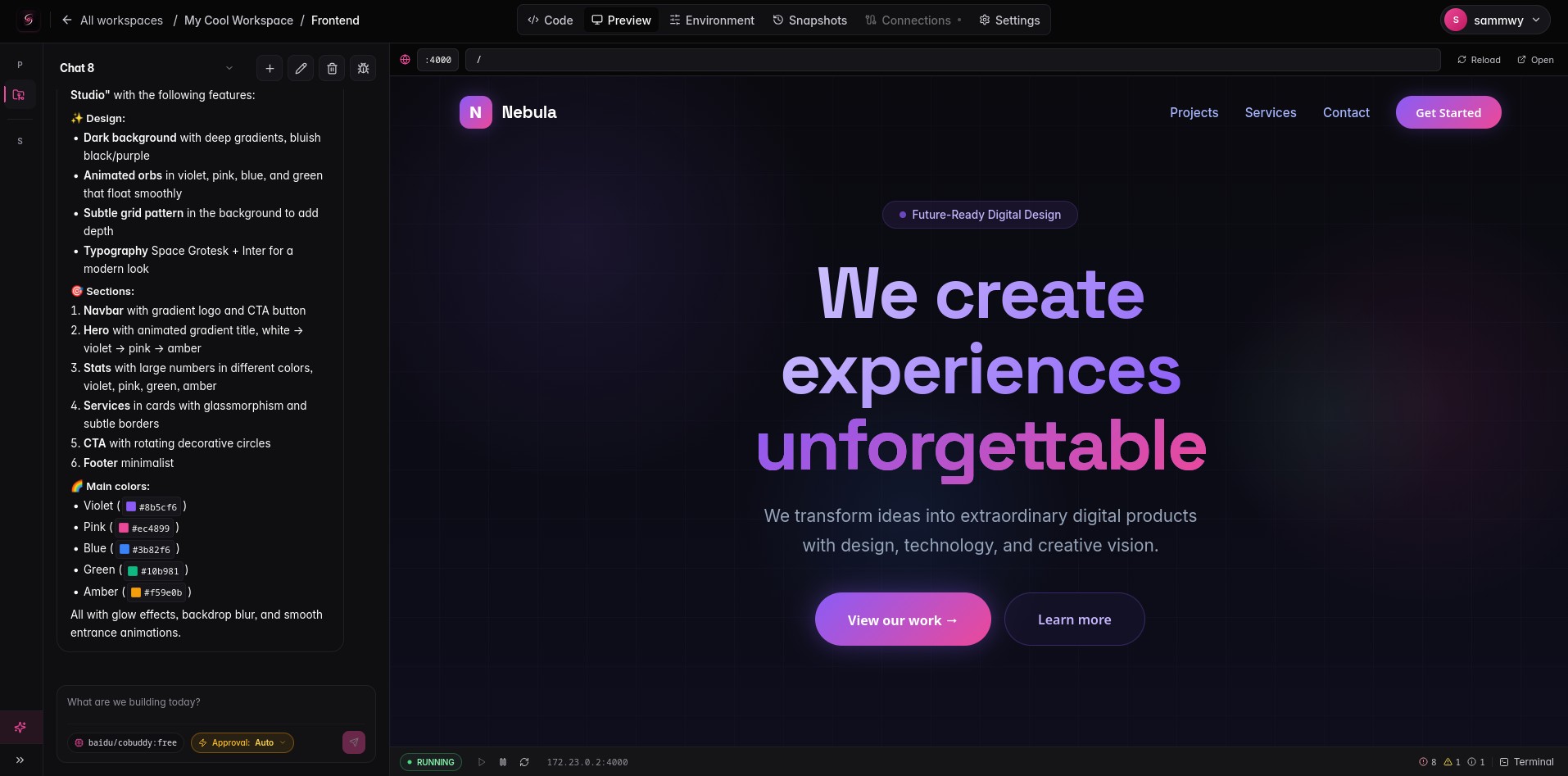
Spin it up on your machine or a private server. Connect any OpenAI-compatible provider. Let the agent build, edit, run, debug, and connect full-stack applications inside isolated Docker workspaces. Every change is reversible.
Privacy & Freedom First: No SaaS backend. No telemetry. No vendor lock-in. No hidden markup on tokens. Everything is yours, running on your hardware. Singulary is proudly licensed under the MIT License, meaning you own your data, your code, and your prompts. You can do whatever you want with it, for free, forever.
✨ Features
- 🤖 Agent that actually ships code — read, write, patch files, run shell commands inside the project container, install dependencies, restart the dev server, provision services.
- 🔑 Bring your own keys (BYOK) — OpenAI, Anthropic, OpenRouter, Groq, Google, xAI, DeepSeek, or any OpenAI-compatible endpoint (Ollama, LM Studio, your own gateway).
- 🐳 Real Docker runtime — every project runs in its own container on an isolated workspace network. Not a fake sandbox.
- 📦 Workspaces with services — provision PostgreSQL, MySQL, MariaDB, MongoDB, Redis, MinIO, RabbitMQ, or Meilisearch from a catalog. Connection URIs are injected as env vars automatically.
- 🌐 Live preview — auto-detected dev server ports, reverse-proxied with one click. Hot reload works.
- 💻 Built-in editor — Monaco editor, file tree with context menus, dirty-state save flow, binary detection.
- 🖥️ Interactive terminals — open as many shells as you need, attached to the project workdir.
- 🔐 Permissions through groups ��� every user gets an immutable Personal space. Workspaces attach to groups. Group rules control provider/model access, token quotas, workspace and project limits.
- 👥 Multi-user ready — single-user for local hacking, multi-user with admin panel for teams.
- 📊 Token accounting — every model call is recorded per user, workspace, project, provider, and model.
- 🔒 Secrets at rest — AES-GCM encrypted provider keys, service credentials, env vars, and Docker TLS material.
- 📡 Live everywhere — WebSocket presence + log streaming + SSE agent token streaming. The UI updates without polling.
- 🪶 Lightweight — single Node process, SQLite, no Postgres dependency. One container, one volume.
🚀 Quick Start
Docker (recommended)
git clone https://github.com/sammwyy/singulary.git
cd singulary
cp .env.example .env       # set SESSION_SECRET
docker compose up --build
Open http://localhost:3000. The first user you register becomes the global instance_admin.
⚠️ Singulary mounts the Docker socket to manage project containers. Treat the host like the trusted boundary — read Security before exposing it publicly.
Local development
Requires Node ≥ 22 and pnpm 9.
git clone https://github.com/sammwyy/singulary.git
cd singulary
pnpm install
pnpm dev
- Frontend: http://localhost:5173
- API: http://localhost:3000
Vite proxies /api to the backend automatically.
Create an admin from the CLI
pnpm run admin:create -- --email admin@example.com --username admin
# password is generated and printed once if --password is omitted
🧭 First Run
- Setup wizard — open the UI, create the first admin user.
- Provider keys — go to Admin → Providers and add an OpenAI-compatible endpoint (or Provider Keys for personal BYOK).
- Docker — Admin → Docker to point at your socket or a remote daemon. Click Check connection.
- Workspace — create one from the dashboard.
- Project — add a Node, Bun, Python, Go, Rust, PHP, or static project from a template.
- Chat — open the project, switch to the agent panel, pick a model, and start building.
- Preview — when the dev server is up, the preview tab auto-detects the port and opens it.
🧰 What the Agent Can Do
The agent exposes a curated toolset — not raw shell access — so every action is scoped and observable:
| Category | Tools |
|---|---|
| Filesystem | read_file, list_files, write_file, write_diff, delete_file, move_file, copy_file, find |
| Shell | shell_open, shell_read, shell_wait, shell_kill (executed inside the project container) |
| Runtime | container_restart, project_settings (image, install/start commands) |
| Workspace | ws_create_service (provision a database, cache, queue, or storage backend) |
write_diff does anchor-based exact-match replacements (no broken context windows), .gitignore rules are enforced at the tool boundary so the agent never reads node_modules, lock files, or build output, and dangerous tool calls can pause for human approval when that platform setting is enabled.
🧪 Service Catalog
Provision real containers with generated credentials and ready-to-use connection URIs:
- 🐘 PostgreSQL 16
- 🐬 MySQL 8 / MariaDB 11
- 🍃 MongoDB 7
- 🔴 Redis 7
- 🪣 MinIO (S3-compatible)
- 🐇 RabbitMQ 3 (with management UI)
- 🔎 Meilisearch
When a service is created, its connection string is injected as an env var (e.g. DATABASE_URL, REDIS_URL) into every project in the workspace.
🏗️ Architecture
┌─────────────────────────────────────────────────────────┐
│                  Browser (React + Vite)                 │
│   editor · file tree · terminals · agent chat · admin   │
└──────────────┬─��──────────────┬─────────────────┬───────┘
               │ REST           │ SSE             │ WS
┌──────────────┴────────────────┴─────────────────┴───────┐
│                Express API · SQLite metadata            │
│ ─────────────────────────────────────────────────────── │
│  auth · groups · rules · workspaces · projects · env    │
│  agent loop · tool runtime · token accounting · audit   │
└──────────────┬─────────────────────────────────┬────────┘
               │                                 │
               ▼                                 ▼
        ┌─────────────┐                  ┌──────────────┐
        │   Docker    │                  │   Storage    │
        │   Engine    │                  │  workspaces/ │
        │             │                  │   projects/  │
        │  • project  │                  │   blobs/     │
        │    network  │                  └──────────────┘
        │  • runtime  │
        │  • shells   │
        │  • services │
        └─────────────┘
Stack
- Backend: Node 22 · Express ·
better-sqlite3·ws· Docker Engine API - Frontend: React 18 · Vite · Tailwind · Zustand · Monaco · xterm.js
- Realtime: WebSocket (presence, logs, shells) + SSE (agent stream)
- Crypto: scrypt for passwords, AES-GCM for secrets at rest
Everything ships from a single production container that serves the frontend on / and the API on /api.
🔒 Security
Singulary is built with a security-first posture, but self-hosting Docker tooling means you control the trust boundary:
- All execution happens inside scoped containers — never on the host.
- Project workdirs are bind-mounted; the host filesystem is not.
- Each workspace gets a private Docker network.
- Path traversal is blocked at the filesystem layer;
.gitignoreis enforced at the agent layer. - Provider keys, service credentials, env values, and Docker TLS material are encrypted at rest.
- HTTP-only session cookies; short-lived tokens for WebSocket upgrades.
- Audit log records admin actions, key creation, Docker config changes, and workspace/project mutations.
Docker socket access is effectively root-level on the host. Prefer rootless Docker or a remote daemon for shared environments. Always set a non-default
SESSION_SECRETin production.
📚 Documentation
ARCHITECTURE.md— complete system architecturedocs/permissions-and-rules.md— groups, roles, and rules enginedocs/groups.md— groups and access controldocs/workspaces-and-projects.md— environments and codebasesdocs/services.md— service catalog and shared infrastructuredocs/get-started.md— initial setup and onboardingdocs/byok.md— bring your own keys (BYOK)docs/global-keys.md— global keys and admin providersdocs/limits.md— token quotas and platform limitsproject.md— long-form vision documentroadmap.md— what's shipped and what's nexttodo.md— granular MVP checklist
🛣️ Roadmap Highlights
Already shipped:
- ✅ First-run setup wizard, sessions, scrypt-hashed passwords
- ✅ Groups, rules, token-budget metadata, admin panel
- ✅ Provider configs with OpenAI-compatible
/modelsdiscovery + ALL/ALLOW/DENY mode - ✅ Project file explorer, Monaco editor, save flow
- ✅ Docker runtime: networks, containers, logs streaming, idle auto-stop
- ✅ Service catalog with generated credentials and env injection
- ✅ Interactive shell containers per project
- ✅ Agent chat with streaming, tool calls, cancellation, session resume
- ✅ Approval flow for high/dangerous agent tool calls
- ✅ Path-based preview reverse proxy
- ✅ Single production container + SQLite volume
Next up:
- 🔜 Snapshot store with content-addressed blobs, diff viewer, branching
- 🔜 Automatic snapshot before every AI write + rollback UX
- 🔜 Quota and policy enforcement at model-call time
- 🔜 Subdomain-based preview reverse proxy
- 🔜 Workspace-level env vars with inheritance (instance → org → workspace → project)
- 🔜 Cost estimation and budget warnings
Full status in roadmap.md.
🤝 Contributing
Singulary is free, open source, and made better by other people poking at it. Please see our Contributing Guide for full details on how to get started, run the project locally, and submit Pull Requests.
📜 License
MIT © Sammwy
You can use it, fork it, sell what you build with it, and never ask for permission. Just keep the copyright notice in copies of the source.
Made with ☕ and a deep distrust of vendor lock-in.
Comments