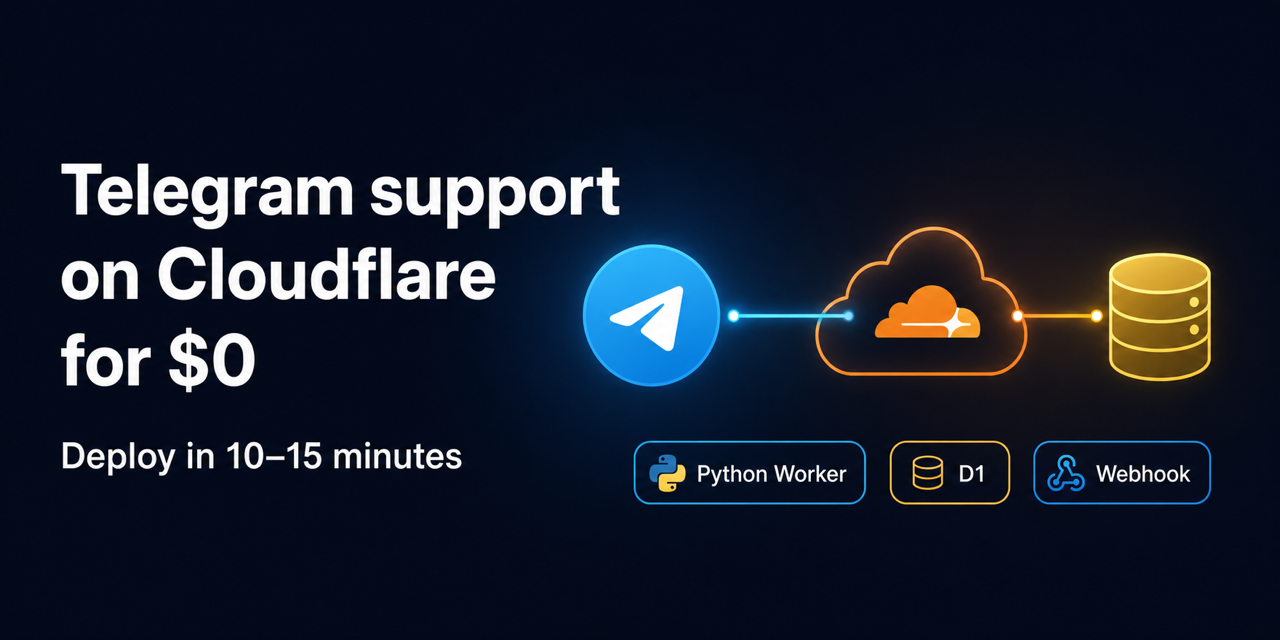
Deploy your own Telegram support bot for $0 in 10–15 minutes
A small, reusable Telegram feedback and support inbox. Users send text in a private chat; an administrator reviews the inbox, resolves or dismisses items, and can optionally attach a destination URL to a resolved reply. The bot uses a Cloudflare Python Worker, Telegram webhooks, and D1. It has no web dashboard or polling loop.
Designed to run for free. If your bot does not receive a large number of requests, the Cloudflare Workers Free and D1 allowances should normally cover it, so you can deploy this template without paying for a server or a Cloudflare subscription. Workers Free currently includes 100,000 requests per day; D1 has separate free limits for rows read, rows written, and storage. Limits apply across your Cloudflare account and may change, so check the current Workers limits and D1 pricing before using it for a high-volume or critical bot.
The project uses the Python Workers beta runtime.
Requirements
- Git
- uv
- Node.js LTS (for the Wrangler CLI)
- A Cloudflare account with Workers and D1 enabled
- A Telegram account able to use @BotFather
From clone to a running bot
1. Clone and install
Create a new repository with Use this template on GitHub, or clone this repository directly:
git clone https://github.com/ruguevara/tg-feedback-bot.git telegram-feedback-bot
cd telegram-feedback-bot
uv sync
2. Create a bot with BotFather
Open the official @BotFather chat, send /newbot,
and follow its prompts. Choose any display name and a unique username ending in
bot. BotFather shows the HTTP API token once; treat it as a password and do
not put it in source, shell history, issues, or chat messages.
Copy the local example file, then enter values in the ignored file:
cp .dev.vars.example .dev.vars
TELEGRAM_WEBHOOK_SECRET is an application secret, not the BotFather token.
Generate a value locally, for example with openssl rand -hex 32.
3. Find the administrator's numeric Telegram ID
The administrator setting is a numeric Telegram user ID, not a username and
not a chat ID. Use a trusted Telegram method: for example, send /start to a
small ID-inspection bot that you personally trust, or use an established
Telegram client/tool that displays your own account ID. Verify the displayed
number against your account before entering it. Never paste bot tokens or other
secrets into an ID-inspection service.
Put the verified number in .dev.vars as ADMIN_TELEGRAM_USER_ID. The example
file contains only placeholders and must not be committed with real values.
4. Create and configure D1
Authenticate Wrangler and run the repository setup helper:
npx --yes wrangler login
bash scripts/setup_cloudflare.sh
The helper creates (or reuses) the D1 database, writes its ID into the local Wrangler configuration, interactively sets the three production secrets, applies the remote migration, and deploys the Worker. Review each prompt before confirming. Do not commit credentials or machine-local config.
The helper's secret prompts are equivalent to the commands below. Set each secret when prompted; values are sent to Cloudflare and are never written to this repository:
uv run pywrangler secret put TELEGRAM_BOT_TOKEN
uv run pywrangler secret put TELEGRAM_WEBHOOK_SECRET
uv run pywrangler secret put ADMIN_TELEGRAM_USER_ID
Use the same bot token and webhook secret that you entered locally. If a token is exposed, revoke it immediately through BotFather and issue a replacement.
The helper's migration and deployment steps are equivalent to:
uv run pywrangler d1 migrations apply telegram-feedback-bot --remote
uv run pywrangler deploy
5. Register the webhook
Copy the final https://...workers.dev URL printed by the deployment, then
pass it to the webhook helper:
bash scripts/set_telegram_webhook.sh \
  https://telegram-feedback-bot.<your-subdomain>.workers.dev
The webhook script prompts for the token and secret without echoing them,
registers POST /telegram/webhook, and checks Telegram's response. Set
WORKER_URL when the deployed URL is not the default:
WORKER_URL='https://telegram-feedback-bot.<your-subdomain>.workers.dev' \
  bash scripts/set_telegram_webhook.sh
6. Validate changes
bash scripts/validate.sh
The validation helper runs the focused test suite, Python compilation checks, and repository hygiene checks. Tests use fakes and do not call Telegram.
Local development
Local Worker secrets belong only in the ignored .dev.vars file. Apply the
local migration and start the dev server with:
uv run pywrangler d1 migrations apply DB --local
uv run pywrangler dev
Telegram cannot deliver a webhook to localhost directly. For an end-to-end
test, expose the local port through an HTTPS tunnel and register that HTTPS URL
with a separate development bot using WORKER_URL.
Configuration
| Name | Kind | Purpose |
|---|---|---|
DB |
D1 binding | Persistent inbox and user state |
TELEGRAM_BOT_TOKEN |
Secret | Telegram Bot API authentication |
TELEGRAM_WEBHOOK_SECRET |
Secret | Header checked on each webhook request |
ADMIN_TELEGRAM_USER_ID |
Secret | Numeric user ID allowed to administer the inbox |
RESPONSE_DESTINATION |
Optional variable | Public destination named in resolution notices |
To name a public page or channel where answers normally appear, add a
non-secret variable to wrangler.jsonc before deploying:
"vars": {
  "RESPONSE_DESTINATION": "https://example.com/support"
}
Leave it unset when resolutions should only use the administrator-provided URL.
The current-state behavior contract is in
docs/tg-bot-spec.md.
Comments