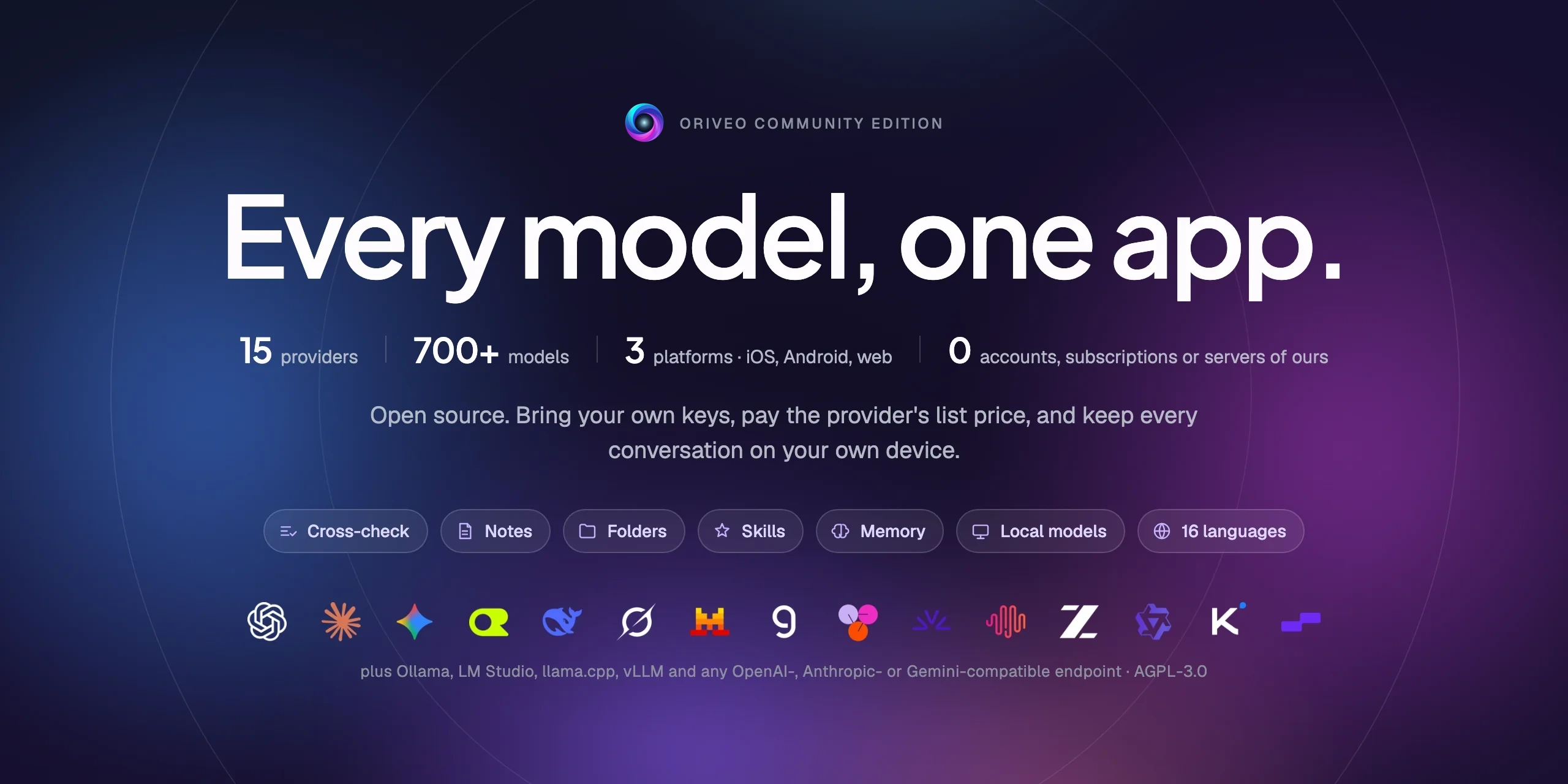

Every model, one app.
Open-source, bring-your-own-key AI chat for iOS, Android, and the web, with a native macOS client in development. No account, no subscription, and no service of ours in the chat request path.
Get Oriveo: oriveoai.com · App Store · Google Play · Web app
The store builds are Oriveo, the commercial edition. This repository is Community Edition, built from source.
Build from source · Architecture · Editions · FAQ · Contributing
English · العربية · Deutsch · Español · Français · हिन्दी · Indonesia · 日本語 · 한국어 · Português · Русский · ไทย · Türkçe · Tiếng Việt · 简体中文 · 繁體中文
What Oriveo is
Oriveo Community Edition is an open-source, bring-your-own-key (BYOK) multi-model AI chat client for iOS, Android, and the web, with a native macOS client in development. It is a local-first alternative to a hosted ChatGPT or Claude plan, for people who would rather pay a model provider directly than pay a subscription to whatever sits in front of it. You supply API keys you already own, the client talks to the provider with them, and the web client is yours to self-host — no Oriveo account, and nothing reporting back to us.
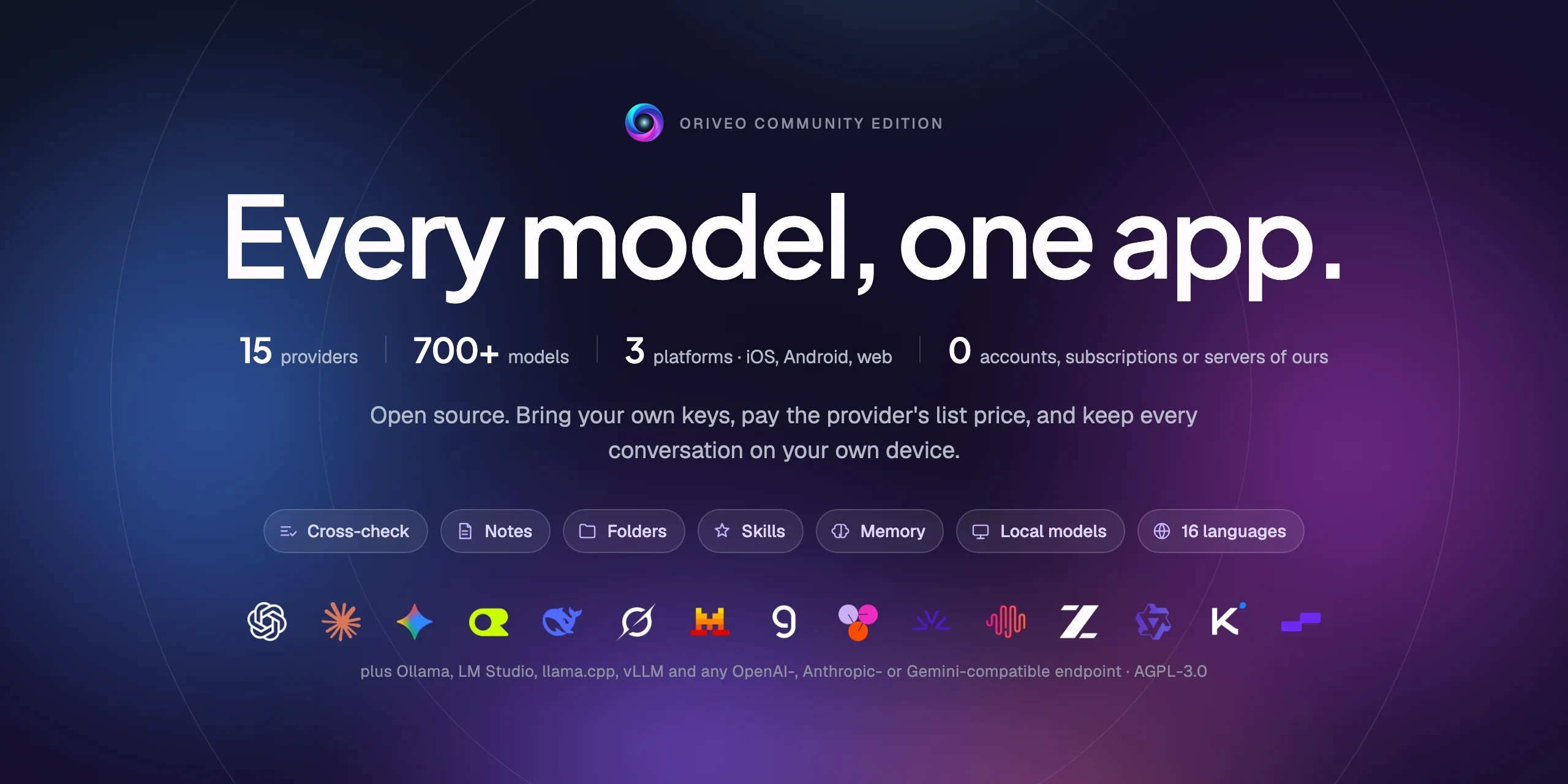
It speaks to 15 model providers natively — OpenAI, Anthropic, Google Gemini, OpenRouter, DeepSeek, Grok, Mistral, Groq, Together AI, Fireworks AI, MiniMax, Z.ai, Qwen, Kimi (Moonshot) and SiliconFlow — plus any OpenAI-, Anthropic- or Gemini-compatible endpoint you point it at, including llama.cpp, Ollama, LM Studio or vLLM running on your own machine. One LLM client, one set of conversations, whichever model answers.
| 15 providers Plus relay endpoints and local model servers. |
Local by default Conversations, notes, folders, skills and attachments stay on the device. |
One behaviour, three clients One spec in shared/, three suites assert it. |
| No account Nothing reports back to us. |
Self-host The web client runs on your machine. |
16 languages Full right-to-left layout for Arabic. |
Why it exists
Nobody should be able to meter, log, or mark up the model you are paying for.
- Your keys, your bill. You pay the provider's list price. Nothing is marked up, metered, or resold.
- Local by default. Conversations, notes, folders, skills, and attachments live on the device. Export them to a file whenever you want; there is no cloud copy to lose access to.
- One behaviour, three clients. How a request is shaped for a given provider, transport, and
capability is written down once in
shared/, and all three clients assert against the same JSON fixtures. A quirk that lives in that data is fixed once; one that lives in a parser is caught by three suites at the same time. - The one thing it fetches. A public, read-only model catalog, so a model released today works without an app update — no key, no identifier we attach, and pointable at a host of your own.
Features
- Chat — streaming, reasoning blocks, citations, attachments (images and video, PDF, Office (docx, xlsx, pptx), OpenDocument, EPUB, RTF, HTML, and any plain-text or source file), quote-a-selection, retry, regenerate, continue after an interrupted answer
- Providers — 15 built in, each with your own key; per-provider model and generation-parameter overrides, and a choice of regional endpoint where the provider offers one
- Relay — any OpenAI-, Anthropic- or Gemini-compatible endpoint, plus llama.cpp's native API, including one on your LAN
- Local model servers — llama.cpp, Ollama, LM Studio, vLLM, Open WebUI; iOS and Android find them on the local network by mDNS where the engine advertises itself, else by probing usual ports
- Subscription sign-in — use a ChatGPT or Grok subscription you already hold instead of an API key, over each provider's own device-authorization flow
- Skills — reusable system prompts with their own model, reasoning setting, and reference documents
- Notes and folders — capture a reply as a note, organise conversations, search across both
- Cross-check — hand an answer to a second model for review and keep the two together
- Memory — a few facts about yourself, written once and carried into every new conversation
- Cost — per-message and per-provider spend, computed on the device from what each response actually reported, including the cache read and cache write tiers
- Image generation — where the provider supports it
- Backup — export everything to a file; the provider keys in it, if you choose to include them, are encrypted with a password of yours
- 16 interface languages, including full right-to-left layout for Arabic
Community Edition and Oriveo
This repository is Oriveo Community Edition, licensed under AGPL-3.0-or-later. The apps on the App Store, Google Play, and the hosted web app are Oriveo — a separate proprietary product that adds an account layer.
| Community Edition | Oriveo | |
|---|---|---|
| Source | This repository, AGPL-3.0-or-later | Proprietary |
| Chat with your own provider keys | Yes | Yes |
| Relay and local model servers | Yes | Yes |
| Notes, folders, skills, attachments | Yes | Yes |
| On-device cost tracking | Yes | Yes |
| Account | None | Oriveo account |
| Storage | On the device; manual export and restore | Local-first, plus cross-device cloud sync |
| Usage insights and budget alerts | — | Yes |
| Models paid for by Oriveo | — | Yes |
| Analytics and crash reporting | None. The web bundle's Sentry stays silent without a DSN of your own | Yes |
Community Edition builds use the ai.oriveo.community identifier prefix, so one can sit on the
same device as a store build without the two sharing a keychain or any local data. What this
edition will and will not accept is written down in COMMUNITY.md.
Oriveo, the full product: iPhone and iPad · Android · Web · oriveoai.com
Providers
Every provider below is reached with a key you create yourself. Two of them can also be reached by signing in with a subscription you already hold instead of a key: OpenAI with a ChatGPT plan, and Grok.
| Provider | Where to get a key |
|---|---|
| OpenAI | platform.openai.com |
| Anthropic | platform.claude.com |
| Google Gemini | aistudio.google.com |
| OpenRouter | openrouter.ai |
| DeepSeek | platform.deepseek.com |
| Grok | console.x.ai |
| Mistral | console.mistral.ai |
| Groq | console.groq.com |
| Together AI | api.together.xyz |
| Fireworks AI | fireworks.ai |
| MiniMax | platform.minimax.io |
| Z.ai | open.bigmodel.cn |
| Qwen | bailian.console.alibabacloud.com |
| Kimi (Moonshot) | platform.kimi.ai |
| SiliconFlow | cloud.siliconflow.cn |
| Relay | Any OpenAI-, Anthropic- or Gemini-compatible endpoint, plus llama.cpp's native API, including one on your own machine |
Architecture
Three native clients, one definition of how to talk to a model provider.
flowchart LR
    shared["shared/<br/>request recipes · contracts · recorded fixtures"]

    subgraph clients ["Three native clients"]
        direction TB
        ios["iOS · SwiftUI"]
        android["Android · Compose"]
        web["Web · Next.js"]
    end

    route["Next.js route handler<br/>on the machine serving the app"]

    subgraph upstream ["Reached with your own credential"]
        official["15 model providers"]
        relay["Any compatible relay"]
        local["A server on your machine"]
    end

    catalog[("Public model catalog<br/>read-only · no key")]

    shared -.->|"asserted by every client"| clients
    catalog -.->|"capabilities and prices"| clients
    ios & android ==>|"straight from the device"| upstream
    web ==> route ==> upstream
    web -.->|"CORS-friendly endpoints and LAN relays"| upstream
Each client owns its own UI, storage, and navigation, and meets the shared contracts at exactly one seam: the layer that turns this model, this capability into an HTTP request.
The one asymmetry worth knowing about is the web client. Most provider APIs send no CORS headers, so a browser cannot call them directly. Those requests pass through a Next.js route handler running on whatever machine serves the app — your own, when you run it locally. The handful of endpoints that do allow a browser (Kimi's China endpoint, and the balance endpoints of OpenRouter, SiliconFlow, DeepSeek and Kimi) and relays on your own network are called directly. The iOS and Android clients have no such constraint and always go straight to the provider.
The architecture of each client:
| Stack | README | |
|---|---|---|
| iOS | SwiftUI with a UIKit transcript, GRDB | ios/README.md |
| Android | Jetpack Compose, Room, Koin, Ktor/OkHttp | android/README.md |
| Web | Next.js App Router, React, Zustand, TypeScript | web/README.md |
| macOS | In development, arriving in the coming months | macos/README.md |
| Shared | Contracts, recorded fixtures, and the Swift wire kernel | shared/README.md |
Get started
There are no prebuilt binaries here — no APK, no .ipa. Community Edition is source you build
yourself. The web client is the shortest path to a running app.
Web — the quickest way to try it
Requires Node 22.22.2 or a later 22.x (see web/.nvmrc); Node 23+ is not supported.
cd web
npm install
npm run dev:app        # http://localhost:3001
The first screen asks for a provider API key. Nothing else is required. More commands and configuration: web/README.md.
iOS — build and run on your own iPhone
Requires a Mac with Xcode 26 and a device on iOS 18 or later. A free Apple Developer account is enough — the app uses no paid capabilities.
- Open
ios/Oriveo/Oriveo.xcodeproj - Select the
Oriveoscheme - Under Signing & Capabilities, choose your own Team
- If Xcode cannot register
ai.oriveo.community, change the bundle identifier to one your team owns - Run
Full walkthrough, including what to do if Xcode refuses to open the project: ios/README.md.
Android — build the APK
Requires JDK 21 and the Android SDK. The build uses AGP 9.3, Gradle 9.5 and Kotlin 2.3, so Android Studio has to be a release that can sync them. From the command line only the JDK and the SDK are needed.
cd android
./gradlew :app:assembleDebug
Serving the model catalog from your own host: android/README.md.
Privacy
- Provider keys go to the iOS Keychain, and on Android to
EncryptedSharedPreferencesunder a key held in the Android Keystore. A browser has no equivalent facility, so on the web they sit unencrypted in IndexedDB — the same model browser BYOK clients generally use. For the strongest guarantee, use the iOS or Android client. - Conversations, notes, folders, skills, and attachments are stored on the device. Nothing is uploaded anywhere.
- No account, and no analytics. There is nothing to sign in to, and nothing counts what you do.
The web bundle includes Sentry for error reporting. It stays silent until you set
NEXT_PUBLIC_SENTRY_DSNto a project of your own, and if you do, it is configured to capture session replays as well as stack traces. The iOS and Android clients contain no reporting SDK at all. - On iOS and Android, chat requests go straight from the device to the provider. On the web most of them pass through the Next.js server that serves the app, because most provider APIs do not permit a direct browser call. That server does not persist keys or messages, and when you run the app locally it is your own machine.
- Two requests of our own: a read-only model catalog, read in two calls. One covers how each
model wants to be addressed; the other the facts about individual models, which iOS reads only
after a subscription sign-in. Between them, a model released today works without a new build.
Neither carries a key, a conversation, or an identifier we attach. The host sees the platform's
default User-Agent, and the only thing the client sends back is the catalog's own
ETag, asIf-None-Match. The web client (NEXT_PUBLIC_BACKEND_URL) and the Android build (-PORIVEO_METADATA_BASE_URL) can be pointed at a host of your own; on iOS that override is a Debug-build convenience only.
FAQ
Is Oriveo a BYOK client for OpenAI, Claude, Gemini and OpenRouter?
Bring your own key. You create an API key in a provider's own console — OpenAI, Anthropic, Google, and so on — and paste it into Oriveo. Requests are billed by that provider at its list price. Oriveo is the client; it is not a reseller and takes no cut.
Is Oriveo a free, open-source ChatGPT alternative?
The client is: open source, nothing to subscribe to, and no part of it held back behind a payment. What you pay is the model provider's own list price for the requests you make, billed by them on the account the key belongs to. Oriveo never sees that bill.
Do my conversations go through an Oriveo server?
No. iOS and Android call the provider directly. On the web most requests pass through the Next.js server serving the app — your own machine when you run it locally — because most provider APIs refuse a browser call. No server we operate sits in the chat path. See Privacy.
Does it work with Ollama, LM Studio or llama.cpp?
Yes. Add a Relay connection pointing at any OpenAI-, Anthropic- or Gemini-compatible server — llama.cpp, Ollama, LM Studio, vLLM, Open WebUI, or anything else speaking one of those protocols. The iOS and Android clients find one on the local network by mDNS where the engine advertises itself and by probing the usual ports otherwise; the web client suggests each engine's usual address. Local HTTP uses no credential and never leaves your network.
Can I self-host Oriveo?
Yes. The web client is the only part of the project with a server side, and it stores neither keys
nor messages. Point it at a model server on your own hardware, self-host the catalog with
NEXT_PUBLIC_BACKEND_URL (web) or -PORIVEO_METADATA_BASE_URL (Android), and nothing reaches past
your network. On iOS that override exists only in Debug builds. See Privacy.
How is Community Edition different from the Oriveo app on the App Store?
The store apps are Oriveo, a proprietary product that adds an account, cross-device cloud sync, usage insights, and models Oriveo pays for. Community Edition has none of that. See Community Edition and Oriveo for the full comparison.
Is there a macOS app?
A native macOS client is in development and will arrive in the coming months; macos/
is where it will land. Until then the web client makes a good desktop app in any browser, and the
iOS build runs on an Apple silicon Mac straight from Xcode. The Swift package that speaks to the
providers already declares macOS 15, so the wire layer a Mac client needs is under test today.
Which languages is the interface available in?
Sixteen: Arabic, German, English, Spanish, French, Hindi, Indonesian, Japanese, Korean, Brazilian Portuguese, Russian, Thai, Turkish, Vietnamese, Simplified Chinese, and Traditional Chinese. Arabic gets a full right-to-left layout.
Repository layout
ios/           iOS client (SwiftUI)
android/       Android client (Jetpack Compose)
web/           Web client (Next.js)
macos/         macOS client — in development, arriving in the coming months
shared/        Cross-client contracts, recorded fixtures, and the Swift wire kernel
readme_i18n/   These READMEs in fifteen more languages
docs/assets/   Images used by the READMEs
llms.txt       A machine-readable index of this documentation
.github/       Issue and pull request templates
Comments