
Compile a GitHub identity into an animated, dark/light, self-hosted profile README.
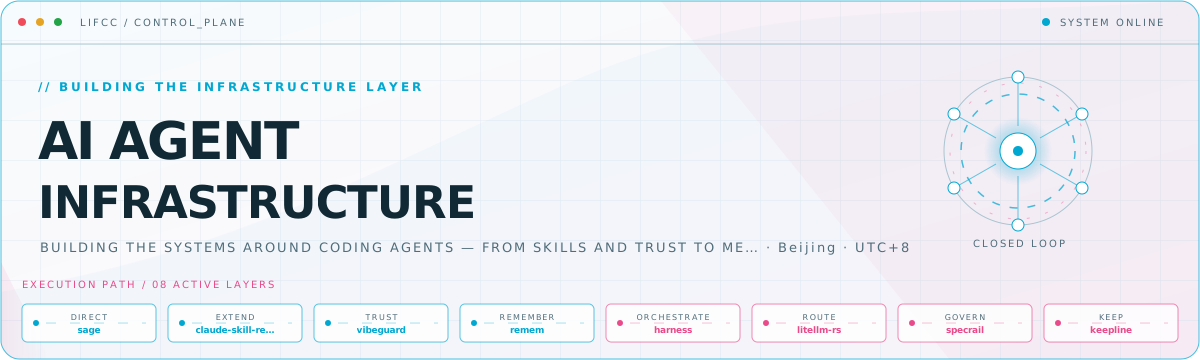
Most profile generators render a banner or assemble remote widgets. Profile Control Plane turns your repositories into a coherent visual system: a hero, a project map, flagship work, and an expandable module registry—all generated from one reviewed YAML file and one of sixteen distinct templates.
What you get
- One declarative
profile.yamlas the authoring source of truth. - Sixteen templates, each producing four SVGs with native dark/light variants and reduced-motion support.
- A generated GitHub-safe
README.mdwith escaped metadata and optional star badges. init,build,preview, andcheckcommands with typed, fail-closed errors.- A bundled
design-github-profileagent skill for evidence-backed positioning, profile archetype selection, visual review, and safe staging. - No hosted image API, database, analytics, or required token at render time.
Template gallery
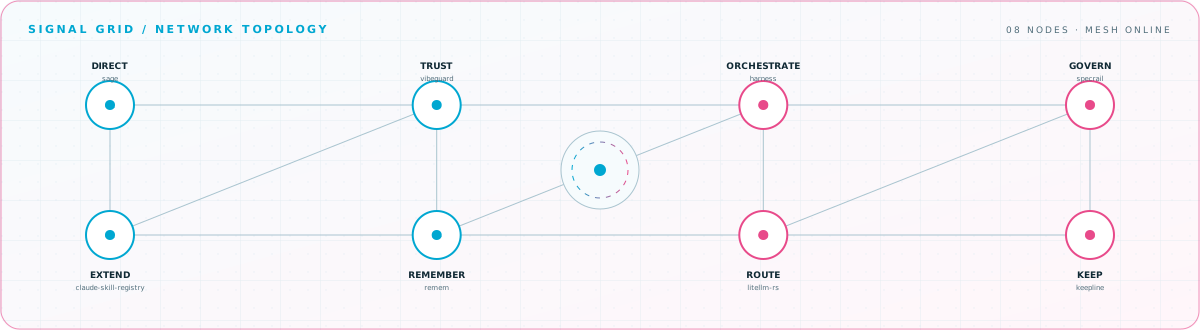
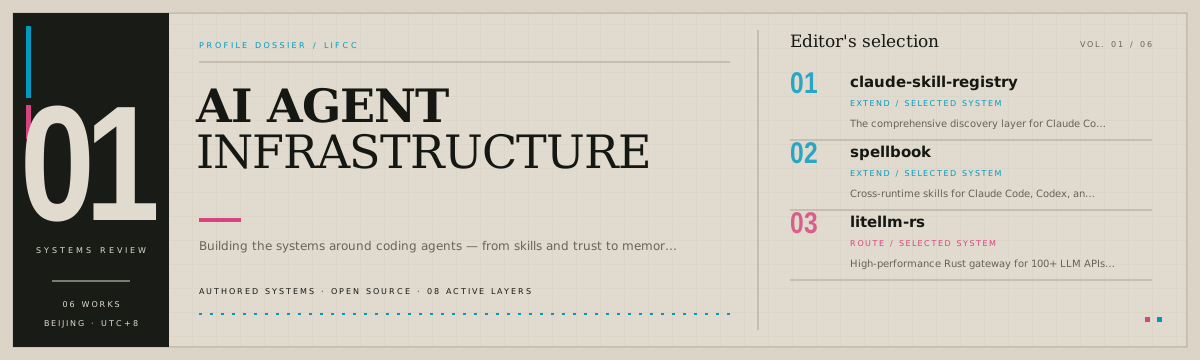
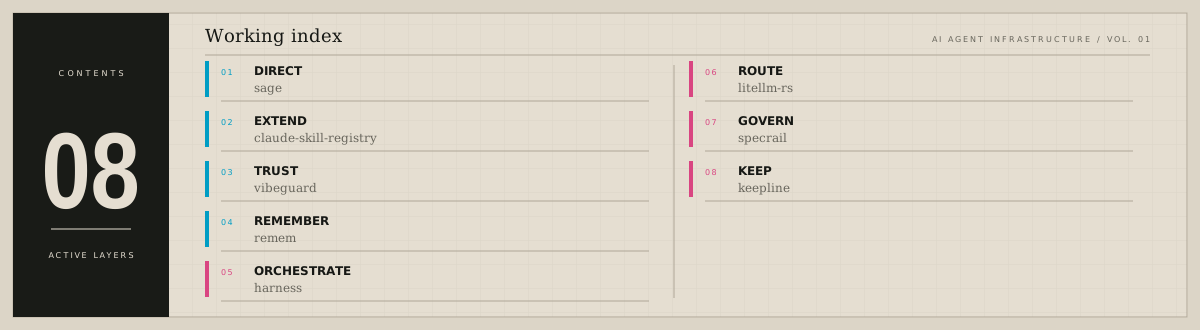
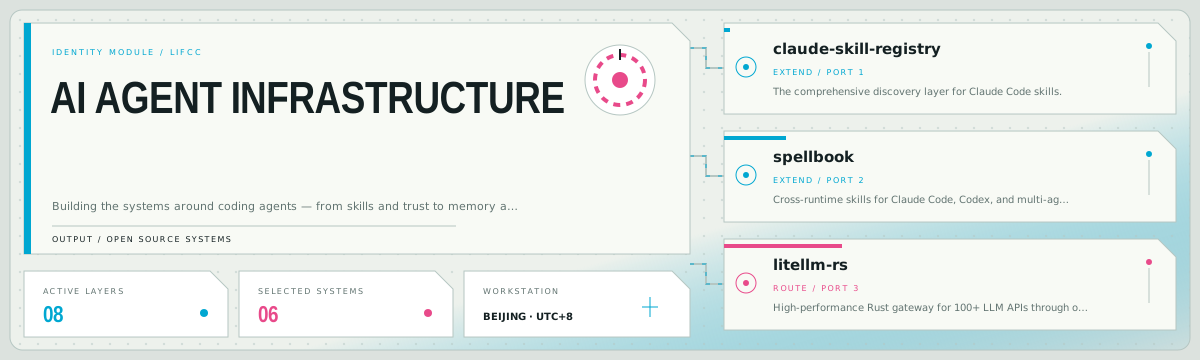
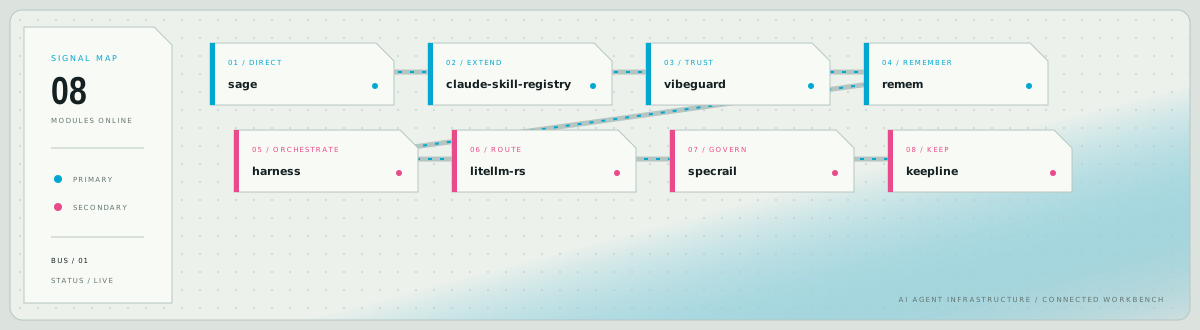
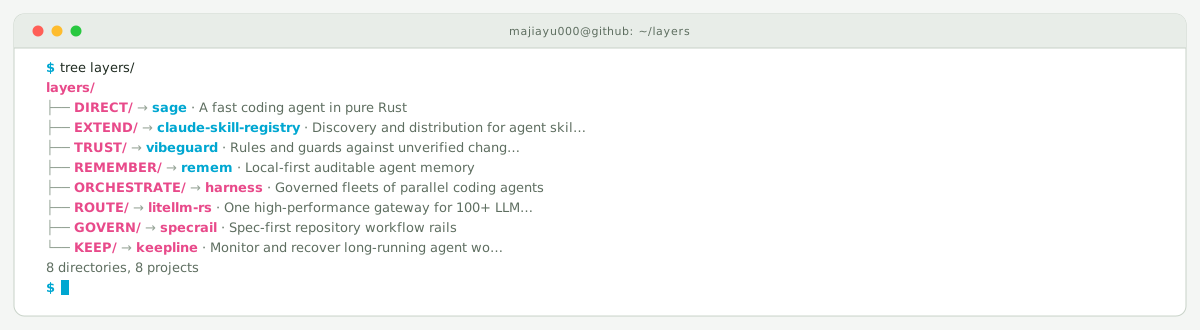
Every preview below is generated from the same
examples/lifcc/profile.yaml. GitHub selects the matching dark or light asset
automatically.
Control Plane
The default Control Plane hero is shown at the top of this README.
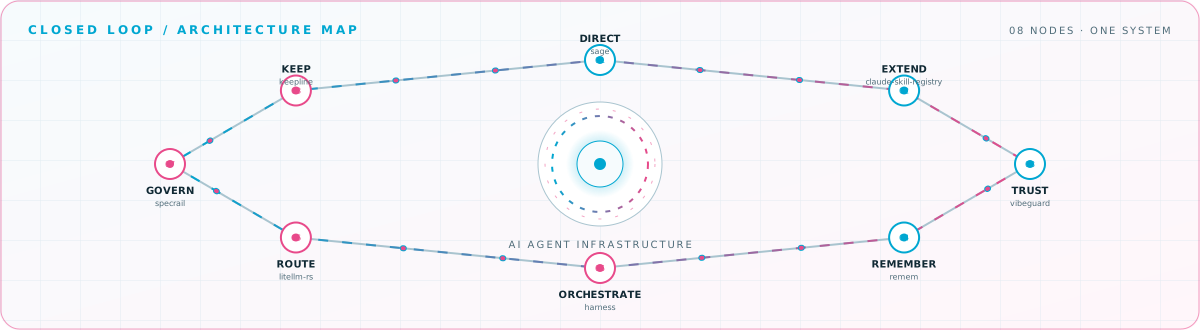
View the closed-loop architecture map
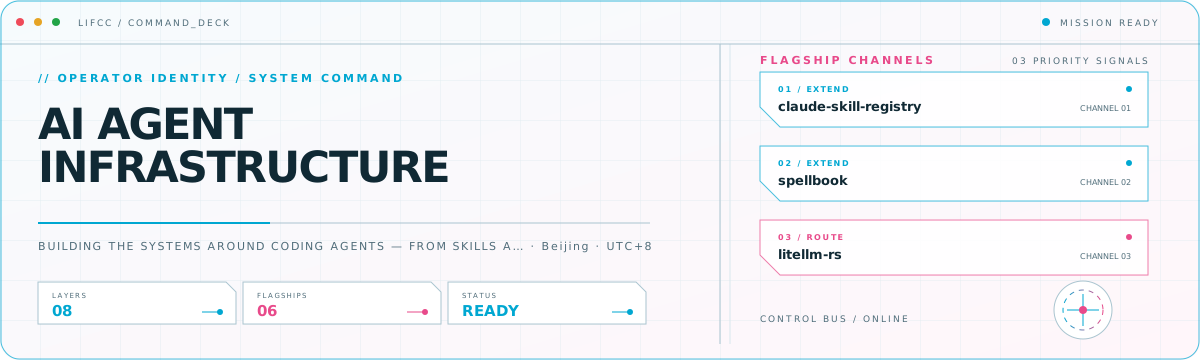
Command Deck (command-deck)
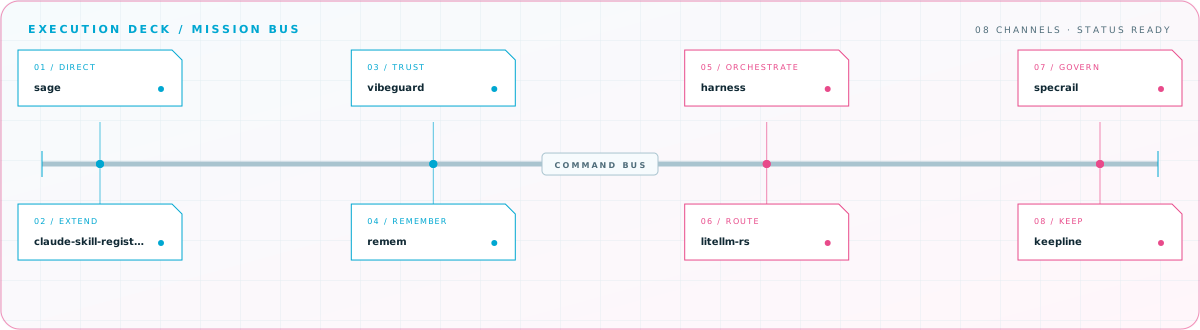
View the execution deck
Signal Grid (signal-grid)
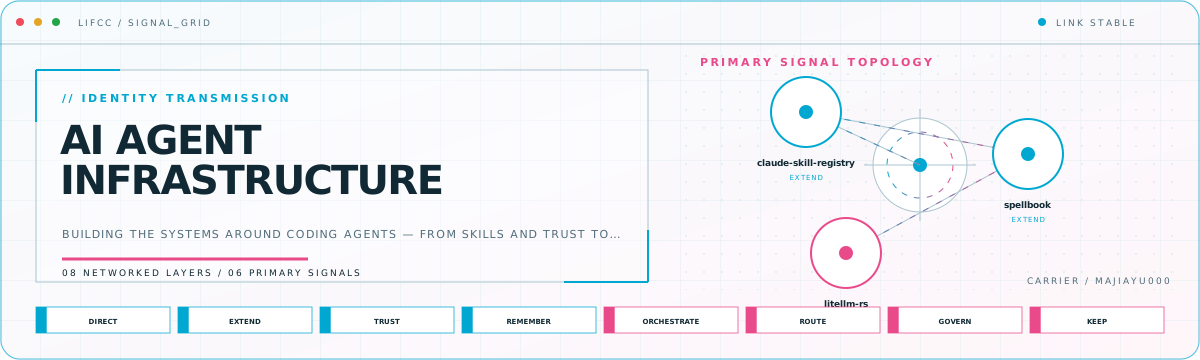
View the signal topology
Editorial
View the working index
Developer Workbench (bento-grid)
View the connected build map
Terminal
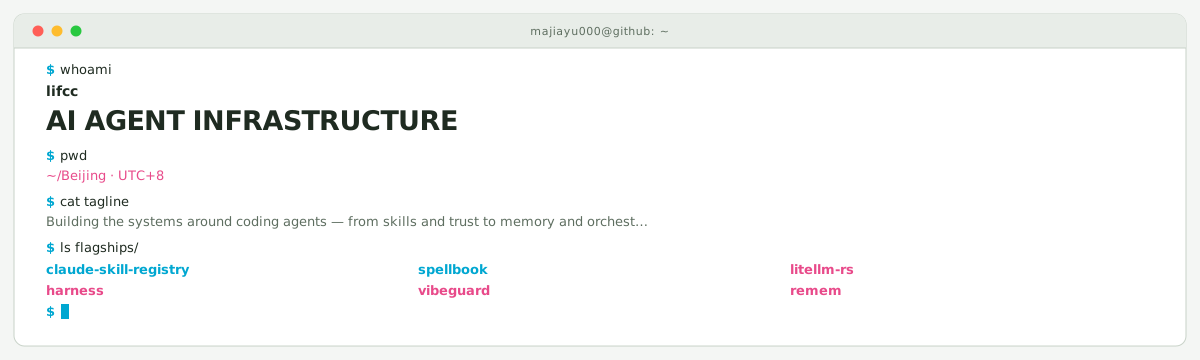
View the process tree
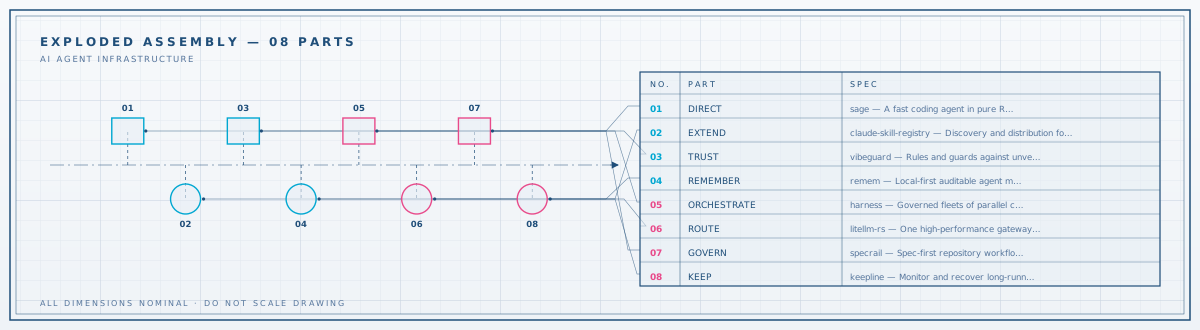
Blueprint
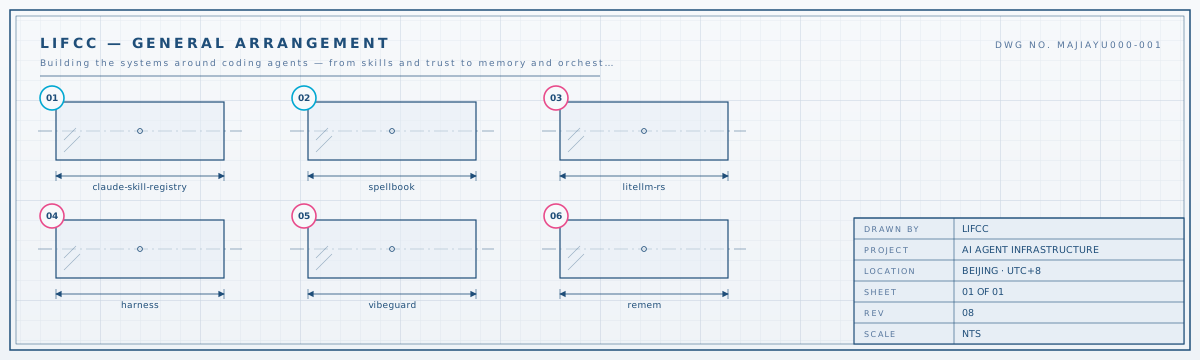
View the assembly drawing
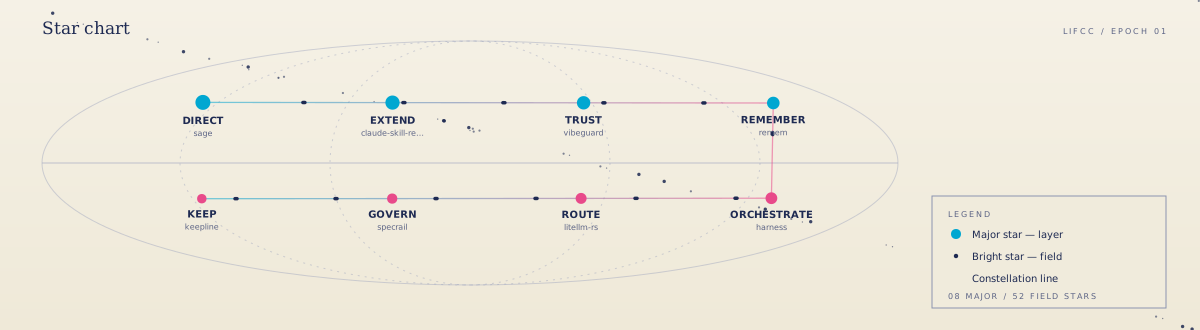
Constellation
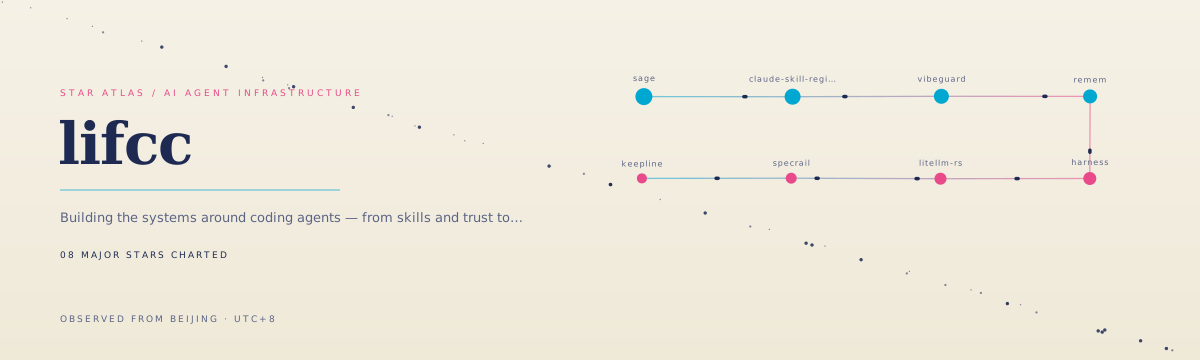
View the star chart
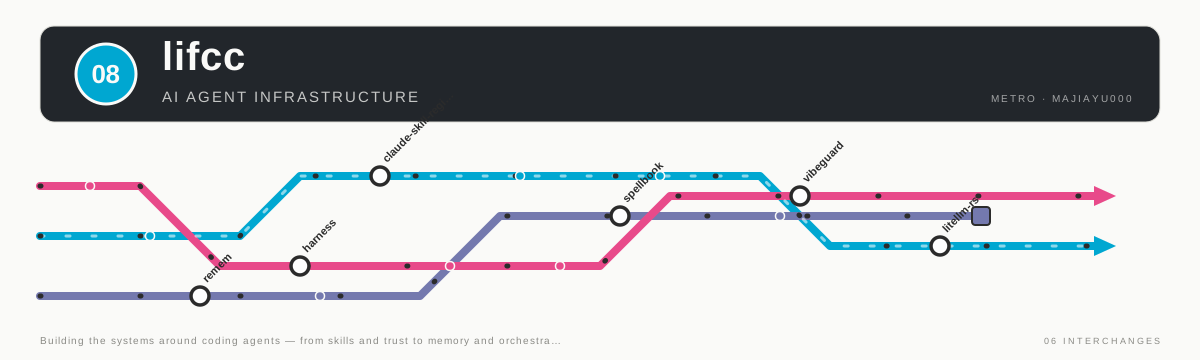
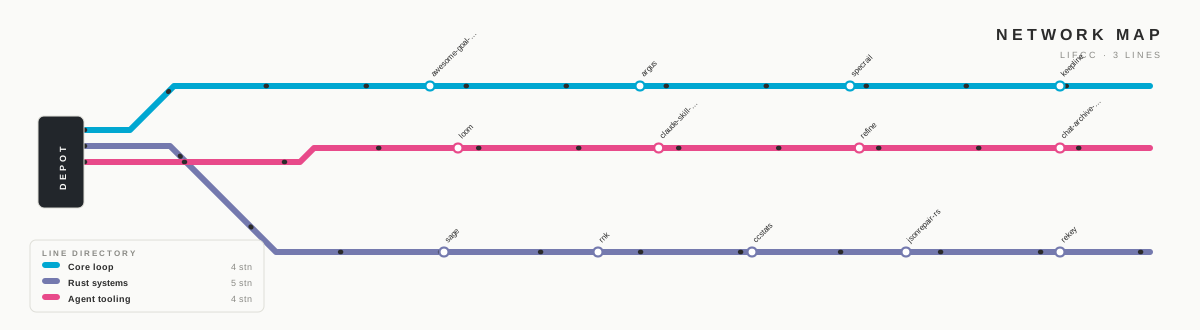
Metro Map (metro)
View the network map
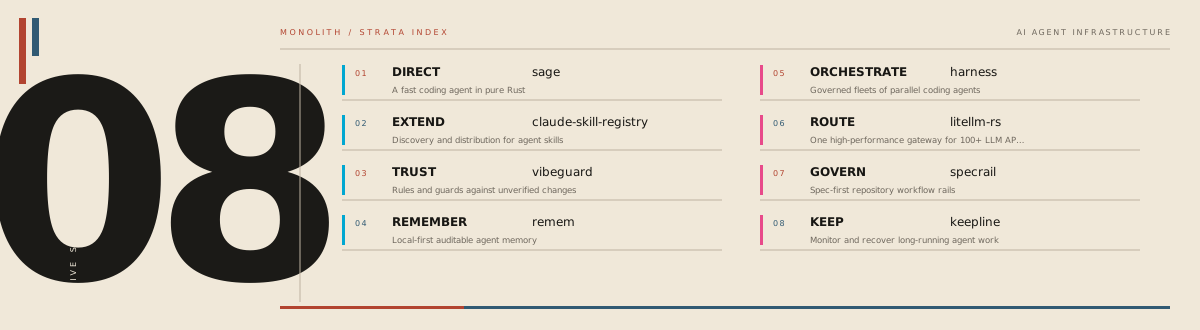
Monolith (monolith)
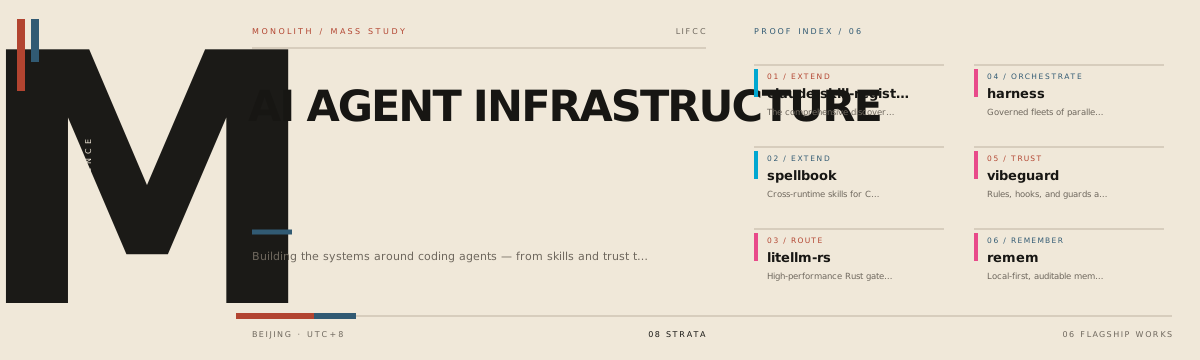
View the typographic route
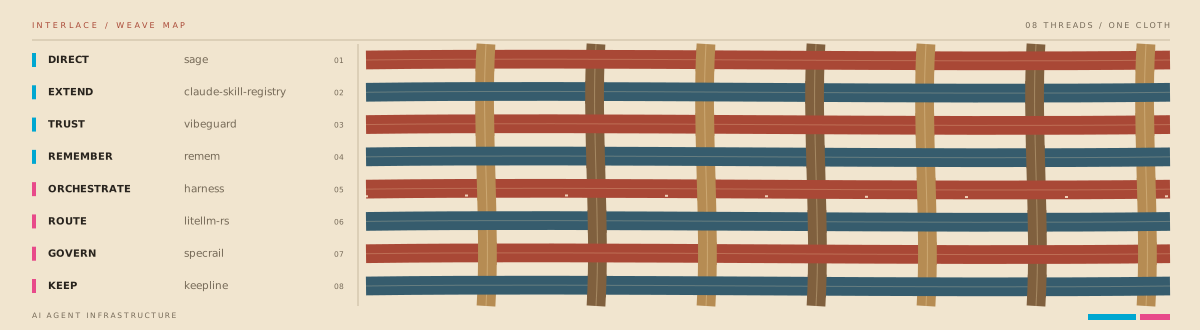
Interlace (interlace)
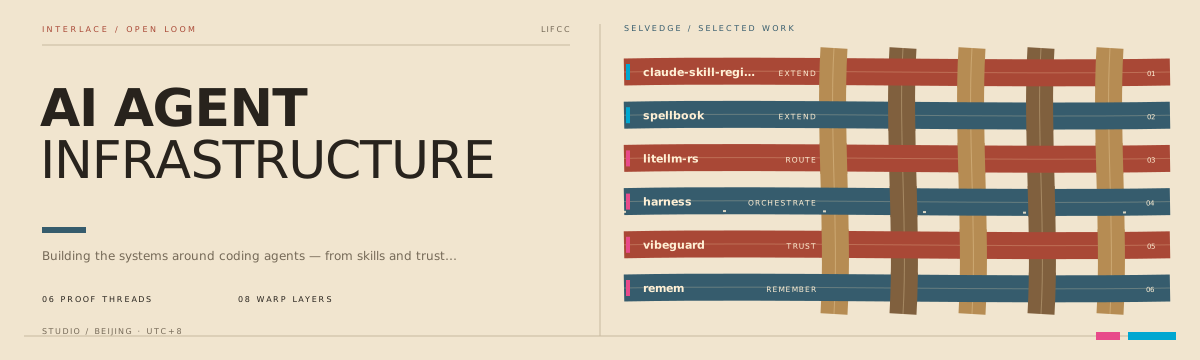
View the project weave
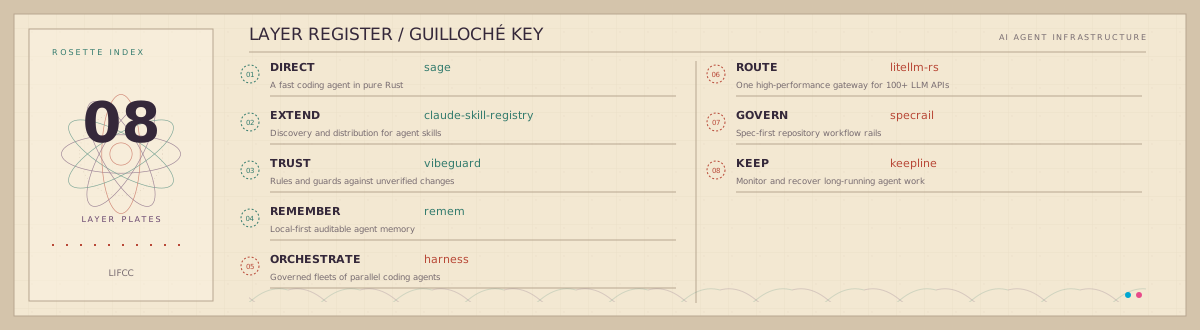
Cipher Print (cipher-print)
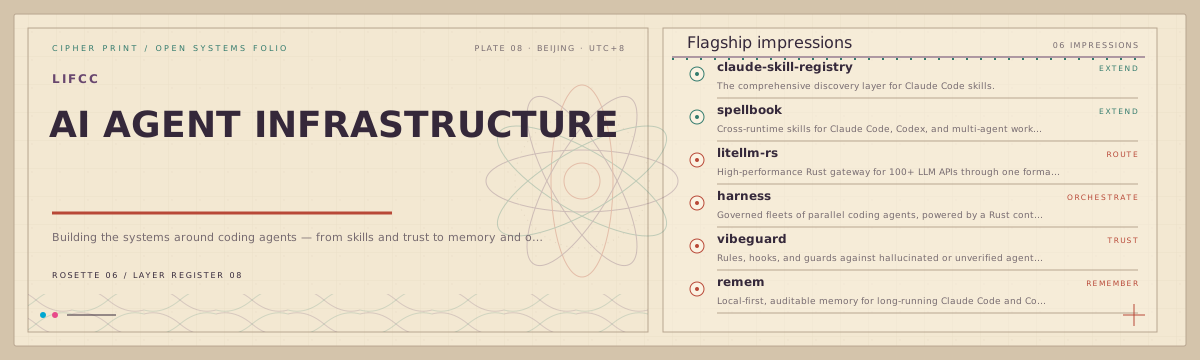
View the engraved index
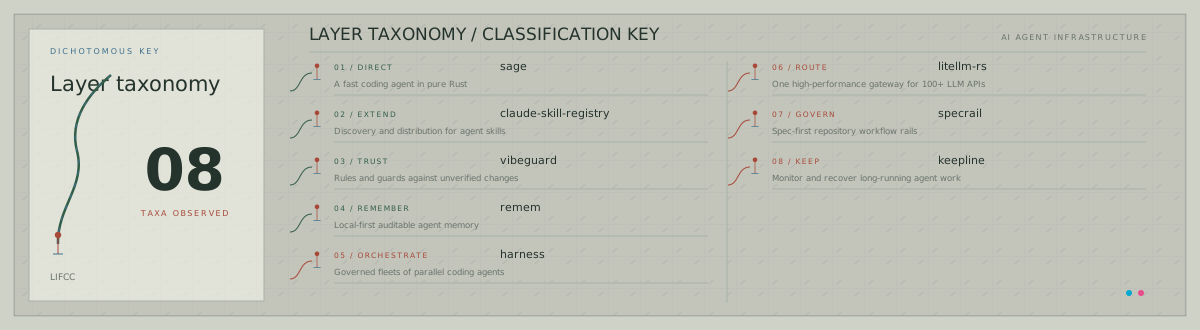
Field Specimen (field-specimen)
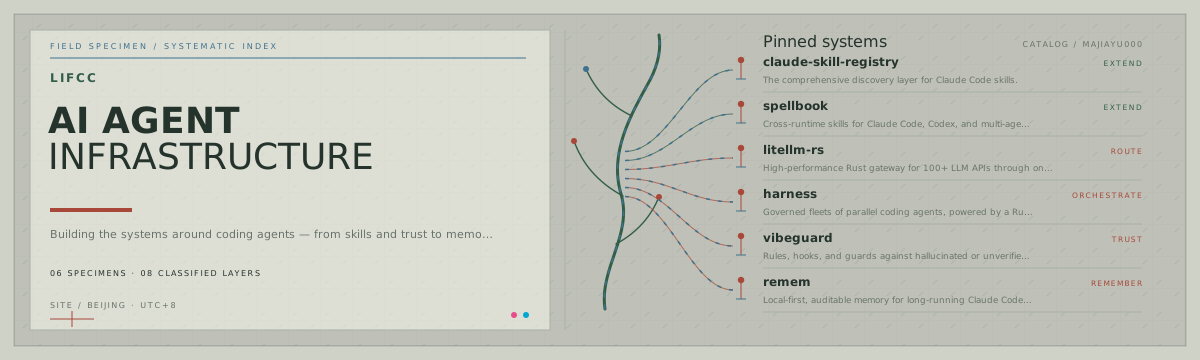
View the classification plate
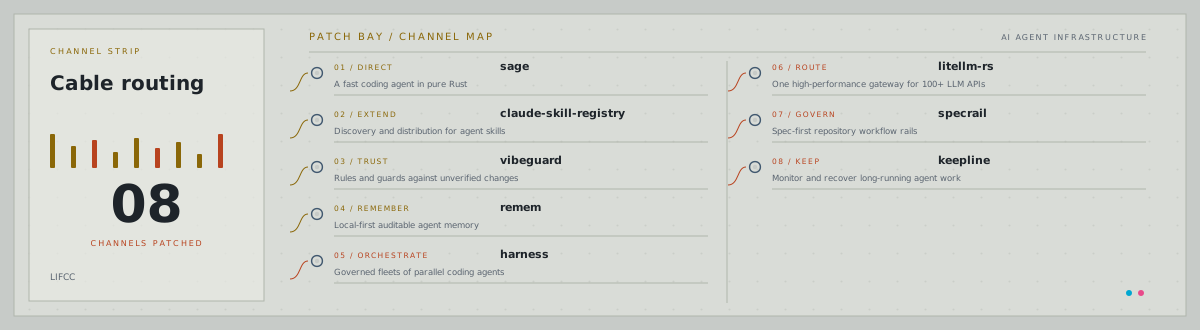
Patch Bay (patchbay)
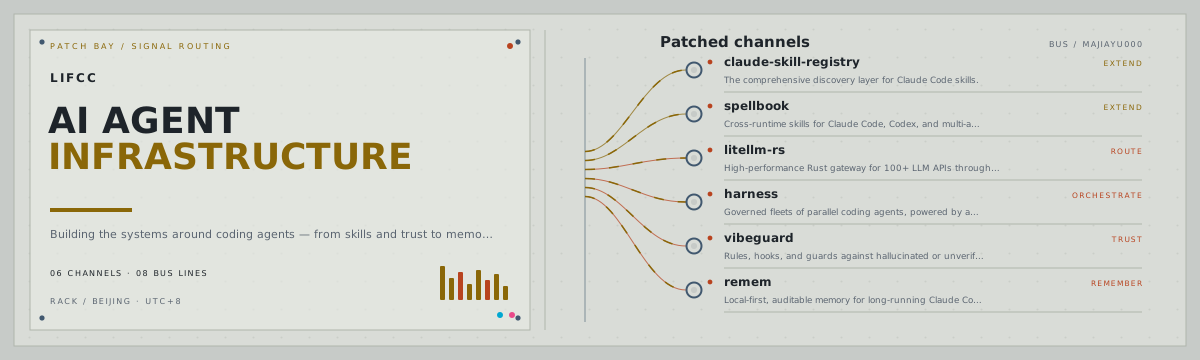
View the cable routing
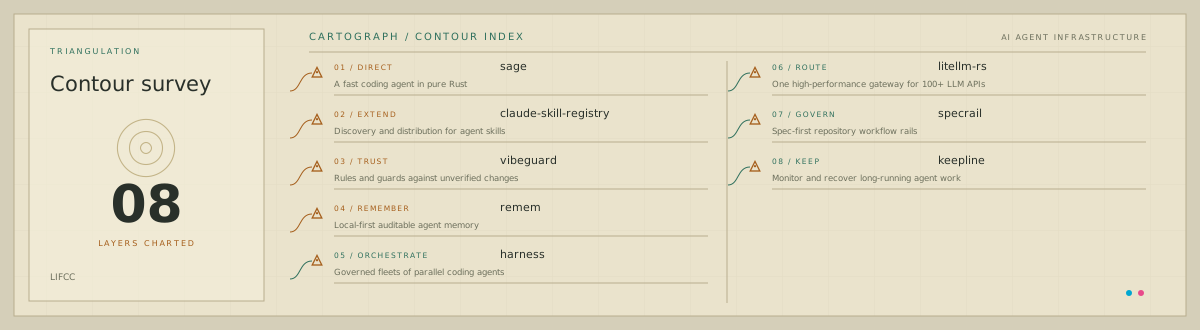
Cartograph (cartograph)
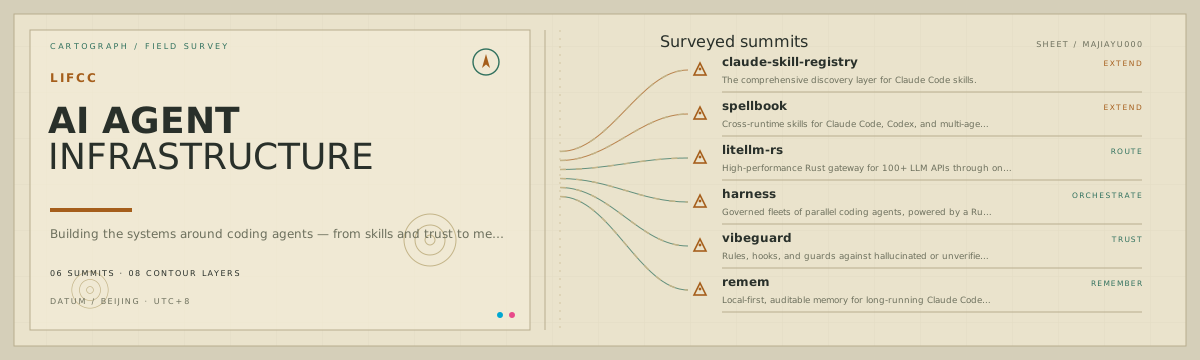
View the contour survey
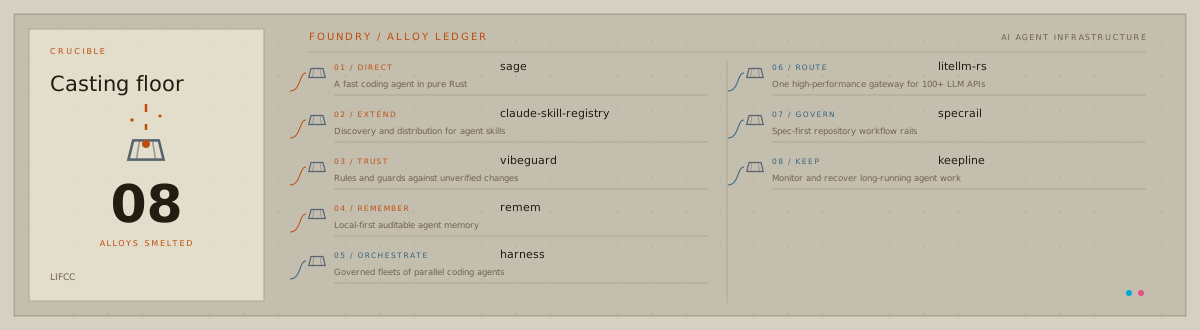
Foundry (foundry)
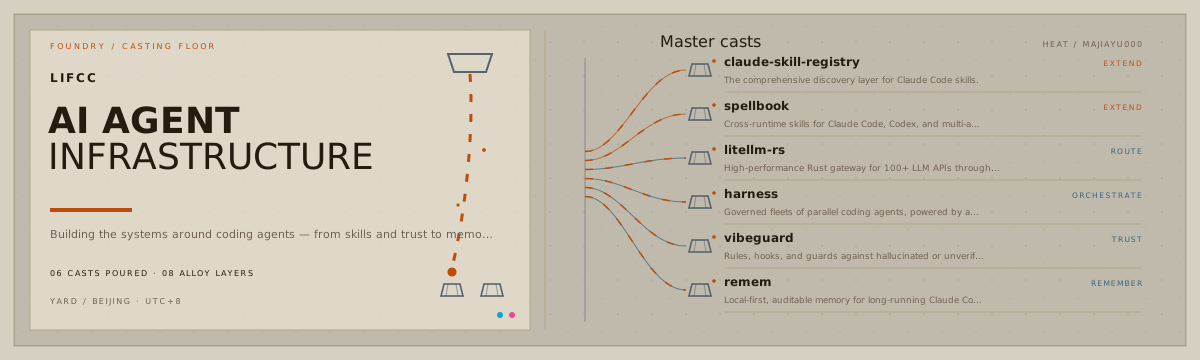
View the casting floor
Quick start
The package is currently distributed from GitHub. Build and link the CLI locally:
git clone https://github.com/majiayu000/profile-control-plane.git
cd profile-control-plane
npm ci
npm link
Create a starter configuration from public GitHub metadata:
profilectl init YOUR_GITHUB_USERNAME
profilectl check
profilectl preview --all-templates
Open the printed comparison page, choose a direction, set theme.preset, and refine profile.yaml until it
tells the right story. Then build:
profilectl build --out .profile-output
If the unauthenticated GitHub API is rate-limited, provide an existing token only for init:
GITHUB_TOKEN=your_token profilectl init YOUR_GITHUB_USERNAME
The token is read from the environment and is never written to the configuration or generated assets.
Configuration
version: 1
github:
  username: octocat
identity:
  name: Octocat
  headline: AGENT INFRASTRUCTURE
  tagline: Building the systems around coding agents.
theme:
  preset: control-plane
  primary: "#00A7D1"
  secondary: "#E84A8A"
layers:
  - name: DIRECT
    project: agent-cli
    description: The primary execution surface
    tone: primary
flagships:
  - repo: agent-cli
    role: EXECUTE
    description: A fast, inspectable coding agent.
    tone: primary
module_groups: []
settings:
  show_stars: true
  show_badges: true
The complete contract is schemas/profile.schema.json. The starter importer
uses factual GitHub names, descriptions, languages, stars, and timestamps. It deliberately emits generic
SYSTEM 01 / PROJECT 01 labels because semantic architecture should be reviewed, not hallucinated.
See the curated lifcc configuration and its generated output.
Templates
| Preset | Best fit | Visual language |
|---|---|---|
control-plane |
Infrastructure, agent systems, connected tooling | Animated control room and systems loop |
command-deck |
Operations-heavy systems and flagship execution | Mission console and command bus |
signal-grid |
Networked projects and relationship-heavy systems | Signal topology and connected mesh |
editorial |
Maintainers, researchers, selected body of work | Technical journal and working index |
bento-grid |
Product builders and modular project portfolios | Connected workbench and signal map |
terminal |
CLI tools, daemons, and hands-on builders | Live shell session and process tree |
blueprint |
Spec-driven engineering and deliberate systems | Engineering drawing and assembly map |
constellation |
Broad portfolios with a few standout projects | Animated star atlas and signal chain |
metro |
Many repositories grouped into clear domains | Transit network with moving train paths |
monolith |
Focused specialists and assertive bodies of work | Internationalist typographic poster |
interlace |
Work connected across disciplines or layers | Woven bands and a project loom |
cipher-print |
Meticulous systems and high-craft maintainers | Guilloché engraving and edition marks |
field-specimen |
Exploratory work and branching research | Natural-history plate and taxonomy |
patchbay |
Tools wired into one routed signal path | Modular patch panel and animated cables |
cartograph |
Broad work charted across domains and terrain | Topographic survey and contour index |
foundry |
Hardened tools forged, cast, and shipped | Casting floor with molten pour |
The bundled agent skill can recommend a preset from repository evidence. The user remains the decision
maker: profilectl preview --all-templates renders the same configuration in all sixteen directions before
anything is built or staged.
Commands
| Command | Purpose |
|---|---|
profilectl init <username> |
Import public metadata into a reviewable starter config. |
profilectl build |
Compile README and SVGs into a dedicated output directory. |
profilectl preview |
Serve the selected template in dark/light mode at 127.0.0.1. |
profilectl preview --all-templates |
Compare every template using the same configuration. |
profilectl check |
Validate schema, generated XML, references, and optional online links. |
Use --help on any command for options. build --force refuses to replace the current directory, a
filesystem root, or any directory containing .git.
Publish safely
Generated output is intentionally separate from your profile repository. On a new branch in the
USERNAME/USERNAME repository, copy only these files:
.profile-output/README.md  -> README.md
.profile-output/assets/    -> assets/
Review the rendered branch and diff before merging. The CLI never commits, pushes, changes pins, or merges
to main.
Agent skill
Copy the bundled skill into your agent skill directory, or reference it from this repository:
cp -R skills/design-github-profile ~/.codex/skills/
Then ask: Use $design-github-profile to redesign my GitHub profile. The skill audits existing profile
files, separates verified facts from interpretations and user intent, proposes an evidence-backed profile
direction, and evaluates the rendered result before preparing a preview branch. Detailed archetypes, visual
guidelines, and the publication rubric load only when the task needs them.
The agent recommends a narrative and a supported preset, explains its evidence, and can render all templates
for user choice. If the desired visual direction is outside the declared presets, it reports the capability
gap instead of inventing a theme.preset or forcing the account into an unsupported metaphor.
Design and safety
The compiler is pure: validated config goes in; static strings come out. Network and filesystem behavior live in explicit adapters. SVG output is XML-validated and rejected if it contains script elements, event attributes, or JavaScript URLs. Files are staged before an atomic directory replacement.
Read the architecture foundation, security policy, and contribution guide for details.
Development
npm ci
npm run check
npm pack --dry-run
The test gate requires at least 80% line, statement, function, and branch coverage.
Comments