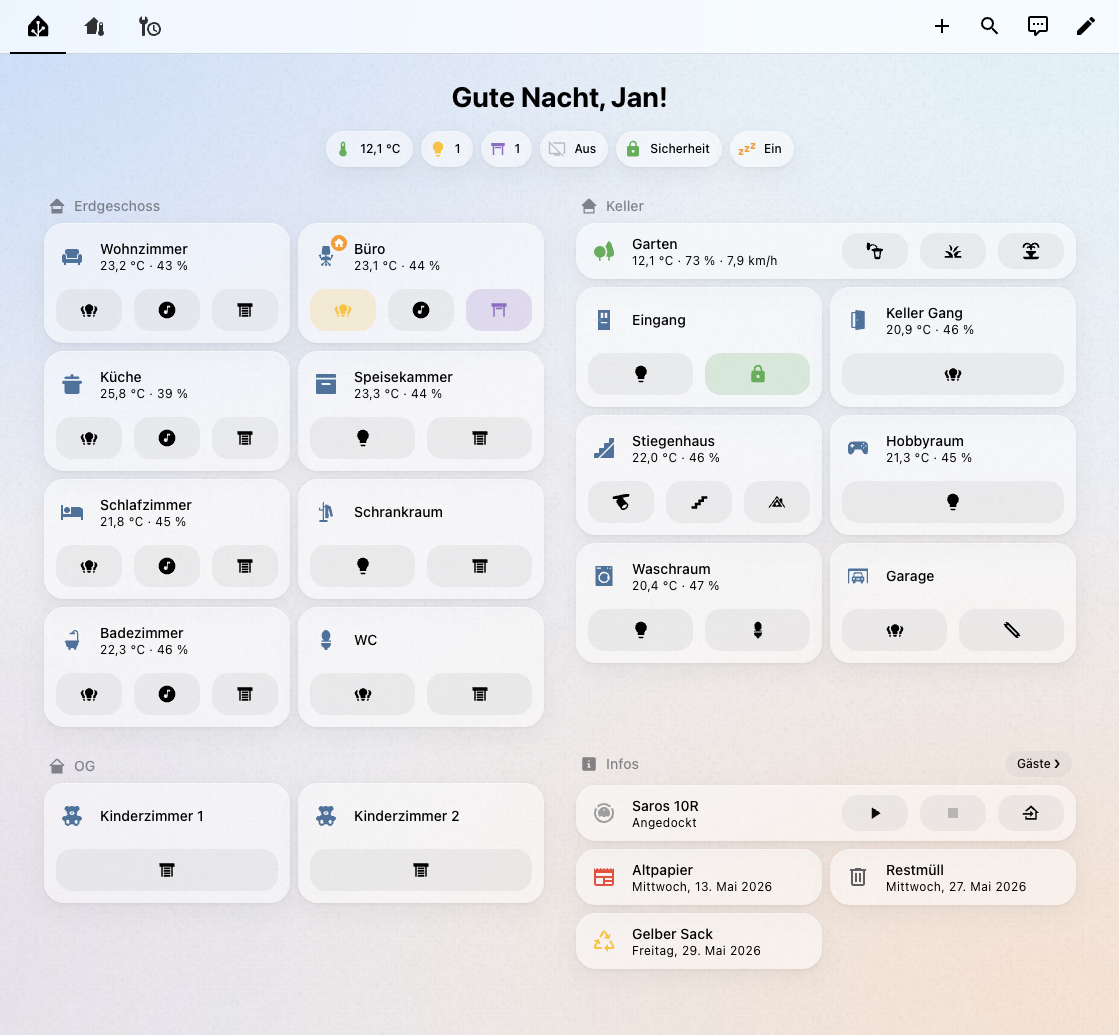
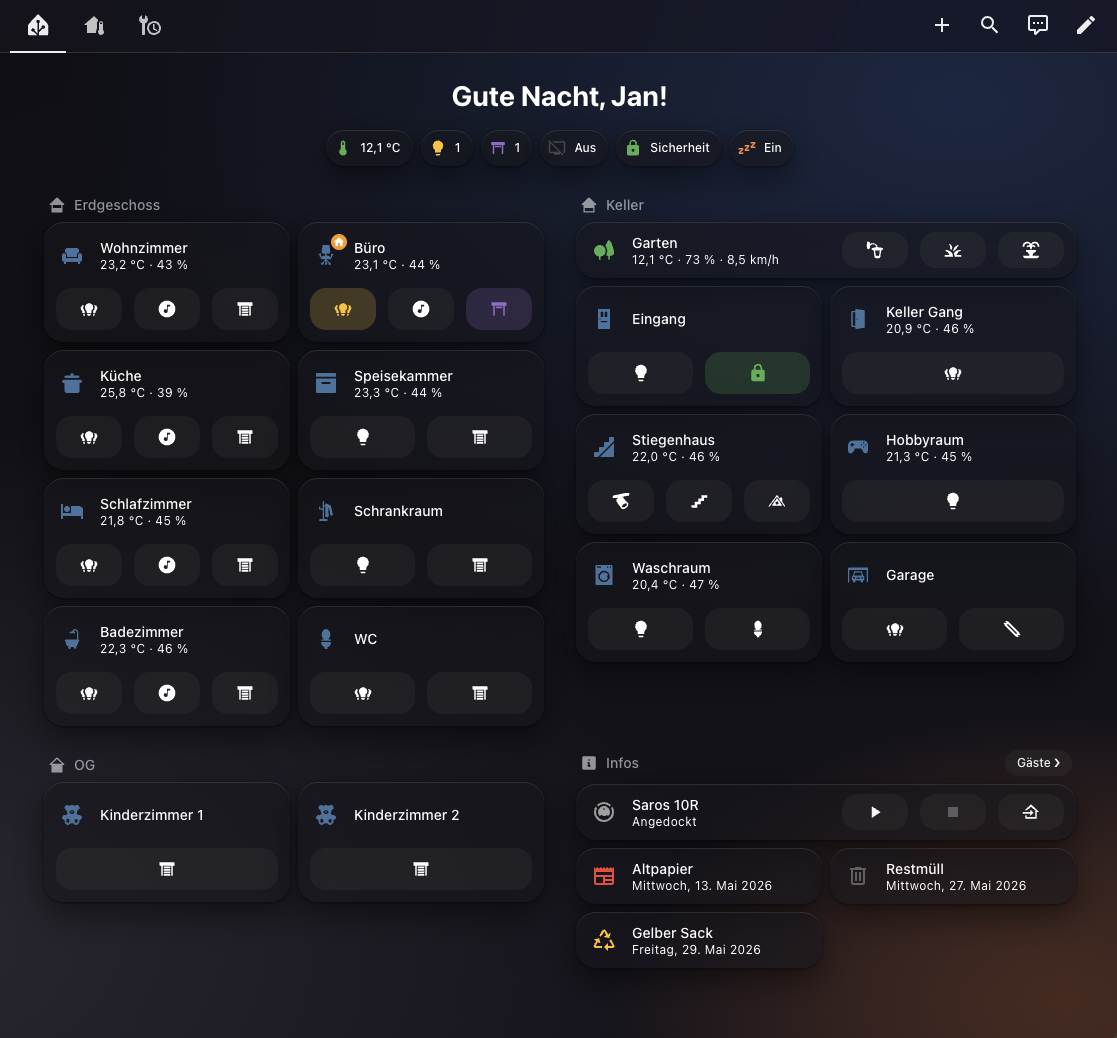
An Apple-inspired theme for Home Assistant, translated directly from the iOS 26 / iPadOS 26 design language into native HA CSS variables. No card-mod, no custom plugins — everything runs on pure theme YAML.
Features
- Full light and dark mode with subtle gradient-mesh wallpapers
- Native
backdrop-filterblur on app header and dialog surfaces - iOS system tints across brand, state, weather, energy, and badge roles
- SF Pro on Apple devices; Inter / system-ui everywhere else
- Continuous-corner radius scale
Installation
HACS (recommended)
- Open HACS → ⋮ → Custom repositories
- Paste
https://github.com/jan-auer/hass-airand set type to Theme, then click Add - Search for Air in HACS and click Download
- Go to Profile → Theme and select Air
Manual
- Copy
themes/air.yamlinto your HA config'sthemes/folder - Add the following to
configuration.yamlif not already present:frontend: themes: !include_dir_merge_named themes - Restart Home Assistant
- Go to Profile → Theme and select Air
Default Theme
To set Air as the default for all users, call the frontend.set_theme action from Developer Tools → Actions:
action: frontend.set_theme
data:
  name: Air
Home Assistant saves this setting and restores it on restart. Individual users can still override it from their own profile.
Known Issues
Dropdown menus in HACS dialogs
Some dropdown menus inside HACS dialogs may appear mispositioned when opened. This is a limitation of Air's card-mod-free approach and cannot be fixed with pure theme variables. As a workaround, switch to another theme when adding repositories or manually updating.
Inspiration
Design tokens derived from Apple's iOS 26 Human Interface Guidelines and UIKit material specs.
Comments