I have a confession. Every time I install XAMPP on a new machine, I lose about an hour to the same ritual — downloading the 200 MB installer, clicking past the Skype port-80 warning, fighting the control panel that hangs whenever Apache crashes mid-startup, and finally remembering that the Bitnami stack manager wants admin rights for everything. Laragon is friendlier, but it bundles Cmder and a dozen extras I never touch. WAMP is dated. Docker Desktop is a 2 GB hammer for a problem the size of a thumbtack.
So one weekend I wrote my own. GoAMPP is a single-binary, native Win32 control panel that downloads Apache, MariaDB, PHP, and the rest on demand — no installer bloat, no preinstalled bin trees, no "wizard" with eight Next buttons. The shipped executable is 7 MB. After you click Install on the services you actually use, the disk footprint matches what you'd expect a LAMP stack to weigh.
This article walks through the design choices, the bugs I lost evenings to, and how the install + first-run flow looks today. If you came here looking for an alternative to XAMPP that respects your disk and your patience, you're in the right place.

Table of contents
- The problem with bundled web stacks
- The architecture in 30 seconds
- Designed for one keystroke, not ten
- How auto-install actually works
- The Apache bug I lost an evening to
- Process management on Windows is harder than it looks
- Frameworks that scaffold themselves
- The XAMPP comparison nobody asked for
- Getting started
- Frequently asked questions
The problem with bundled web stacks
Every popular Windows web stack ships the same way: a single fat installer that drops Apache, PHP, MySQL, phpMyAdmin, and a control panel into one folder. That model made sense in 2003, when bandwidth was scarce and "download once, install offline" was a virtue. It does not age well.
Here's what bundled stacks get wrong in 2026:
Versions go stale fast. The XAMPP installer for PHP 8.5 took months to land after the upstream release. If you need PHP 8.5.5 today and the bundled version is 8.5.0, you're patching by hand and breaking the stack manager's expectations along the way.
You pay for software you'll never run. A typical stack includes Mercury Mail, Tomcat, FileZilla, and a Perl interpreter. I have not started Mercury Mail this decade. The disk footprint is real and the maintenance surface is larger than what I'm actually using.
The control panel is fragile. XAMPP's panel is a Delphi VCL app that tracks pid files. When Apache crashes mid-startup and the pid file is stale, the panel's status display gets stuck and the only fix is a reboot. Laragon handles this better but still ships with side-cars I don't need.
Admin rights bleed everywhere. The installer wants admin to write to Program Files. The service starter wants admin to bind port 80. The hosts-file editor wants admin again. Each step is a UAC prompt.
GoAMPP picks a different model: ship the control panel, fetch the services. The 7 MB executable knows about Apache, Nginx, MariaDB, PostgreSQL, Redis, PHP-FPM, phpMyAdmin, and Adminer. Click Start on any of them and the app downloads the upstream zip from the official source — Apache Lounge, nginx.org, archive.mariadb.org, EnterpriseDB — extracts it to bin/<service>/, runs whatever post-install setup the service needs, and starts the process. First-time install for the entire stack is around six minutes on coffee-shop wifi.
The architecture in 30 seconds
GoAMPP is a single Go binary built with -ldflags="-H windowsgui -s -w" so it has no console window and is stripped down to ~7 MB. The GUI uses windigo, a pure-Go binding for the Win32 widget set. No CGO. No webview. No Electron. Just go build and an exe.
The codebase is roughly 6,000 lines split across these files:
main.go— entry point, window creation, message loopservice.go— process lifecycle (start, stop, log capture, port checking)download.go— service catalog and download/extract pipelineframeworks.go— framework scaffolders (Laravel, Next.js, Spring Boot, etc.)vhost.go— virtual host config writers (Apache + Nginx + Windows hosts file)tray.go— system tray icon and popup menuui_tabs.go— pages (Services, Projects, Editor, Vhosts, Settings)icons.go— service logo loading viaLoadImage+STM_SETICONpaint.go— owner-drawn coloured buttons (greeen Start, red Stop, blue Conf)pathenv.go— "Add tools to PATH" via HKCU registry +WM_SETTINGCHANGEzombies.go— startup sweep that kills stalebin/*processesconfig.go— JSON load/save forconfig.json
Each service in the catalog is a struct describing how to fetch and install it:
"Apache": {
    Version:    "2.4.66 (VS18, win64)",
    URL:        "https://www.apachelounge.com/download/VS18/binaries/httpd-2.4.66-260223-Win64-VS18.zip",
    InstallDir: "bin/apache",
    StripTop:   "Apache24/",
    Kind:       "zip",
    CheckFile:  "bin/httpd.exe",
    PostInstall: func(installDir string, log func(string)) error {
        // patch httpd.conf — fix SRVROOT, ServerName, mod_cgi, vhost include
    },
},
StripTop is the top-level directory inside the archive that we want to flatten. Apache Lounge's zip wraps everything in Apache24/, so stripping that prefix means Apache24/bin/httpd.exe lands at bin/apache/bin/httpd.exe instead of bin/apache/Apache24/bin/httpd.exe. Small thing, but it keeps every install path predictable.
PostInstall runs after extraction and is where most of the per-service quirks live. For Apache the hook patches httpd.conf to fix the hardcoded Define SRVROOT "C:/Apache24" and uncomment ServerName localhost:80. For MariaDB it runs mariadb-install-db.exe to seed the data directory. For PHP it copies php.ini-development to php.ini and uncomments the extensions phpMyAdmin needs.
Designed for one keystroke, not ten
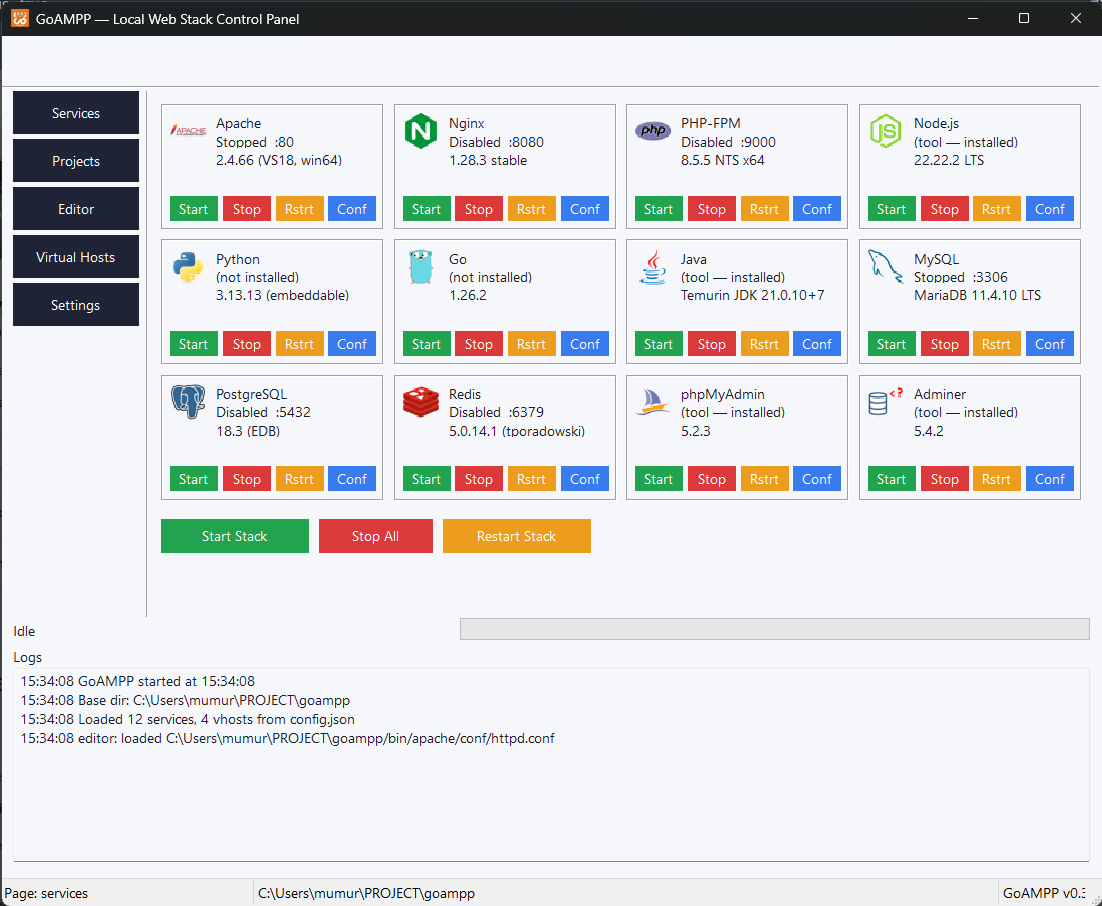
The control panel is the part you see, so let's start there. Every service renders as a card with its own logo, status line, version, and four action buttons sitting right inside the card:

I went back and forth on the layout. The first version was a XAMPP-style table with one selection bar at the bottom and a single set of action buttons that operated on whichever row you'd clicked. That's fine when you have five services. With twelve cards on screen, every action becomes a two-step dance — click the row, then click the action — and the cognitive load adds up.
Per-card buttons cut the click count in half and remove the entire concept of a "selected service". Each card's button click handler captures the source service index in a closure, so I never need a "currently selected" lookup. The downside is more widgets to lay out by hand. The win is that the UI feels direct.
Below the grid sit three global buttons: Start Stack, Stop All, and Restart Stack. Start Stack only boots the essentials a developer needs to serve PHP — Apache, MariaDB, and phpMyAdmin. Postgres, Redis, and Nginx stay manual. The reasoning: if I open GoAMPP at 9 AM and a Postgres process is still listening on 5432 from yesterday's experiment, the last thing I want is for "Start Stack" to silently relaunch it.
How auto-install actually works
 When you click Start on a service whose binary isn't on disk yet, the flow is:
- The control panel checks its built-in catalog for a download URL keyed on the service name.
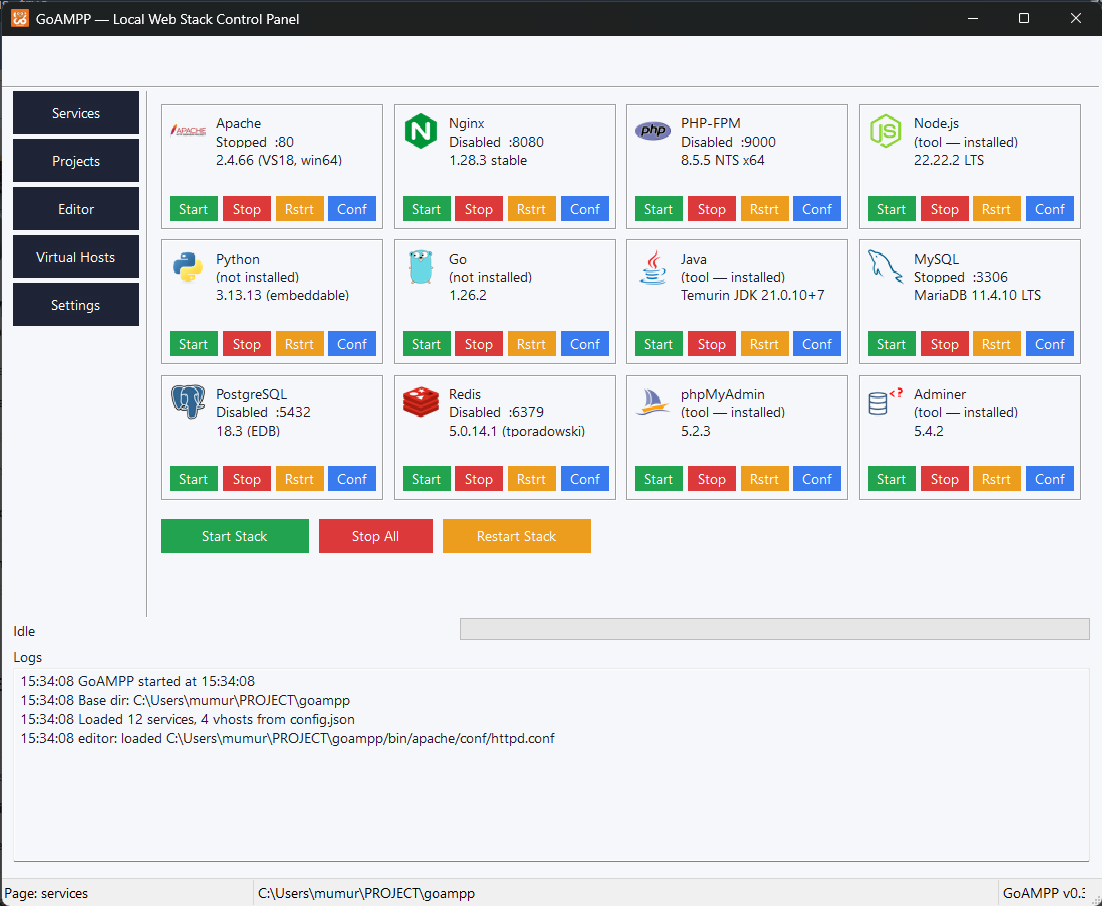
- The HTTP fetch happens in a goroutine so the UI stays responsive. A progress bar at the bottom of the window fills as bytes arrive. The log panel shows percent-complete updates roughly once a second.
- The zip lands in
downloads/(cached, so a re-install skips the network). It's extracted intobin/<service>/, with optional top-level folder stripping. - A per-service post-install hook runs.
- The service starts. If anything goes wrong, the process's stdout and stderr are piped into the log panel verbatim.
The cache layer is important. If you uninstall a service and reinstall it later, the second install runs entirely from disk — no network round trip. The downloads/ directory is gitignored and can be wiped from the Settings page if you want to reclaim space.
The download progress fires through a ProgressFunc callback that the UI uses to drive a ProgressBar widget at ~30 Hz. Text logging fires at 1 Hz in parallel because writing to a multi-line Edit control is expensive — every line is a full WM_SETTEXT round trip. The two channels are independent so the visual progress bar stays smooth even when the log can't keep up.
The catalog also covers four language runtimes — Node.js LTS, Python embeddable, Go, and Eclipse Temurin JDK 21. Same flow, same UI. After Python extracts, the post-install bootstraps pip from bootstrap.pypa.io so you can pip install flask immediately without an extra step.
The Apache bug I lost an evening to
This one's worth its own section because it's the kind of bug that doesn't show up on Linux at all.
The first version of GoAMPP used mod_proxy_fcgi with the standard idiom:
<FilesMatch \.php$>
    SetHandler "proxy:fcgi://127.0.0.1:9000"
</FilesMatch>
Apache logs the script's full filesystem path in the upstream URL. On Linux that produces something sane like fcgi://127.0.0.1:9000/var/www/script.php. On Windows, the script path includes a drive letter (C:/...), and Apache concatenates without inserting a slash:
fcgi://127.0.0.1:9000 + C:/Users/.../script.php
= fcgi://127.0.0.1:9000C:/Users/.../script.php
The proxy URL parser then sees host=127.0.0.1, port=9000C, path=/Users/..., and the DNS resolver loses its mind:
AH00898: DNS lookup failure for: 127.0.0.1:9000c
This is Apache bug 55345, open since 2013. The workaround in the bug comments is to use ProxyPassMatch with the docroot baked into the URL, but I tested that route and PHP-CGI then complained "No input file specified" because the SCRIPT_FILENAME ended up with a leading slash that Windows refused to resolve.
The fix that actually works is to abandon FastCGI and use mod_cgi + mod_actions with a ScriptAlias pointing at php-cgi.exe directly. It's the classic CGI approach XAMPP has used for fifteen years. Slightly slower per request than FastCGI but bulletproof on Windows because there's no proxy URL to construct in the first place:
LoadModule cgi_module modules/mod_cgi.so
LoadModule actions_module modules/mod_actions.so

ScriptAlias "/__goampp-php-bin__/" "C:/.../bin/php/"
<Directory "C:/.../bin/php">
    AllowOverride None
    Options +ExecCGI
    Require all granted
</Directory>
AddHandler application/x-httpd-php .php
Action application/x-httpd-php "/__goampp-php-bin__/php-cgi.exe"
Lesson learned: when a Windows Apache config uses proxy:fcgi://, run tail -f error_log and look for 9000c (or similar suffixed-port nonsense) in the DNS error messages. It's never your firewall.
Process management on Windows is harder than it looks
The first time I clicked Stop on Apache, the process exited and the log said [Apache] exited cleanly. Two seconds later I clicked Start again and got port 80 already in use. Reboot. Repeat. The bug took a while to find.
Here's what was happening: Apache's winnt MPM forks a worker child. When you call cmd.Process.Kill() on the parent, the child keeps running because Windows doesn't have process groups in the POSIX sense. The orphaned worker holds the listening socket on port 80 until you manually kill it via Task Manager.
Fix: use taskkill /F /T /PID <pid> instead. The /T flag ("kill tree") nukes the parent and every descendant in one shot. Since GoAMPP launches services with a known parent PID, the tree kill catches the worker too. The Stop button now reliably frees the port.
I also added a startup sweep that walks all processes via PowerShell and kills anything whose image path is inside <goampp>/bin/. That cleans up zombies left from prior crashes — say, when Apache died because httpd.conf had a syntax error and the worker was already running. Without the sweep, the next launch would hit "port 80 in use" and look broken to anyone who didn't check Task Manager first.
I originally wrote the sweep using wmic, but Windows 11 22H2+ removed it from the default install. PowerShell ships with every modern Windows so it's a safer dependency:
script := `Get-Process | Where-Object { $_.Path } | ForEach-Object { "$($_.Id)|$($_.Path)" }`
cmd := exec.Command("powershell.exe", "-NoProfile", "-NonInteractive", "-Command", script)
The output is parsed line-by-line (<pid>|<absolute path>), filtered to paths starting with the goampp bin/ directory, and each match is taskkill /F /T'd. Logged so you can see which zombies got cleaned up at startup.
Frameworks that scaffold themselves
The Projects tab takes the auto-install idea one level higher. Pick a framework from a dropdown — Laravel, Symfony, WordPress, Next.js, Express, NestJS, AdonisJS, Vite + React, Flask, Django, FastAPI, Gin, Spring Boot, or a static HTML starter — type a project name, pick a .test domain, and click Create Project.
What happens next depends on the framework. PHP frameworks run through Composer, which GoAMPP downloads on first use from getcomposer.org. Node frameworks invoke npx via the bundled Node binary. Python projects pip-install their dependencies and drop a starter app.py. Spring Boot projects fetch a generated zip from start.spring.io with sensible defaults (web + devtools). Static HTML gets a one-page boilerplate.
Once the scaffold finishes, the project is registered both in config.json and as an Apache virtual host. The hosts file (C:\Windows\System32\drivers\etc\hosts) gets a managed block with the new domain pointing at 127.0.0.1, and conf/apache/vhosts.conf gets a <VirtualHost> block pointing at the project's docroot.
For Node, Python, Go, and Java frameworks — which ship their own dev servers — GoAMPP emits a ProxyPass block instead of a DocumentRoot:
<VirtualHost *:80>
    ServerName myapp.test
    ProxyPreserveHost On
    ProxyPass / http://127.0.0.1:3000/
    ProxyPassReverse / http://127.0.0.1:3000/
</VirtualHost>
So myapp.test reverse-proxies to your npm run dev / flask run / go run . while you work in a terminal. You get nice hostname URLs without the framework needing to know about hosts file mapping.
The XAMPP comparison nobody asked for
I'll be blunt. XAMPP is software written for an older era and it shows. The download is 200 MB. The default install runs as a privileged service. The control panel is brittle. PHP 8.5 took the Bitnami team months to ship after upstream. There is no graceful path to add Node, Python, or Go to the same workflow.
Laragon is genuinely better — fast quick-app menu, easy auto-vhost, sensible defaults. But it's also 100 MB, ships with Cmder and a Telegram desktop notification helper I cannot remember enabling, and the source is closed.
GoAMPP is 7 MB, the source is on GitHub under a permissive license, and the entire control panel is one Go binary you can read end to end in an afternoon. I am not pretending it has feature parity with either incumbent today. Mercury Mail is gone. Tomcat is gone. The Apache build is whatever Apache Lounge published last week, not whatever Bitnami patched in 2024.
If your stack is PHP plus a database plus phpMyAdmin, the trade is favorable. If you live inside Tomcat, install XAMPP and be happy.
Getting started
The release page on GitHub has a single Inno Setup installer — goampp-setup-0.4.0.exe at 5.4 MB. Double-click, accept the per-user install location (%LOCALAPPDATA%\GoAMPP), and the wizard finishes in three seconds. Launch the app, click any service card's Start button, wait for the download, and you're serving traffic.
If you want to build from source:
git clone https://github.com/imtaqin/goampp
cd goampp
go build -ldflags="-H windowsgui -s -w" -o goampp.exe .
The repository is plain Go with one external dependency (the windigo Win32 binding library). No CGO, no gcc, no make.
Frequently asked questions
Is GoAMPP a port of XAMPP?
No. It's a from-scratch control panel written in Go, with no shared code. The catalog of services it manages overlaps with XAMPP because the popular open-source web stack doesn't change much, but everything else — UI, process management, install flow — is independent.
Can I run it alongside an existing XAMPP install?
Yes, as long as the ports don't collide. GoAMPP installs to %LOCALAPPDATA%\GoAMPP and downloads its own copies of Apache, MariaDB, etc. into its own bin tree. If XAMPP is already serving on port 80, GoAMPP's Apache won't start until you change one of the two Listen directives.
Does it work on Windows 10?
Yes. The minimum is Windows 10 build 1809 (the first version that ships PowerShell 5.1 and a usable Common Controls v6 runtime). Windows 11 is the primary development target.
What about Linux or macOS?
GoAMPP is Windows-only by design. The whole point is native Win32 widgets without a runtime, which doesn't translate. If you need a similar tool on Linux, look at DDEV; on macOS, look at Herd.
Is it safe to run with admin rights all the time?
Functionally yes, but I'd avoid it. Run elevated only when you're applying virtual host changes; otherwise the per-user install model gives you a cleaner uninstall and zero risk to the rest of your system. The Settings page has a "Restart as Administrator" button that reads the current process token, fires ShellExecute with the runas verb, and exits the unelevated instance — one click instead of right-clicking the exe in Explorer.
Where do project files live?
Everything goes under the install dir: bin/ for downloaded service binaries, www/ for project source, conf/ for generated vhost config, tmp/ for sessions and uploads, logs/ for service log output. The whole tree is portable — copy the install dir to another machine and it Just Works.
The full source, the issue tracker, and the latest release live at github.com/imtaqin/goampp. Pull requests welcome. Bug reports especially welcome — I write code on a single Windows 11 laptop and I am positive there are edge cases I have not seen.
Comments