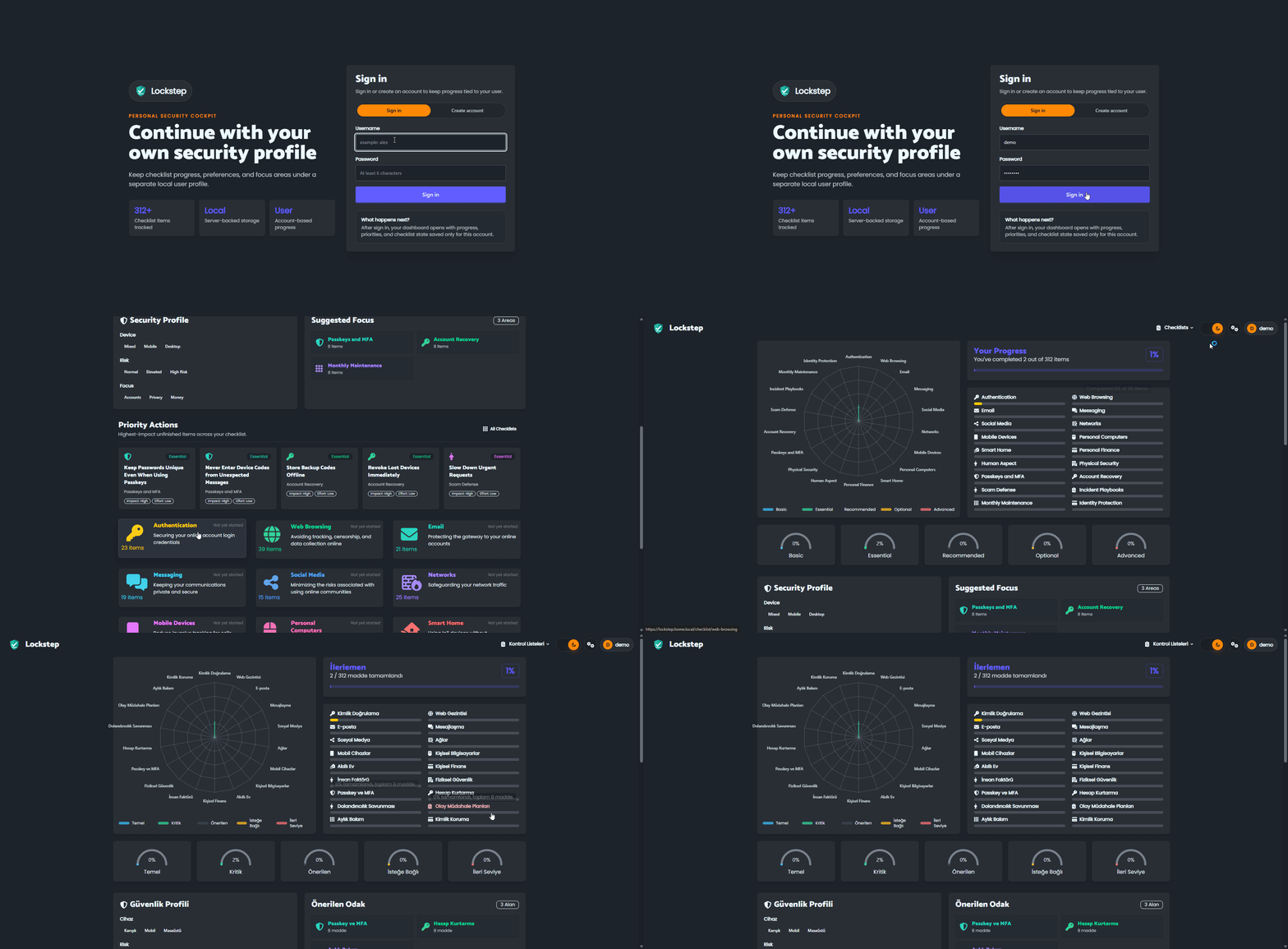
Lockstep is a personal security checklist platform. It helps users track security habits, checklist progress, priorities, and profile-based progress from a clean web interface.
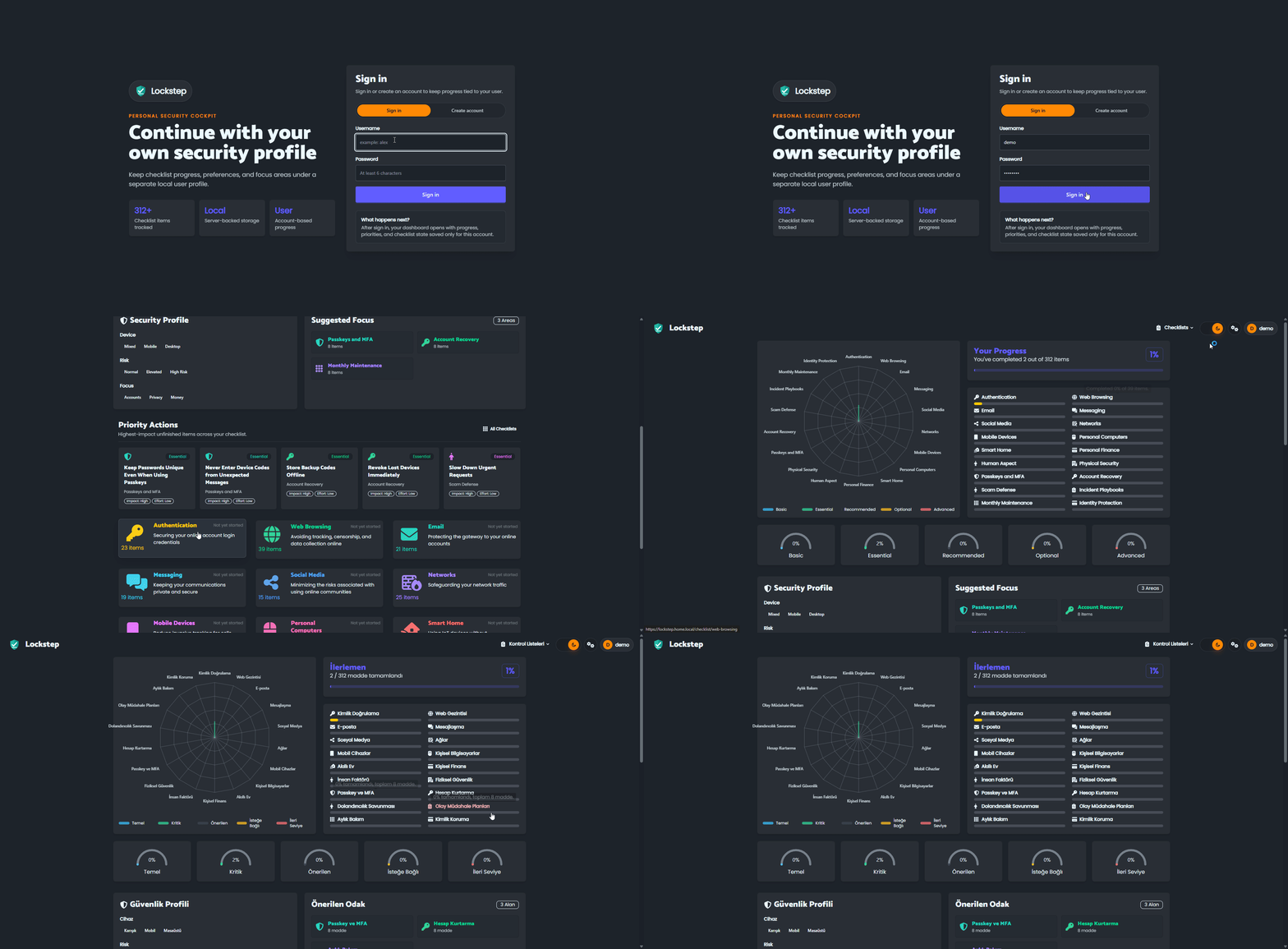
Features
- User login and profile-based progress tracking
- Turkish language support
- Dark and light mode
- Security progress dashboard
- Checklist categories, priority levels, filters, and completion tracking
- Docker-ready deployment with persistent user data
Run Locally
Commands are run from the project root:
npm install
npm run build
npm run serve
The app runs on:
http://127.0.0.1:4174
Use PORT to run on a custom port:
PORT=4174 npm run serve
``r

## Docker

Run directly from the published image:

```bash
docker run -d \
  --name lockstep \
  -p 4174:4174 \
  -v lockstep-data:/data \
  ghcr.io/caglaryalcin/lockstep:latest
Then open:
http://127.0.0.1:4174
Build locally only if you want to create your own image:
docker build -t lockstep .
docker run -d --name lockstep -p 4174:4174 -v lockstep-data:/data lockstep
Disable New Registrations
New account registration is enabled by default. To make a public deployment login-only after setup, set LOCKSTEP_REGISTRATION_ENABLED=false. When there are no accounts yet, Lockstep still allows exactly one initial account to be created. Once an account exists, the server rejects all further registration requests; existing users can still sign in and manage their accounts.
With Docker Compose:
LOCKSTEP_REGISTRATION_ENABLED=false docker compose up -d
The included docker-compose.yml reads this value and keeps it enabled when the variable is omitted. For docker run, add -e LOCKSTEP_REGISTRATION_ENABLED=false. The Docker image and Docker Stack deployments use the same environment variable.
Docker Stack
Example stack.yml:
version: "3.8"

services:
  lockstep:
    image: ghcr.io/caglaryalcin/lockstep:latest
    ports:
      - "4174:4174"
    environment:
      PORT: "4174"
      PSC_SETTINGS_FILE: /data/lockstep-users.json
      # Set to "false" to allow only the first account to be created.
      LOCKSTEP_REGISTRATION_ENABLED: "true"
    volumes:
      - lockstep-data:/data
    deploy:
      replicas: 1
      restart_policy:
        condition: any

volumes:
  lockstep-data:
Deploy it:
docker stack deploy -c stack.yml lockstep
Docker Data Persistence
User accounts, password hashes, profile settings, and checklist progress are stored on the server in the file configured by PSC_SETTINGS_FILE.
The Docker image defaults to:
PSC_SETTINGS_FILE=/data/lockstep-users.json
Mount /data as a Docker volume so user data survives container restarts and image updates.
Keep only one running container or stack replica while using the JSON file storage. For multiple instances, move storage to a database such as PostgreSQL.
Checklist Data
Checklist content is stored in:
personal-security-checklist.yml
After changing checklist content, rebuild the app so the updated checklist is included in the production output.
Useful Commands
npm run build
npm run serve
npm run lint
Comments