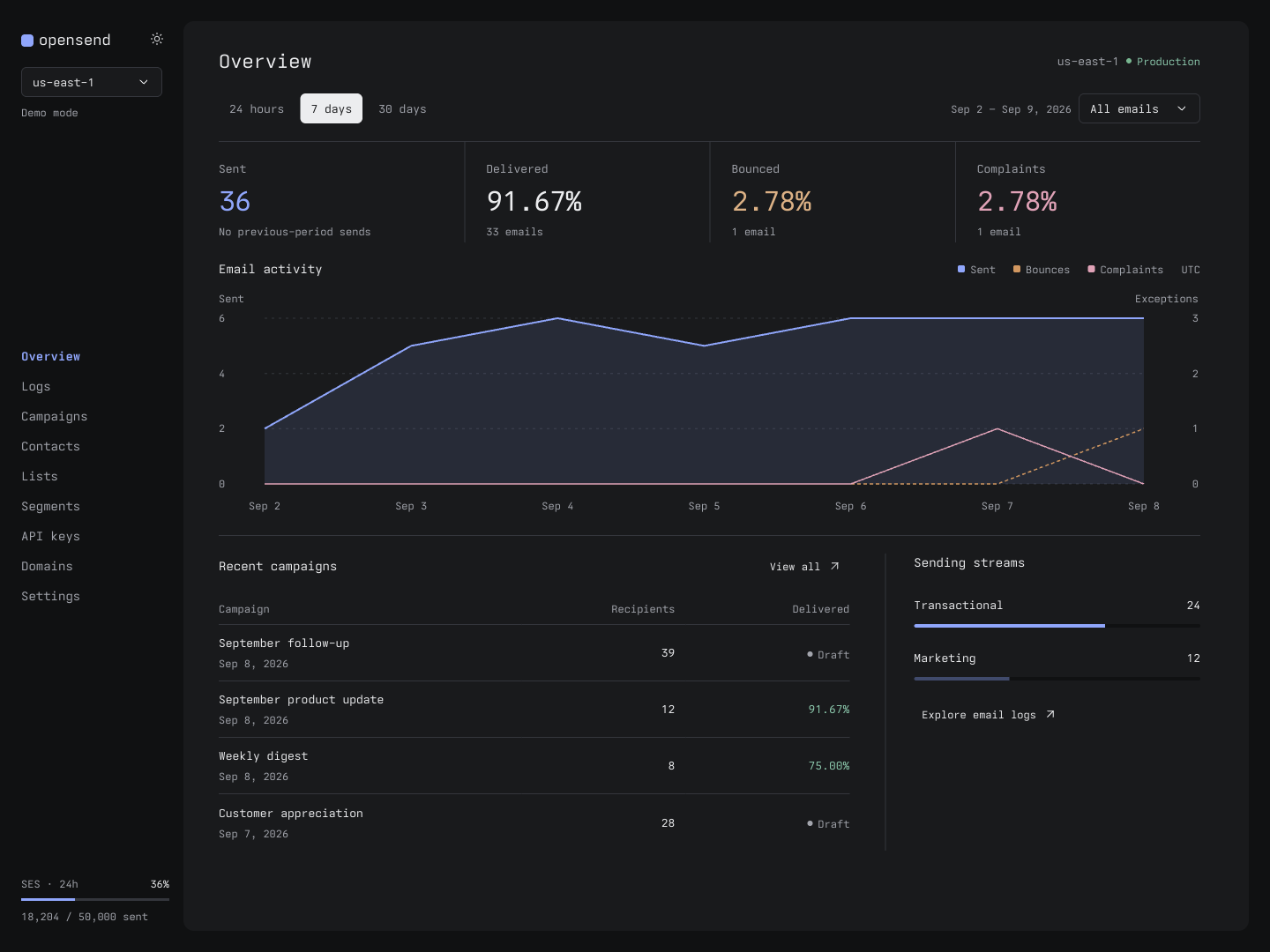
Self-hosted transactional email, newsletters, and campaigns with Amazon SES. One installation, Google-only sign-in, and one public API shared by the dashboard, SDK, and MCP server. No passwords, teams, or browser-side API-secret setup.
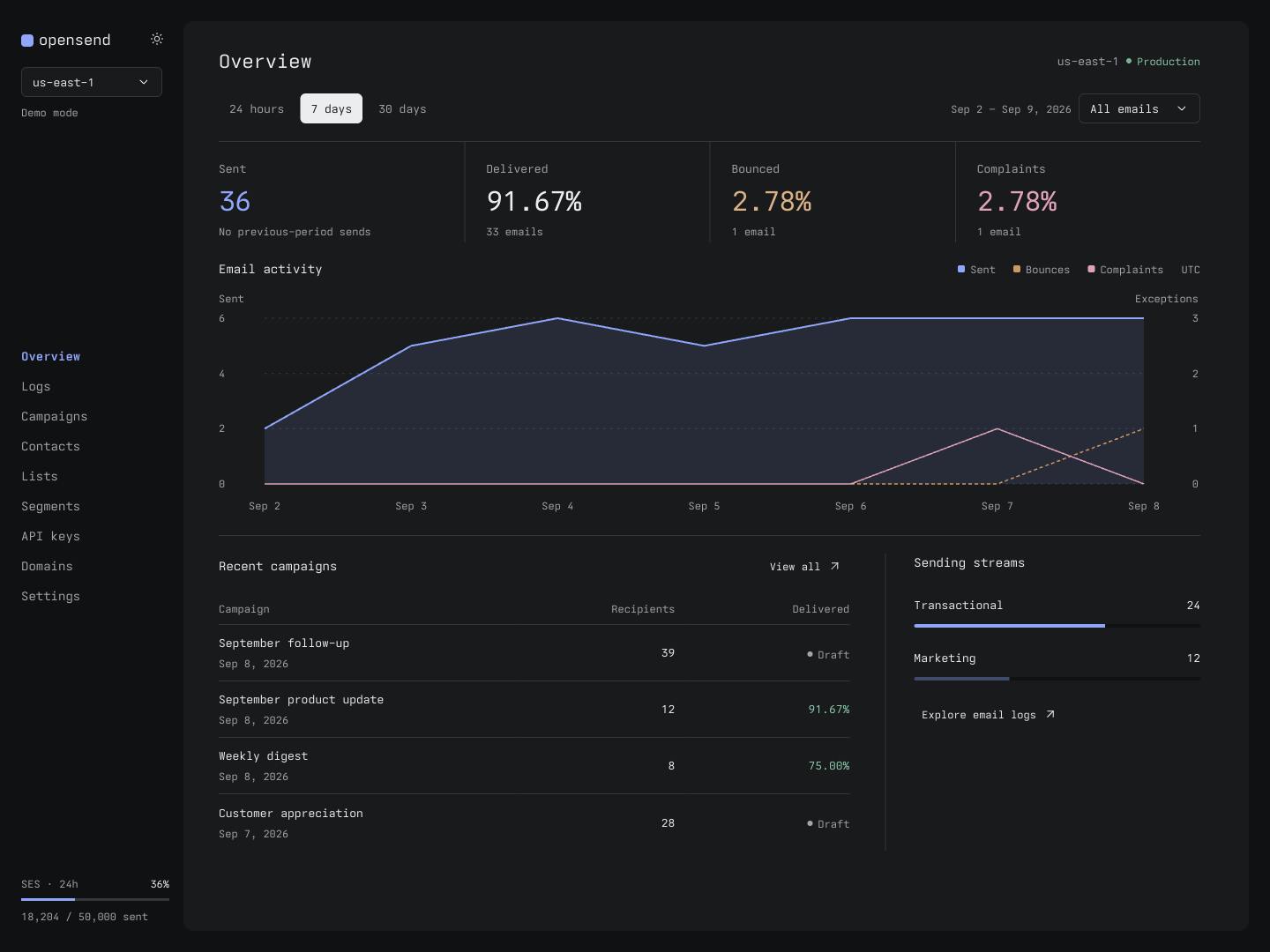


Start here
Clone the repo:
git clone https://github.com/R44VC0RP/opensend.git
cd opensend
Open the repo in your coding agent and paste:
Help me set up OpenSend for my use case. Explore this repo and read
api/README.md first. Ask what I want to send, whether I prefer Docker
or Cloudflare, and what infrastructure I already have. Recommend the
simplest setup and explain the plan before making changes. Use my own
accounts and resources, keep secrets out of git, and start with simulated
sending. Ask before provisioning, deploying, or sending real email.
Prefer a manual setup? Start with Docker or Cloudflare. For development, see the local setup.
TypeScript SDK
Install opensend-js from npm:
npm install opensend-js
See the SDK guide for usage examples, or connect an MCP client.
Comments