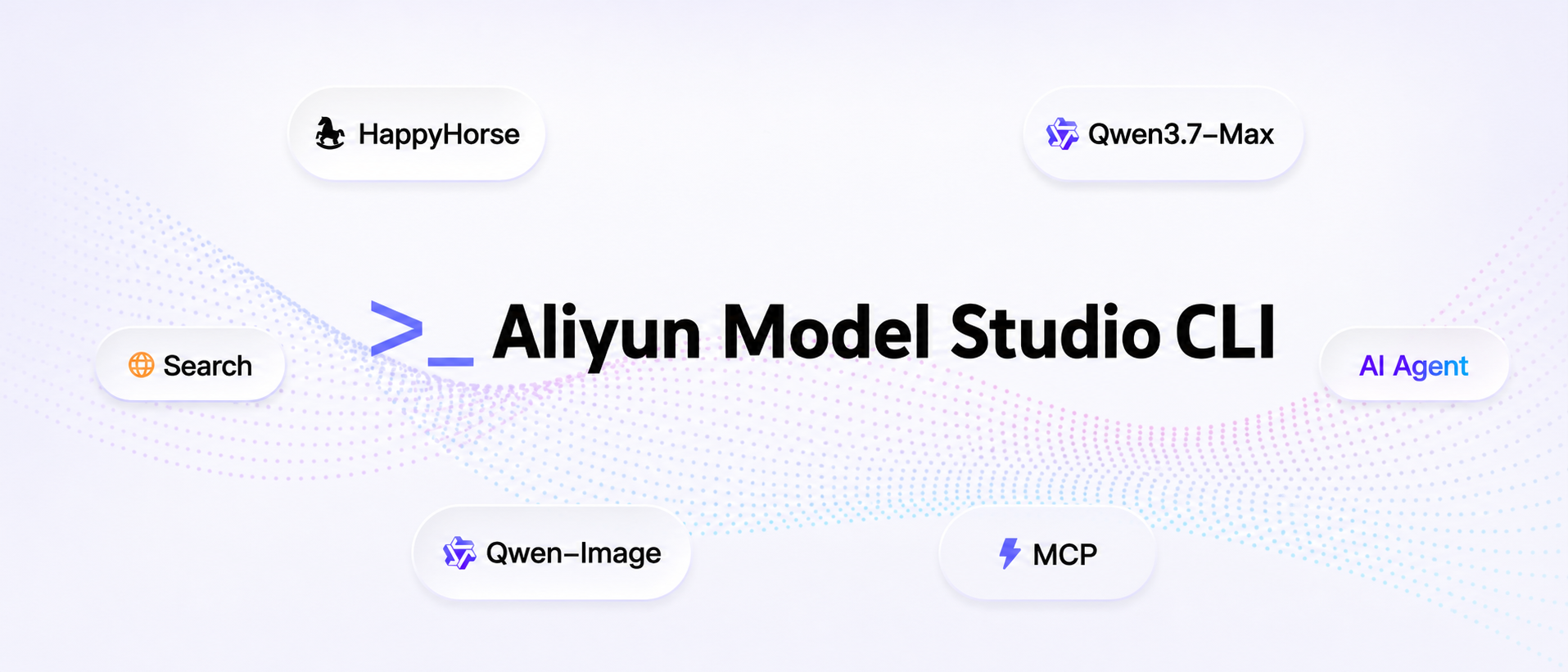
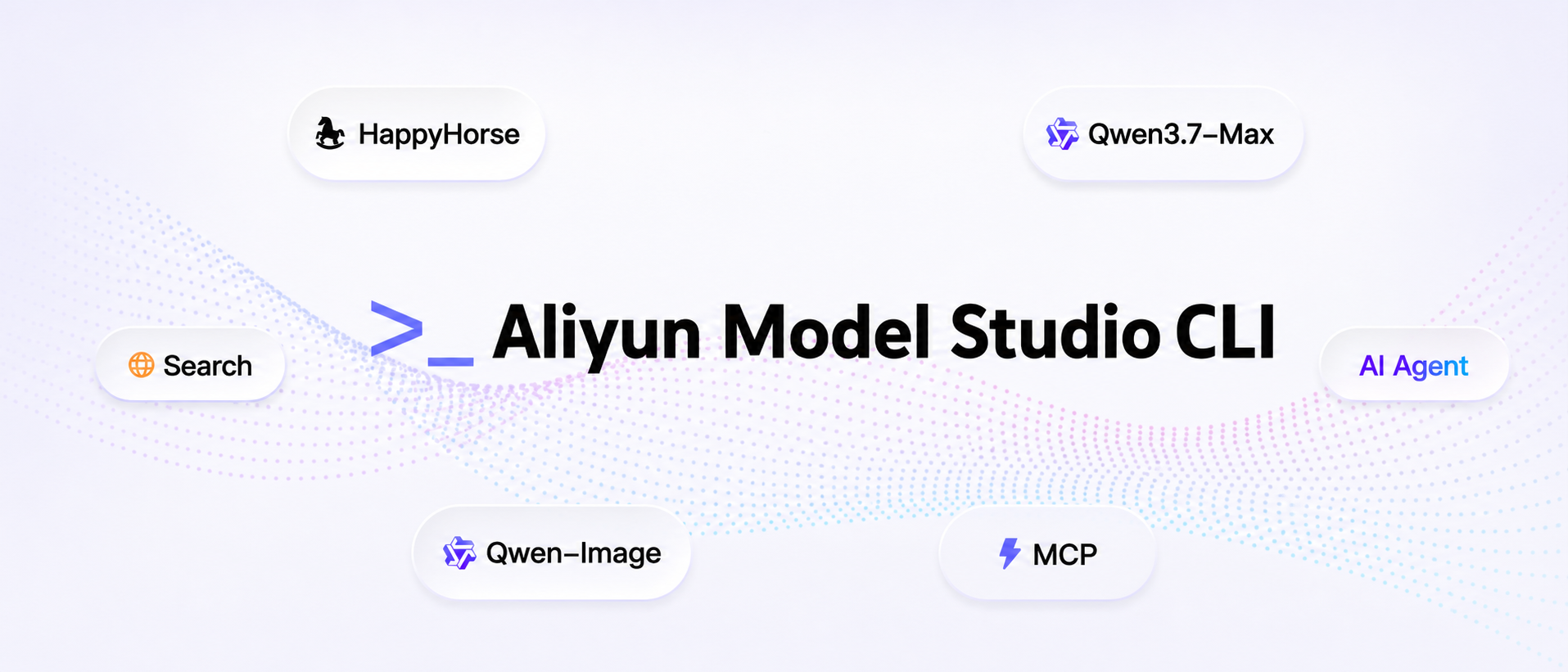
The official command-line interface for Aliyun Model Studio (DashScope) AI Platform
Aliyun Model Studio CLI Site · 中文文档 · API Documentation · Get API Key
Chat with Qwen, generate images & videos, understand images, call agents, manage memory, search the web — all from your terminal.
Built for AI Agents. Every command works as a structured tool call.
Features
Equip your AI Agent out-of-the-box with these capabilities, composable across complex tasks:
- Text chat — Qwen3.7-max: major gains in agentic coding, frontend coding, and vibe coding
- Multimodal (Omni) — Full omni-modal support across text + image + audio + video
- Image generation & editing — Qwen-Image 2.0: pro text rendering, photorealism, strong semantic adherence, multi-image composition
- Video generation & editing — HappyHorse-1.0 series: text-/image-/reference-to-video and natural-language video editing (up to 9-image reference)
- Speech synthesis & recognition — CosyVoice streaming TTS, voice cloning from 5–20s samples; FunAudio-ASR covers 30 languages including 7 Chinese dialects and 20+ Mandarin accents
- Image & video understanding — Qwen-VL: long-form video analysis, chart/document parsing, visual reasoning, multilingual OCR
- Knowledge base & memory — Multimodal RAG retrieval and cross-session memory for personalized, coherent dialogue
- App calls — Invoke agents and workflows already published on Aliyun Model Studio
- Web search — Real-time internet retrieval for up-to-date, accurate answers
- Console capabilities — Browse Bailian apps (
app list) and check free-tier quota (usage free) - Local file auto-upload — Every URL parameter accepts a local path; uploaded to free temp storage with 48-hour validity
Showcase: One-Sentence Cinematic Video
👆 Click the cover to play the full 2-minute demo
A complete 2-minute, 16:9 cinematic short film — produced end-to-end from a single natural-language sentence, with zero manual editing. This showcase demonstrates how an AI Agent can compose a multi-step creative pipeline by orchestrating three primitives:
- Qwen Code — the agentic coding model that interprets the user's intent and drives the workflow
- Aliyun Model Studio CLI — invokes HappyHorse 1.0, Aliyun Model Studio's text-/image-/reference-to-video generation model
- spark-video Skill — handles scene decomposition, storyboarding, shot continuity, and final stitching
The single prompt
"Generate a roughly 2-minute video in Japanese cinematic style — a sweet, innocent first-love story about a high-school girl. The plot should be heart-fluttering enough to make viewers want to fall in love. Aspect ratio: 16:9."
(Original: "帮我生成一段日系影视风格,高中女���的青涩初恋故事,剧情高甜,让人看了想谈恋爱,2分钟左右的视频,尺寸是16:9")
How it works
- Qwen Code parses the request, plans the narrative beats, and decides which tools to call.
- The spark-video Skill breaks the story into shots, writes per-shot prompts, and enforces visual continuity (characters, lighting, palette, lens language).
bl video generatedispatches each shot to HappyHorse 1.0 in parallel.- The skill stitches all clips back together into a single 16:9 / ~2-min deliverable.
No timeline scrubbing. No frame-by-frame editing. Just one sentence → one video.
Installation
npm install -g bailian-cli
npx skills add modelstudioai/skills --all -g
Requires Node.js >= 22.12.
Quick Start
bl auth login --console

# Or authenticate with an API key
bl auth login --api-key sk-xxxxx

# Chat with Qwen
bl text chat --message "What is DashScope?"

# Multimodal chat (text + image + audio + video)
bl omni --message "Describe this image" --image ./photo.jpg

# Generate an image
bl image generate --prompt "A cat in a spacesuit" --out-dir ./images/

# Generate a video from local image
bl video generate --image ./cat.png --prompt "Make the cat move" --download cat.mp4

# Browser login (required for console capability commands)
bl auth login --console

# Browse apps / free-tier quota
bl app list
bl usage free --model qwen3-max
More examples and scenarios: Aliyun Model Studio CLI Site
Authentication
DashScope API Key
Required for most commands. Get your key from the DashScope Console.
# Option 1: Environment variable
export DASHSCOPE_API_KEY=sk-xxxxx

# Option 2: Login command (persisted to ~/.bailian/config.json)
bl auth login --api-key sk-xxxxx

# Option 3: Per-command flag
bl text chat --api-key sk-xxxxx --message "Hello"
Console Login (OAuth)
Required for console capability commands (app list, usage free). Opens the Bailian console in your browser to sign in.
bl auth login --console
Alibaba Cloud AK/SK (Knowledge Base only)
Required for knowledge retrieve. Get your AccessKey from RAM Console.
Recommended: create a RAM sub-account with minimum privileges instead of using the root account's AK/SK.
export ALIBABA_CLOUD_ACCESS_KEY_ID=LTAI5t...
export ALIBABA_CLOUD_ACCESS_KEY_SECRET=...
export BAILIAN_WORKSPACE_ID=ws-...
Configuration
# View current config
bl config show

# Set defaults
bl config set --key region --value us
bl config set --key default_text_model --value qwen-turbo
bl config set --key timeout --value 600

# Self-update to latest version
bl update
Config file location: ~/.bailian/config.json
Links
| Resource | URL |
|---|---|
| Aliyun Model Studio CLI Site | https://bailian.console.aliyun.com/cli?source_channel=cli_github& |
| DashScope API Docs | https://help.aliyun.com/zh/model-studio/ |
| Qwen Model List | https://help.aliyun.com/zh/model-studio/getting-started/models |
| Aliyun Model Studio Console | https://bailian.console.aliyun.com/ |
| Get API Key | https://bailian.console.aliyun.com/cli?source_channel=key_github& |
| Get AccessKey | https://ram.console.aliyun.com/manage/ak |
Comments