CredsHound is a lightweight, data-driven credential surface scanner written in Go. It audits local hosts for exposed or forgotten application credentials, session tokens, API keys, and configuration secrets.
It uses LOLCreds template data for product-aware checks and ships with a built-in set of high-performance, vendor-neutral checks. Beyond classic cloud and DevOps artifacts, CredsHound is fully optimized for modern environments, target-scanning everything from DBeaver encrypted databases to AI-agent setups (OpenCode, GitHub Copilot CLI, Hugging Face, OpenAI).
📸 Demo
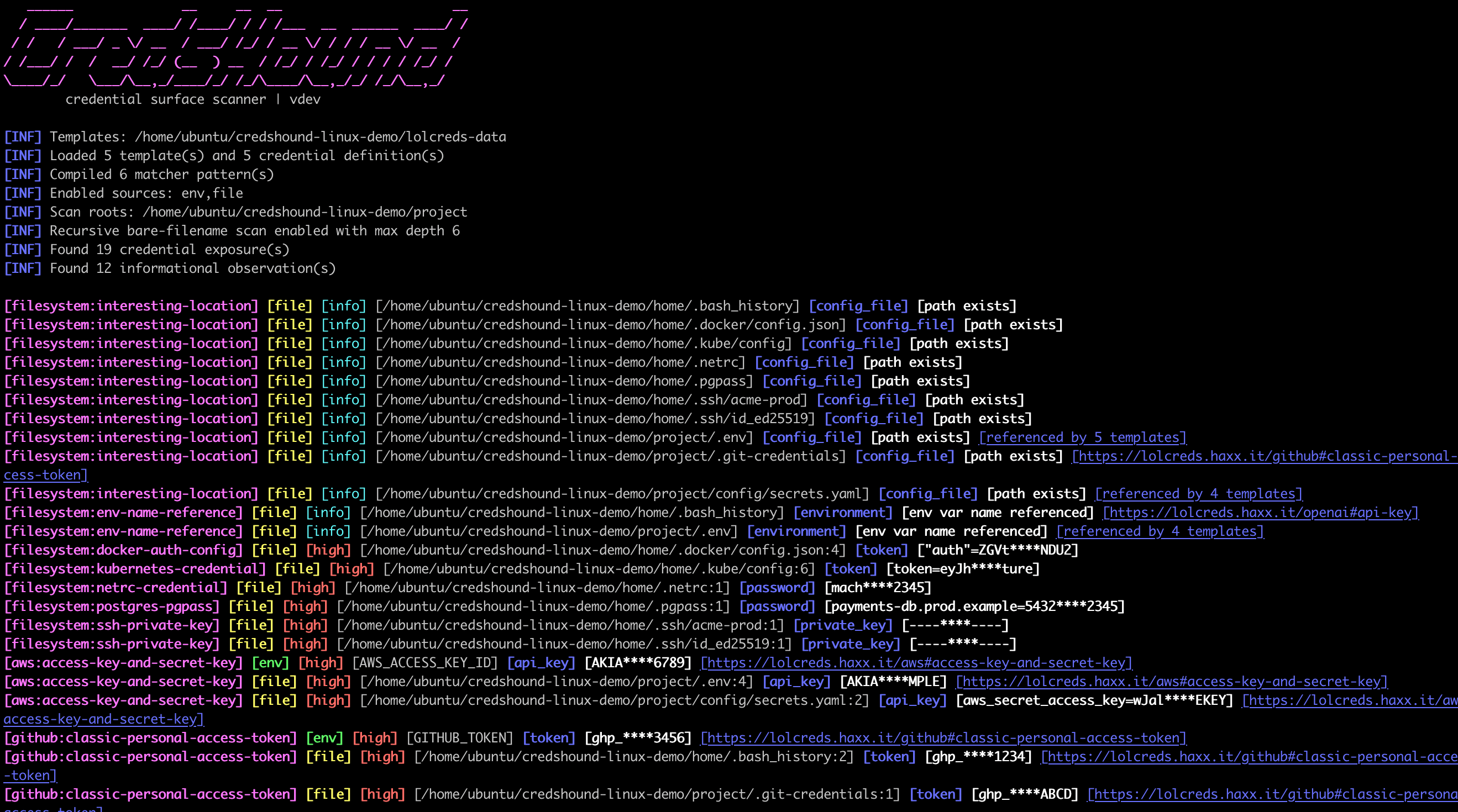
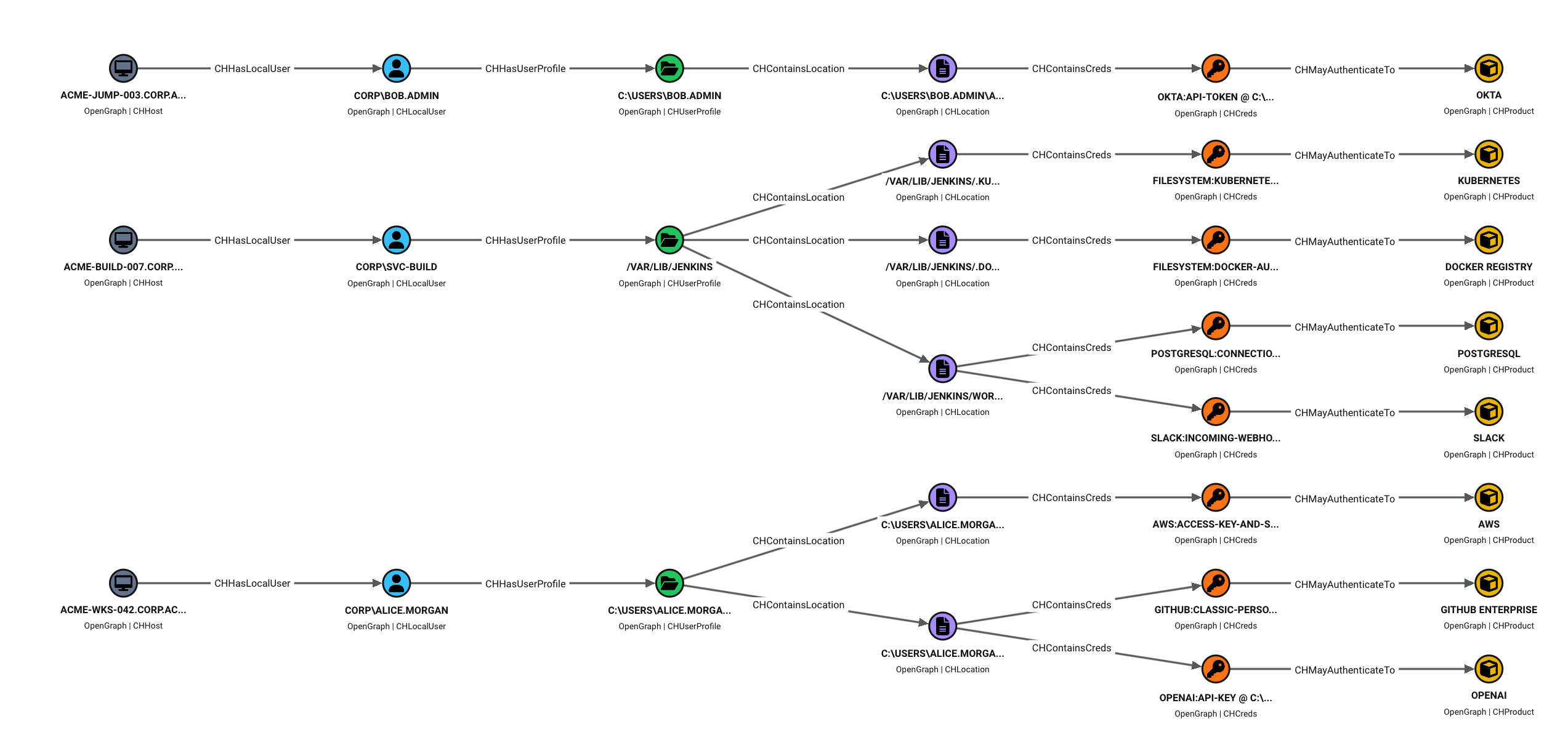
CLI Output
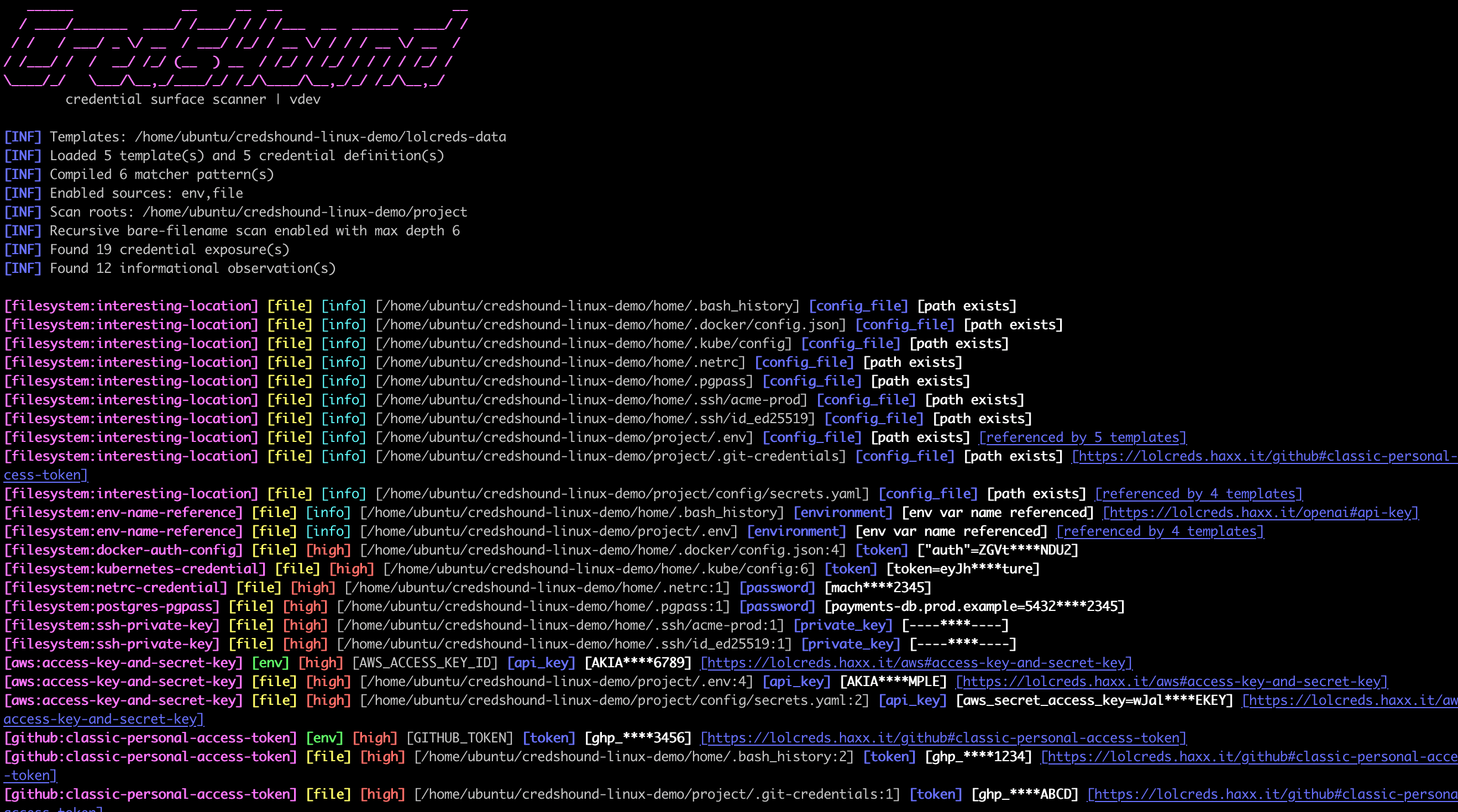
Attack Path Mapping in BloodHound
⚡ What It Checks
- Environment variables (scanning running process environment for exposed keys).
- Configuration files and project-local configs.
- Common credential artifacts such as Git credentials, Docker auth config, kubeconfig, shell history (
.bash_history,.zsh_history, PowerShell history),.netrc,.pgpass, private keys, and similar files.
🐶 BloodHound Integration (-bh / -bloodhound)
Instead of throwing messy text logs at you, CredsHound can map local exposures directly into graph-compatible JSON.
When imported into BloodHound, it visualizes the exact blast radius of a compromised host or build server:
CHHost ➔ CHLocalUser ➔ CHUserProfile ➔ CHLocation ➔ CHCreds ➔ CHProduct
See BloodHound integration docs for import notes, graph model details, useful Cypher queries, and optional icon guidance.
📥 Install
With Go installed:
go install github.com/haxxm0nkey/credshound/cmd/credshound@latest
Or build locally:
go build -o credshound ./cmd/credshound
🗂️ Templates
CredsHound uses LOLCreds data from:
https://github.com/haxxm0nkey/lolcreds-data
Download/update templates:
credshound -ut
Offline scan with a downloaded zip:
credshound -t /path/to/lolcreds-data-main.zip .
Use a local templates directory:
credshound -t ~/lolcreds-templates .
⚙️ Usage
Scan the current directory plus host-level default locations:
credshound .
Scan multiple roots:
credshound ~/project /etc
Recursively search roots for bare config filenames such as .env or values.yaml:
credshound -recursive .
Scan only environment variables:
credshound -sources env
Write JSONL:
credshound -silent -j -o findings.jsonl .
Write BloodHound OpenGraph JSON:
credshound -bloodhound -o credshound-bloodhound.json .
Inspect template coverage:
credshound inspect-templates -t ~/lolcreds-templates
Output
By default, CLI outputs are colorized and resemble Nuclei results:
[github:classic-personal-access-token] [file] [high] [/home/alice/.git-credentials:1] [token] [ghp_****abcd] [https://lolcreds.haxx.it/github#classic-personal-access-token]
🔒 Security Notice: Findings are redacted by default. Use the -show-secrets flag only when you explicitly need full plaintext values and can guarantee the security of your output destination.
💻 Development
Run tests:
go test ./...
Cross-compile sanity check:
GOOS=windows GOARCH=amd64 go test -exec=/usr/bin/true ./...
⚠️ Safety
CredsHound is intended for defensive auditing of systems you own or are authorized to assess. It can reveal sensitive local data. Treat scan output as confidential.
Comments