中文 · Documentation · Getting Started · Download Release · DeepWiki · License
AI Agent lives in your project. All in one workspace.
About
DotCraft is a .NET 10 / C# Agent Harness. It organizes AI workflows around a real project folder, allowing multiple entry points to share one session core, configuration, skills, tools, tasks, and observability surface.
- Project first: plugins, skills, sessions, and memory are integrated with the project, the agent can better understand your project.
- Unified session model: CLI, Desktop, TUI, chatbots, etc, all applications reuse the same execution engine.
- Observability and governance: approvals, traces, Dashboard, Hooks, and sandbox settings make agent workflows easier to inspect and control.
- Extensibility and integration: AppServer, SDKs, and plugins support custom entry points and business workflows.
- Bring your own model: works with any OpenAI- or Anthropic-protocol provider, reuses an active ChatGPT (Codex) subscription, and natively supports DeepSeek V4 and MiMo V2.5 reasoning models.
Highlights
Goal — Persistent Conversation Objectives
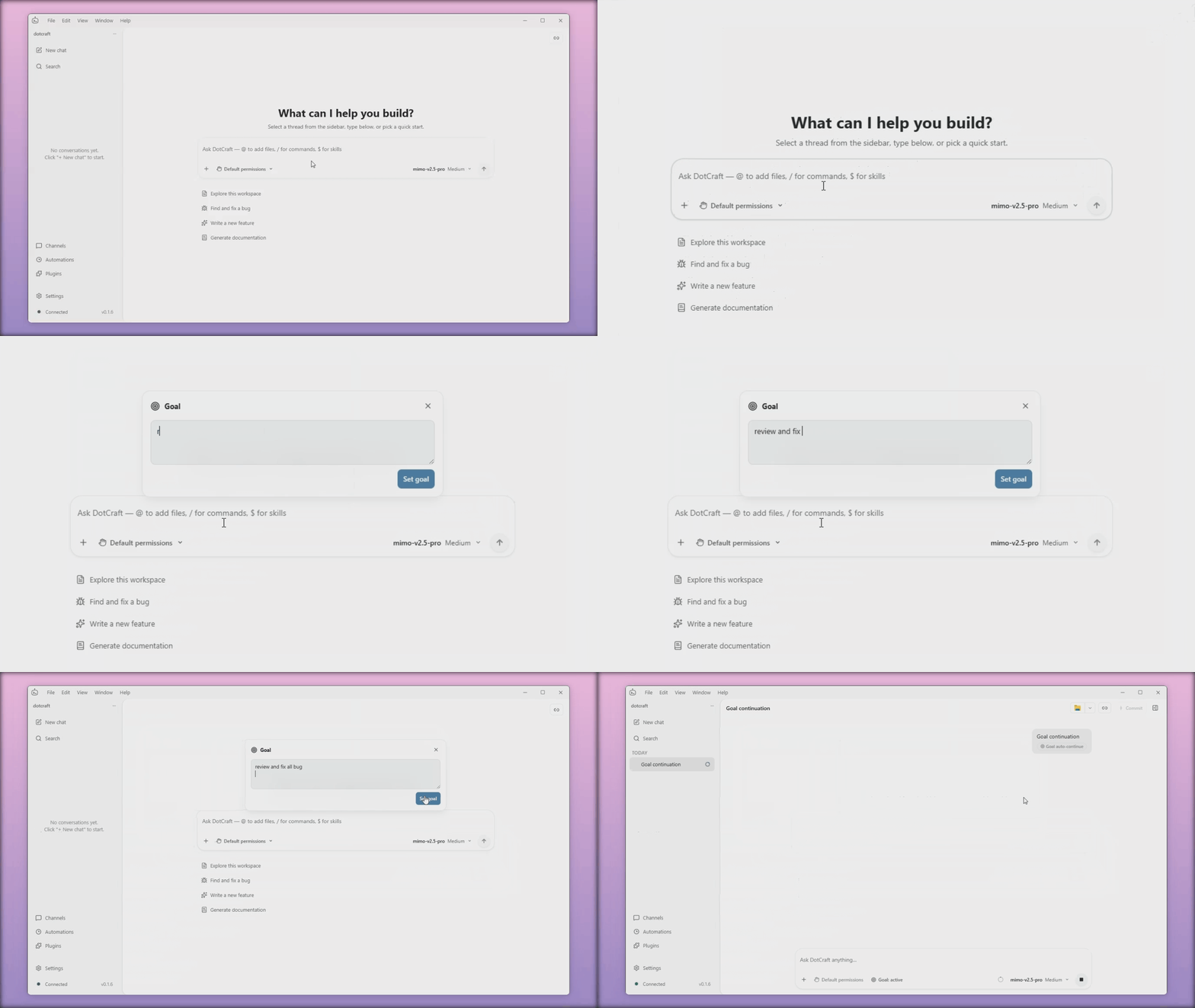
Pin a long-term objective to a conversation and set a token or time budget — whenever the conversation goes idle, DotCraft will quietly keep working toward it. You decide when it pauses, resumes, or wraps up.
Teams — Multi-agent Mission Board
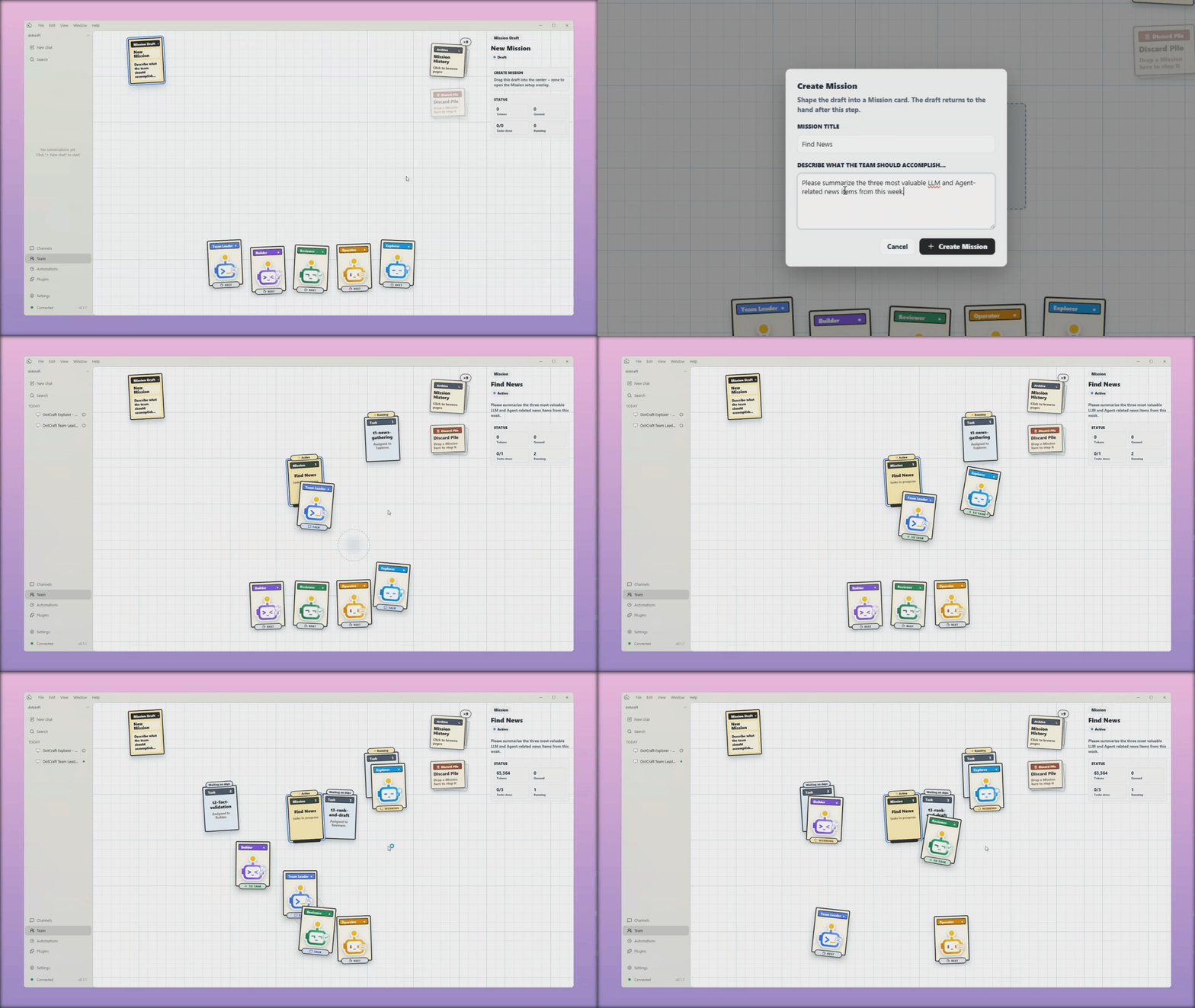
For a complex request, DotCraft assembles a small team — Explorer, Builder, Reviewer, Operator — and a Team Leader who splits the work, dispatches it in parallel, and brings the results back together. You hand over one ask; you get the finished mission.
Dreams — Background Memory Consolidation
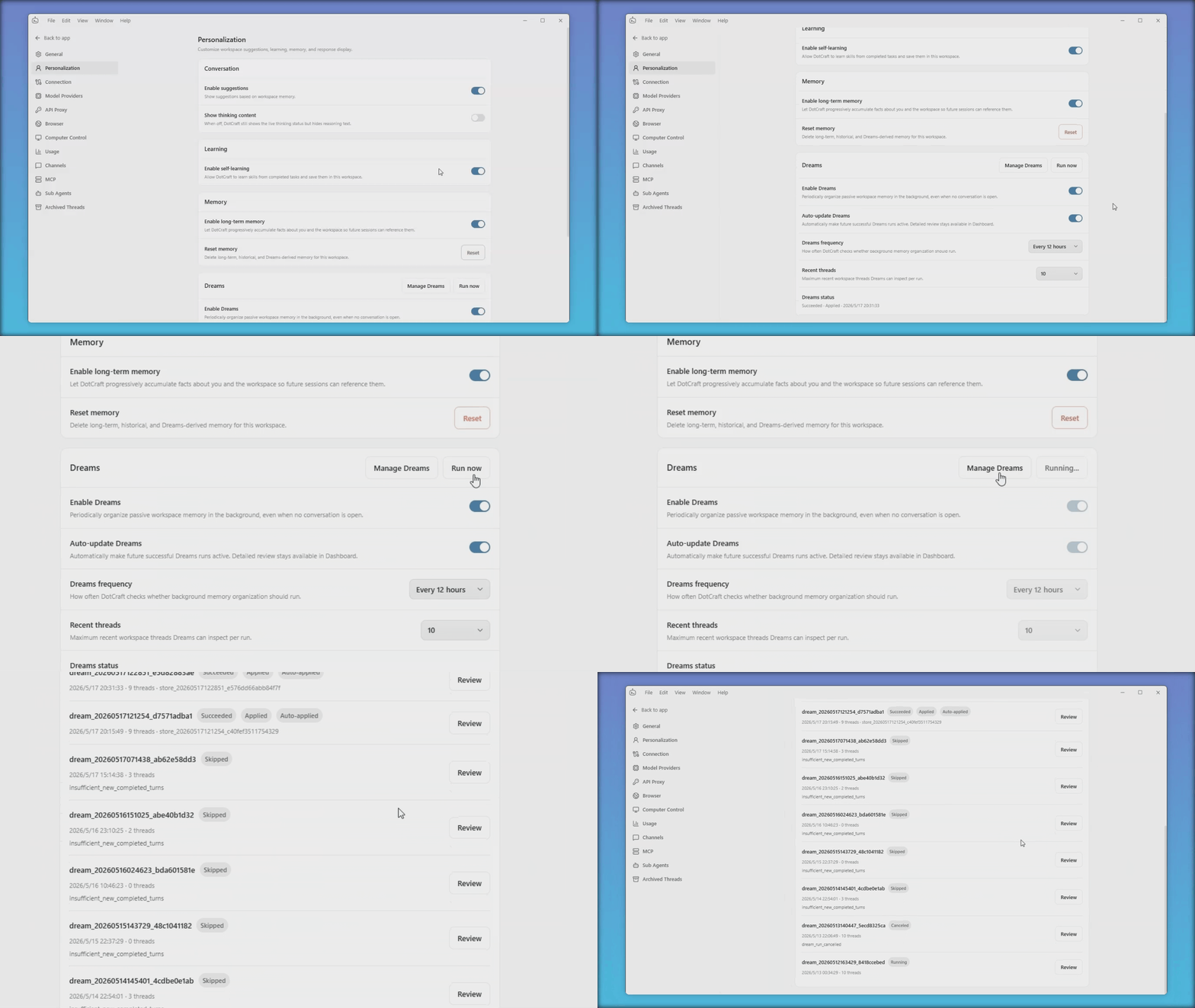
While you work, Dreams quietly reviews recent activity in the background and drafts memory entries worth keeping. You approve them at your own pace, so the agent only remembers what you've actually agreed to.
Cross Channels — One Conversation, Any Platform
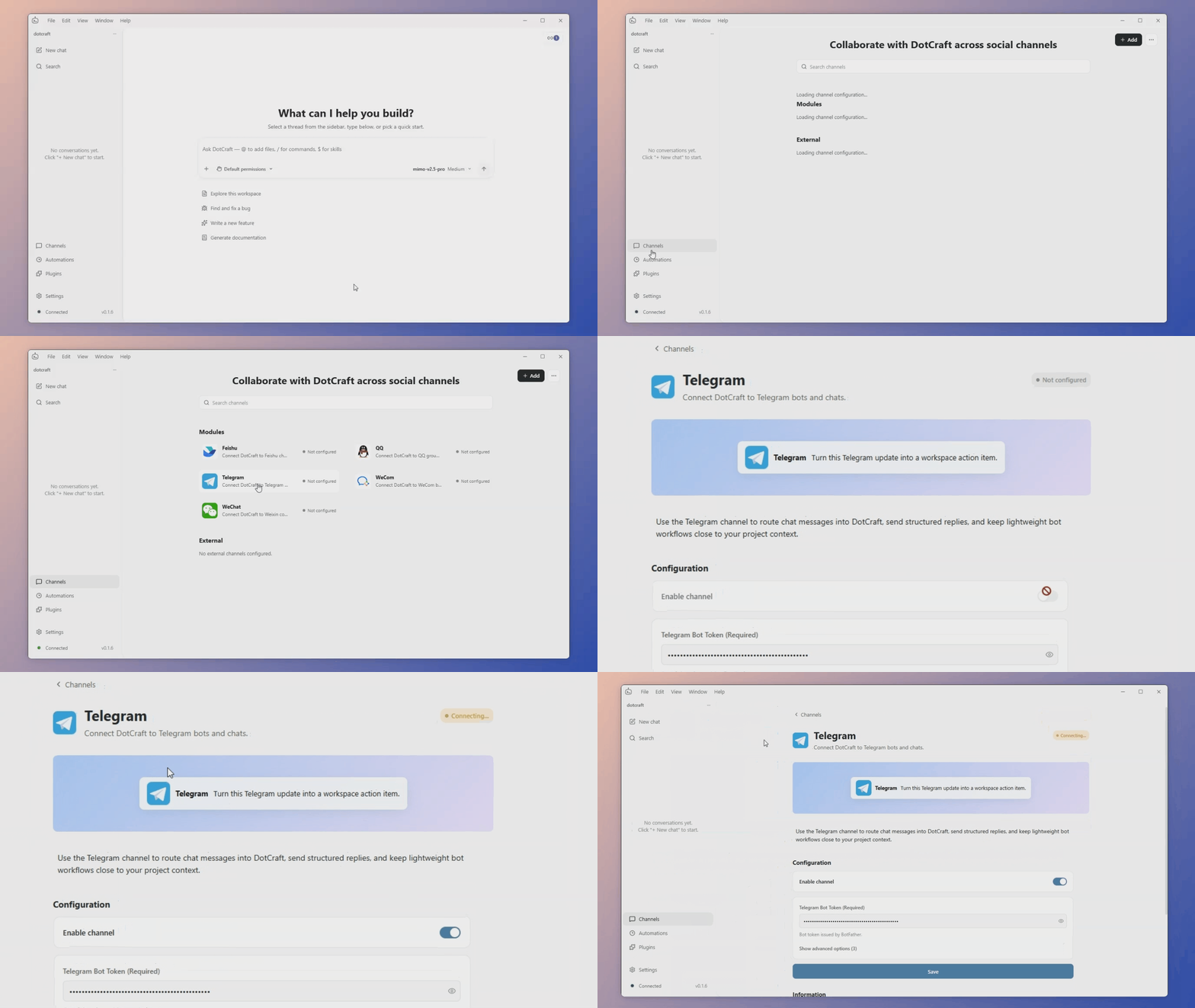
Start a conversation on Desktop, continue it in the TUI, and pick it back up later on QQ, WeCom, Feishu, Telegram, or WeChat. It's the same conversation everywhere, with tool approvals rendered natively on each platform.
App — SDK-driven App Binding for External Extensions
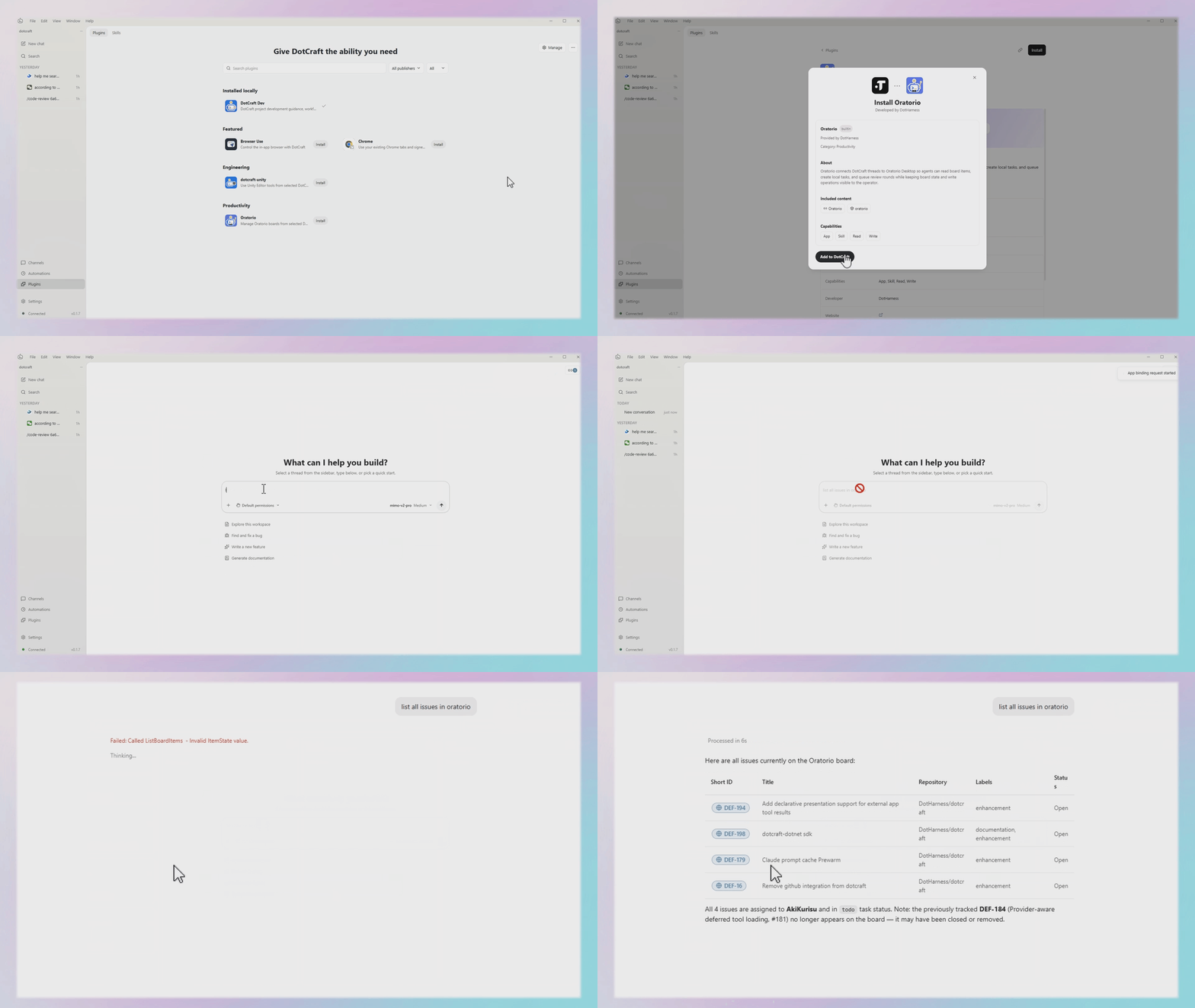
With the DotCraft SDK you can wrap your own service into an App and plug it straight into the agent — bringing custom tools, data, and workflows into the conversation with no extra middleware. Per-tool approval and full audit trails come built in.
ChatGPT Plan — Sign in with ChatGPT, No Extra API Costs
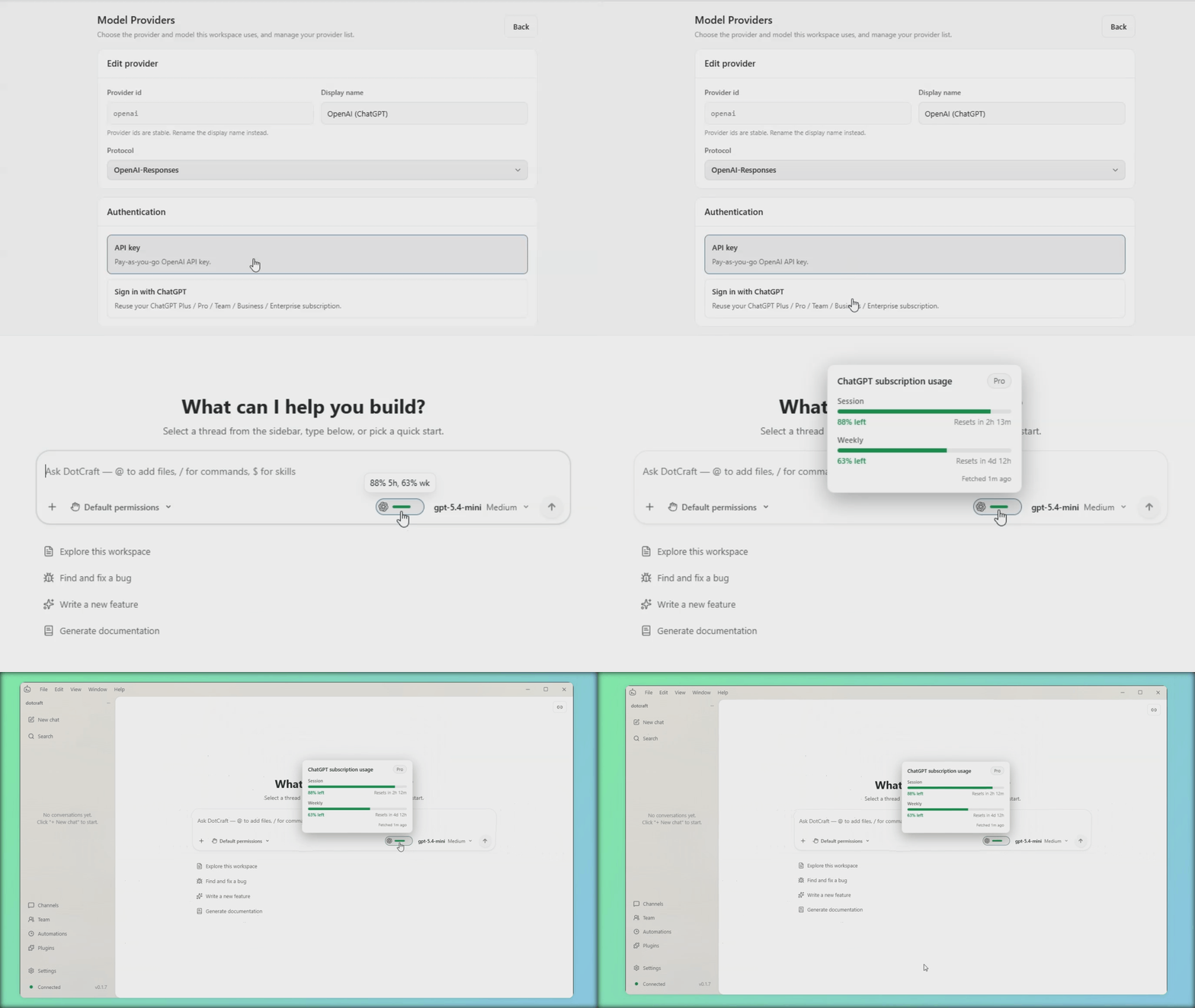
Already paying for ChatGPT Plus, Pro, Team, Business, or Enterprise? Sign in with your ChatGPT account and DotCraft will run on that subscription — no separate API key, no extra usage fees.
Get Started
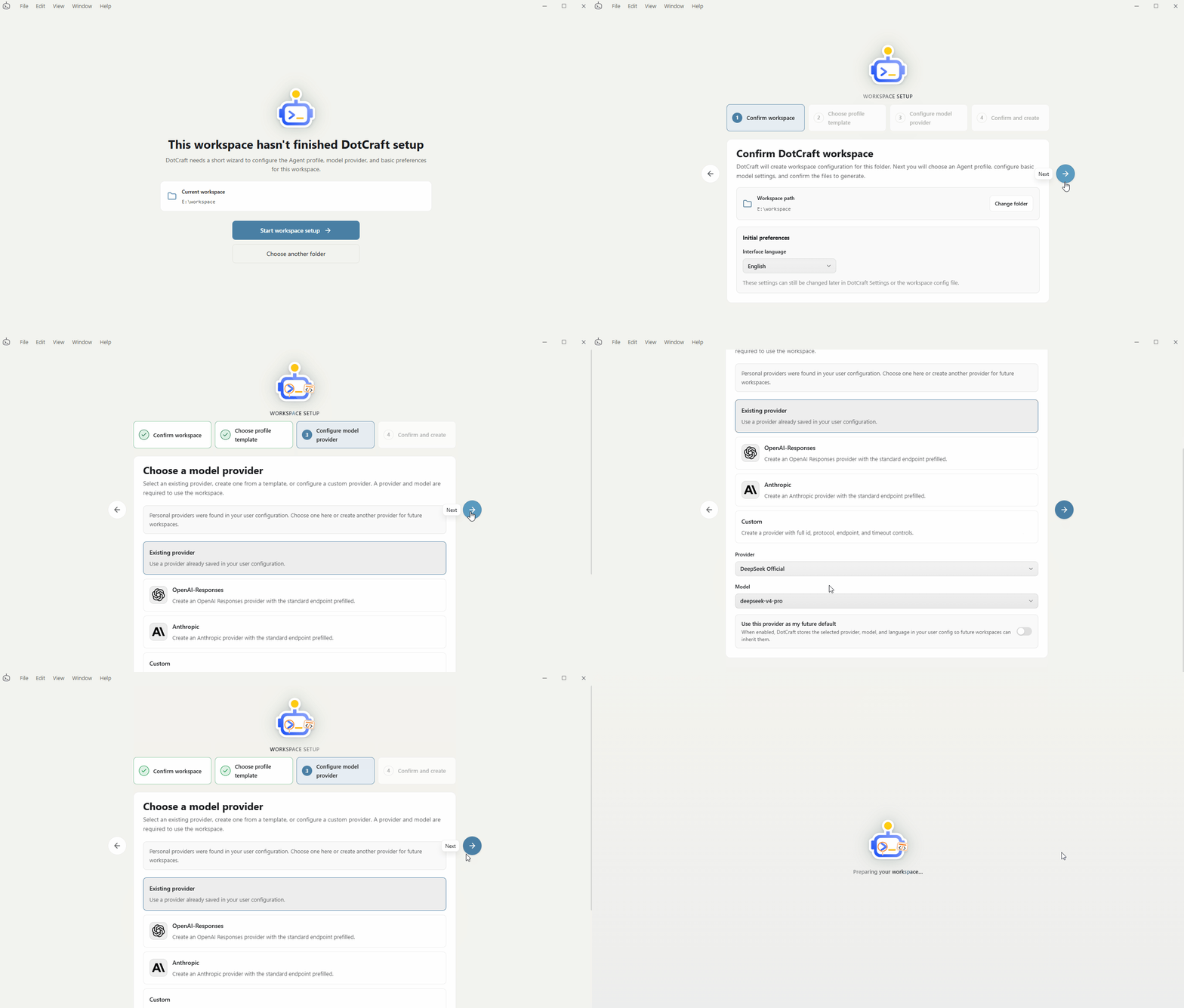
- Download the desktop app from GitHub Releases.
- Choose a real project folder as your workspace.
- Follow the initialization guide to configure the workspace and model provider.
- Create a session and send your first repository-understanding request.
See Getting Started for the full guided flow.
Documentation
| Goal | Document |
|---|---|
| Install, configure, and run DotCraft for the first time | Getting Started |
| Use the graphical desktop client | Desktop |
| Use the full terminal interface | TUI |
| Run local automation tasks | Automations & Hooks |
| Connect clients, bots, or custom adapters | Channels & Bots |
| Deploy DotCraft and channel bots on a server | Server Deployment |
| Architecture, SDKs, and protocols | Architecture |
Comments