Driver Booster Pro is an open-source Windows desktop application for scanning outdated drivers, checking Windows updates, and monitoring system health. Built entirely with Go and Microsoft WebView2, it features a native Windows 11 dark theme UI with custom frameless window controls.
Repository: git.imtaqin.id/fdciabdul/driver-booster
Download Driver Booster Pro
Windows 10/11 • Single EXE • No installation required
Download EXE (v1.0.0)Screenshots
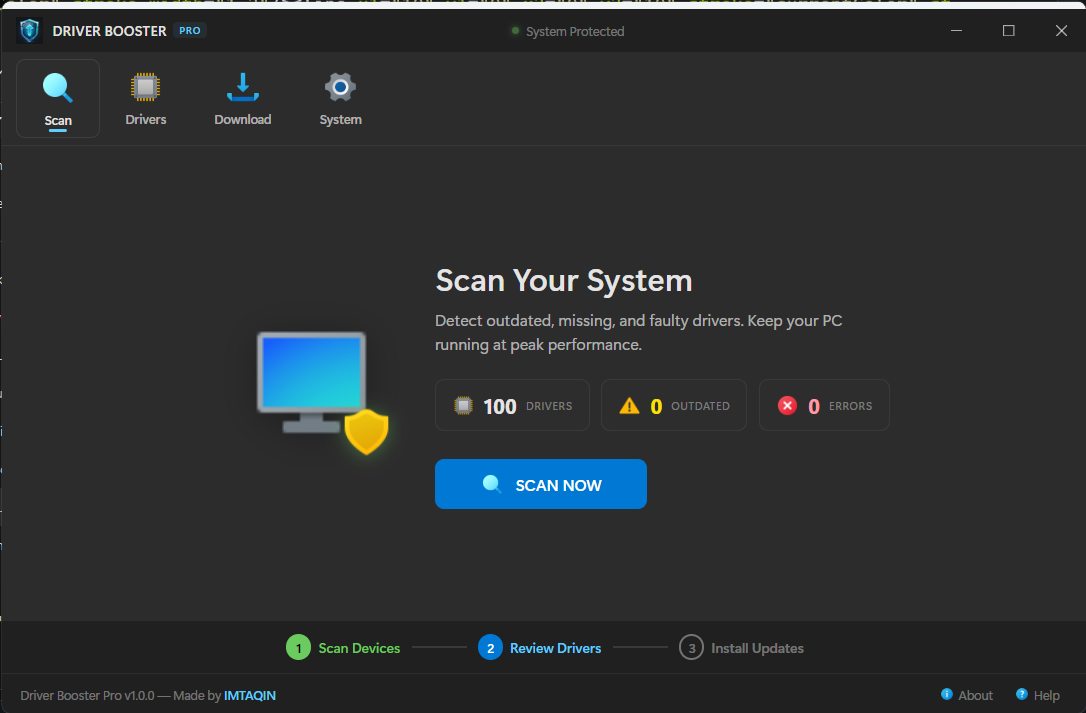
Scan Dashboard
The main scan page with system illustration, driver statistics, and a one-click SCAN NOW button. A step indicator at the bottom guides users through the workflow: Scan Devices → Review Drivers → Install Updates.
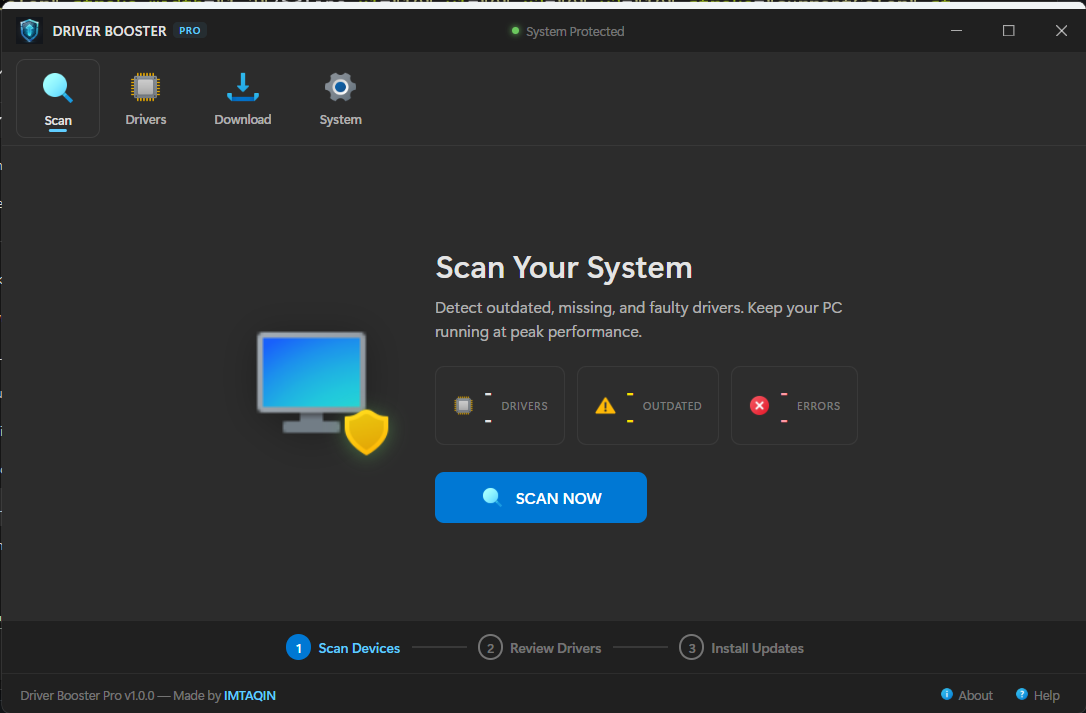
After Scanning
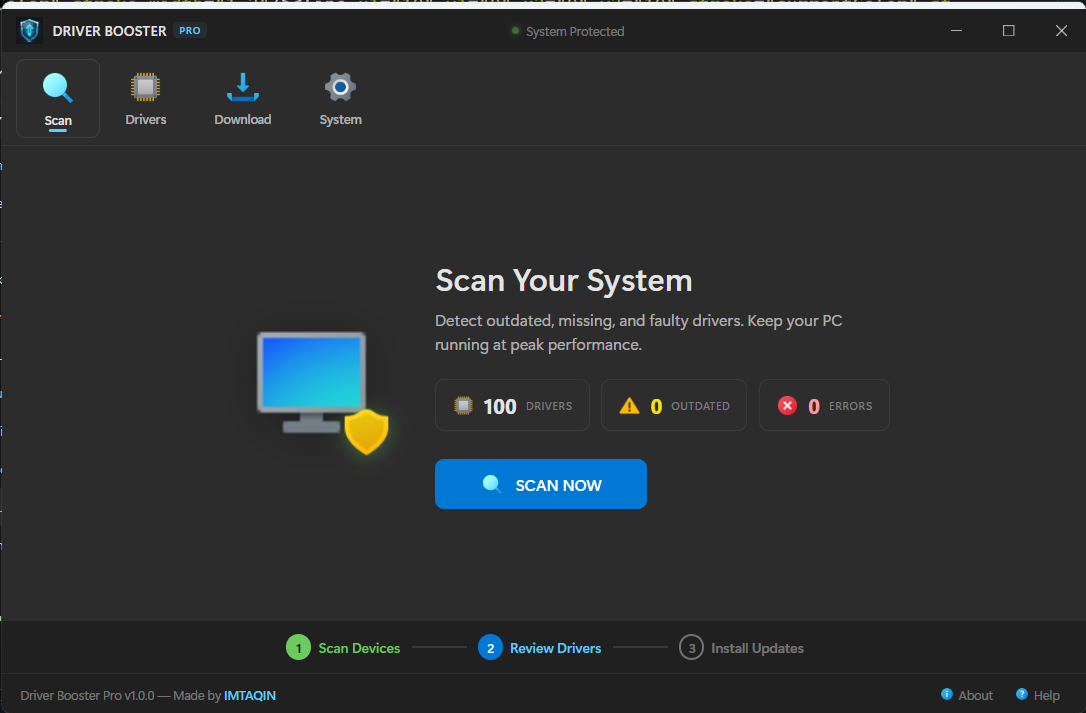
After scanning, the dashboard displays the total number of installed drivers, outdated count, and error count at a glance.
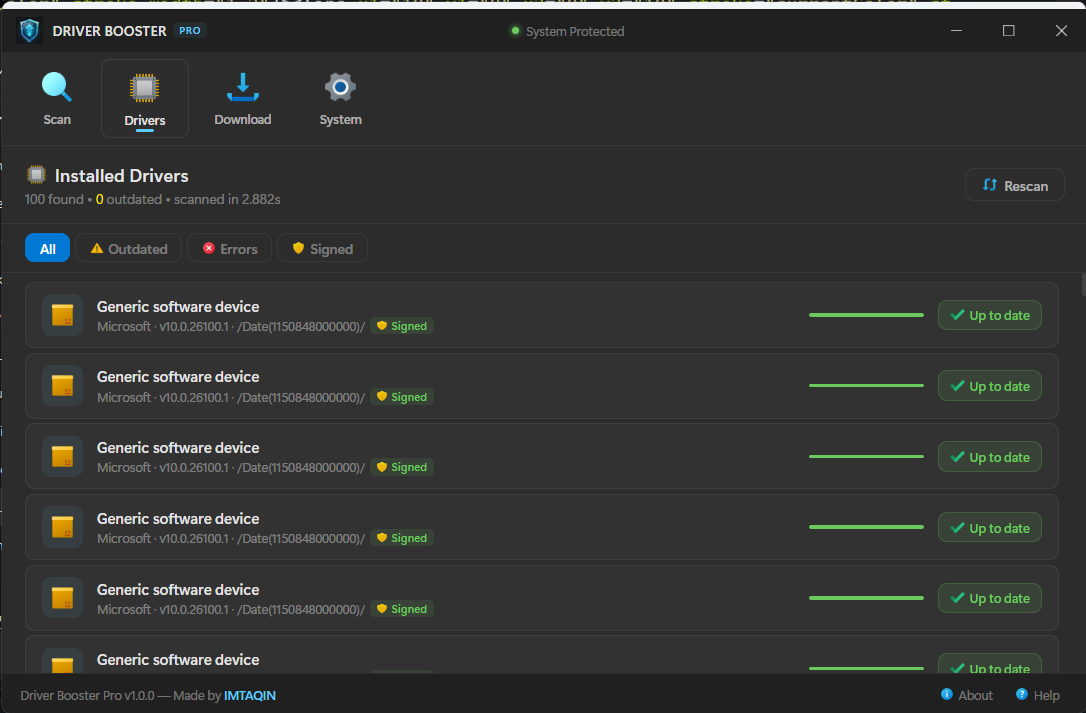
Driver List
The Drivers tab shows all detected PnP drivers with per-device icons, version information, manufacturer details, progress bars, and Download / Install action buttons for each driver. Filter by All, Outdated, Errors, or Signed.
Windows Update
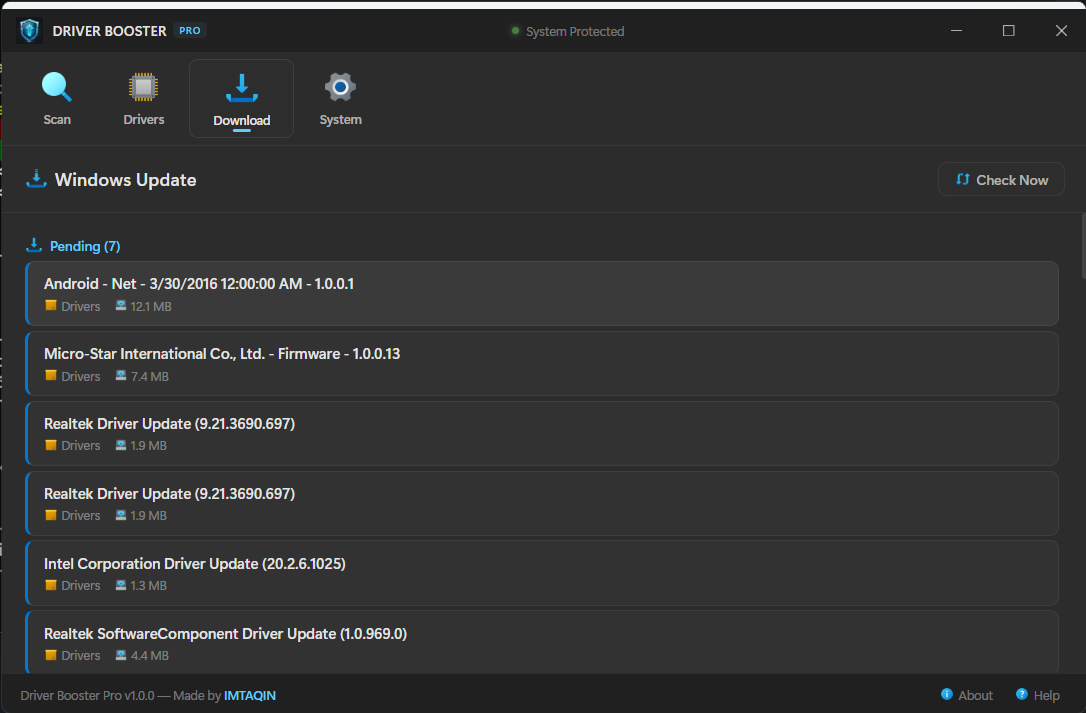
The Download tab checks for pending Windows updates using the Windows Update Agent COM API. Shows pending and recently installed updates with KB article, category, size, and severity.
System Information
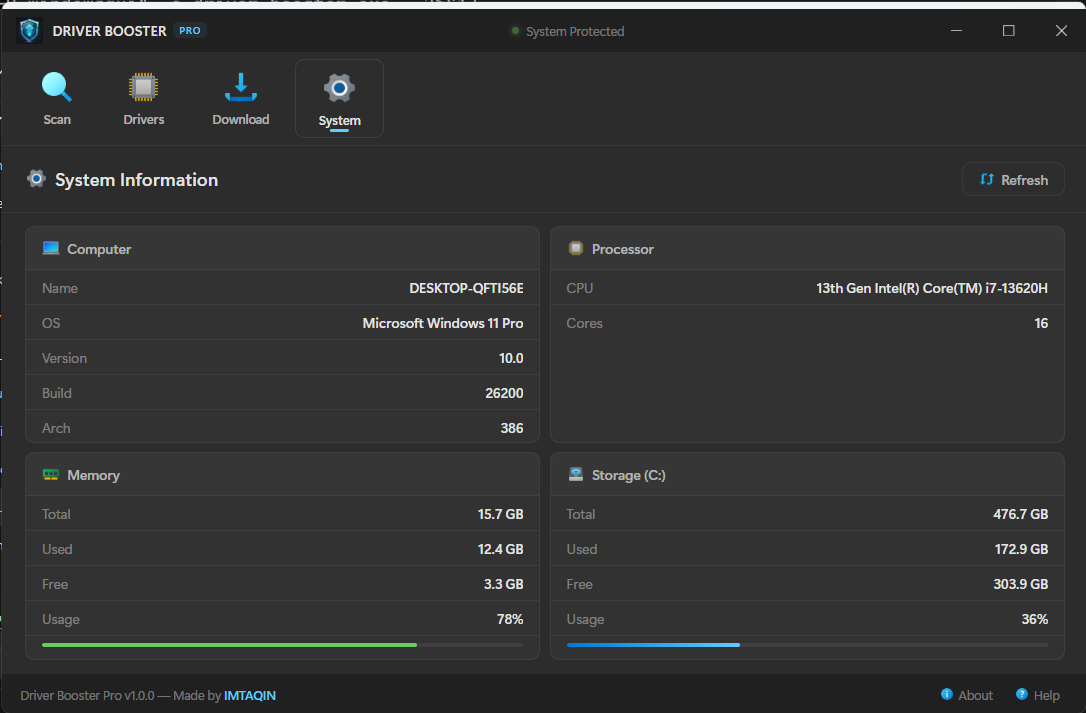
Detailed hardware and software overview including OS version, CPU, memory usage, and disk storage — all collected via direct Windows API calls (kernel32.dll, ntdll.dll).
Loading Screen
Features
- Driver Scanner — Enumerates all PnP signed drivers via WMI, detects outdated drivers older than 2 years
- Windows Update — Checks pending updates via Windows Update Agent COM API
- System Monitor — Real-time RAM and disk usage via direct Win API syscalls
- OS Detection — Accurate OS version via RtlGetVersion (bypasses compatibility shims)
- Frameless Window — Custom title bar with Win11-style window controls and native drag
- No CMD Window — All subprocess calls use CREATE_NO_WINDOW flag
- Single EXE — All HTML/CSS/JS/PNG icons compiled into one binary via Go embed
- Custom App Icon — Shield + circuit board icon embedded via go-winres
Tech Stack
| Language | Go 1.26 |
| UI Framework | WebView2 (jchv/go-webview2) |
| Frontend | HTML + CSS + Vanilla JS (embedded) |
| Windows API | kernel32.dll, ntdll.dll, user32.dll |
| Design | Windows 11 WinUI3 Mica dark theme |
| Icons | 27 fluency-style PNG assets |
Windows API Usage
kernel32.dll— GlobalMemoryStatusEx, GetDiskFreeSpaceExA, GetComputerNameWntdll.dll— RtlGetVersion (accurate OS version)user32.dll— SetWindowLong, ReleaseCapture, SendMessage (frameless window)- WMI — Win32_PnPSignedDriver for driver enumeration
- COM — Microsoft.Update.Session for Windows Update
How to Build
git clone https://git.imtaqin.id/fdciabdul/driver-booster.git
cd driver-booster
go mod download
go build -ldflags "-H windowsgui" -o driver-booster.exe .
Requirements: Go 1.21+, Windows 10/11 with WebView2 runtime.
Project Structure
driver-booster/
├── main.go                     # WebView2 window + frameless controls
├── internal/
│   ├── cmdutil/cmdutil.go      # Hidden subprocess helper
│   ├── sysinfo/sysinfo.go     # Win API system info
│   ├── drivers/drivers.go     # PnP driver enumeration
│   ├── winupdate/winupdate.go # Windows Update Agent
│   └── bridge/bridge.go       # HTTP API bridge
├── ui/
│   ├── index.html             # SPA with 4 tabs
│   ├── style.css              # Win11 WinUI3 dark theme
│   ├── app.js                 # Frontend logic
│   └── icon-*.png             # 27 fluency-style icons
├── winres/                    # go-winres config + icons
└── resources/                 # App icon + manifest
Made by IMTAQIN
]]>
Comments