DoaKu
A mobile-first Progressive Web App for Islamic self-healing (ruqyah) with the Quran. Built for Muslims who want a clean, offline-capable tool for daily prayers, Quran recitation, and ruqyah practice.
Screenshots
Light Theme
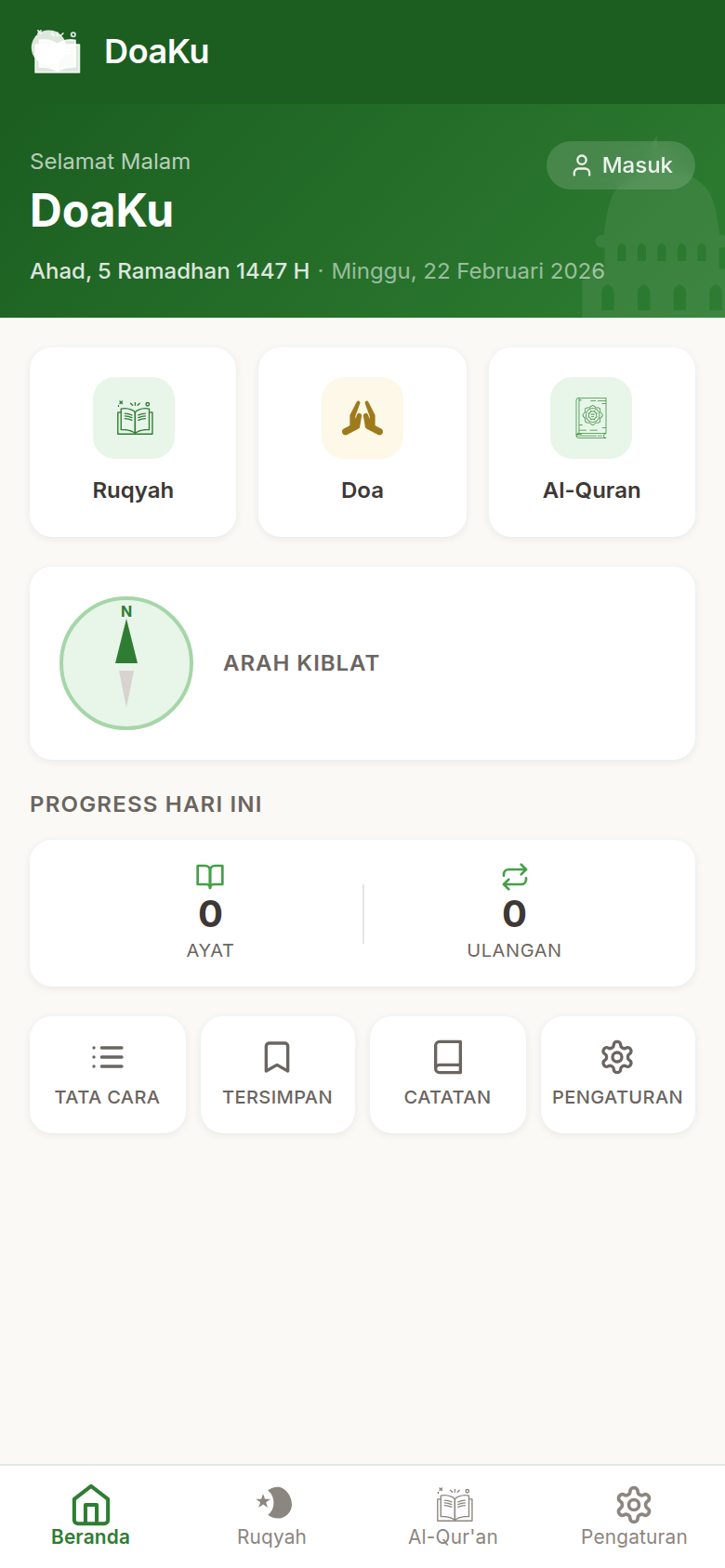
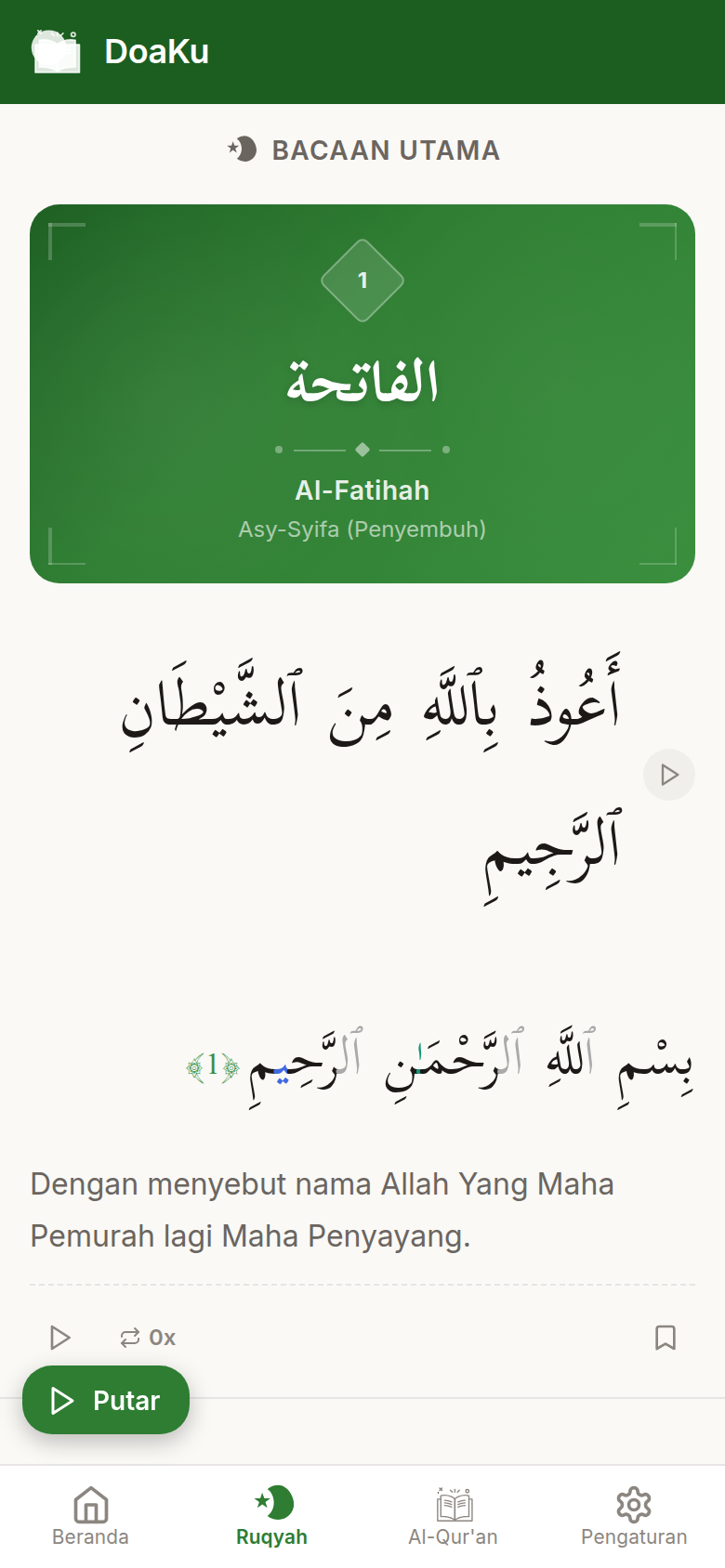
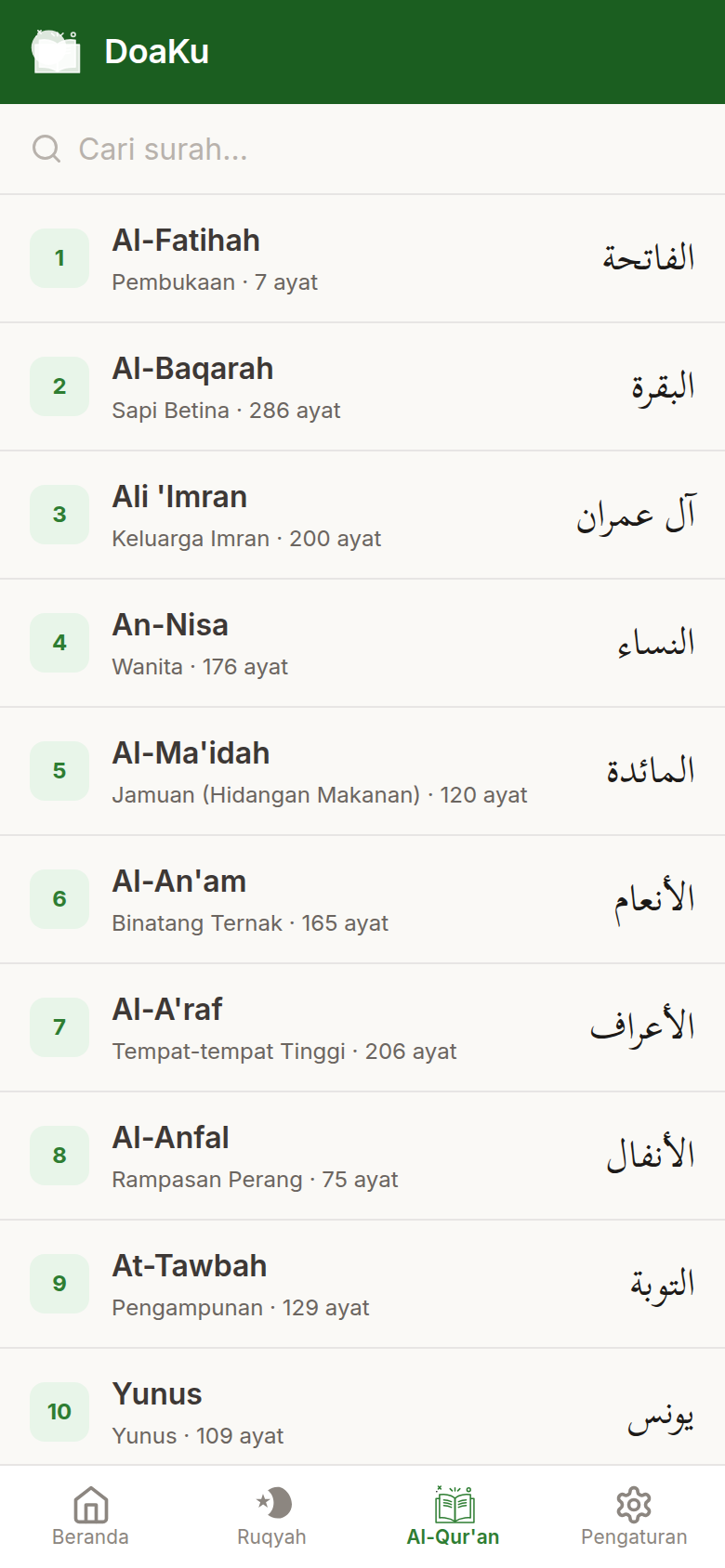
| Home | Ruqyah | Al-Quran |
|---|---|---|
 |
 |
 |
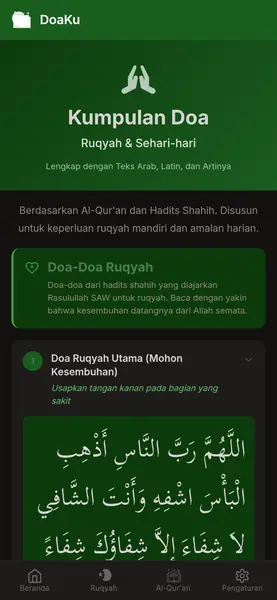
| Kumpulan Doa | Tata Cara | Pengaturan |
|---|---|---|
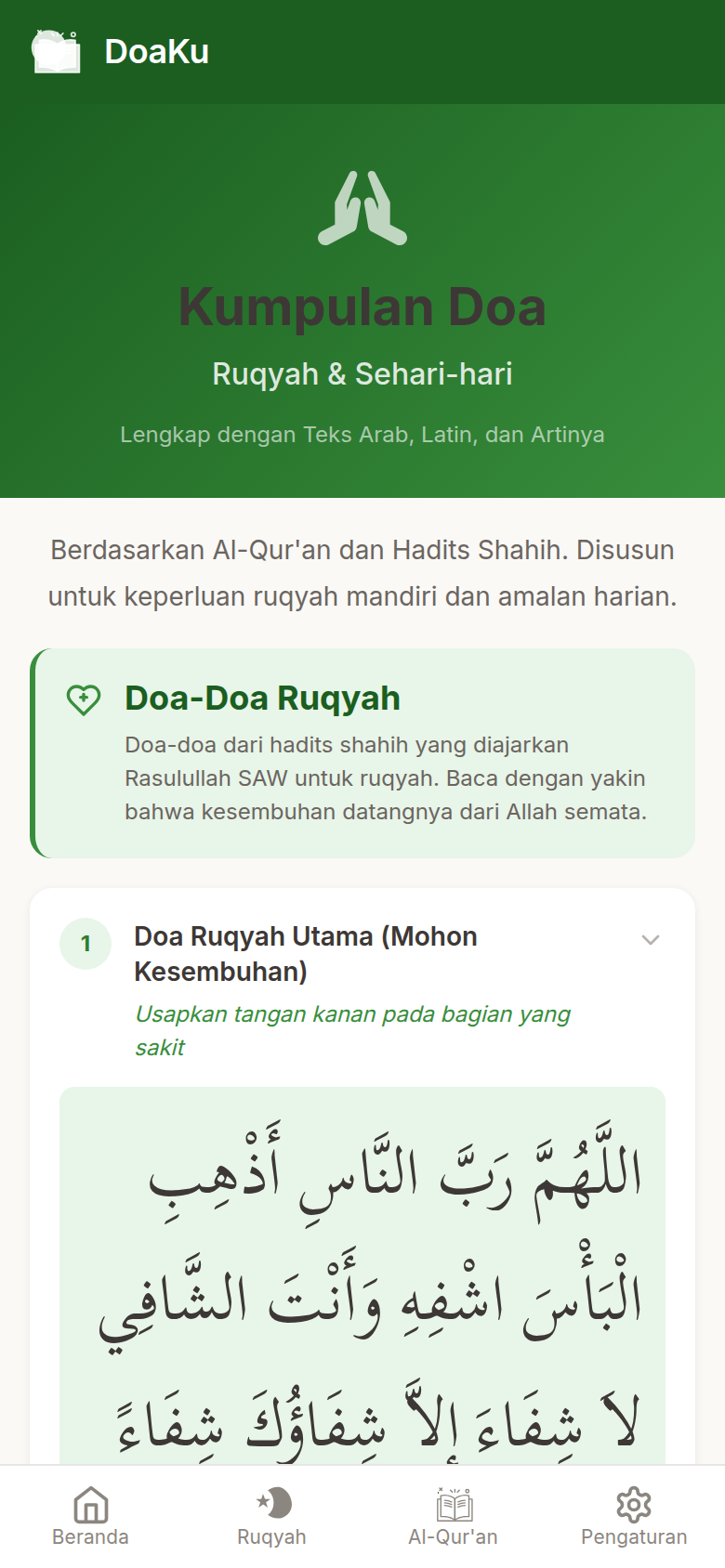 |
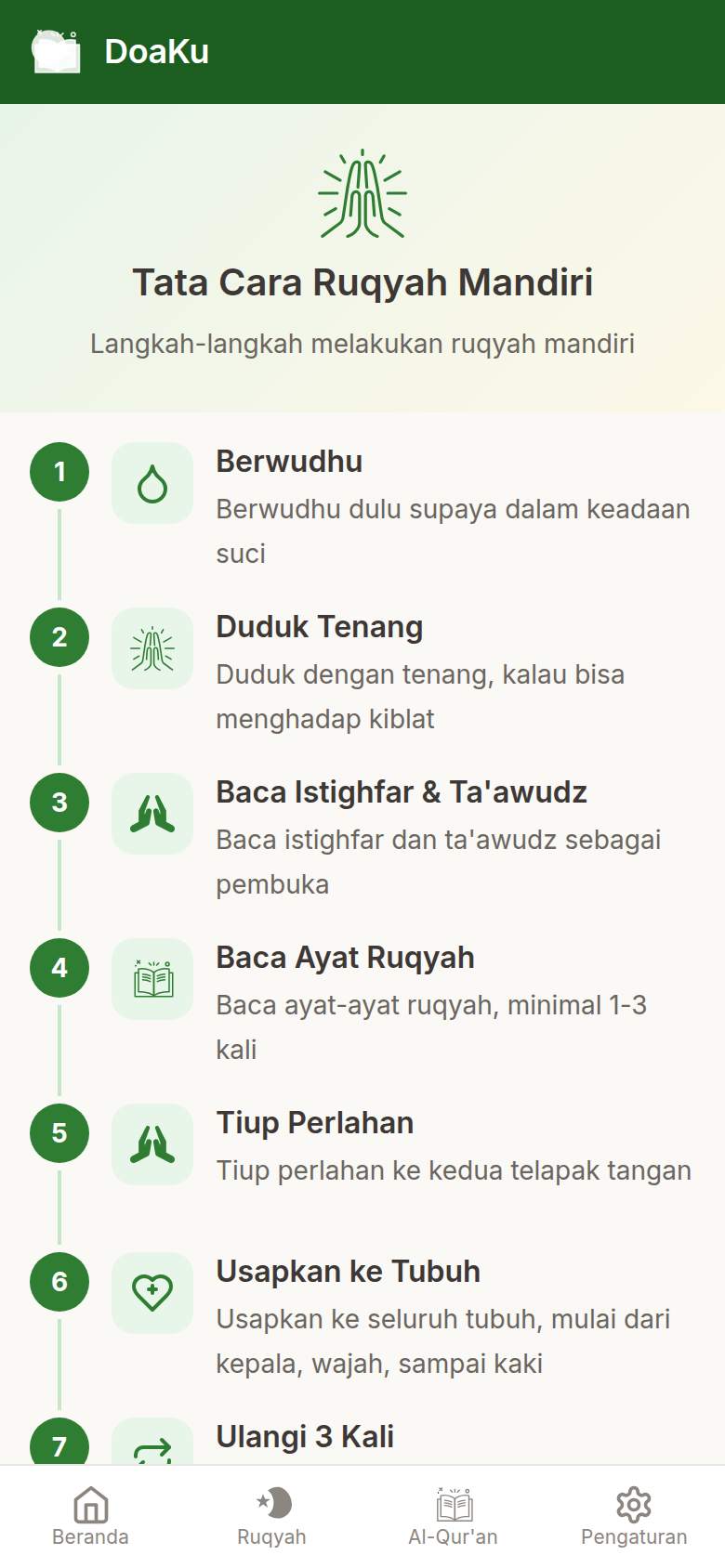 |
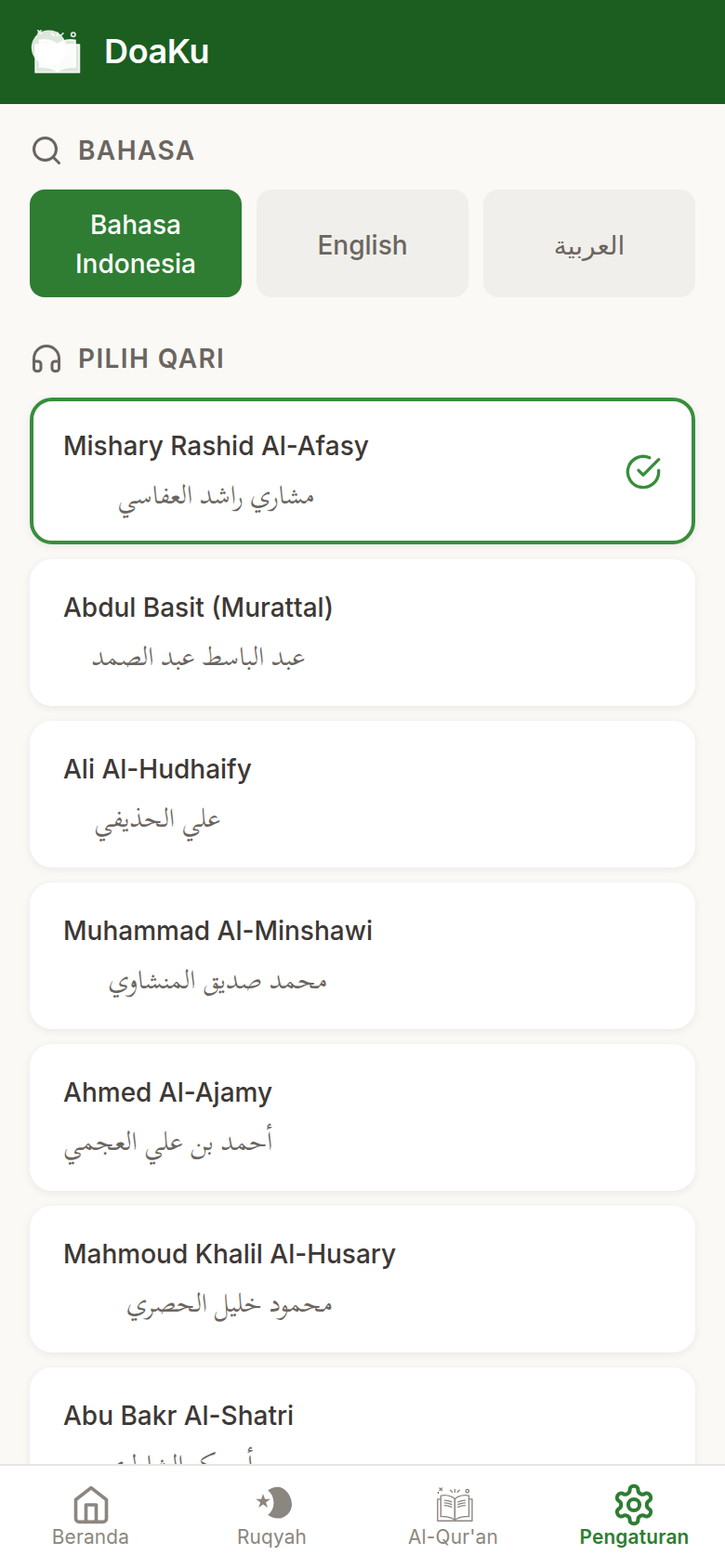 |
Dark Theme
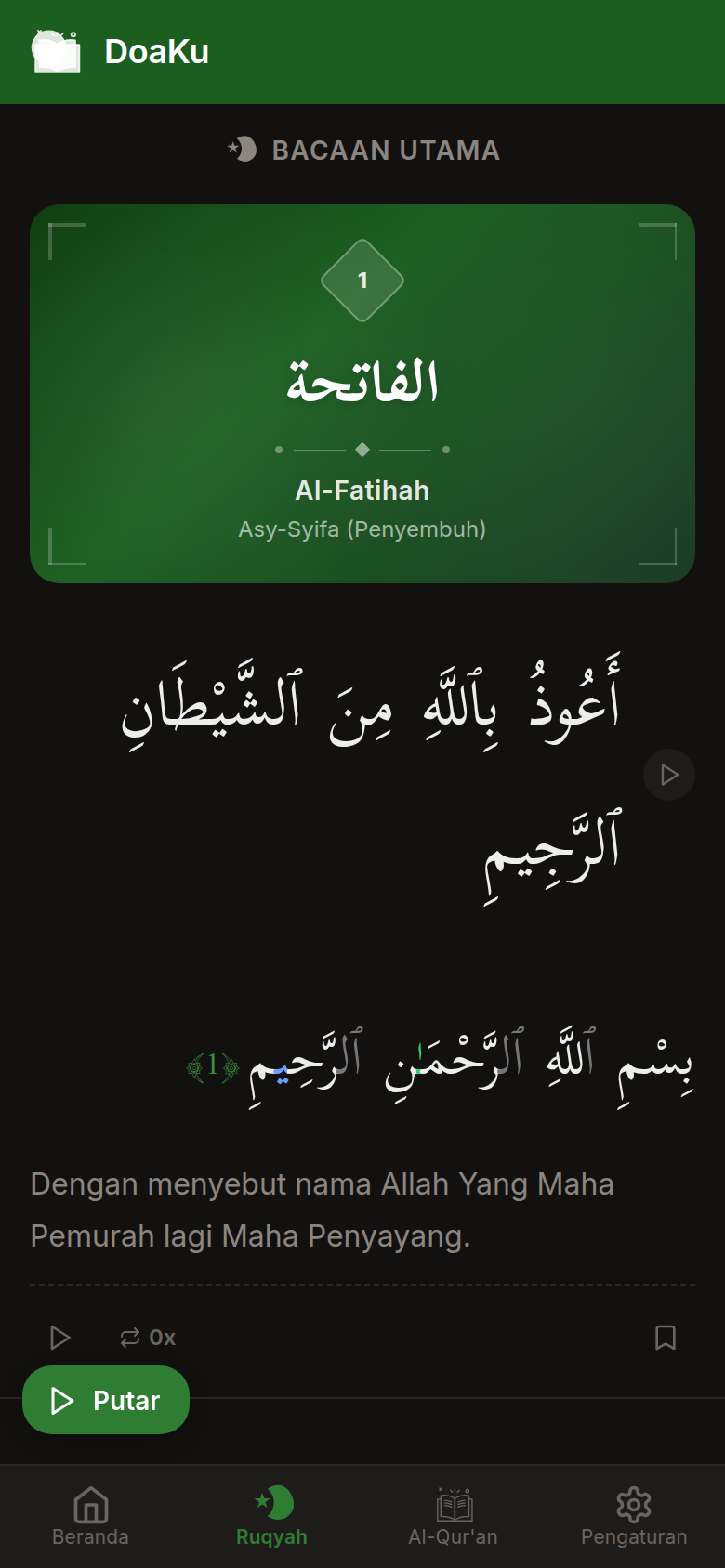
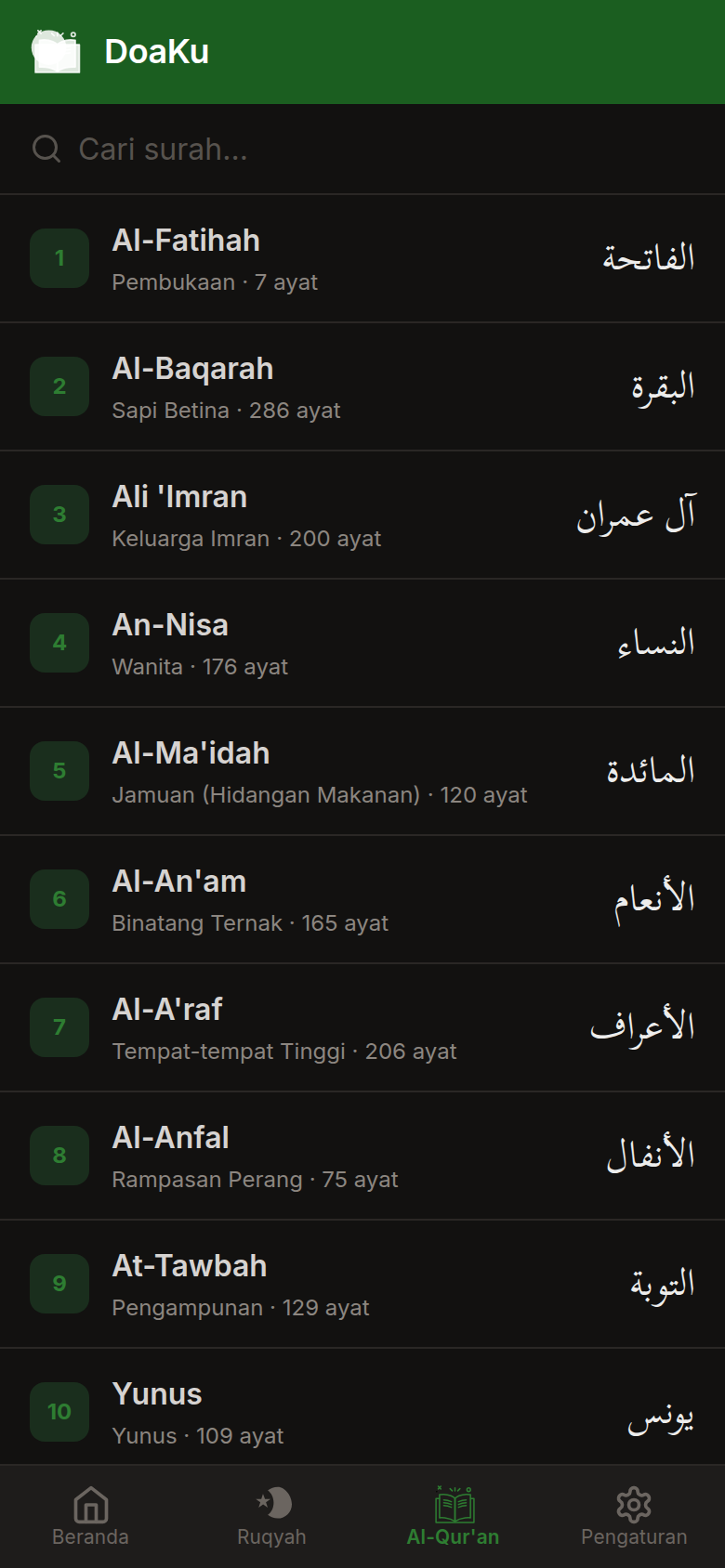
| Home | Ruqyah | Al-Quran |
|---|---|---|
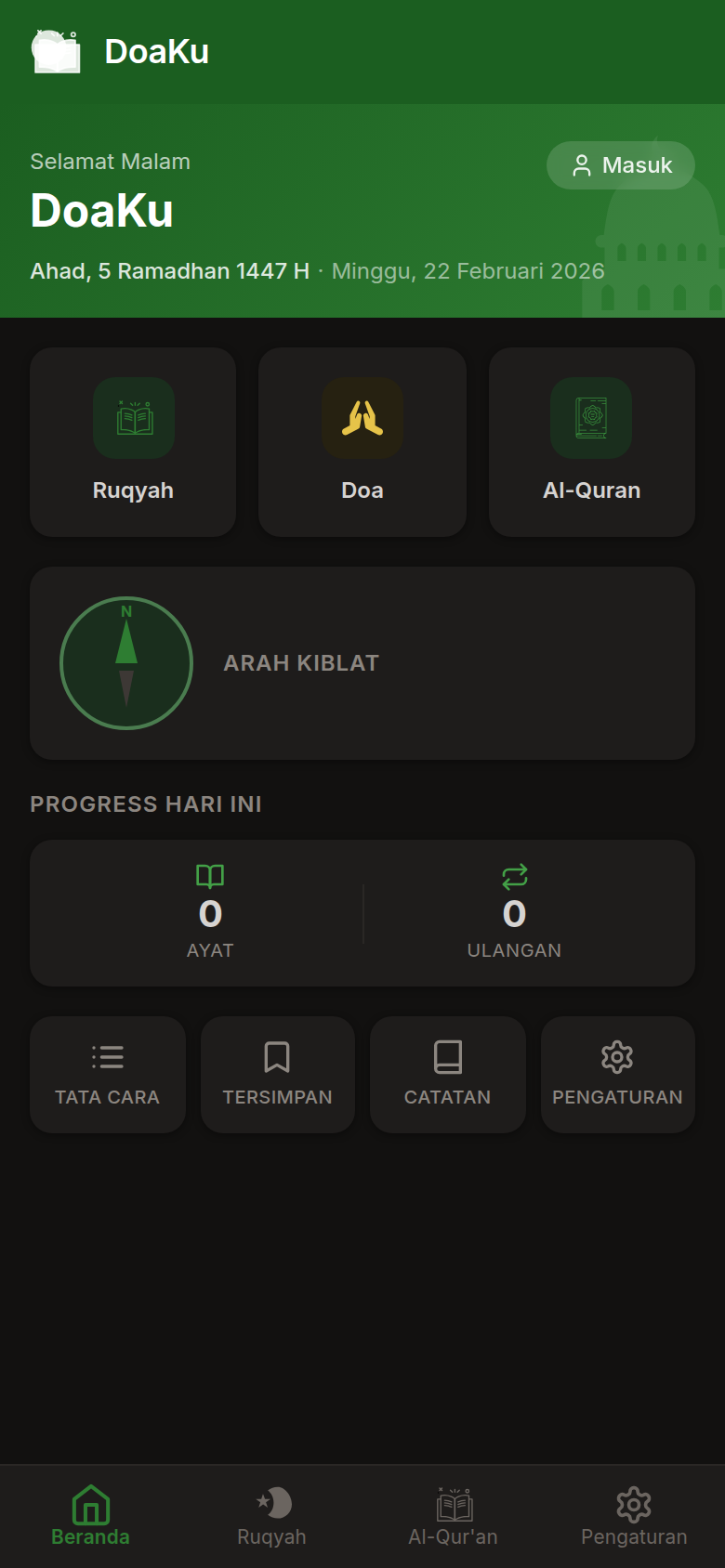 |
 |
 |
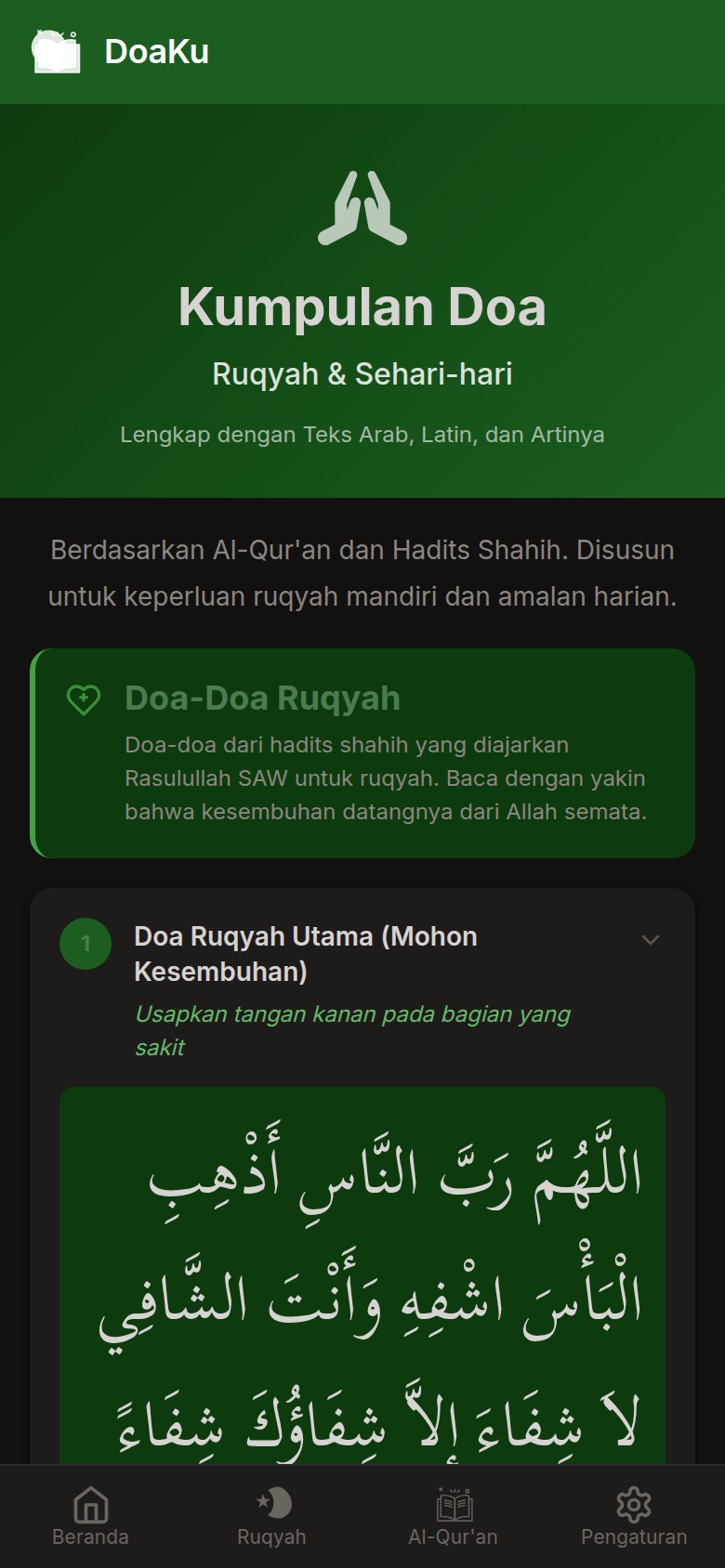
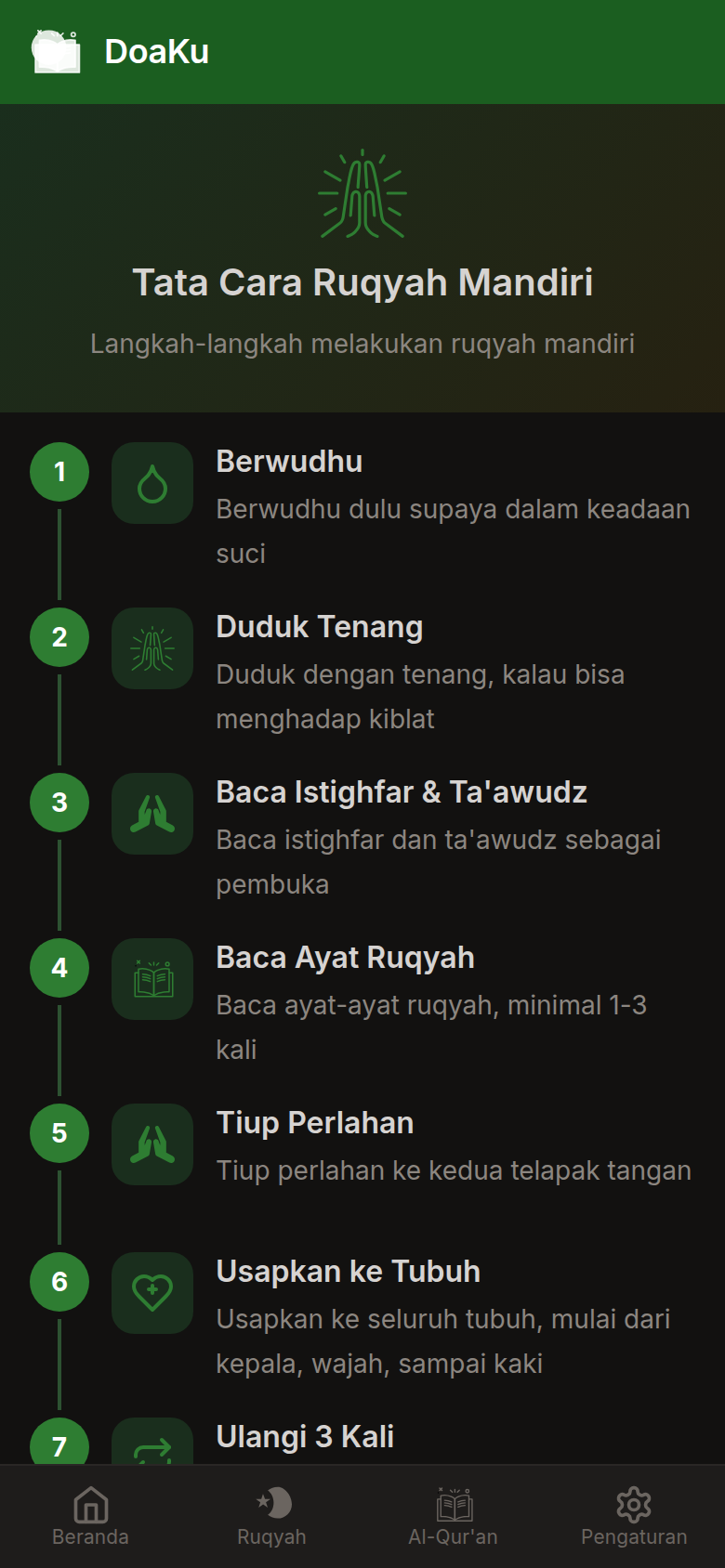
| Kumpulan Doa | Tata Cara | Pengaturan |
|---|---|---|
 |
 |
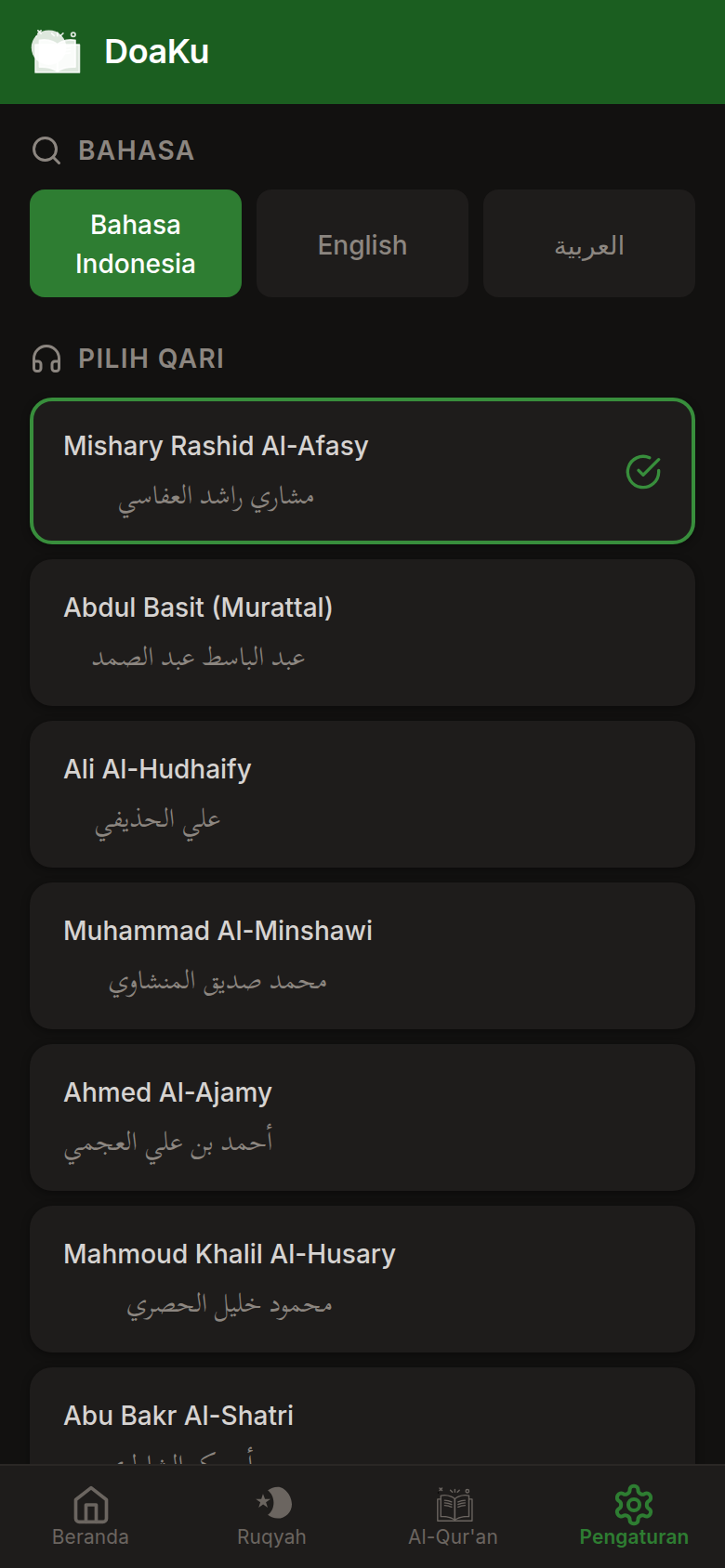 |
Features
Ruqyah Reader
- Curated ayahs from Al-Quran used for ruqyah syar'iyyah (self-healing)
- Arabic text with Uthmani script, Indonesian translation, and tajweed color coding
- Grouped by surah with decorative surah banners
- Per-ayah audio playback with Mishary Rashid Al-Afasy recitation
- Sequential auto-play with queue management
- Repeat counter per ayah for tracking practice
- Bookmark system for saving progress
Al-Quran
- Full 114 surah index with Arabic names, Latin transliteration, and verse counts
- Surah search functionality
- Per-ayah play buttons and auto-play from any verse
- Audio from cdn.islamic.network CDN (128kbps, Al-Afasy)
- Left-side slide-in audio panel
Kumpulan Doa (Prayer Collection)
- 6 ruqyah-specific prayers with hadith sources
- 15 daily prayers covering common situations
- Arabic text, Latin transliteration, Indonesian translation
- Collapsible cards for easy browsing
- Source references from Bukhari, Muslim, Abu Dawud, and other authenticated collections
Qibla Compass
- Real-time compass using device orientation sensors
- Great-circle bearing calculation to the Kaaba
- Automatic geolocation with cached coordinates
- Visual compass needle with degree and cardinal direction display
Prayer Times
- Daily prayer schedule based on user geolocation
- Next prayer highlight
- Hijri and Gregorian date display
- Location detection with city name
Additional Features
- Dark and light theme with system-level toggle
- Multi-language support (Indonesian, English, Arabic)
- Offline capability via service worker and precaching
- Daily reading progress tracking (ayahs read, repetitions, streak)
- Note-taking with Supabase cloud sync
- Installable as a standalone app on mobile devices
Tech Stack
| Layer | Technology |
|---|---|
| Framework | Vue 3 (Composition API, <script setup>) |
| Build Tool | Vite 5 |
| State Management | Pinia with persisted state |
| Routing | Vue Router 4 |
| Styling | SCSS with CSS Custom Properties for runtime theming |
| PWA | vite-plugin-pwa (Workbox, service worker, manifest) |
| i18n | vue-i18n 9 |
| Backend | Supabase (auth, notes sync) |
| Audio | HTML5 Audio API, MediaSession API |
| Fonts | Scheherazade New (Arabic), Inter (Latin) |
Project Structure
src/
  assets/           SVG icons (ui, islamic, audio-player)
  components/       Reusable Vue components
    audio/          GlobalAudioPlayer
    ayah/           AyahCard
    common/         SvgIcon, SurahBanner, LoadingSpinner, OfflineBanner
    layout/         AppHeader, BottomNav
  composables/      Vue composables
    useAudio.js     Audio queue, playback, Quran CDN integration
    useHijriDate.js Hijri calendar conversion
    useOnline.js    Network status detection
    usePrayerTimes.js  Prayer time calculation via API
    useQiblaCompass.js Qibla direction with device orientation
    useTheme.js     Theme switching (light/dark)
  data/             Static data files
    doaCollection.js   21 curated prayers
    procedures.js      Step-by-step ruqyah guide
    quranMeta.js       Surah metadata, global ayah mapping
    reciters.js        Reciter configuration
    ruqyahAyahs.js     Curated ruqyah ayahs with tajweed
  i18n/             Locale files (id, en, ar)
  router/           Vue Router configuration
  services/
    api/            AlQuran Cloud API client
    audio/          AudioManager singleton
  stores/           Pinia stores (audio, auth, bookmarks, notes, progress, ruqyah, settings)
  styles/           SCSS (variables, theme, mixins, base, fonts, animations)
  views/            Page components
    HomePage.vue
    RuqyahPage.vue
    QuranPage.vue
    DoaPage.vue
    SettingsPage.vue
    ProcedurePage.vue
    BookmarksPage.vue
    AuthPage.vue
    NotesPage.vue
Getting Started
Prerequisites
- Node.js 18 or later
- npm
Installation
git clone https://github.com/fdciabdul/DoaKU.git
cd DoaKU
npm install
Development
npm run dev
The app will be available at http://localhost:5173.
Production Build
npm run build
Static files are generated in the dist/ directory.
Deployment
The included server.js provides a static file server for production use:
node server.js
Or with PM2 for process management:
pm2 start server.js --name doaku
Screenshot Generation
A Puppeteer script is included for generating app screenshots:
npm install --no-save puppeteer-core
node scripts/screenshots.cjs
Screenshots are saved to the https://raw.githubusercontent.com/fdciabdul/DoaKU/refs/heads/main/https://raw.githubusercontent.com/fdciabdul/DoaKU/refs/heads/main/screenshots/ directory in both light and dark themes.
Audio Sources
Quran audio is served from the Islamic Network CDN featuring Mishary Rashid Al-Afasy recitation at 128kbps. Audio files are streamed on demand and not bundled with the application.
License
MIT
Comments