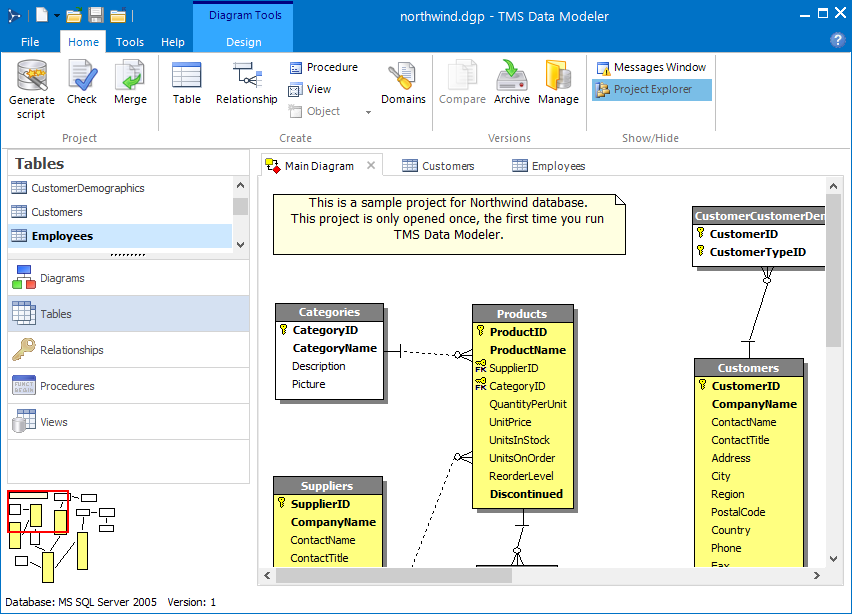
A visual database design and modeling tool written in Delphi with support for SQL Server, Firebird, Oracle, PostgreSQL, MySQL, SQLite.
Overview
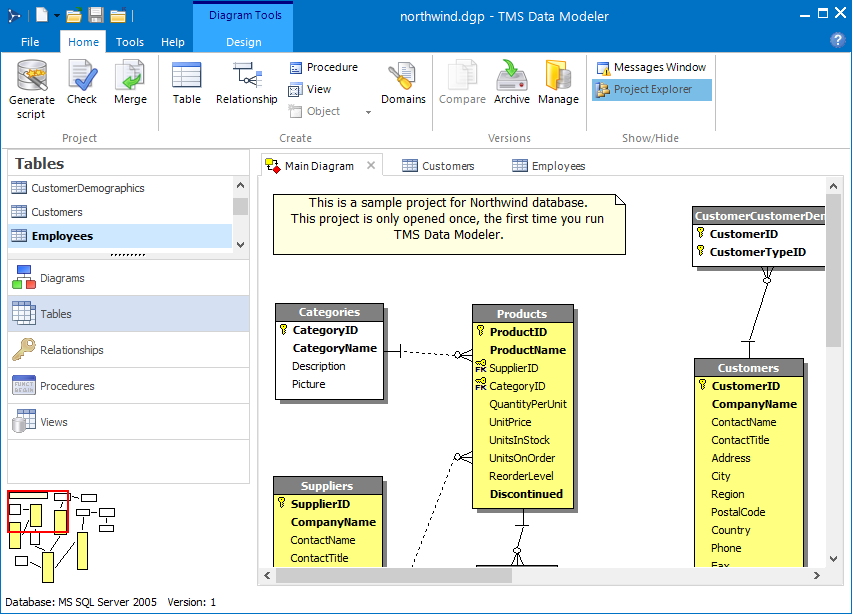
TMS Data Modeler is a desktop tool for designing, versioning, and maintaining database schemas through entity-relationship diagrams. It targets developers and database designers who want to model a schema visually, generate DDL scripts for multiple database systems, compare versions, and reverse-engineer existing databases.
It is also intended for TMS Aurelius developers who prefer a database-first workflow: model the schema in Data Modeler and generate the corresponding Aurelius entity-mapped classes from it.
Screenshots
Key Features
- Entity-relationship (ER) diagram editor with a multi-diagram interface
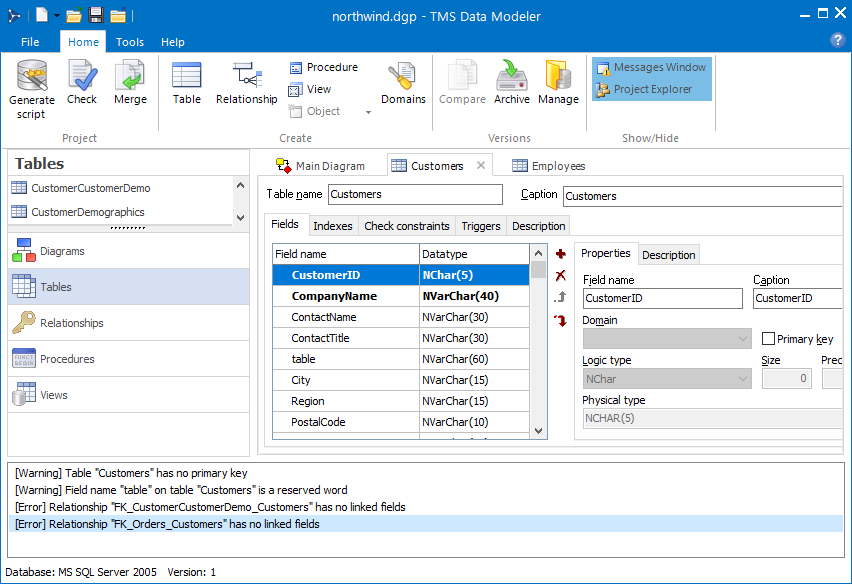
- Design tables, fields, domains, indexes, triggers, relationships, constraints, views, procedures, generators, and other database objects
- Logical (application-level) domains
- Reverse engineering of existing databases
- DDL (SQL) script generation to create databases
- Alter-script generation to update databases between versions
- Version archiving and management; comparison between versions or projects
- Cross-database conversion
- Project validation to trace model errors
- Aurelius database-first integration: generate entity-mapped classes from a model
- Modern ribbon interface with tab-organized objects and full keyboard accessibility
A full feature description is available on the product page.
Supported Databases
SQL Server, Firebird, Oracle, PostgreSQL, MySQL, SQLite.
The corresponding database client libraries must be installed on the machine running Data Modeler; Data Modeler does not bundle them.
Installation
Official installers are published on the Releases page of this repository.
System requirements
- Windows 10 or later (recommended)
- Standard Windows desktop hardware (no special memory or disk requirements beyond the OS baseline)
- Database client libraries for the database systems you intend to connect to
There is no separate trial build. Per the license, non-commercial use (personal learning, education, evaluation, open-source projects) does not require a paid license; commercial use does.
Documentation
Full user documentation is available at doc.tmssoftware.com/biz/datamodeler.
Building from Source
Data Modeler is built with Delphi 13. Earlier Delphi versions are not tested and may or may not work.
Third-party dependencies
The required third-party libraries are listed in tms.snapshot.yaml:
Recommended: build with TMS Smart Setup
From the repository root, run:
tms restore tms.snapshot.yaml -skip-register
Smart Setup will automatically resolve all dependencies and build the project, generating the dm.exe binary.
Manual build
Install all third-party dependencies listed above manually, open dm/dm.dproj in Delphi 13, and build.
Purchasing
Licenses can be purchased from the product page.
Comments